Home › Education

 US
US
1 of 1 storefronts
Content in en-US
Content in en-US
Information
Preview 2 platforms
iPhone 6 images

iPad 6 images



What’s New Version 1.6
Add Interface Language selection
Description
With the "100LS Player" you can play your favorite videos and MP3. It can display lyrics and subtitles. It supports many video and audio formats, such as MP4, MP3, and MKV.
It can repeat playback to improve your foreign language learning efficiency! Whether it's English, Japanese, Spanish, or other languages, you can easily memorize and strengthen your listening skills with the "100LS Learning Method."
Core Features:
- Multi-Format Support: Supports multiple video formats such as MP4, MKV, AVI, and RMVB. Audio can also be played, allowing you to learn anytime and easily customize your learning content.
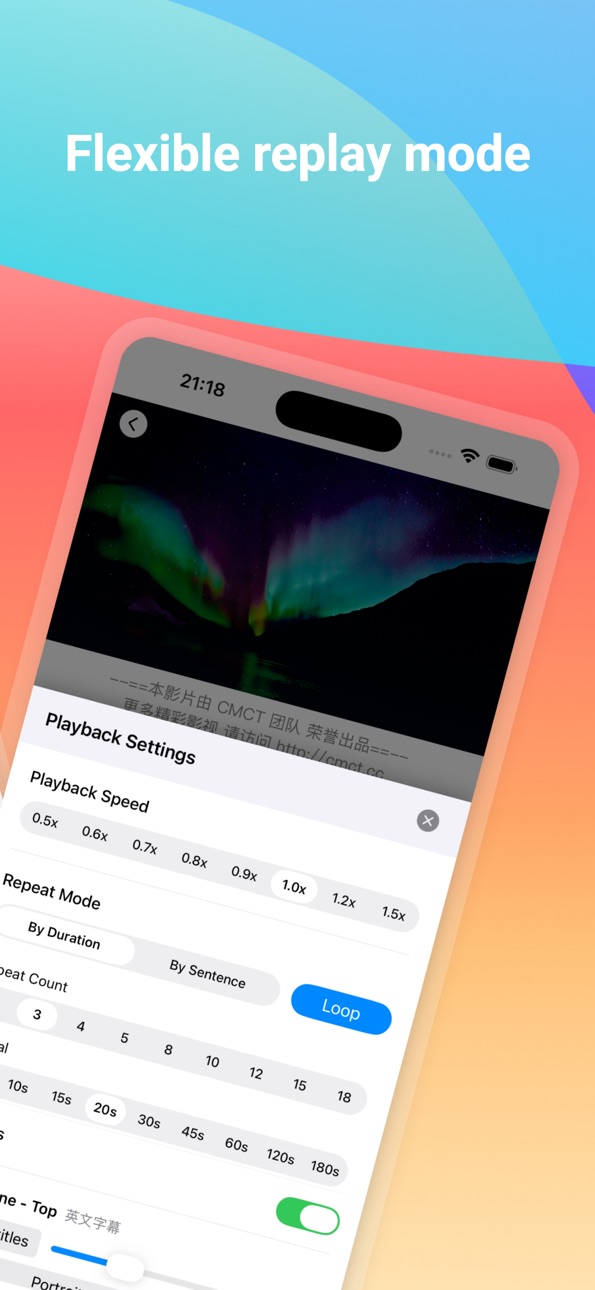
- Intelligent Repeat Playback:Supports repeat playback by sentence or by time period. For example, repeating every 5 sentences 3 times or every minute 3 times helps deepen memory and improve listening comprehension.
- Subtitle Support: Built-in or external subtitles can be loaded to help you better understand the video content and improve your language sense and listening skills.
- Highly Customizable Settings: Adjust the number of playbacks, time period length, and whether to skip to silent mode according to your learning pace, perfectly matching your learning needs.
- This app is designed specifically for language learners, integrating repeat playback, subtitle display, and various customization features. It aims to help you improve your listening skills, strengthen memory, and quickly master a foreign language through video learning.
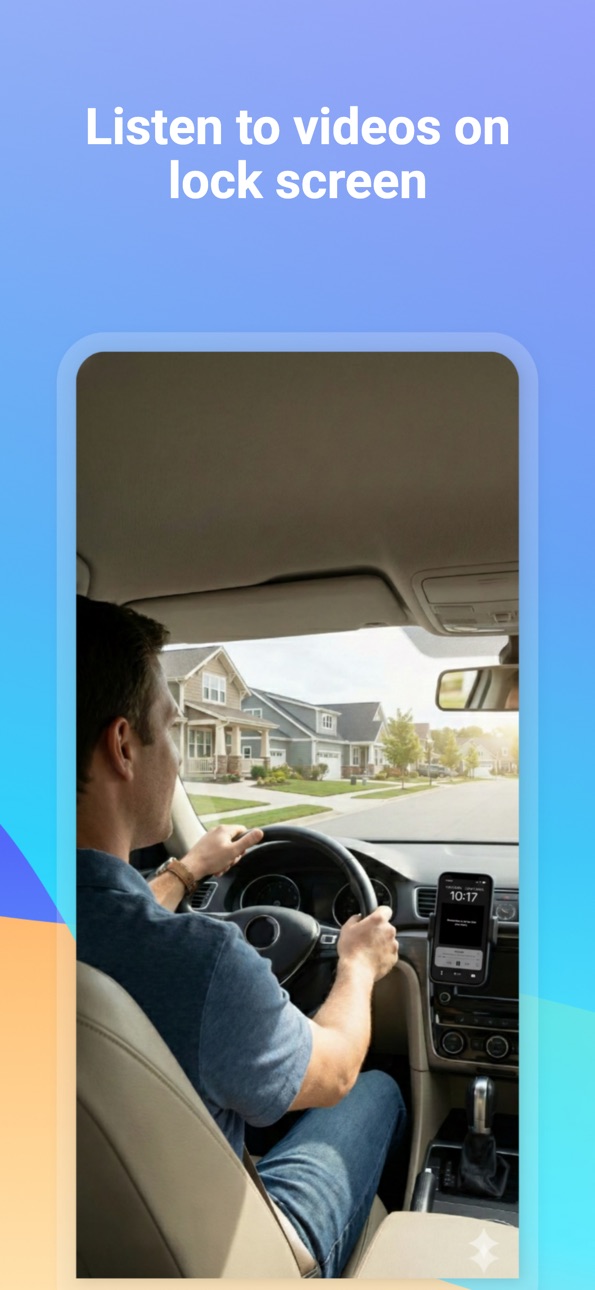
- You can lock the video playback frequency, allowing you to listen anytime—while driving, exercising, or commuting on the subway—making the most of your spare time to listen to your video.
- Make the most of your time for TOEFL and IELTS listening practice and study.
- Suitable for all foreign language learners, especially those learning English, Japanese, Spanish, French, and other languages.
Of course, it also has a feature that allows you to configure subtitle display. For MKV files with embedded subtitles, you can set it to display one, two, or no subtitles. You can also import subtitle files and then use external subtitles.
It can also play MP3s, also supporting subtitles and allowing repeat playback.
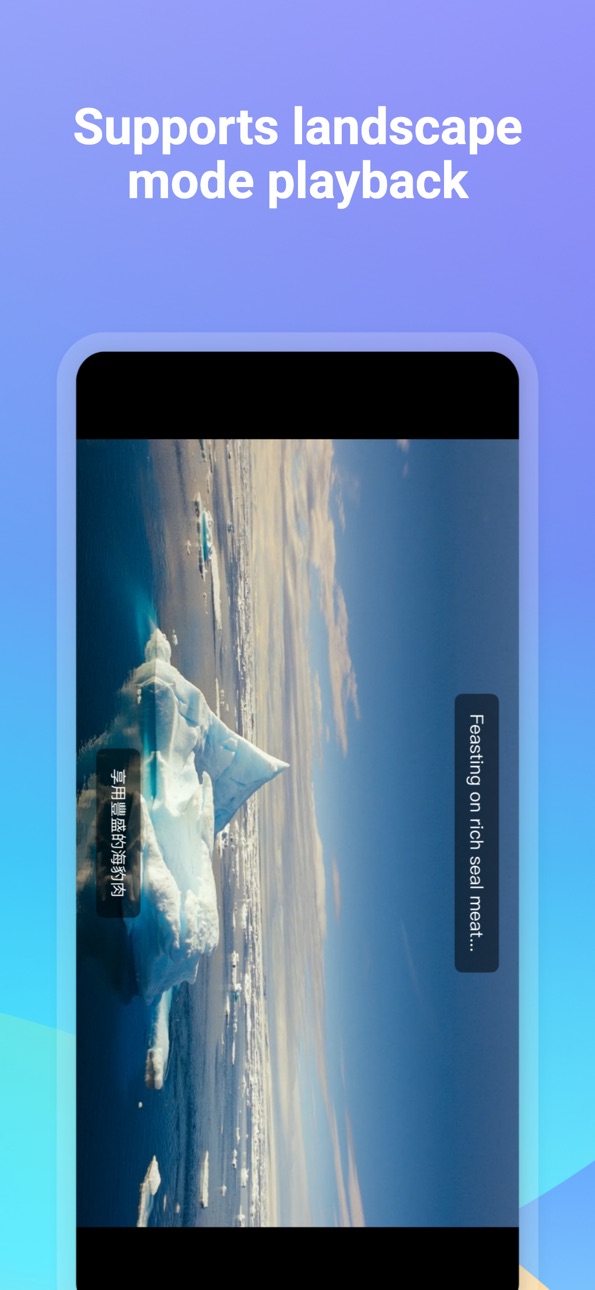
It also supports landscape mode, making it a good choice as a regular video player.
Of course, we can listen to audio with the screen off, so we can listen while driving or on the subway.
Terms of use: https://www.apple.com/legal/internet-services/itunes/dev/stdeula/
In-App Purchases US pricing
100LS subscription Subscription
1-month subscription · Monthly 3-day free trial$0.99
1-year subscription · Yearly 3-day free trial$6.99
Capabilities
In-App Purchases
Accessibility
ipadiphonemacrealityDevicetvoswatch
Version history 9 versions
Build 887088274v1.62026-06-23 15:08:55
Add Interface Language selection
Build 881836594v1.5.22026-01-26 18:35:36
Improve application performance
Build 881388228v1.5.12026-01-11 23:34:41
Optimize performance
Build 880638605v1.52025-12-14 02:52:13
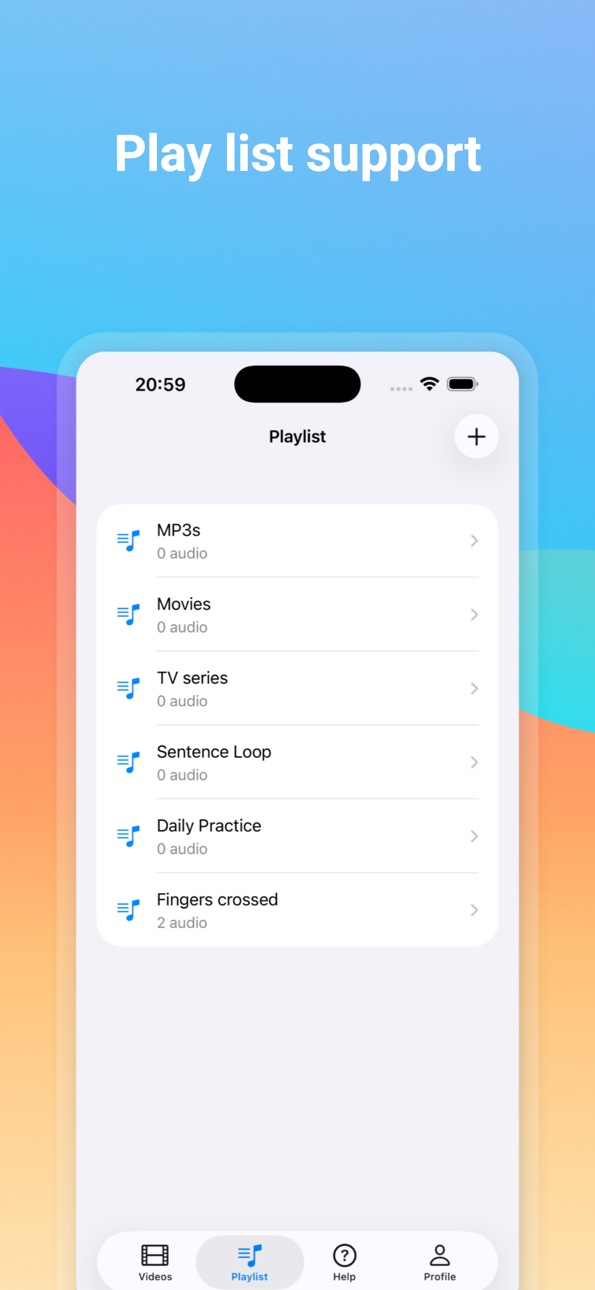
Add playlist support
Build 880473411v1.3.12025-12-10 07:53:53
Optimize user experience
Build 880304421v1.32025-12-04 09:46:18
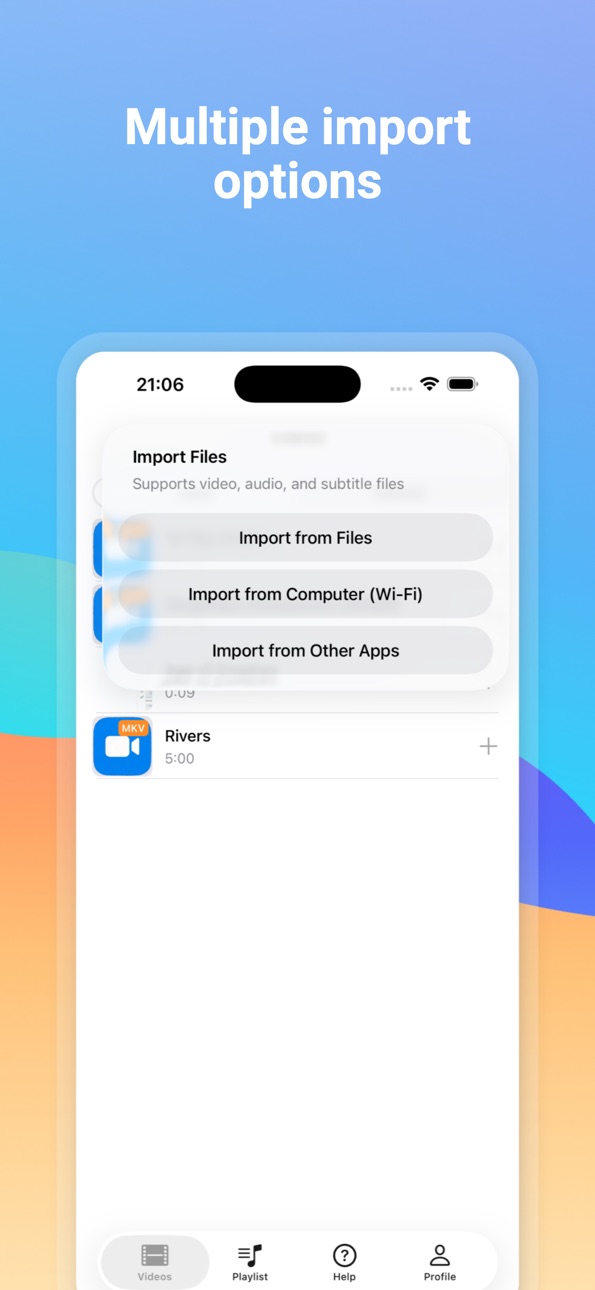
Optimize performance and add the ability to open files directly.
Build 880110215v1.22025-11-30 20:51:05
Improve application performance
Build 879999123v1.12025-11-25 04:58:49
Added support for languages of more countries on the interface.
Build 879691040v1.02025-11-21 23:08:29
Price history by region
Currency
Show
Columns
Search
Availability 1 of 1 storefronts
| Region | Language | Price | Ratings | Avg | Version |
|---|---|---|---|---|---|
| US | en-US | Free | 1 | 5.0 | 1.6 |
Change log 13 changes · US
✎
releaseNotes updated
Add Interface Language selection
✎
description updated
With the "100LS Player" you can play your favorite videos and MP3. It can display lyrics and subtitles. It supports many video and audio formats, such as MP4, M
✎
subtitle updated
Play all video&audio formats
✎
name updated
100LS Player:Videos,MP3
◆
Version 1.6 released
Add Interface Language selection
◆
Version 1.5.2 released
Improve application performance
◆
Version 1.5.1 released
Optimize performance
◆
Version 1.5 released
Add playlist support
◆
Version 1.3.1 released
Optimize user experience
◆
Version 1.3 released
Optimize performance and add the ability to open files directly.
◆
Version 1.2 released
Improve application performance
◆
Version 1.1 released
Added support for languages of more countries on the interface.
◆
Version 1.0 released