Home › Finance

 US
US
1 of 1 storefronts
Content in en-US
Content in en-US
Information
Preview 2 platforms
iPhone 6 images


iPad 6 images




What’s New Version 1.5
• Receipt parsing, totals, and currency handling improved
• New onboarding, UI polish, and several improvements
Description
Turn paper receipts into organized, searchable data in seconds.
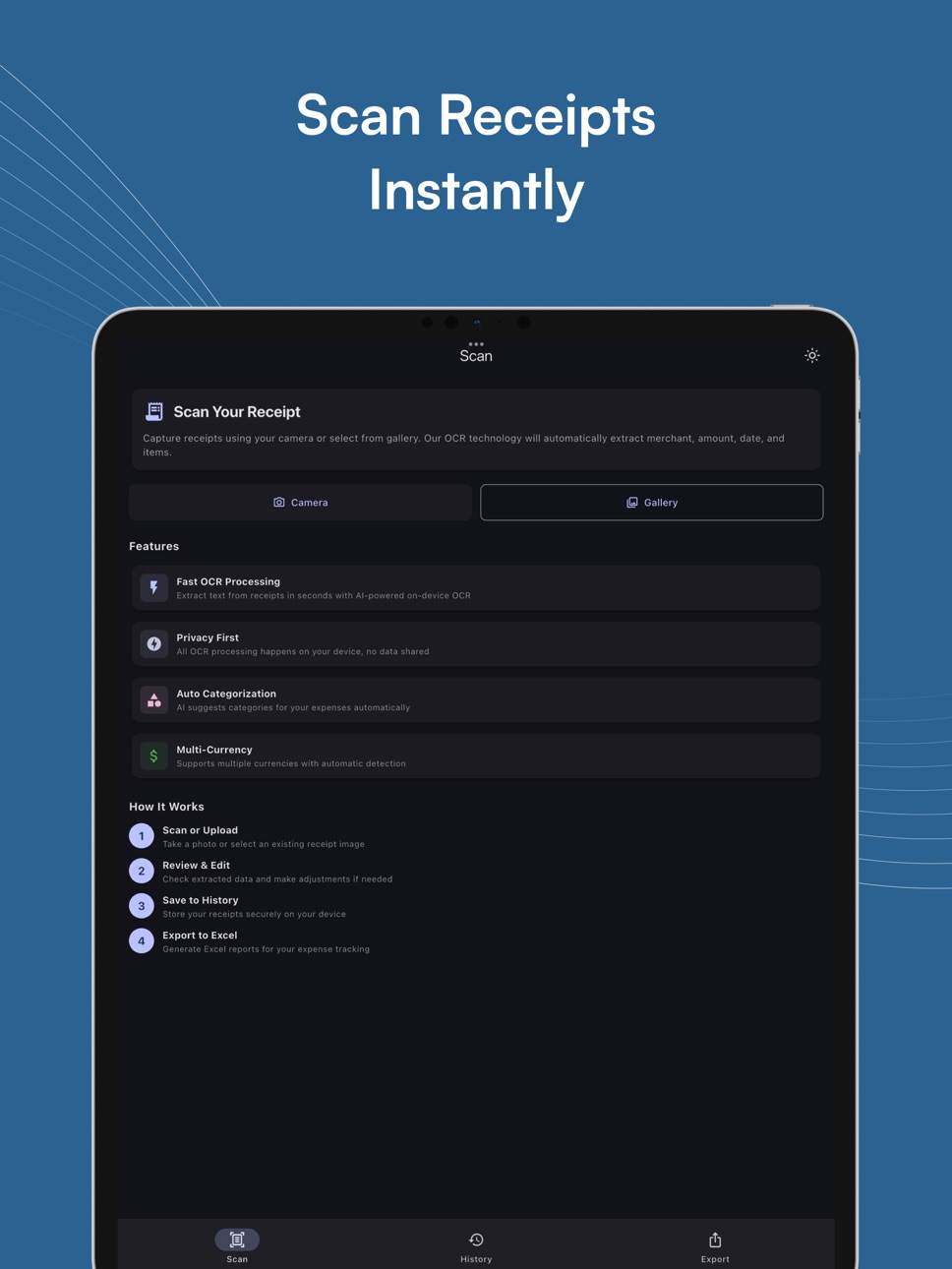
Smart Receipt Scanner & Export uses AI-powered on-device OCR to extract merchant names, dates, totals, and currencies—then automatically suggests categories using AI. Review, edit, and export to CSV/XLSX with one tap.
Why you’ll love it
• AI-powered OCR: Extract text from receipts in seconds with AI-powered on-device OCR
• AI category hints: Auto-categorize expenses instantly
• Multi-currency support: Detects and formats local currencies
• Receipt history: Edit and organize your scans easily
• Receipt photos: keep images alongside entries (premium)
• Export ready: Create CSV/XLSX reports for budgeting or reimbursement
• Privacy-friendly: No sign-in, no cloud upload—your data stays on device
Perfect for
• Personal budgeting & expense tracking
• Business reimbursements & tax prep
• Freelancers and small businesses
• Travelers consolidating receipts in multiple currencies
Key features
• Scan via camera or import from gallery
• Extract merchant, date, subtotal, tax, and total automatically
• Smart category suggestions (AI-powered)
• Multi-currency & flexible number parsing
• Delete receipt history
• Export to CSV/XLSX and share
• Premium: unlocks full export options and expanded receipt photo management.
Terms of Use: https://www.apple.com/legal/internet-services/itunes/dev/stdeula/
In-App Purchases US pricing
Smart Receipt Subscription Subscription
Yearly Premium Access · Yearly$19.99
Monthly Premium Access · Monthly$4.99
Weekly Premium Access · 7 days$1.99
Capabilities
In-App Purchases
Accessibility
ipadiphonemacrealityDevicetvoswatch
Version history 4 versions
Build 883001081v1.52026-03-21 18:40:26
• Receipt parsing, totals, and currency handling improved
• New onboarding, UI polish, and several improvements
Build 879566185v1.22025-11-07 19:24:23
Performance improvements and bug fixes
Build 879534422v1.12025-11-06 08:30:47
Performance improvements and bug fixes
Build 879477326v1.02025-11-05 10:07:34
Price history by region
Currency
Show
Columns
Search
Availability 1 of 1 storefronts
| Region | Language | Price | Ratings | Avg | Version |
|---|---|---|---|---|---|
| US | en-US | Free | 0 | — | 1.5 |
Change log 8 changes · US
✎
releaseNotes updated
• Receipt parsing, totals, and currency handling improved
• New onboarding, UI polish, and several improvements
✎
description updated
Turn paper receipts into organized, searchable data in seconds.
Smart Receipt Scanner & Export uses AI-powered on-device OCR to extract merchant names, dates, t
✎
subtitle updated
AI OCR • Scan & Export Fast
✎
name updated
Smart Receipt Scanner & Export
◆
Version 1.5 released
• Receipt parsing, totals, and currency handling improved
• New onboarding, UI polish, and several improvements
◆
Version 1.2 released
Performance improvements and bug fixes
◆
Version 1.1 released
Performance improvements and bug fixes
◆
Version 1.0 released