Home › Productivity

 US
US
1 of 1 storefronts
Content in en-US
Content in en-US
Information
Preview 2 platforms
iPhone 9 images


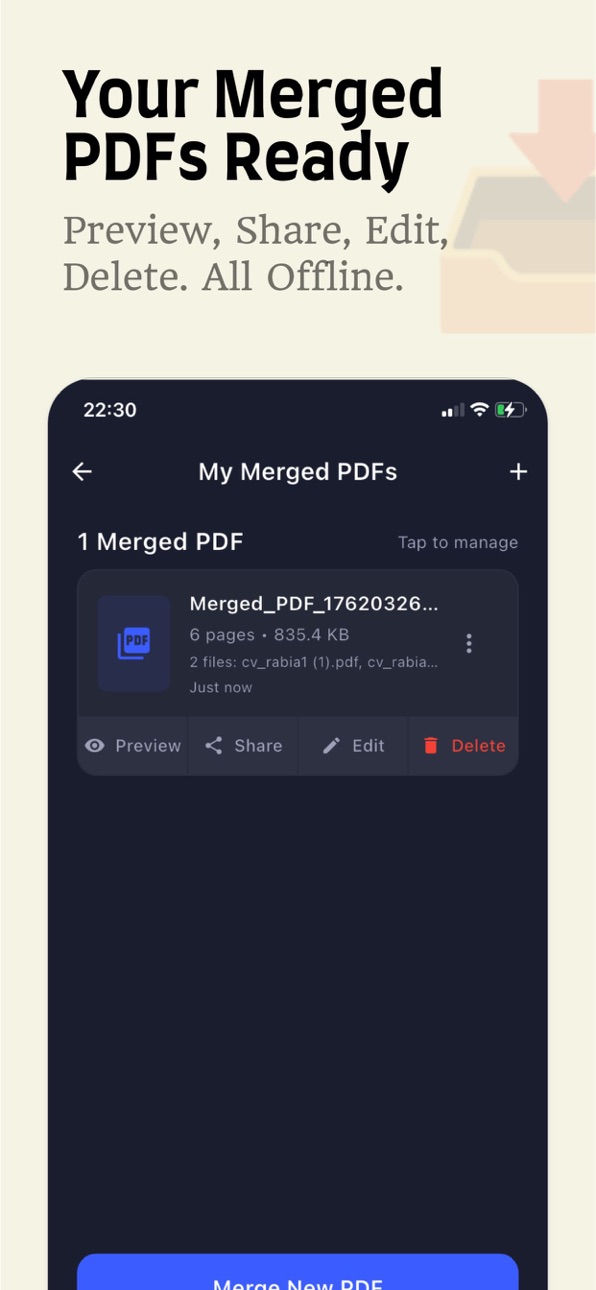


iPad 8 images

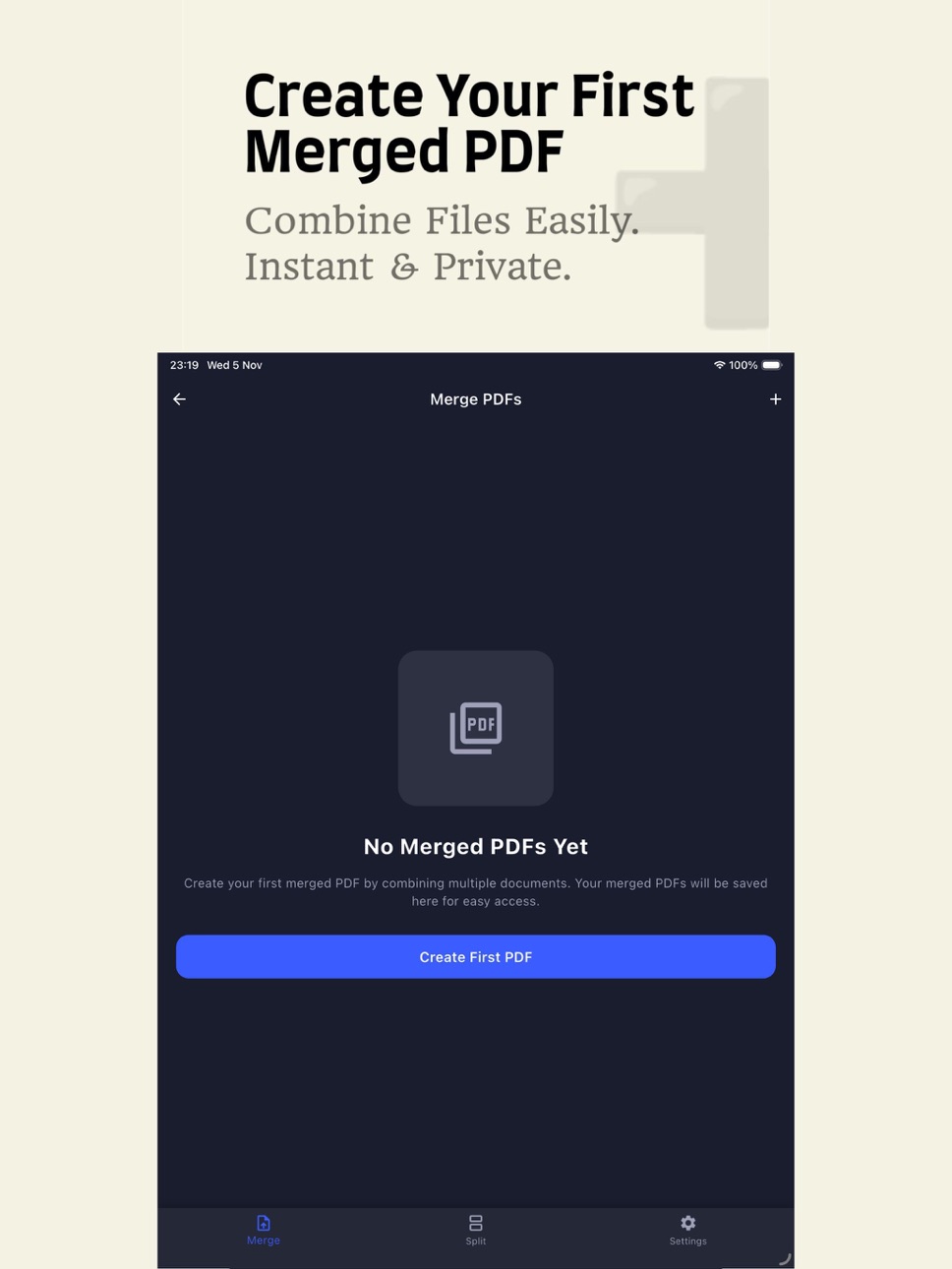
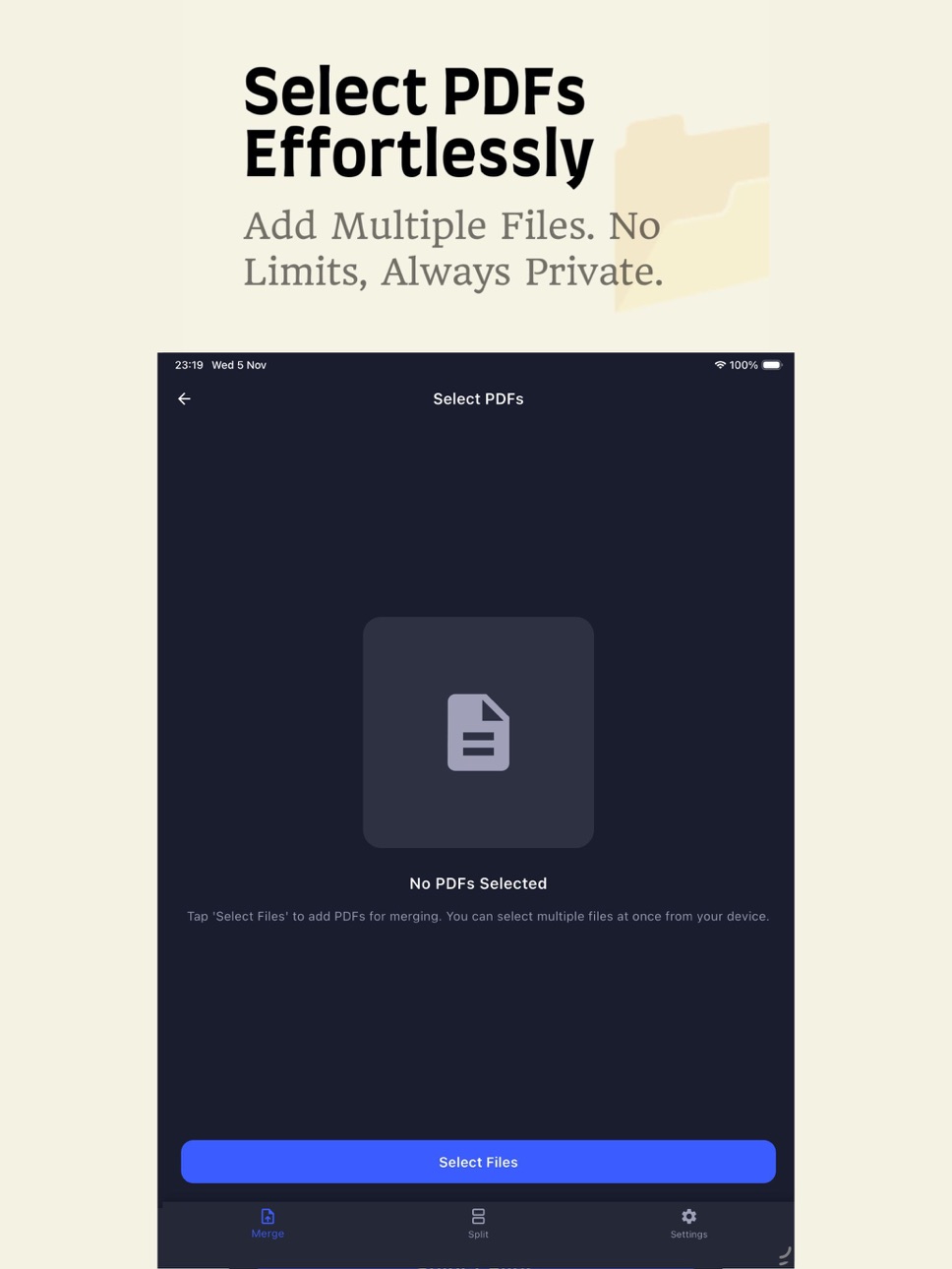


What’s New Version 1.1
• NEW FEATURE: Image-to-PDF Converter
- Select multiple images from your device
- Arrange them in your preferred order
- Convert to a professional PDF document
- Edit and manage your converted PDFs
• Bug Fixes: Improved organization and performance
• Updates: Contact information and privacy policy
Description
Cozy PDF Tools - Merge & Split PDFs EffortlesslyTransform how you work with PDFs! Powerful PDF editor that merges, splits, and converts images to documents in seconds. No internet required, no file limits, complete privacy. All data stored locally on your device.NEW FEATURE: IMAGE TO PDF CONVERTER
Select multiple images from your device
Arrange them in your preferred order with drag and drop
Convert to professional PDF documents instantly
Edit and manage your converted PDFs
Perfect for scanning documents, receipts, notes
Create multi-page PDFs from photo collections
MERGE PDFs - COMBINE UNLIMITED DOCUMENTS
Select multiple PDFs from your device
Add unlimited files to merge list
Long-press and drag to organize in any order
Rearrange documents exactly how you want
Preview before merging
Save to phone's local storage
Share instantly with WhatsApp, Email, Drive, and more
Print directly or download via print menu
Edit and re-merge saved PDFs anytime
All history stored on device only
SPLIT PDFs - 3 POWERFUL METHODS
Page Range - Split by page numbers (example: pages 5-15)
Individual Pages - Extract each page separately
Custom Range - Combine selected pages into one PDF
Preview before saving
View, download, or delete files
Perfect for extracting chapters or sections
All files saved to local storage
PERSONALIZED EXPERIENCE
Light and Dark Mode - Comfortable viewing anytime
4 Languages - English, Spanish, Arabic, French
Clean Interface - Intuitive and easy to use
One-Handed Optimized - Smooth mobile experience
Lightning Fast - Process PDFs in seconds
Local Preferences - Settings saved on your device100% PRIVACY
Works completely without internet
Files NEVER leave your device
All PDFs in phone's local storage
No cloud uploads or servers
Zero data collection
Complete control over documents
Delete files anytime
No external servers ever
WHY CHOOSE COZY PDF TOOLS?
Unlimited: Merge and split as many PDFs as you want
No Limits: Any file size, any page count
No Watermarks: Professional clean results
100% Free: All features included, no hidden costs
Fast Processing: Merge or split in seconds
User-Friendly: Simple design, powerful features
Total Privacy: Your data stays on YOUR phone
PERFECT FOR:
Students - Combine notes, materials, assignments
Professionals - Organize reports, presentations, contracts
Teachers - Create custom learning materials
Business - Manage invoices, contracts, documents
Readers - Extract book chapters and articles
Travelers - Organize tickets and reservations
Everyone - Bills, receipts, personal documentsHOW IT WORKS
Merge PDFs in 3 Steps:
Select PDFs from local storage
Drag to rearrange order
Merge and save instantly
Split PDFs in 3 Steps:
Choose PDF from storage
Select split method
Preview and save
Convert Images in 3 Steps:
Select photos from device
Arrange in preferred order
Convert to PDF instantly
LOCAL STORAGE EQUALS MAXIMUM PRIVACY
Your Control: Data stays on YOUR phone
Maximum Privacy: No one accesses your files
Faster: No internet delays
Work Without WiFi: Use anywhere, anytime
No Limits: Only your phone's capacity
Instant Delete: Remove anytime
No Breaches: No external servers
100% FREE FEATURES
Unlimited PDF merging
Unlimited PDF splitting
Image to PDF conversion
No watermarks
No registration
No file size limits
No page limits
Works without internet
4 languages
Light and Dark themes
Complete privacy
SECURITY GUARANTEE
PDFs stored locally on phone
Preferences saved on device
No internet required
No cloud sync
No external servers
No data transmission
You control everything
Download now and experience the easiest way to work with PDFs on mobile with complete peace of mind knowing your data never leaves your phone!Merge. Split. Convert. All Local. 100% Free.Perfect for students, professionals, teachers, business users, and anyone who values privacy and simplicity!
Accessibility
ipadiphonemacrealityDevicetvoswatch
Version history 2 versions
Build 879788483v1.12025-11-21 15:24:30
• NEW FEATURE: Image-to-PDF Converter
- Select multiple images from your device
- Arrange them in your preferred order
- Convert to a professional PDF document
- Edit and manage your converted PDFs
• Bug Fixes: Improved organization and performance
• Updates: Contact information and privacy policy
Build 879422728v1.02025-11-07 18:10:39
No pricing data captured yet — comparisons appear once the app has paid storefronts or in-app purchases.
Availability 1 of 1 storefronts
| Region | Language | Price | Ratings | Avg | Version |
|---|---|---|---|---|---|
| US | en-US | Free | 0 | — | 1.1 |
Change log 6 changes · US
✎
releaseNotes updated
• NEW FEATURE: Image-to-PDF Converter
- Select multiple images from your device
- Arrange them in your preferred order
- Convert to a professional PDF doc
✎
description updated
Cozy PDF Tools - Merge & Split PDFs EffortlesslyTransform how you work with PDFs! Powerful PDF editor that merges, splits, and converts images to documents in s
✎
subtitle updated
Image to PDF, Merge & Split
✎
name updated
Cozy PDF Tools: Merge & Split
◆
Version 1.1 released
• NEW FEATURE: Image-to-PDF Converter
- Select multiple images from your device
- Arrange them in your preferred order
- Convert to a professional PDF document
- Edit and manage your converted PDFs
• Bug Fixes: Improved organizatio
◆
Version 1.0 released