Home › Health & Fitness

 US
US
1 of 1 storefronts
Content in en-US
Content in en-US
Information
Preview 2 platforms
iPhone 7 images


iPad 6 images



What’s New Version 1.0.7
Reliability improvements to audio capture.
Description
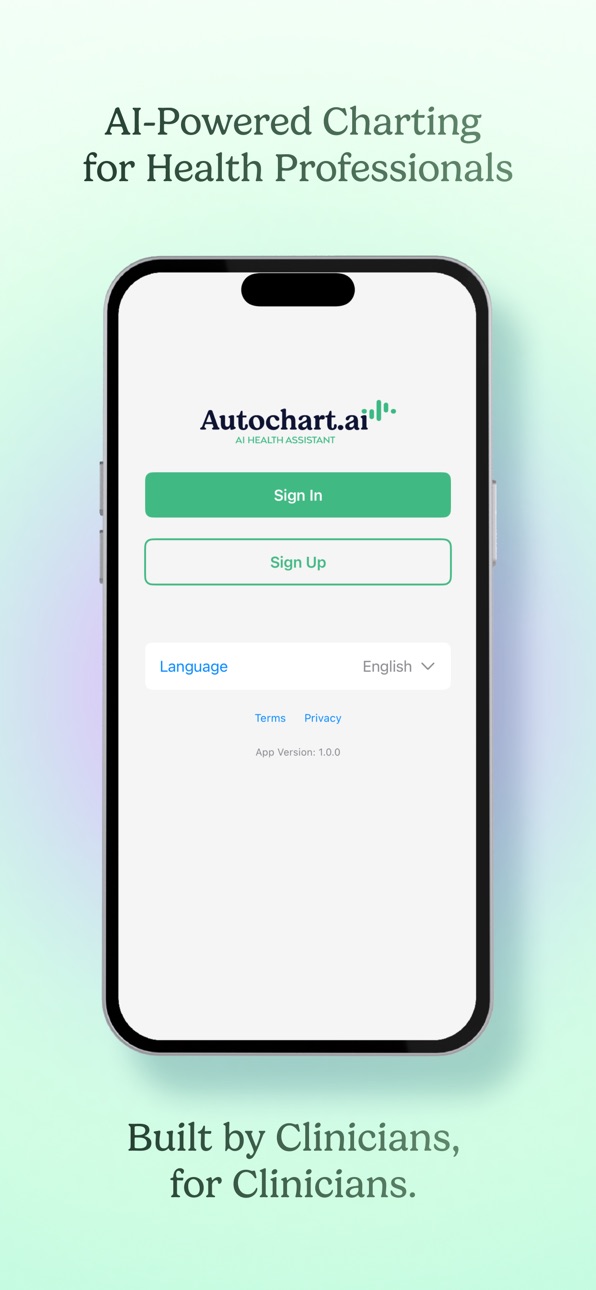
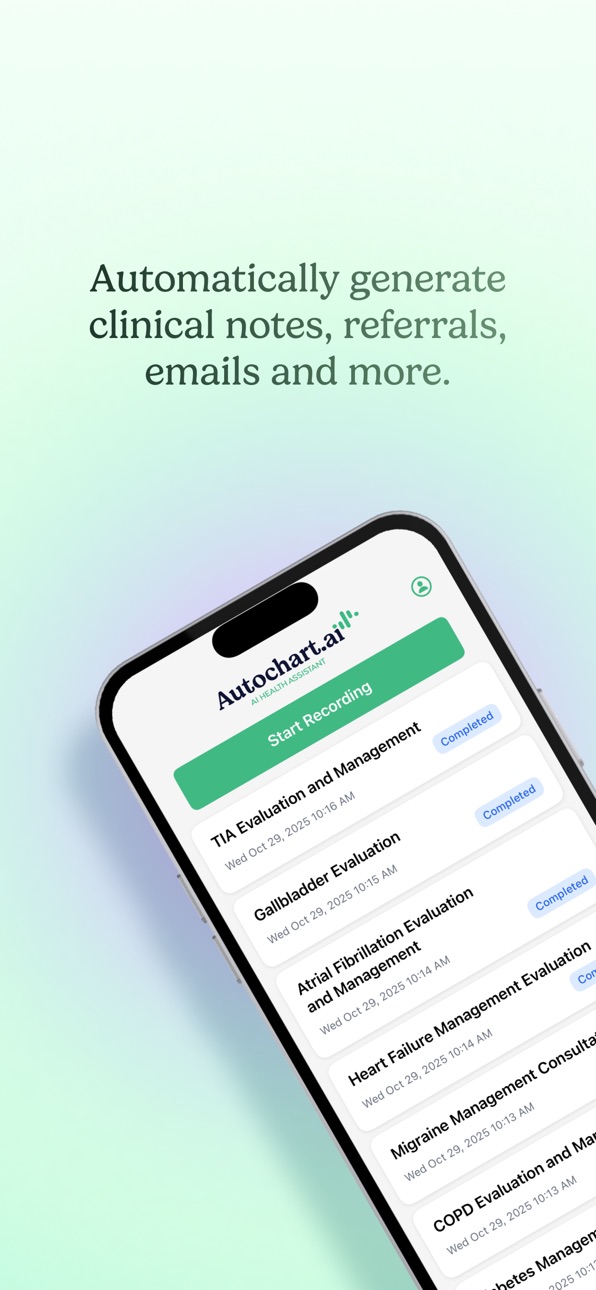
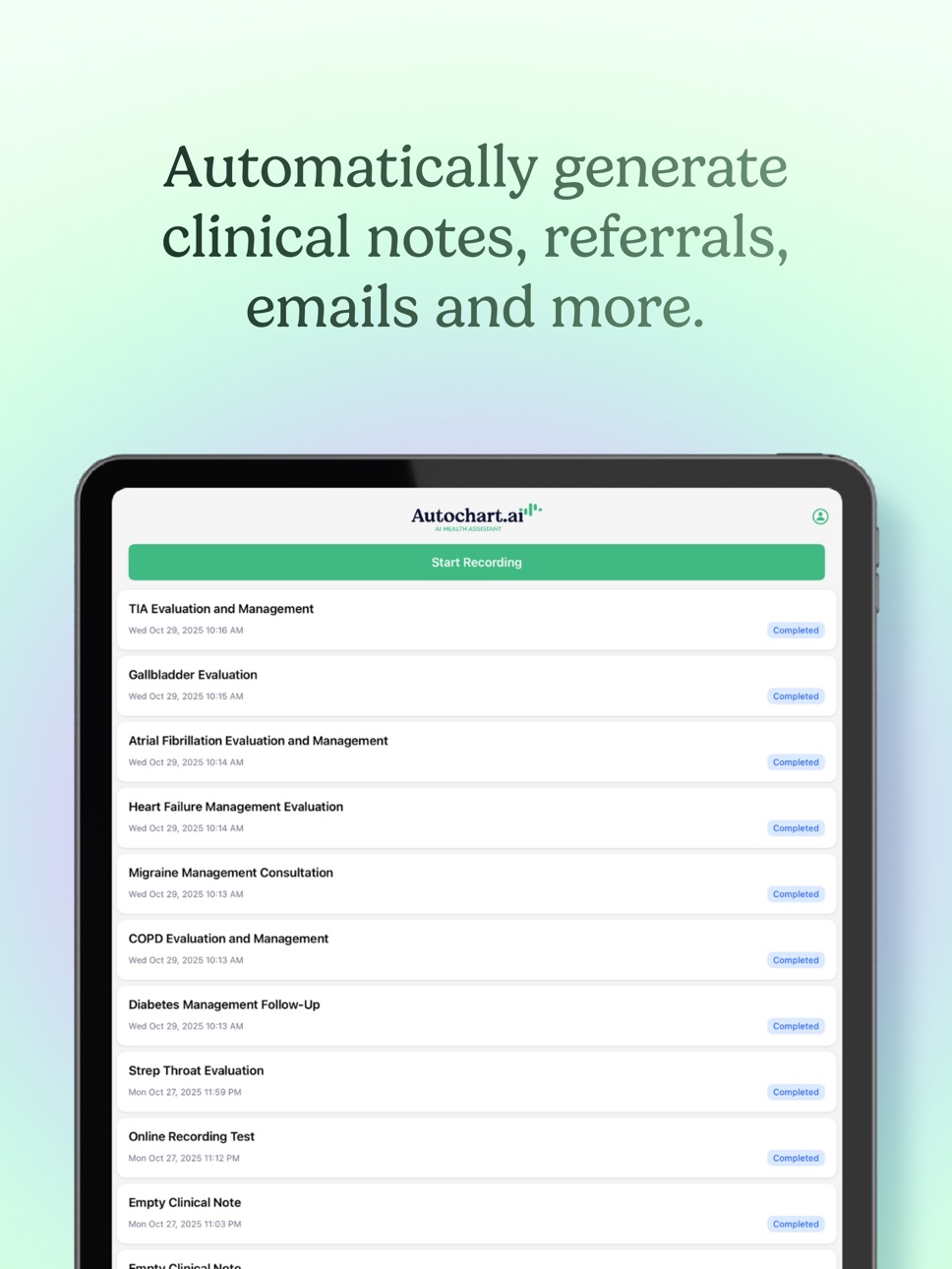
Autochart.ai is an ambient AI health assistant that drafts clear, structured clinical notes, referrals, patient communications and more while you care for patients. Record securely, review a draft in seconds, and finalize so your charting finishes when your visit does.
Why clinicians choose Autochart.ai:
• 100+ languages and dialects for multi-patient, multi-issue encounters; output notes in English or other supported languages.
• Customizable note templates: Create or modify templates to match your workflow.
• Multi-speaker separation (clinician, patient, caregiver) and multi-conversation handling in one session.
• Learns your preferences: Remembers edits, styles, templates, and frequently used terms.
• Works when connectivity is spotty: Continue recording offline; notes sync automatically when you’re back online.
• Long sessions supported—up to two hours—so you never feel rushed.
• Onboarding and support included: Written guides, videos, and live calls; dedicated support channels and an online community.
• Autochart.ai is SOC2 certified, PHIPA, HIPAA, and GDPR compliant.
How it works:
1. Record the visit or dictate.
2. Review the AI-drafted clinical note; make quick edits with your templates.
3. Finalize and move on to your next patient.
Use the web app for the full experience:
For team administration, advanced template library management, billing, and analytics, sign in at autochart.ai. The IOS app focuses on fast, reliable capture and drafting; the web app gives you deeper customization and oversight across your organization.
Free trial:
Activate a complimentary trial and explore all features.
Who it’s for:
Primary care and specialty clinics, interdisciplinary teams, and anyone who wants to spend less time writing and more time with patients, across languages and care contexts.
Notes on connectivity and privacy:
Autochart.ai is designed to handle intermittent connectivity and will securely sync recordings and drafts once you’re back online, with clear status prompts.
Tip for template power-users:
If you iterate on your note structure often, use the web app to create and organize templates, then switch between them mid-visit on mobile without losing transcribed content.
Optional training:
Prefer a guided start? Use our written and video instructions or book a live call with our team at support.autochart.ai
Accessibility
ipadiphonemacrealityDevicetvoswatch
Version history 6 versions
Build 887201413v1.0.72026-07-09 05:02:48
Reliability improvements to audio capture.
Build 881948574v1.0.62026-02-06 16:55:23
Added the ability to save recordings in progress and pick up exactly where you left off using “Save for Later.”
Generate notes from saved for later recordings, including any offline audio.
Added ability to take photo with camera directly and attach (alongside existing photo library upload option).
Added handling of phone call interruptions and smoother keyboard dismissal.
Build 881796395v1.0.52026-01-25 23:24:38
-Improved stability when switching between offline and online modes
-Added support for uploading files and images for AI context
-Fixed a temporary freeze that occurred during transitions to offline mode
-Refined layout of the advanced options on the recording screen
-Added a new setting to choose whether advanced options are collapsed by default on the recording screen
Build 880467394v1.0.42025-12-09 20:15:24
Added a field for "Additional Information" context on the encounter recording screen.
Build 880154502v1.0.32025-11-29 01:29:34
Added "Generate Note" button to the incomplete recording pop up.
Build 879314309v1.0.12025-11-13 14:44:17
No pricing data captured yet — comparisons appear once the app has paid storefronts or in-app purchases.
Availability 1 of 1 storefronts
| Region | Language | Price | Ratings | Avg | Version |
|---|---|---|---|---|---|
| US | en-US | Free | 0 | — | 1.0.7 |
Change log 10 changes · US
✎
releaseNotes updated
Reliability improvements to audio capture.
✎
description updated
Autochart.ai is an ambient AI health assistant that drafts clear, structured clinical notes, referrals, patient communications and more while you care for patie
✎
subtitle updated
Ambient AI Scribe
✎
name updated
Autochart.ai Health Assistant
◆
Version 1.0.7 released
Reliability improvements to audio capture.
◆
Version 1.0.6 released
Added the ability to save recordings in progress and pick up exactly where you left off using “Save for Later.”
Generate notes from saved for later recordings, including any offline audio.
Added ability to take photo with camera directly
◆
Version 1.0.5 released
-Improved stability when switching between offline and online modes
-Added support for uploading files and images for AI context
-Fixed a temporary freeze that occurred during transitions to offline mode
-Refined layout of the advanced opti
◆
Version 1.0.4 released
Added a field for "Additional Information" context on the encounter recording screen.
◆
Version 1.0.3 released
Added "Generate Note" button to the incomplete recording pop up.
◆
Version 1.0.1 released