Home › Utilities

 US
US
1 of 1 storefronts
Content in en-US
Content in en-US
Information
Preview 2 platforms
iPhone 5 images


iPad 5 images


What’s New Version 1.0.6
1.0.6 - fixed bugs
Description
Create a polished PDF from your photos in a few taps. Pick multiple images, arrange the order, choose page size and margins, then export a single PDF you can share or save. Everything runs on your device for speed and privacy.
Built for a clean, modern experience with sensible defaults so you get from photos to PDF quickly and reliably.
Key Features
Multi-select photos and convert to one PDF
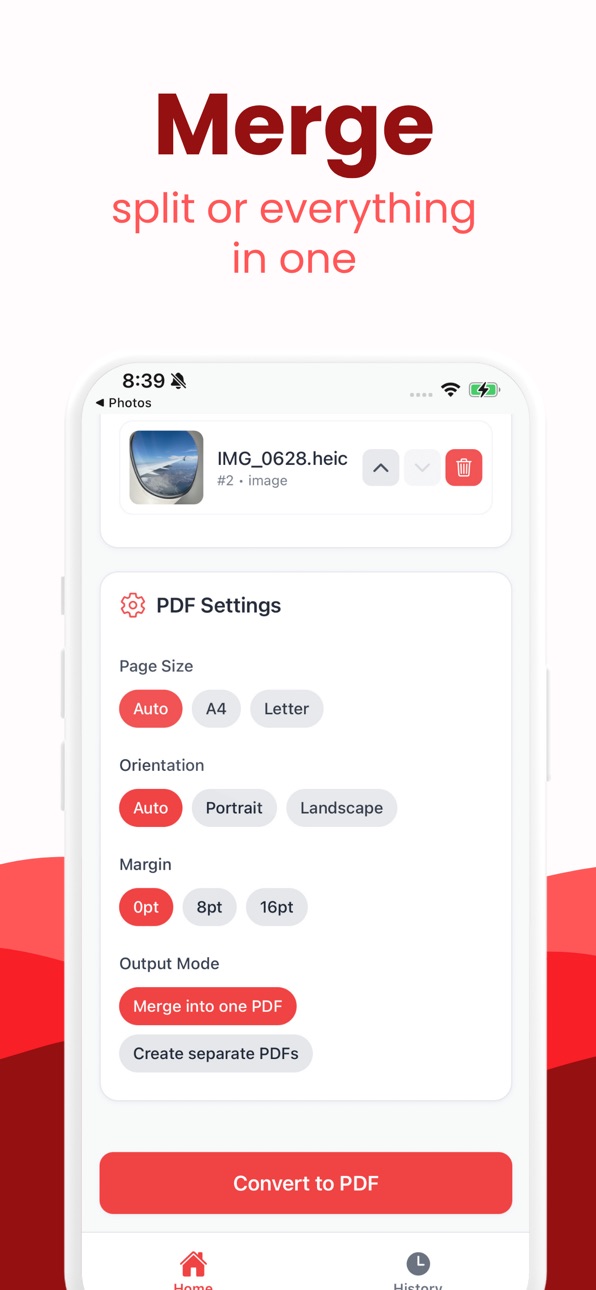
Reorder pages with simple controls and delete any page
Page size presets: Auto, A4, Letter
Orientation options: Auto, Portrait, Landscape
Margins: None, Small, Medium
Share or save to Files, email, and cloud apps
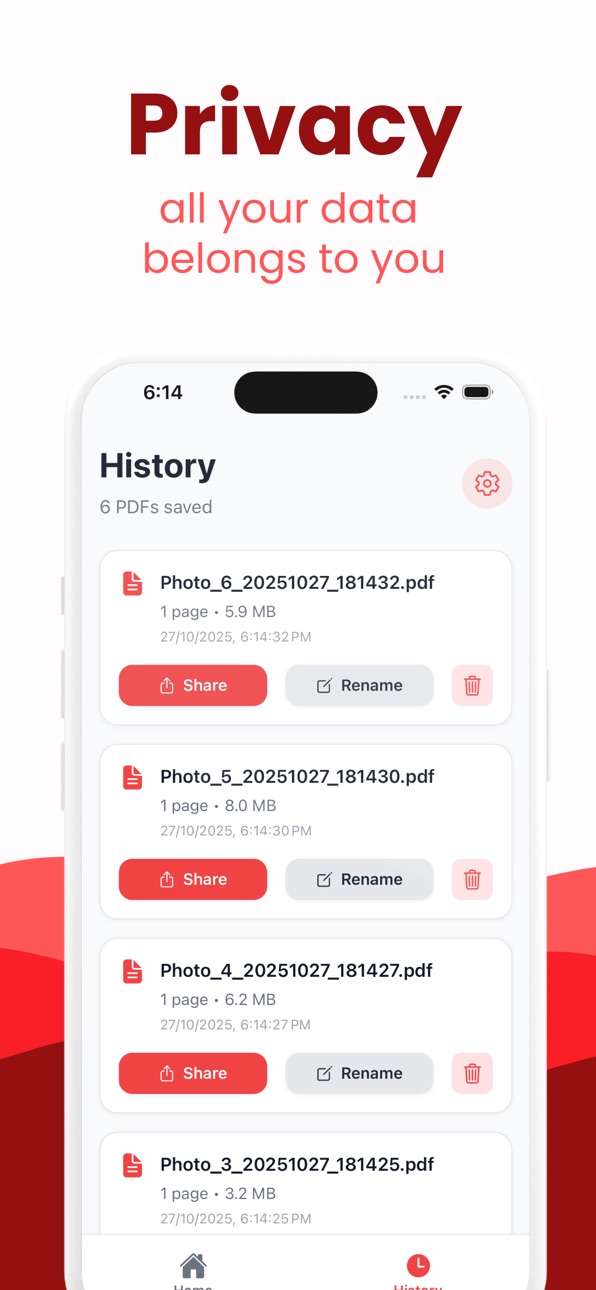
Recent history with rename, share, and delete
Fast, lightweight, and works fully offline
Why It Stands Out
Private by design: no accounts, no uploads
Optimized for quick conversion and minimal taps
Clear defaults that just work for everyday documents
How It Works
Select photos from your library
Arrange, choose settings, and convert
Share or save your PDF instantly
Ideal For
Receipts, forms, notes, homework, travel docs, and photo collections
Students, freelancers, and anyone who needs a quick Photo to PDF.
Capabilities
In-App Purchases
Accessibility
ipadiphonemacrealityDevicetvoswatch
Version history 7 versions
Build 887206820v1.0.62026-06-20 18:45:45
1.0.6 - fixed bugs
Build 886033383v1.0.52026-05-23 15:55:48
1.0.5 - fixed bugs
Build 884577027v1.0.42026-04-27 20:27:13
1.0.4:
fixed bugs
Build 882451501v1.0.32026-02-14 17:10:52
Photo to PDF Converter 1.0.3
-modern navbar
Build 882353008v1.0.22026-02-11 18:41:52
1.0.2:
-fixed design
Build 881391871v1.0.12026-01-11 23:36:36
1.0.1 -fixed bugs
Build 879259405v1.02025-11-02 13:15:29
No pricing data captured yet — comparisons appear once the app has paid storefronts or in-app purchases.
Availability 1 of 1 storefronts
| Region | Language | Price | Ratings | Avg | Version |
|---|---|---|---|---|---|
| US | en-US | Free | 30 | 4.5 | 1.0.6 |
Change log 11 changes · US
✎
releaseNotes updated
1.0.6 - fixed bugs
✎
description updated
Create a polished PDF from your photos in a few taps. Pick multiple images, arrange the order, choose page size and margins, then export a single PDF you can sh
✎
subtitle updated
Convert image to PDF
✎
name updated
Photo to PDF Converter: Image
◆
Version 1.0.6 released
1.0.6 - fixed bugs
◆
Version 1.0.5 released
1.0.5 - fixed bugs
◆
Version 1.0.4 released
1.0.4:
fixed bugs
◆
Version 1.0.3 released
Photo to PDF Converter 1.0.3
-modern navbar
◆
Version 1.0.2 released
1.0.2:
-fixed design
◆
Version 1.0.1 released
1.0.1 -fixed bugs
◆
Version 1.0 released