Home › Productivity

 US
US
1 of 1 storefronts
Content in en-US
Content in en-US
Information
Preview 2 platforms
iPhone 8 images




iPad 8 images


What’s New Version 0.23.0
• Risk Assessments: hazard ratings, PPE, AI suggestions, printable instructions
• Manage stock per location: lots, batches, expiry, usage
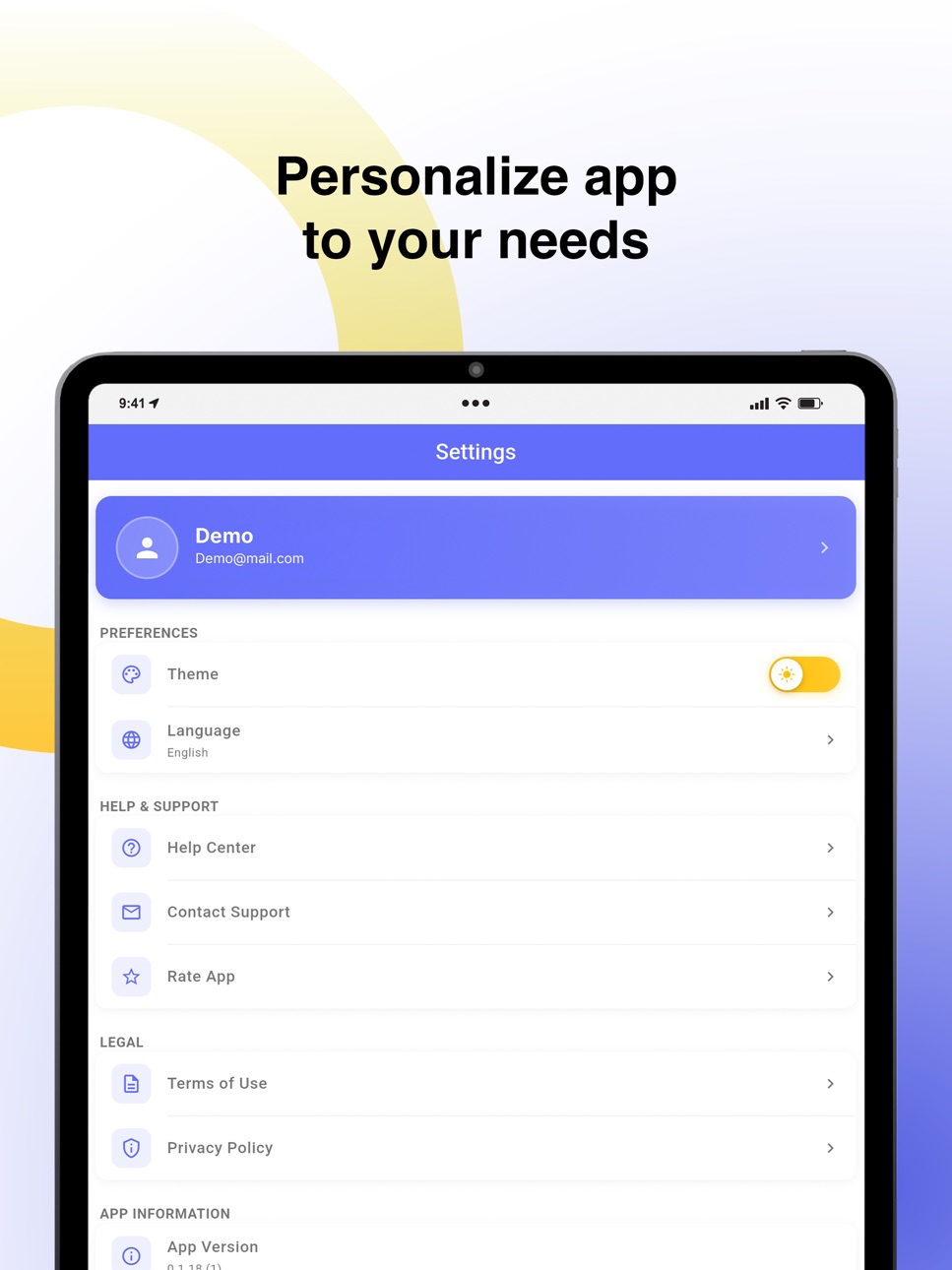
• Settings: SDS approval, auto-update, exposure categories, restricted lists
• Approve & bulk-upgrade SDSs with side-by-side diff
• User Management + Employee Access: permissions, custom fields, IP rules
• QR poster print/share, logo upload, in-app update prompts
• Fixes: Add-SDS visibility, location dropdown, clearer offline handling
Description
Unlock on-the-go chemical safety with SDS Manager, the only mobile app you need to access your complete Safety Data Sheet (SDS) library anytime, anywhere, even without internet.
KEY FEATURES
- Full offline access: All your SDS documents download to your iphone or ipad so employees can view vital chemical safety information even in connectivity-free zones.
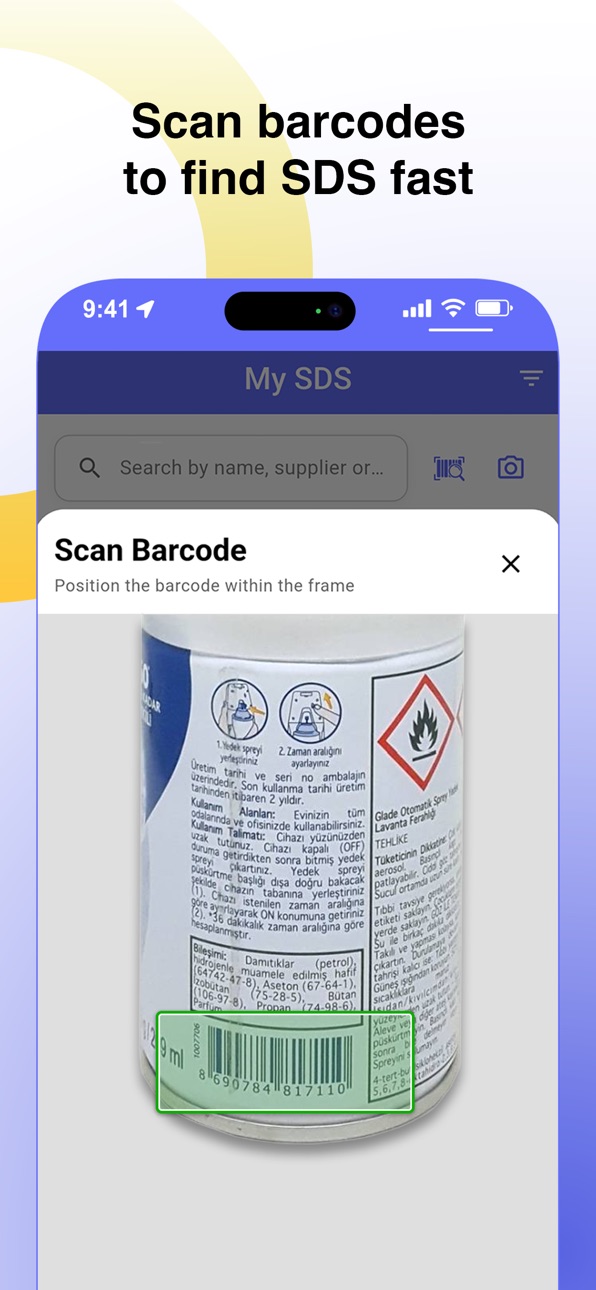
- Barcode & QR scanner: Instantly retrieve a product’s SDS by scanning its barcode or QR code. No manual searching required.
- First-aid info at a glance: Extracted from SDS files, first-aid and hazard information is mobile-friendly and easy to access.
- Instant employee access: With strategically placed QR posters, employees can open the app and get relevant SDS documents immediately.
Reliable on any device: Works on ipads and iphones for field workers, manufacturing floors, warehouses, cleaning crews, labs and more.
WHY CHOOSE SDS MANAGER?
- Stay compliant with chemical safety regulations by ensuring everyone can access SDS documents at all times.
- Empower your workforce with fast access to hazards, PPE guidance, emergency measures and more, even without the internet.
- Save time and reduce risk: log in once, download once then access all SDS offline.
- Ideal for safety managers, EHS professionals, facilities teams, manufacturing operations, logistics and chemical retailers.
HOW IT WORKS
- Install SDS Manager and log in.
- The app downloads your SDS library to the device.
- Use the scanner or keyword search to find the SDS you need even without a connection.
- Place QR code posters or share links so employees can self-install the app for instant access.
START TODAY
Download the app, connect to your SDS library, and be confident that the right safety information is always in your team’s hands online or offline.
+ Note: Requires an active SDS Manager account for initial sync. For demo or trial access, please contact your SDS Manager administrator or visit sdsmanager.com.
Accessibility
ipadiphonemacrealityDevicetvoswatch
Version history 7 versions
Build 886895169v0.23.02026-06-13 00:24:17
• Risk Assessments: hazard ratings, PPE, AI suggestions, printable instructions
• Manage stock per location: lots, batches, expiry, usage
• Settings: SDS approval, auto-update, exposure categories, restricted lists
• Approve & bulk-upgrade SDSs with side-by-side diff
• User Management + Employee Access: permissions, custom fields, IP rules
• QR poster print/share, logo upload, in-app update prompts
• Fixes: Add-SDS visibility, location dropdown, clearer offline handling
Build 885710999v0.18.02026-05-15 22:48:16
⏺ What's new
• Manage Stock — track on-hand quantities for each substance and lot from your phone. Initialise new lots when stock arrives, log
usage and disposal, and export each substance's stock change log as CSV.
• Kit Management — browse, create, edit and delete chemical kits. Track usage on kit lots, print kit-lot QR labels and scan a kit QR to open its lot directly.
• See what changed between SDS revisions with the new SDS data change log.
Build 885374926v0.16.22026-05-07 19:01:02
- Reset Trial / Downgrade to free version introduced
- Locales Updated
- Bug Fixes
Build 885188124v0.13.02026-05-02 17:14:58
- My SDS attachment support
- SSO Login improvement
- Bug Fixes
Build 884356568v0.12.12026-04-11 00:37:40
What's New
- Request missing SDS sheets directly from the app
- Advanced Search
- Scan barcodes to link and find SDS, with improved scanner performance
- Improved setup flow for organizing SDS across multiple locations with a remember location feature
- Improved dark mode support across forms and dialogs
- Faster, smoother navigation using improved routing
- Consistent success/error toast messages throughout the app
- Better internet connectivity feedback during setup and data loading
Build 880965619v0.8.02026-01-11 13:51:52
- SSO Login
- Sign Up
- Dashboard, Location, QR Access for Admin Users.
- UI Enhancements for Smoother Experience
- Bug Fixes
Build 879114168v0.1.252025-11-14 11:26:06
No pricing data captured yet — comparisons appear once the app has paid storefronts or in-app purchases.
Availability 1 of 1 storefronts
| Region | Language | Price | Ratings | Avg | Version |
|---|---|---|---|---|---|
| US | en-US | Free | 9 | 5.0 | 0.23.0 |
Change log 11 changes · US
✎
releaseNotes updated
• Risk Assessments: hazard ratings, PPE, AI suggestions, printable instructions
• Manage stock per location: lots, batches, expiry, usage
• Settings: SDS app
✎
description updated
Unlock on-the-go chemical safety with SDS Manager, the only mobile app you need to access your complete Safety Data Sheet (SDS) library anytime, anywhere, even
✎
subtitle updated
Access Safety Data Sheets
✎
name updated
SDS Manager
◆
Version 0.23.0 released
• Risk Assessments: hazard ratings, PPE, AI suggestions, printable instructions
• Manage stock per location: lots, batches, expiry, usage
• Settings: SDS approval, auto-update, exposure categories, restricted lists
• Approve & bulk-upgr
◆
Version 0.18.0 released
⏺ What's new
• Manage Stock — track on-hand quantities for each substance and lot from your phone. Initialise new lots when stock arrives, log
usage and disposal, and export each substance's stock change log as CSV.
• Kit Management
◆
Version 0.16.2 released
- Reset Trial / Downgrade to free version introduced
- Locales Updated
- Bug Fixes
◆
Version 0.13.0 released
- My SDS attachment support
- SSO Login improvement
- Bug Fixes
◆
Version 0.12.1 released
What's New
- Request missing SDS sheets directly from the app
- Advanced Search
- Scan barcodes to link and find SDS, with improved scanner performance
- Improved setup flow for organizing SDS across multiple locations with a remember loca
◆
Version 0.8.0 released
- SSO Login
- Sign Up
- Dashboard, Location, QR Access for Admin Users.
- UI Enhancements for Smoother Experience
- Bug Fixes
◆
Version 0.1.25 released