Home › Utilities

 US
US
1 of 1 storefronts
Content in en-US
Content in en-US
Information
Preview 2 platforms
iPhone 6 images




iPad 7 images



What’s New Version 1.14
- Bug Fixed
Description
iPDF Converter - PDF Scanner is the ultimate PDF app for iPhone and iPad, combining a PDF converter, PDF reader, document scanner, and PDF editor in one simple tool.
Easily convert files to PDF, scan documents, view PDFs, and edit PDF files — all in a fast, secure, and user-friendly way.
==> Convert Anything to PDF
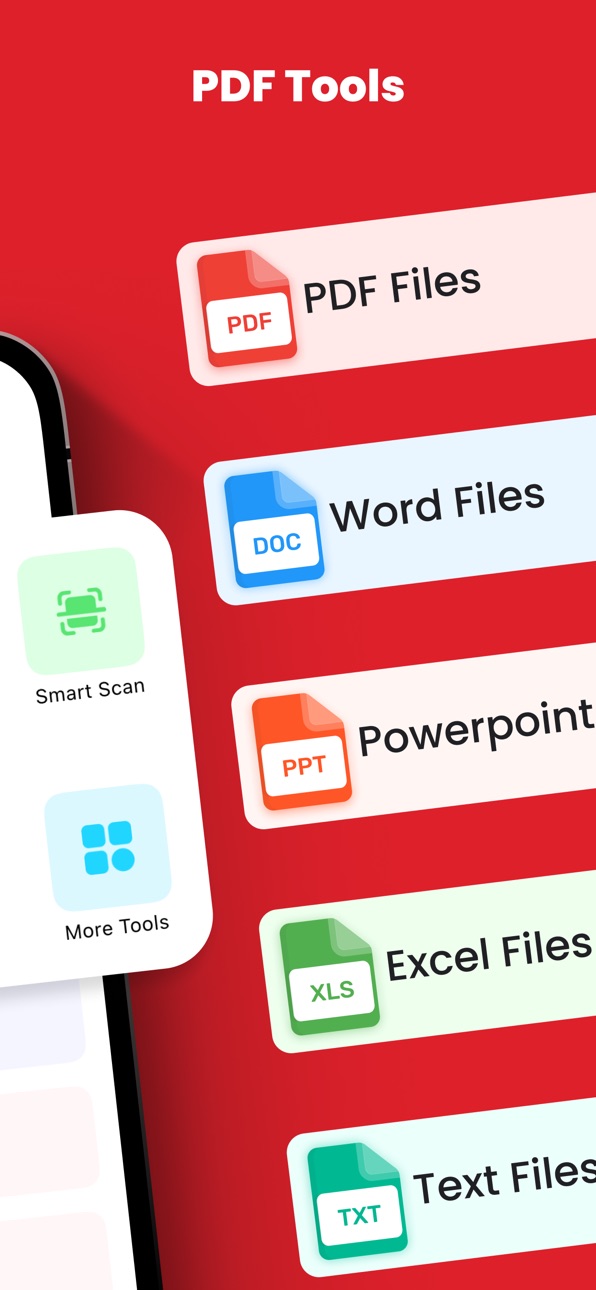
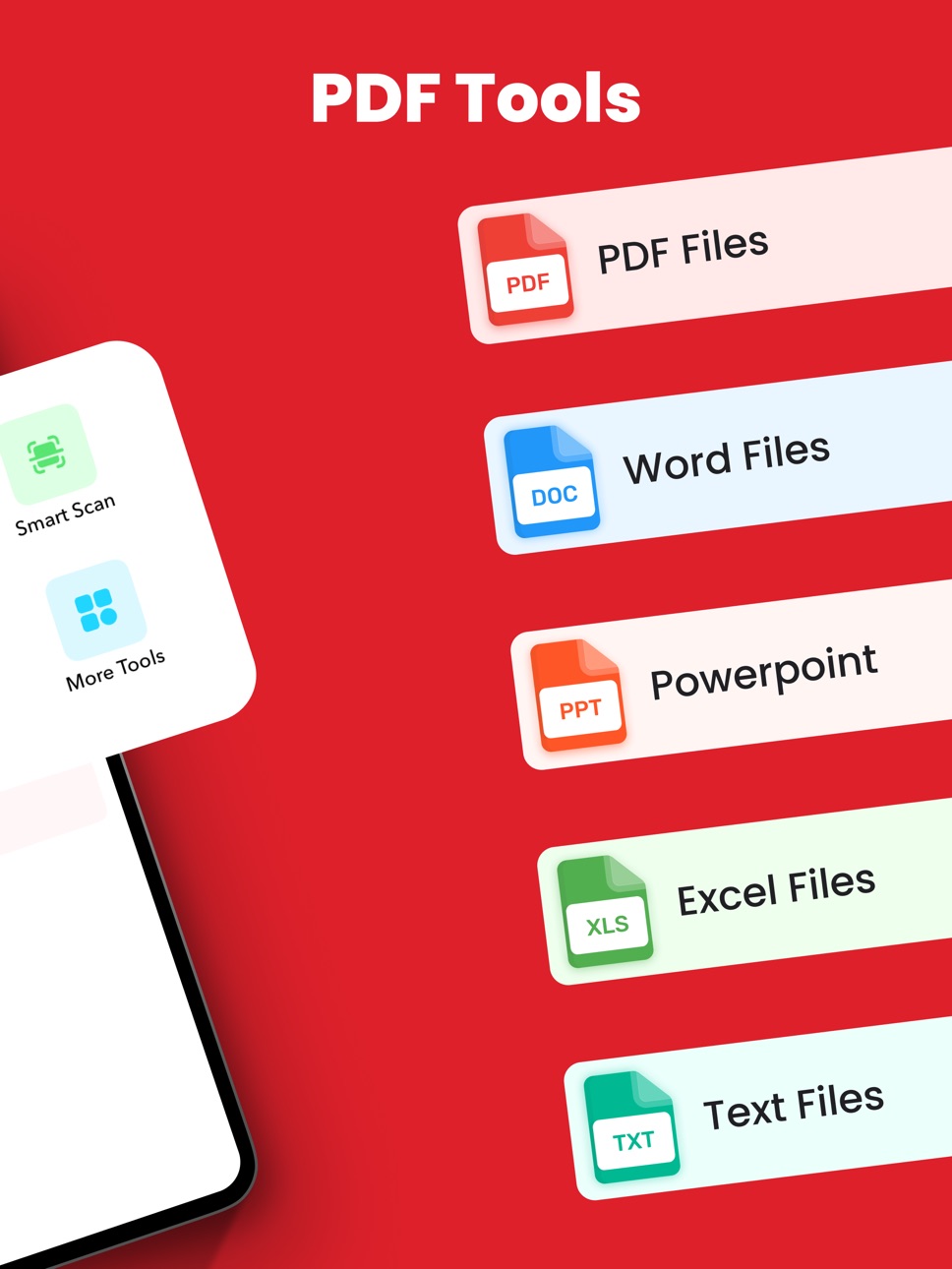
Word to PDF Converter – Instantly convert DOC or DOCX files to PDF.
Image to PDF Converter – Turn photos or pictures into professional-quality PDFs.
Text to PDF Maker – Paste or write text and create a formatted PDF instantly.
Excel to PDF Converter – Keep spreadsheets neat and readable in PDF format.
PPT & Docs to PDF – Convert multiple file types quickly and easily.
==> Smart Document Scanner
Scan any paper document into a clear, high-resolution PDF.
Automatic edge detection and cropping for perfect results.
Combine multiple pages into one organized PDF file.
Scan receipts, IDs, notes, or business documents in seconds.
==> Edit, Annotate & Manage PDFs
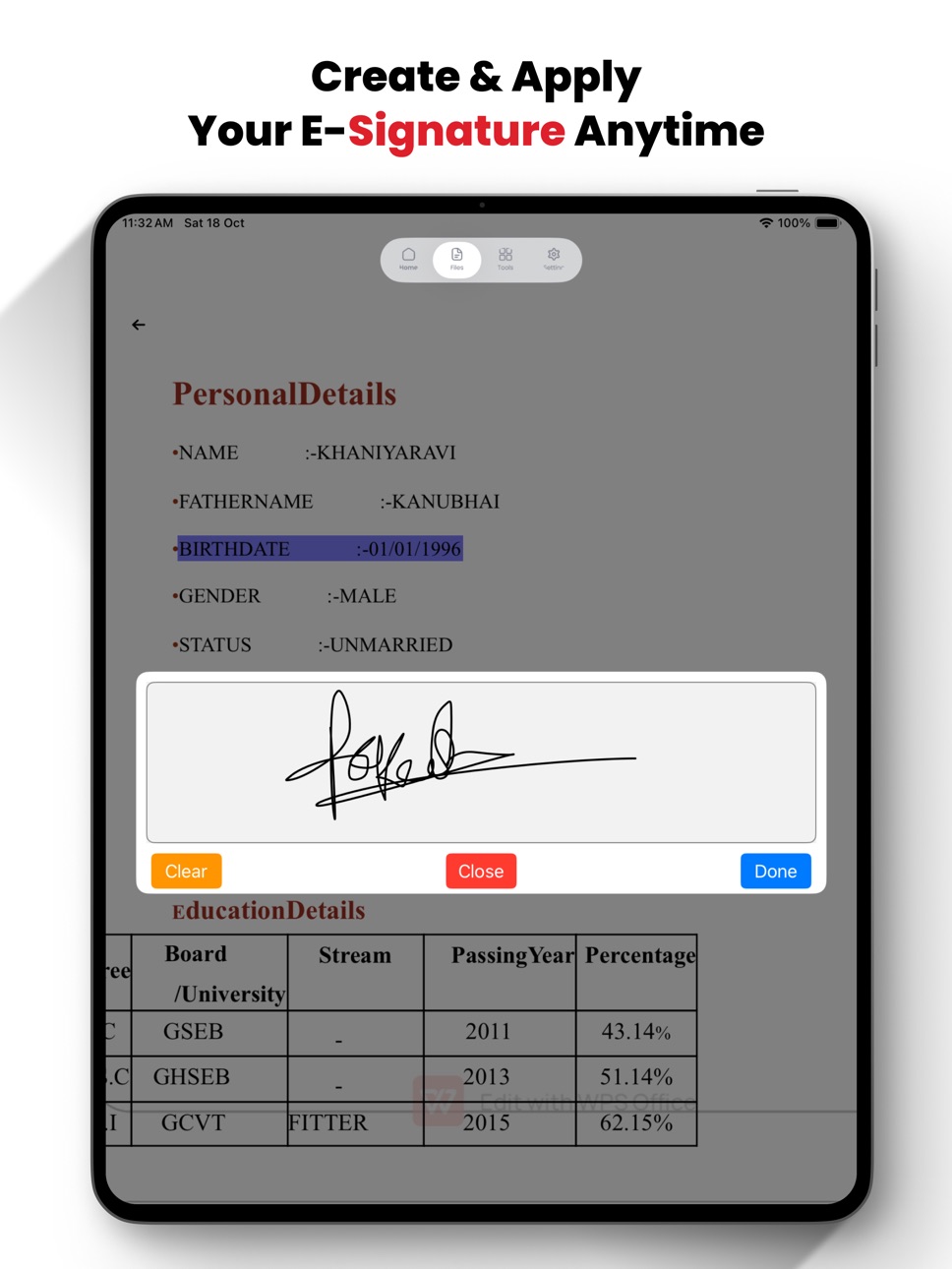
Add text, notes, or signatures directly to PDF files.
Highlight, mark, or annotate important sections.
Merge, rename, delete, or share PDFs with ease.
Built-in file manager to keep all documents organized.
==> Key Features
==> All-in-One PDF App – Convert, scan, read, and edit PDFs in one place.
==> Offline & Secure – Work without internet access; your data stays private.
==> Fast & Reliable – Instant conversions and high-quality scanning.
==> Clean Interface – Modern, simple, and easy to navigate.
==> Supports Multiple Formats – DOC, DOCX, XLS, PPT, JPG, PNG, TXT, and more.
==> Perfect for Everyone
Whether you’re a student, business professional, or everyday user,
Pricing & Subscriptions :
$6.99/week
$49.99/year & $29.99 (limited-time offer)
$79.99/year (regular)
Payment charged to iTunes at purchase. Auto-renewal unless canceled 24h before renewal. Manage in account settings.
Privacy & Safety :
- Privacy Policy: https://sites.google.com/view/ipdfconverterpdfscanner-policy/home
- Terms: https://sites.google.com/view/ipdf-converter-pdfscanner-term/home
iPDF Converter - PDF Scanner helps you handle all your document needs — from converting Word to PDF to scanning and editing files effortlessly.
==> Download iPDF Converter - PDF Scanner now and experience the easiest way to convert, scan, and manage PDFs on your iPhone or iPad!
In-App Purchases US pricing
iPDF Converter - PDF Scanner Subscription
Week · 7 days$6.99
One-Time Purchases
Lifetime 4999$49.99
Lifetime Access$79.99
Capabilities
In-App Purchases
Accessibility
ipadiphonemacrealityDevicetvoswatch
Version history 12 versions
Build 886461415v1.142026-06-04 04:17:23
- Bug Fixed
Build 886412633v1.132026-06-03 05:45:30
- Bug fixed
Build 883289145v1.122026-03-16 04:13:13
-bug fixed
Build 883248403v1.92026-03-12 03:50:45
- Bug fixed
Build 882439309v1.82026-02-14 03:41:19
- Bug Fixed
Build 882398080v1.72026-02-12 17:01:24
- Bug fixed
Build 881099989v1.62025-12-31 03:57:34
- bug fixed
Build 880798840v1.52025-12-19 04:06:21
- bug fixed
Build 880752714v1.42025-12-17 08:51:38
- Bug fixed
- Create & Save Your signature for future use
Build 880034816v1.32025-11-25 04:07:18
- bug Fixed
Build 879973735v1.22025-11-22 04:01:59
- bug fixed
Build 879047365v1.02025-10-30 05:13:23
Price history by region
Currency
Show
Columns
Search
Availability 1 of 1 storefronts
| Region | Language | Price | Ratings | Avg | Version |
|---|---|---|---|---|---|
| US | en-US | Free | 0 | — | 1.14 |
Change log 16 changes · US
✎
releaseNotes updated
- Bug Fixed
✎
description updated
iPDF Converter - PDF Scanner is the ultimate PDF app for iPhone and iPad, combining a PDF converter, PDF reader, document scanner, and PDF editor in one simple
✎
subtitle updated
All-in-One PDF Editor & Maker
✎
name updated
iPDF Converter : PDF Scanner
◆
Version 1.14 released
- Bug Fixed
◆
Version 1.13 released
- Bug fixed
◆
Version 1.12 released
-bug fixed
◆
Version 1.9 released
- Bug fixed
◆
Version 1.8 released
- Bug Fixed
◆
Version 1.7 released
- Bug fixed
◆
Version 1.6 released
- bug fixed
◆
Version 1.5 released
- bug fixed
◆
Version 1.4 released
- Bug fixed
- Create & Save Your signature for future use
◆
Version 1.3 released
- bug Fixed
◆
Version 1.2 released
- bug fixed
◆
Version 1.0 released