Home › Business

 US
US
1 of 1 storefronts
Content in en-US
Content in en-US
Information
Apple ID6753706143
Bundle IDcom.ifs.cloud.mobile.ScanIt
SellerSeller
Min iOS15.0
Min macOS12.0
Device familiesiphone, ipad, ipod
Released2025-11-30
Copyright© 2023 IFS World Operations AB
Privacy policyLink ↗
Preview 2 platforms
iPhone 3 images

iPad 3 images


What’s New Version 26.6.4106.0
- Improved barcode scanning stability for more accurate recognition.
- Enhanced authentication reliability.
- Improved text alignment, and display handling.
- Improved field focus, and data entry.
- Improved barcode scanning and input handling.
- Fixed gallery selection behavior.
- Miscellaneous defect fixes.
Description
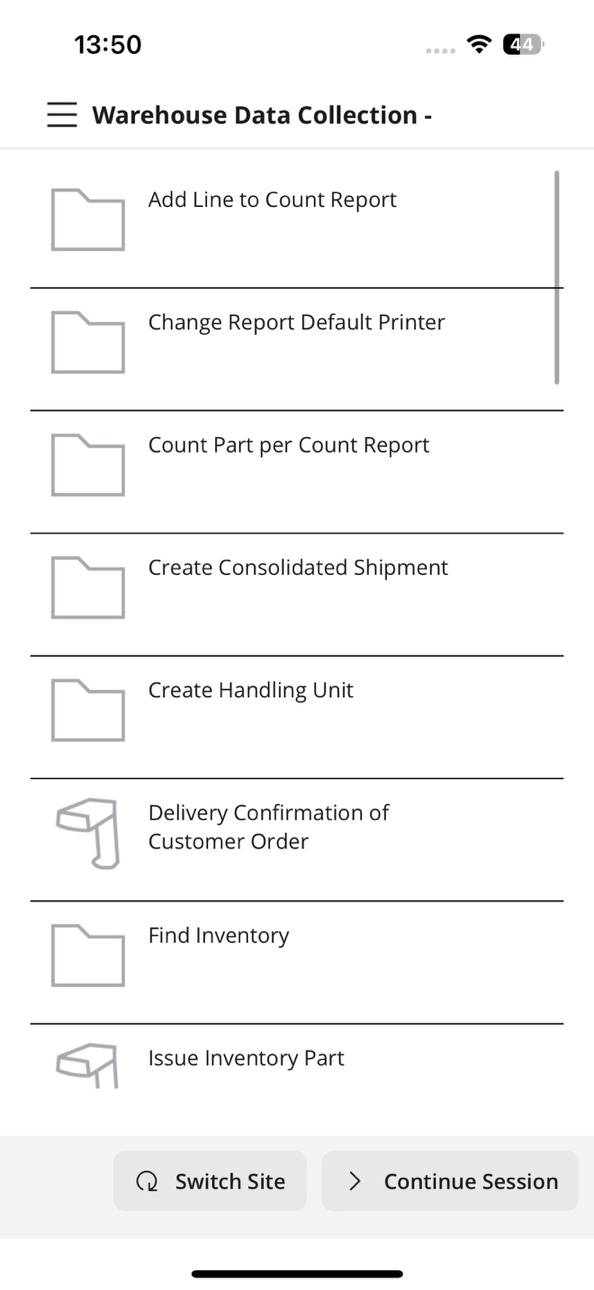
IFS Cloud Scan It lets you capture data and execute ERP processes within and beyond the warehouse in a simple and efficient way on smartphones as well as rugged professional devices.
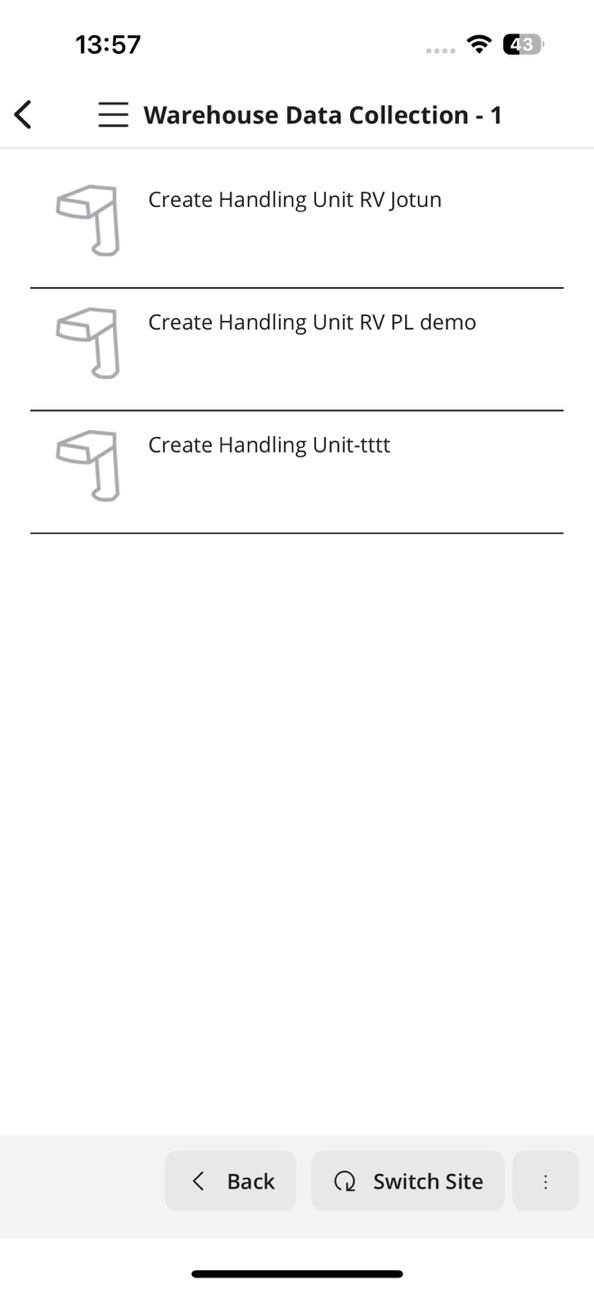
IFS Cloud Scan It comes with an easy-to-understand user interface consisting of a process menu to get you started, followed by a customer configured process flow where each step tells you what to capture by scanning a barcode or manual entry.
If you don't have a scanner built into the device or connected via Bluetooth, IFS Cloud Scan It allows you to use the device camera as a barcode scanner.
IFS Cloud Scan It is intended for customers running IFS Cloud.
Accessibility
ipadiphonemacrealityDevicetvoswatch
Version history 6 versions
Build 887100624v26.6.4106.02026-06-18 14:48:53
- Improved barcode scanning stability for more accurate recognition.
- Enhanced authentication reliability.
- Improved text alignment, and display handling.
- Improved field focus, and data entry.
- Improved barcode scanning and input handling.
- Fixed gallery selection behavior.
- Miscellaneous defect fixes.
Build 886138801v26.5.3977.02026-05-28 06:44:20
- Improved navigation experience for more consistent and intuitive behavior.
- Improved navigation consistency.
- Improved app stability and performance for a smoother experience.
- Enhanced navigation and usability across screens and workflows.
- Fixed issues with input handling, barcode scanning, and file uploads.
- Improved UI consistency, layout, and overall responsiveness.
Build 882567486v26.2.3505.02026-02-19 01:28:13
- Screen layout adjusts smoothly without manual scrolling.
- Single loading indicator appears, ensuring the menu screen loads correctly after loading ends.
- Network connection issues resolved.
- List values made visible and scrollable in all views.
- Memory usage is reduced during long use.
- Undo correctly clears the feedback list after saving an item.
- Ensures keyboard closes before opening camera, files, or gallery.
Build 881453216v26.1.3315.02026-01-15 00:27:05
- Fixes back button behavior to ensure it stays hidden during app initialization and remains available during data sync.
- Performance improvements around navigation.
- Miscellaneous defect fixes.
Build 880673452v25.12.3217.02025-12-17 09:29:23
- Updated the date field to automatically insert the current date by default when no selection is made.
- Fixed an issue where the screen title was not displayed correctly with navigations.
- Fixed an issue where the image editor did not open as expected when adding new attachments.
- Fixed various navigation issues to ensure smoother and more consistent app behavior.
- UI improvements.
- Miscellaneous defect fixes.
Build 878727866v25.11.3166.02025-11-27 14:19:52
No pricing data captured yet — comparisons appear once the app has paid storefronts or in-app purchases.
Availability 1 of 1 storefronts
| Region | Language | Price | Ratings | Avg | Version |
|---|---|---|---|---|---|
| US | en-US | Free | 0 | — | 26.6.4106.0 |
Change log 9 changes · US
✎
releaseNotes updated
- Improved barcode scanning stability for more accurate recognition.
- Enhanced authentication reliability.
- Improved text alignment, and display handling.
- I
✎
description updated
IFS Cloud Scan It lets you capture data and execute ERP processes within and beyond the warehouse in a simple and efficient way on smartphones as well as rugged
✎
name updated
IFS Scan It Pro
◆
Version 26.6.4106.0 released
- Improved barcode scanning stability for more accurate recognition.
- Enhanced authentication reliability.
- Improved text alignment, and display handling.
- Improved field focus, and data entry.
- Improved barcode scanning and input handl
◆
Version 26.5.3977.0 released
- Improved navigation experience for more consistent and intuitive behavior.
- Improved navigation consistency.
- Improved app stability and performance for a smoother experience.
- Enhanced navigation and usability across screens and workf
◆
Version 26.2.3505.0 released
- Screen layout adjusts smoothly without manual scrolling.
- Single loading indicator appears, ensuring the menu screen loads correctly after loading ends.
- Network connection issues resolved.
- List values made visible and scrollable in a
◆
Version 26.1.3315.0 released
- Fixes back button behavior to ensure it stays hidden during app initialization and remains available during data sync.
- Performance improvements around navigation.
- Miscellaneous defect fixes.
◆
Version 25.12.3217.0 released
- Updated the date field to automatically insert the current date by default when no selection is made.
- Fixed an issue where the screen title was not displayed correctly with navigations.
- Fixed an issue where the image editor did not op
◆
Version 25.11.3166.0 released