Home › Productivity

 US
US
1 of 1 storefronts
Content in en-US
Content in en-US
Information
Apple ID6753289826
Bundle IDio.focusblock.app
SellerSeller
Min iOS18.6
Min macOS15.6
Device familiesiphone
Released2026-05-17
Copyright© 2026 Focus Block
Privacy policyLink ↗
Preview 1 platform
iPhone 6 images
What’s New Version 1.4.1
- When onboarding is completed an optional walkthrough feature explanation is now offered.
- Onboarding wording around schedules is way less confusing.
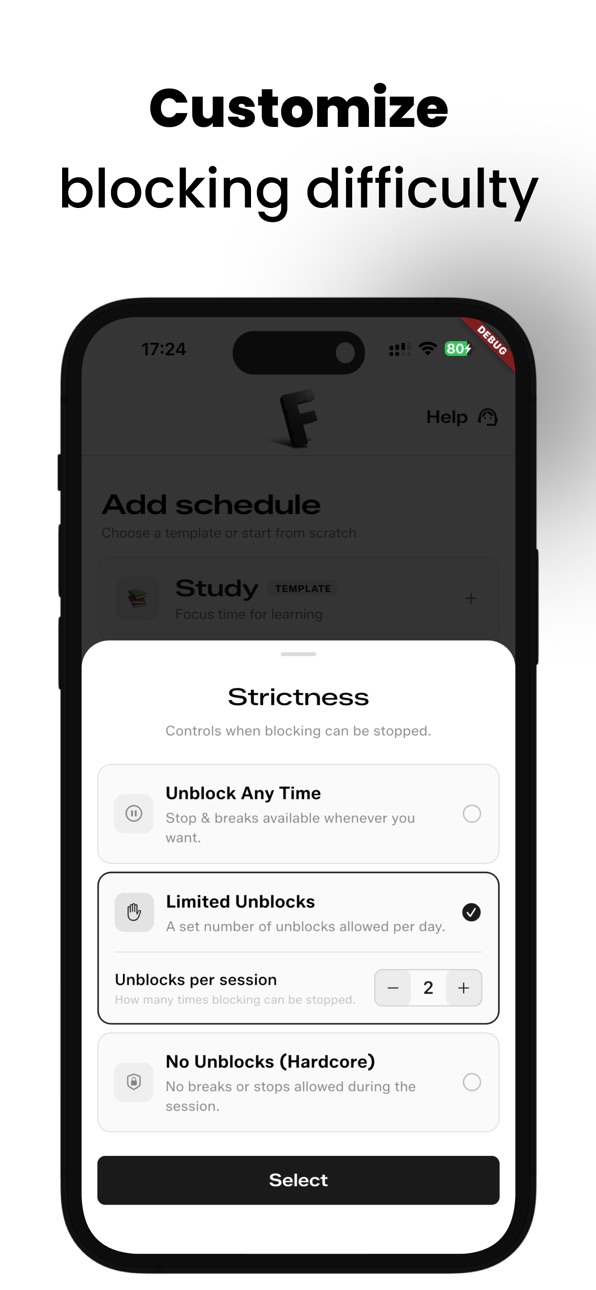
- Stricter schedules are now opt-in, not the default
- The value proposition stories & offer became meaningfully easier to read
- Overlapping schedules are handled more correctly now: the handoff cycle between them is fixed.
Description
Every day, mindless scrolling and constant notifications pull our attention away from what actually matters. Willpower isn't always enough to fight back.
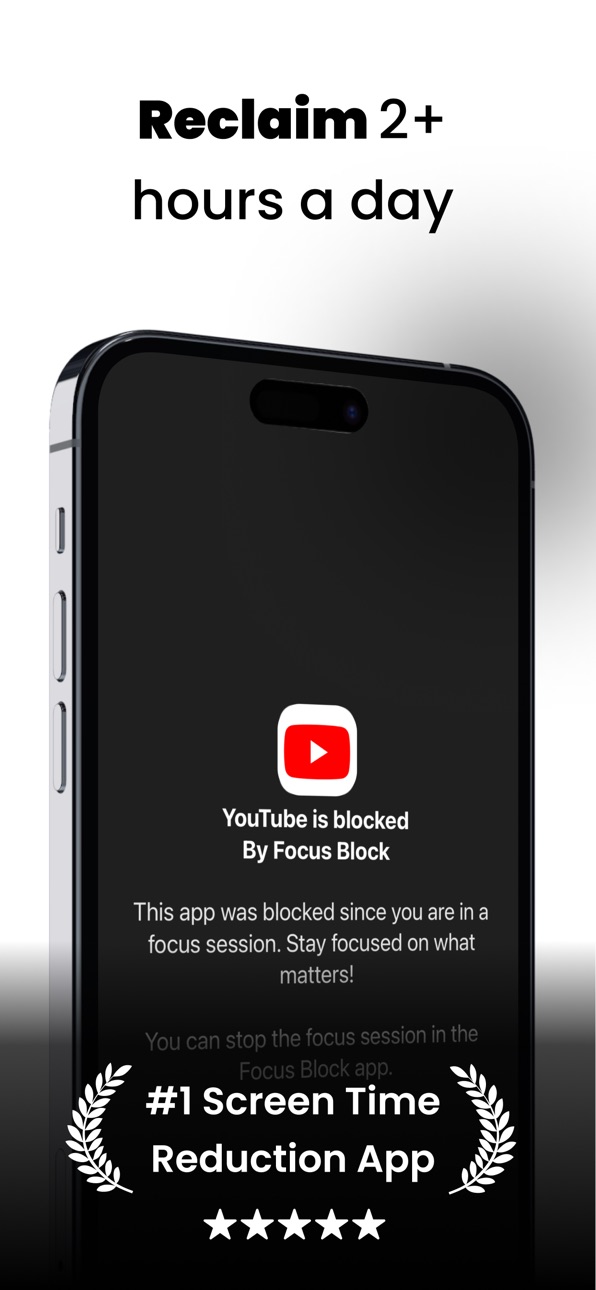
Meet Focus Block: a clean, no-nonsense screen time tool designed to eliminate digital noise, help you build better habits, and get your day back. Whether you need to lock in for a deep work session, study without interruptions, or simply disconnect before bed, Focus Block gives you the control to make it happen.
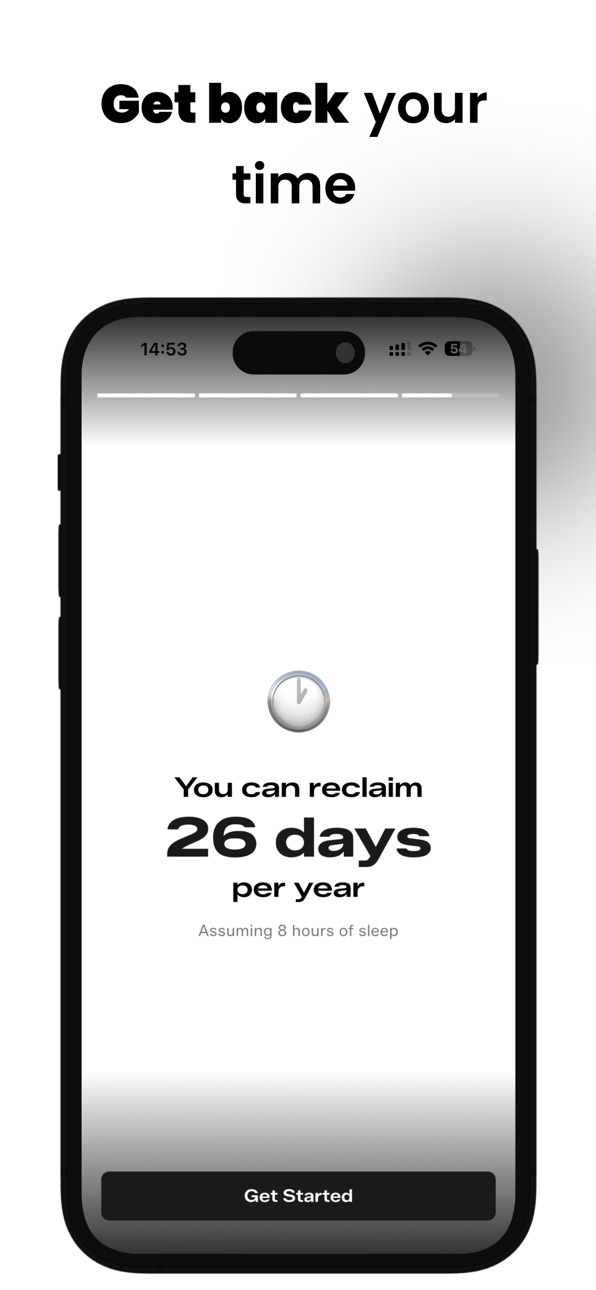
Stop losing hours to your screen. Start designing your time.
HOW IT HELPS YOU
Do Deep Work: Silence the apps that drain your attention so you can hit your flow state faster.
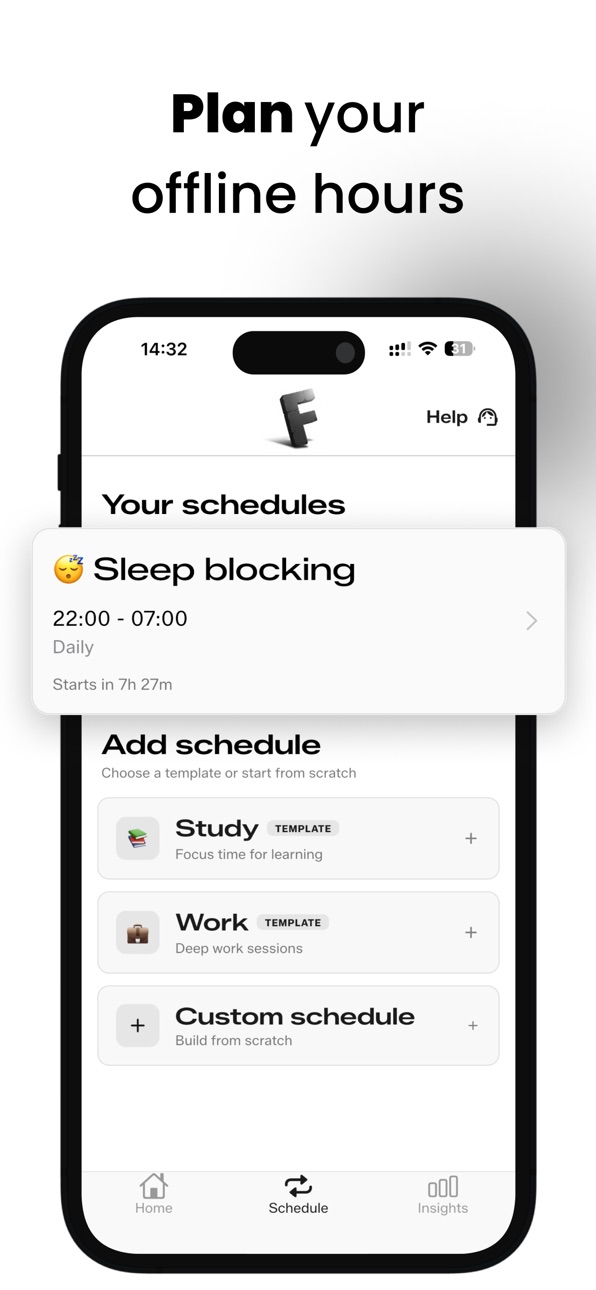
Sleep Better: Automatically lock away social media and games before bedtime to wind down naturally.
Reduce Screen Time Anxiety: Break the cycle of doom-scrolling and build a more mindful relationship with your phone.
CORE FEATURES
▶ Instant Focus
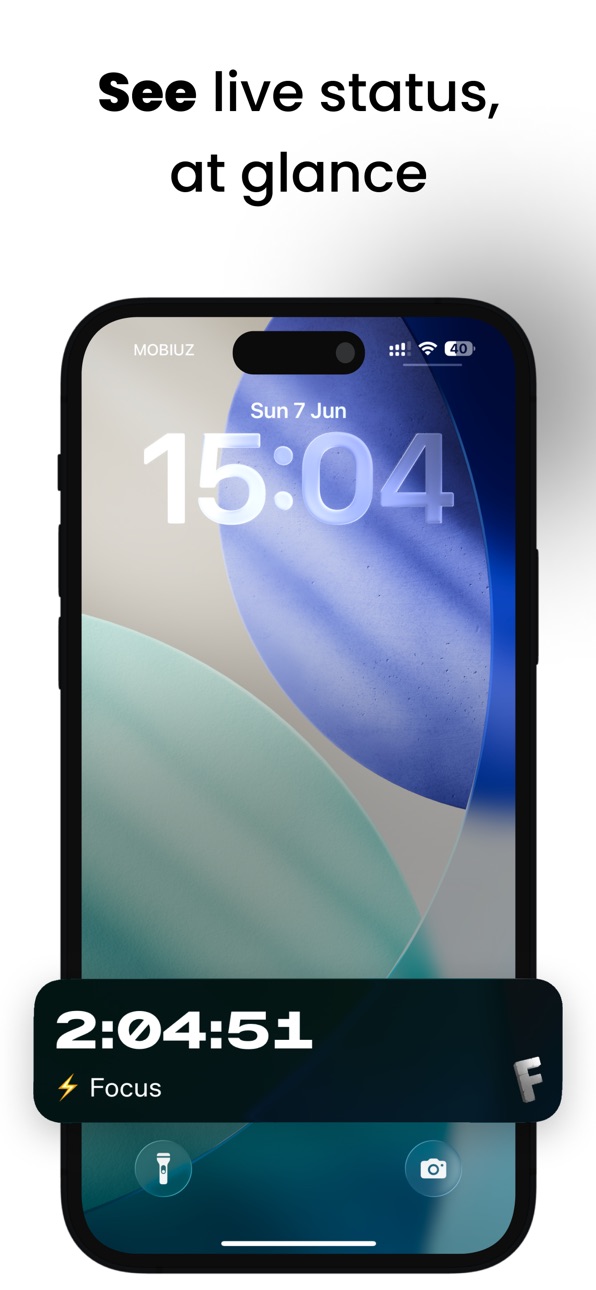
Need to get in the zone right now? Launch a spontaneous block with a single tap. Pick your distracting apps, set a timer, and get to work.
▶ Automated Schedules
Set it and forget it. Create custom blocking routines tailored to your daily life. Automatically block distractions during your 9-to-5, your evening study sessions, or your nightly sleep routine.
▶ Insightful Analytics
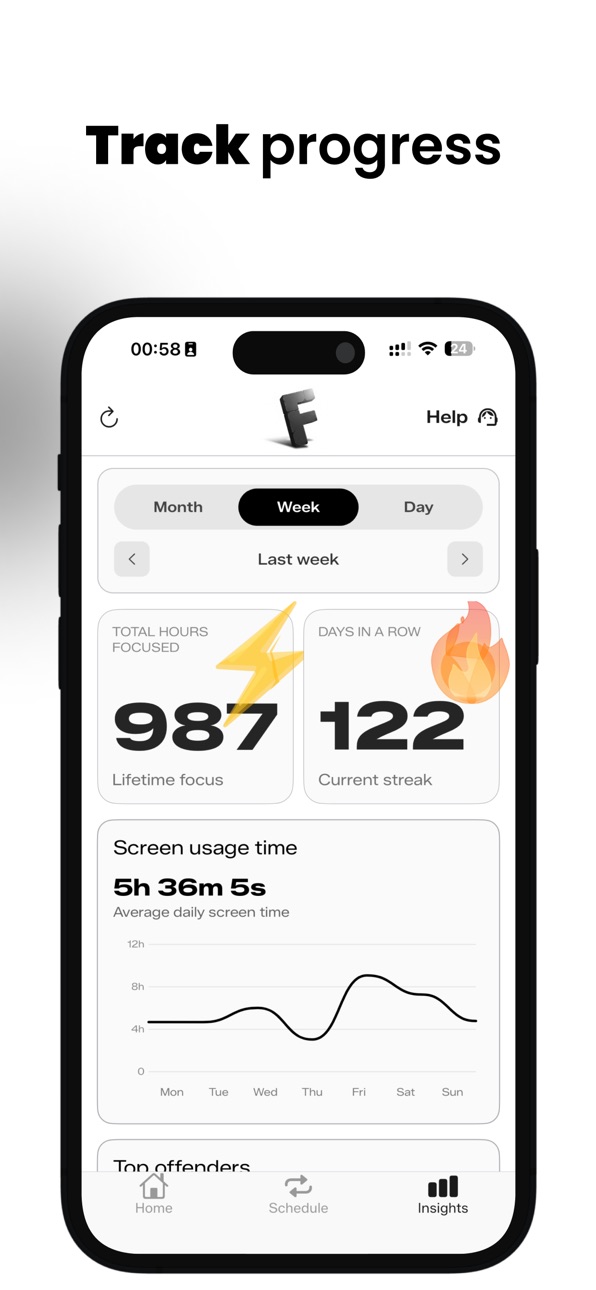
Measure what matters. Track your daily and weekly progress with clean, easy-to-read analytics. Understand your habits, spot your most distracting apps, and watch your focus improve over time.
PRIVATE BY DESIGN
Your data belongs to you. Focus Block uses Apple’s native Screen Time API to manage apps securely. It works entirely on your device, meaning your personal browsing data never leaves your phone.
PRICING & TRIAL
Focus Block is a premium tool. We offer a generous free trial for you to experience the app, after which an active paid subscription is required to continue using the features. Monthly and annual plans are available.
TERMS OF USE: https://focusblock.io/legal/terms-of-use.html
In-App Purchases US pricing
Focus Block Pro Subscription
Yearly · Yearly 7-day free trial$29.99
Monthly · Monthly 7-day free trial$7.99
Monthly · Monthly$5.99
Capabilities
In-App Purchases
Accessibility
ipadiphonemacrealityDevicetvoswatch
Version history 6 versions
Build 887859416v1.4.12026-07-07 01:07:09
- When onboarding is completed an optional walkthrough feature explanation is now offered.
- Onboarding wording around schedules is way less confusing.
- Stricter schedules are now opt-in, not the default
- The value proposition stories & offer became meaningfully easier to read
- Overlapping schedules are handled more correctly now: the handoff cycle between them is fixed.
Build 887354906v1.3.22026-06-25 07:35:19
- Smart schedules on onboarding. App analyzes users profiles and habits and suggests most appropriate blocking times and strictness.
- Overlapping schedules are now allowed.
- Status of schedules in schedules tab is now more accurate.
- Critical bugfix: occasionally post reboot users could lose the paid status (due to storage reading empty post reboot). This is now fixed via more robust storage.
Build 886931068v1.2.02026-06-14 07:25:31
- Onboarding clarity improvement (a/b test)
- UX clarity improvement
- Bugfix: next schedule run info on home tab
- Bugfix: schedules are now properly fetched post onboarding
Build 886546389v1.1.02026-06-06 19:40:32
- Big upgrade to the Insights tab: it can now show monthly, weekly and daily data.
It allows you to zoom out for big trends or dig deep inside particularly problematic days
Build 886305692v1.0.32026-05-31 11:39:00
- Onboarding simplification
- Fix streak
- Bugfixes & optimizations
Build 878593914v1.02026-05-18 06:42:09
Price history by region
Currency
Show
Columns
Search
Availability 1 of 1 storefronts
| Region | Language | Price | Ratings | Avg | Version |
|---|---|---|---|---|---|
| US | en-US | Free | 0 | — | 1.4.1 |
Change log 10 changes · US
✎
releaseNotes updated
- When onboarding is completed an optional walkthrough feature explanation is now offered.
- Onboarding wording around schedules is way less confusing.
- Strict
✎
description updated
Every day, mindless scrolling and constant notifications pull our attention away from what actually matters. Willpower isn't always enough to fight back.
Meet
✎
subtitle updated
Reduce screen time
✎
name updated
Focus Block:stop distractions
◆
Version 1.4.1 released
- When onboarding is completed an optional walkthrough feature explanation is now offered.
- Onboarding wording around schedules is way less confusing.
- Stricter schedules are now opt-in, not the default
- The value proposition stories & o
◆
Version 1.3.2 released
- Smart schedules on onboarding. App analyzes users profiles and habits and suggests most appropriate blocking times and strictness.
- Overlapping schedules are now allowed.
- Status of schedules in schedules tab is now more accurate.
- Cri
◆
Version 1.2.0 released
- Onboarding clarity improvement (a/b test)
- UX clarity improvement
- Bugfix: next schedule run info on home tab
- Bugfix: schedules are now properly fetched post onboarding
◆
Version 1.1.0 released
- Big upgrade to the Insights tab: it can now show monthly, weekly and daily data.
It allows you to zoom out for big trends or dig deep inside particularly problematic days
◆
Version 1.0.3 released
- Onboarding simplification
- Fix streak
- Bugfixes & optimizations
◆
Version 1.0 released