Home › Graphics & Design

Outfit Planner: Virtual Closet
AI Capsule Wardrobe & Stylist
 US
US
1 of 1 storefronts
Content in en-US
Content in en-US
Information
Preview 1 platform
iPhone 7 images
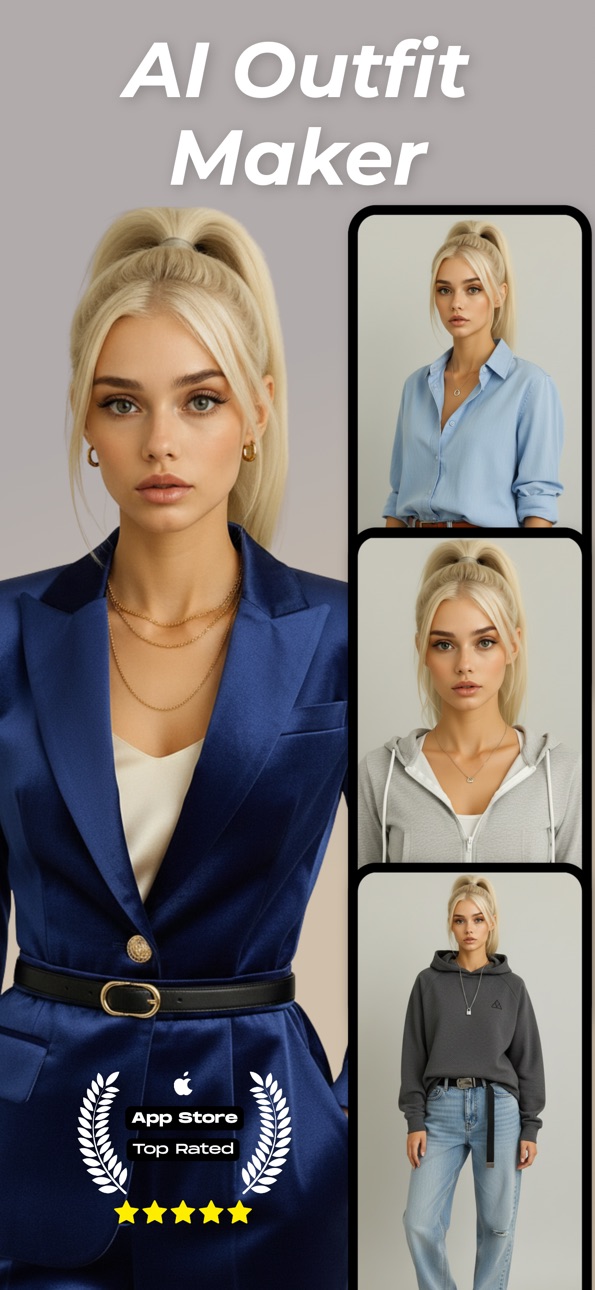
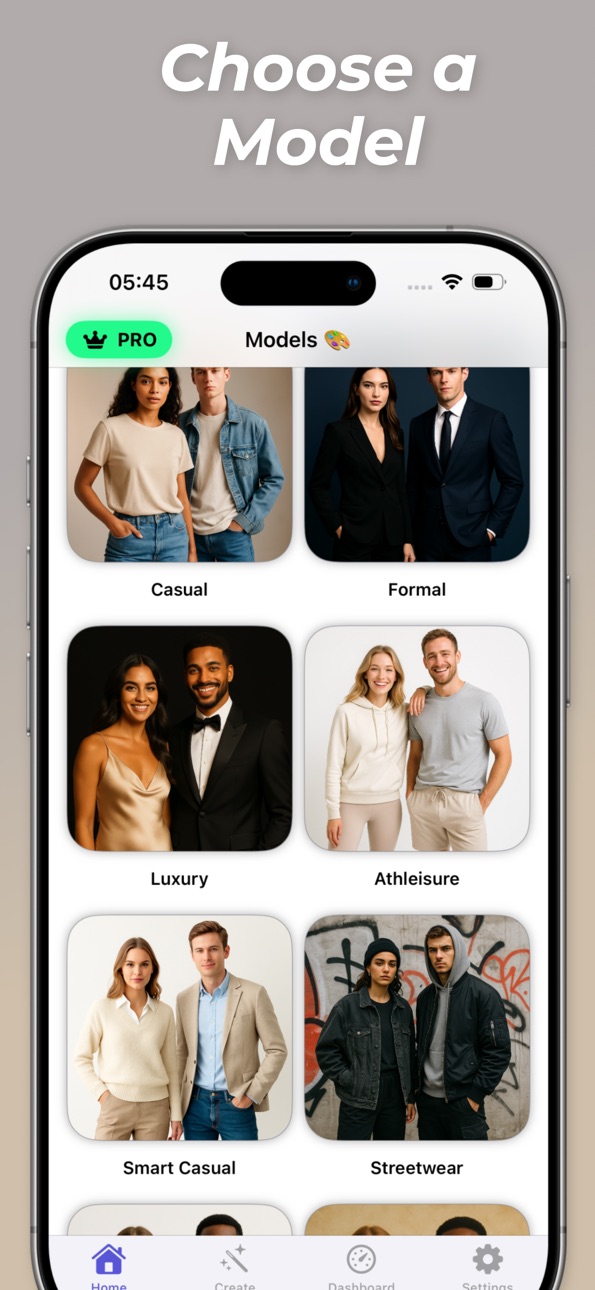


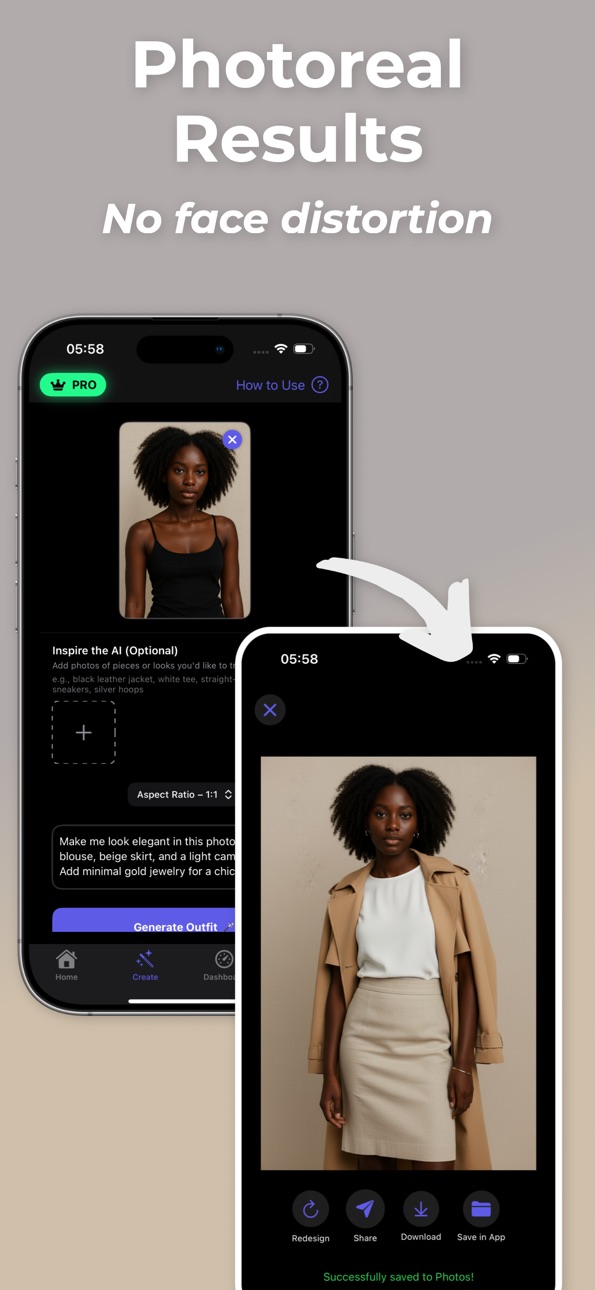

What’s New Version 6.70.1
Fixed some bugs.
Added more languages.
Description
Create outfits from a prompt.
Type what you want—“casual streetwear with white sneakers,” “smart-casual office look,” “minimal black & beige”—and the app generates complete outfit ideas instantly. Pick from many built-in models to see how the look comes together. Swap pieces, refine the prompt, and save your favorites.
Why you’ll like it
* Prompt to outfit: Describe the vibe, color palette, or items; get styled looks in seconds.
* Many models: Preview fits on different models for better decision-making.
* Mix & match: Replace tops, bottoms, outerwear, and accessories to dial in the look.
* Style modes: Casual, formal, luxury, and more—explore across occasions.
* Quick saves: Bookmark, compare, and share outfit cards with friends or your stylist.
* Lightweight workflow: Fast generation and simple controls keep you in the flow.
Great for
* Planning daily outfits (work, school, coffee runs).
* Building event looks (date night, weddings, parties).
* Exploring capsule wardrobe ideas and color schemes.
* Getting unstuck when you “have nothing to wear.”
How it works
1. Enter a short prompt (e.g., “monochrome streetwear, oversized hoodie, cargos”).
2. Choose a model and generate.
3. Swap items or refine the prompt.
4. Save, compare, and share the final look.
Tips for better results
* Be specific: mention fabrics, cuts, or colors (“linen shirt, relaxed fit, navy & cream”).
* Add occasion and season (“spring brunch, light layers”).
* Iterate: generate 2–3 variations and pick the best.
Privacy
Your designs are generated securely. You control what you save or share.
Ready to style your next outfit? Type a prompt and get dressed by AI—fast.
Terms of Use - https://sites.google.com/view/decogenai/terms-conditions
Privacy Policy - hhttps://sites.google.com/view/decogenai/privacy-policy
Capabilities
In-App Purchases
Accessibility
ipadiphonemacrealityDevicetvoswatch
Version history 4 versions
Build 884010205v6.70.12026-04-01 20:07:31
Fixed some bugs.
Added more languages.
Build 882538917v6.51.42026-02-23 19:57:42
Fixed some bugs.
Build 878809415v5.1.42025-10-15 00:31:13
Outfit Maker: AI Stylist Deco ;
- Added some improvements to the AI for Outfits & Styles.
- Fixed some bugs.
Build 878495926v1.02025-10-01 20:01:05
No pricing data captured yet — comparisons appear once the app has paid storefronts or in-app purchases.
Availability 1 of 1 storefronts
| Region | Language | Price | Ratings | Avg | Version |
|---|---|---|---|---|---|
| US | en-US | Free | 3 | 5.0 | 6.70.1 |
Change log 8 changes · US
✎
releaseNotes updated
Fixed some bugs.
Added more languages.
✎
description updated
Create outfits from a prompt.
Type what you want—“casual streetwear with white sneakers,” “smart-casual office look,” “minimal black & beige”—and the app genera
✎
subtitle updated
AI Capsule Wardrobe & Stylist
✎
name updated
Outfit Planner: Virtual Closet
◆
Version 6.70.1 released
Fixed some bugs.
Added more languages.
◆
Version 6.51.4 released
Fixed some bugs.
◆
Version 5.1.4 released
Outfit Maker: AI Stylist Deco ;
- Added some improvements to the AI for Outfits & Styles.
- Fixed some bugs.
◆
Version 1.0 released