Home › Productivity

 US
US
1 of 1 storefronts
Content in en-US
Content in en-US
Information
Preview 2 platforms
iPhone 5 images


iPad 5 images


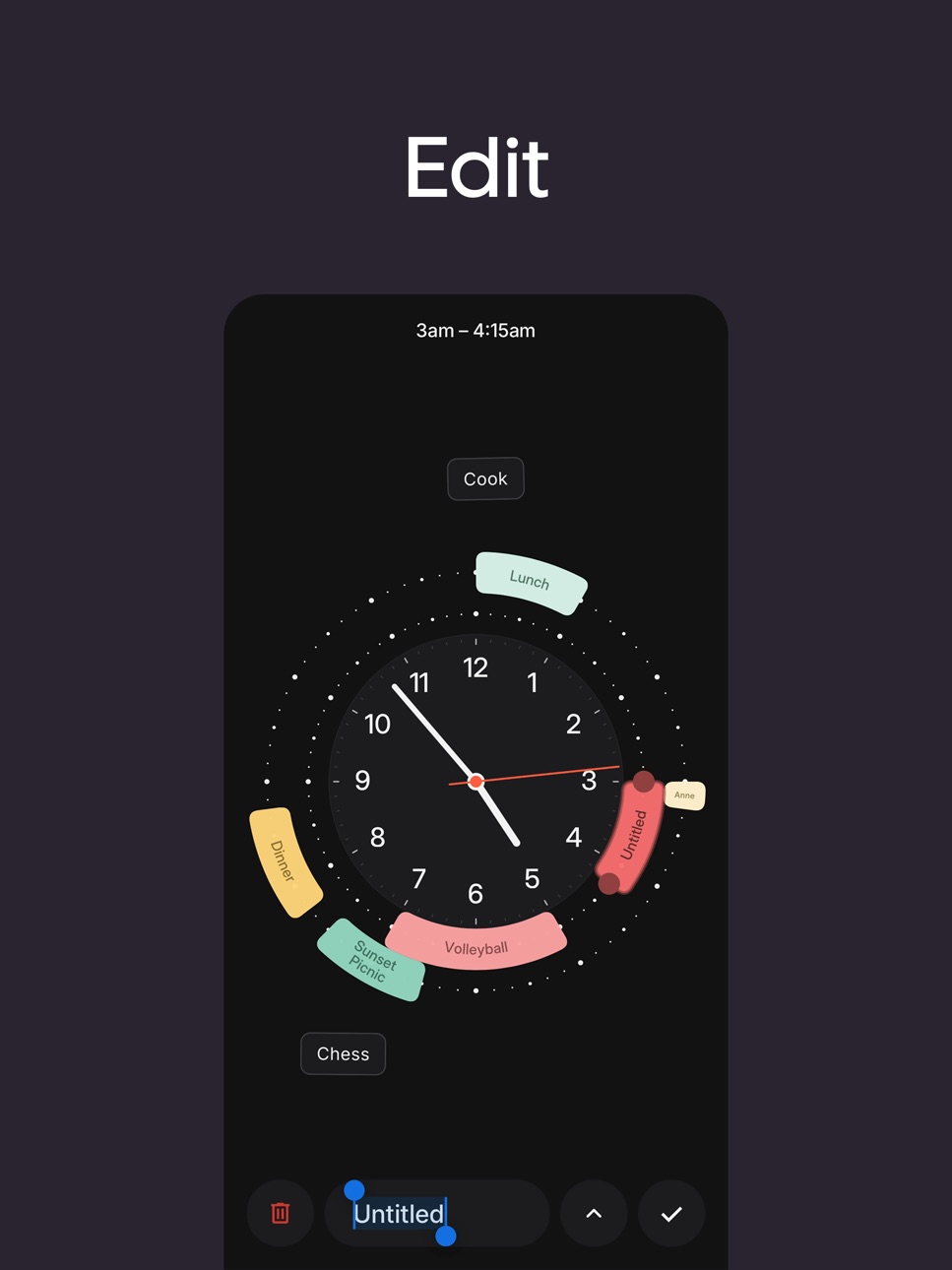
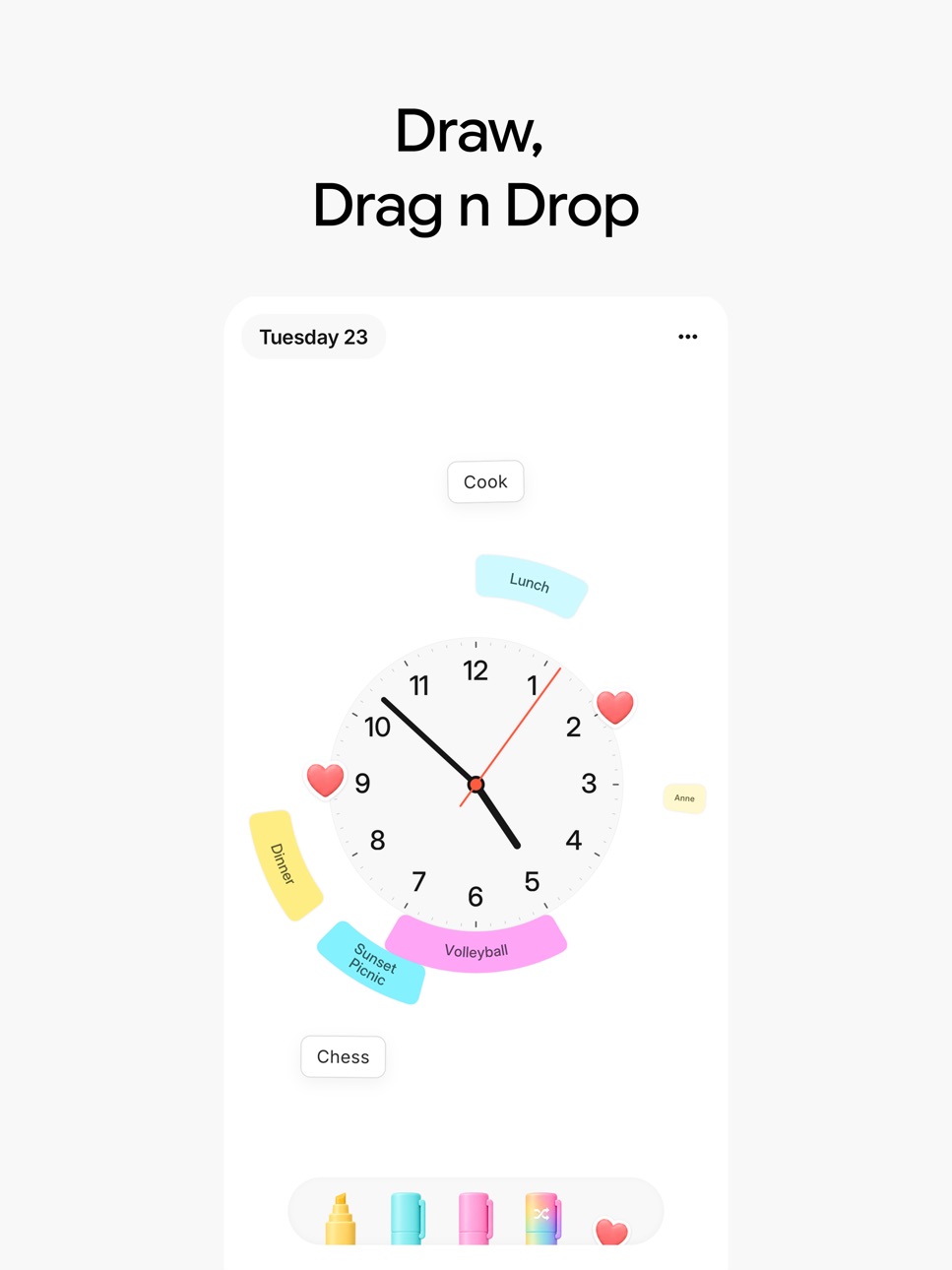

What’s New Version 3
Redesigned from Scratch to feel more playful
Description
KEY FEATURES
Interaction:
- Draw events around a clock
- Simple tap to edit and move
- Haptic feedback for tactile precision and fun
Design:
Past events fade automatically to reduce clutter
Sync:
- Syncs with iOS Calendar and iCloud
- Home Screen and Lock Screen widgets
- Apple Watch companion app
Perfect for
Anyone who thinks visually
Anyone fatigued of traditional calendar apps
Time Pencil makes time blocking feel natural and enjoyable. Stop fighting with complex calendar interfaces - start drawing your perfect day!
Rediscover the joy of planning
Mac features:
- Native trackpad haptic feedback for every interaction
- Quick Add with ⌘+N
- Navigate dates with arrow keys
- Notification Center widgets
Terms of Use (EULA): https://vineetkl.github.io/time-pencil-legal/terms-of-use.html
Privacy Policy: https://vineetkl.github.io/time-pencil-legal/privacy-policy.html
Capabilities
In-App Purchases
Accessibility
ipadiphonemacrealityDevicetvoswatch
Version history 3 versions
Build 887334187v32026-06-25 10:00:09
Redesigned from Scratch to feel more playful
Build 879203271v22025-10-25 12:17:01
What’s new:
Clock
(New) Wall clock mode (can toggle in settings)
(New) am / pm indicator (can hide in settings)
Option to hide seconds hand
Arc text legibility
Fixed orientation in the bottom part of the clock
Switched to a non-mono style
Bolder and better letter spacing
Small ‘tail’ in the seconds hand :)
Drawing Interaction
New floating bubble to be able to see what time you’re drawing (because the clock numbers and the interaction is covered by hand)
Intelligent floating positioning to not cover the immediate drawing numbers
Active indication for am / pm drawing in the clock, floating bubble and arcs.
Clean ups
Removed the tutorial and instead added simple on line instructions “Pick a color and join the dots!”
Removed edit mode button → You can tap an arc or event edit!
Removed 24h mode (follow your system settings!)
Removed font options
Other Improvements
Fixed widget calendar sync with clock
Now widget will only show calendars that you have selected
Small ‘tail’ in the seconds hand :)
Better readability with more legible colors and font combos
New calendar based color mode option:
If you use multiple calendars each calendar will have its own color
Updated icon
Build 878296785v1.02025-09-25 16:16:01
No pricing data captured yet — comparisons appear once the app has paid storefronts or in-app purchases.
Availability 1 of 1 storefronts
| Region | Language | Price | Ratings | Avg | Version |
|---|---|---|---|---|---|
| US | en-US | Free | 2 | 5.0 | 3 |
Change log 7 changes · US
✎
releaseNotes updated
Redesigned from Scratch to feel more playful
✎
description updated
KEY FEATURES
Interaction:
- Draw events around a clock
- Simple tap to edit and move
- Haptic feedback for tactile precision and fun
Design:
Past events fade
✎
subtitle updated
Sketch events around a clock
✎
name updated
Time Pencil
◆
Version 3 released
Redesigned from Scratch to feel more playful
◆
Version 2 released
What’s new:
Clock
(New) Wall clock mode (can toggle in settings)
(New) am / pm indicator (can hide in settings)
Option to hide seconds hand
Arc text legibility
Fixed orientation in the bottom part of the clock
Switched to a non-mono style
◆
Version 1.0 released