Home › Business

Image Converter: PNG,JPG, HEIC
Convert to JPG & Resize Image
 US
US
1 of 1 storefronts
Content in en-US
Content in en-US
Information
Preview 3 platforms
iPhone 6 images


iPad 6 images
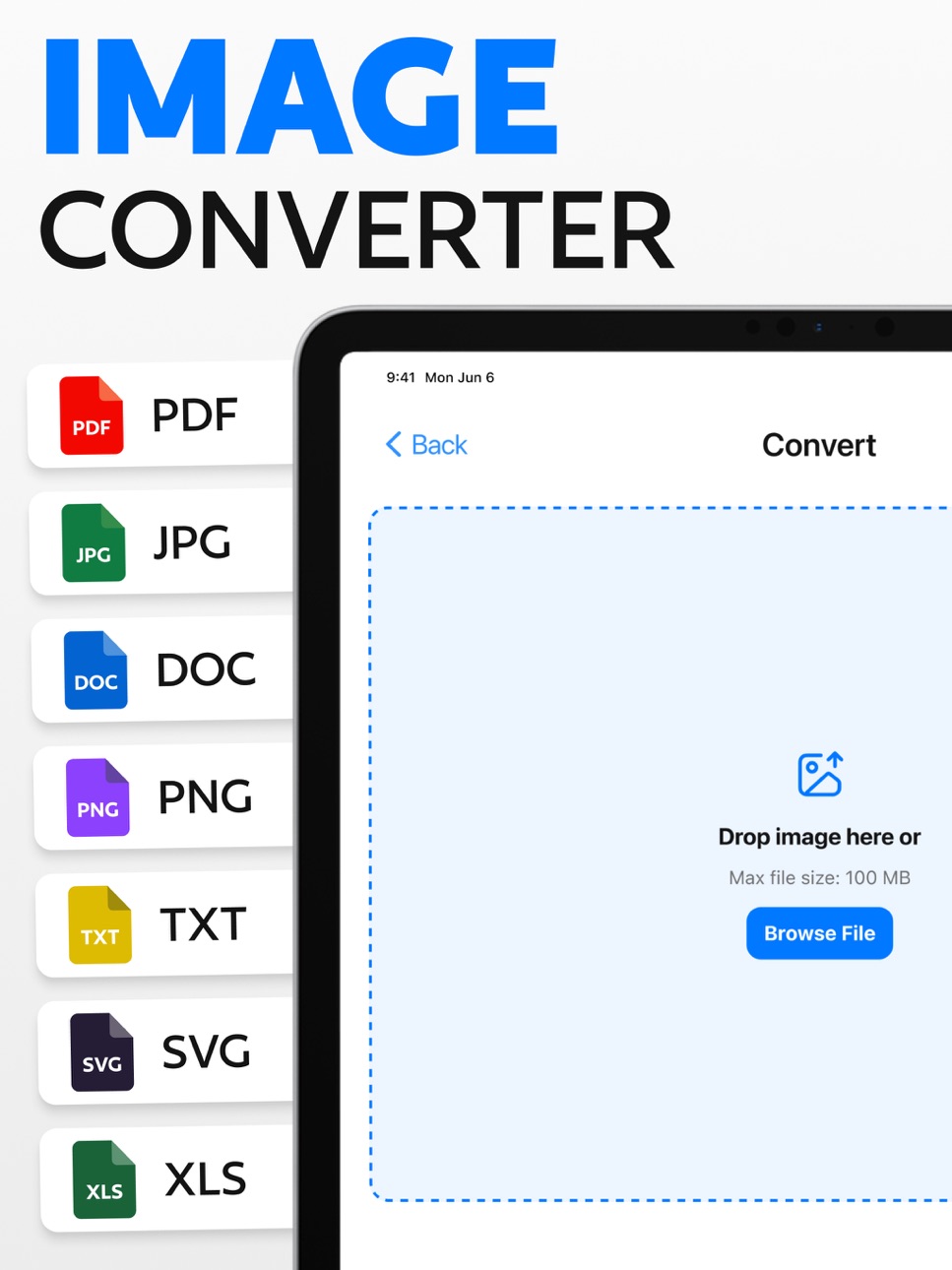


Mac 8 images


What’s New Version 1.5
- Improved performance
Description
Image Converter – your ultimate tool for powerful and versatile image transformation! Effortlessly convert, resize & crop images across multiple formats. Whether you’re a professional photographer, social media lover, or someone who enjoys capturing memories, Image Converter makes photo conversion simple, fast, and efficient.
Key Features:
- Convert Any Format: Convert between popular file types like JPG, PNG, GIF, BMP, and more. With just a few taps, switch your images from one format to another effortlessly.
- Add Text & Backgroud Watermarks: Protect your photos by adding custom text or logo watermarks. Personalize fonts, sizes, and positions to secure or brand your images with ease.
- High-Quality Conversion: Enjoy crystal-clear results every time! Our smart conversion technology keeps your photos sharp, vibrant, and free from pixelation or detail loss.
- Smart Resize Options: Easily resize your photos with custom dimensions or choose from presets like thumbnail, small, medium, large, or ratios such as 4:3 and 16:9—ideal for every use case.
- Batch Conversion: Save valuable time by converting entire photo collections at once. Perfect for photographers, designers, and anyone managing multiple images.
- Crop Image: Crop with precision using predefined aspect ratios or set custom dimensions. Fine-tune composition, highlight subjects, and create perfectly framed photos.
- Easy-to-Use: Designed for everyone! Navigate smoothly with a simple, beginner-friendly interface that makes image conversion quick and stress-free.
Why Choose Image Converter?
Convert, resize, crop, and watermark images in one app.
Works with JPG, PNG, GIF, BMP & more.
Quick conversions without losing quality.
Convert entire albums at once and save time.
Simple interface, perfect for both beginners and pros.
Transform the way you manage and edit your digital photos with Image Converter. Download now to explore endless possibilities for your pictures and graphics. Whether you’re a creative professional or a casual user, this PNG converter app is your ultimate tool for effortless image optimization and conversion.
Privacy Policy:
https://sites.google.com/view/muhammadqasimwali/privacy-policy
Terms and Conditions:
https://sites.google.com/view/muhammadqasimwali/terms-of-use
End-User License Agreement(EULA):
https://sites.google.com/view/muhammadqasimwali/eula
Capabilities
In-App Purchases
Accessibility
ipadiphonemacrealityDevicetvoswatch
Version history 6 versions
Build 881269227v1.52026-03-27 19:06:53
- Improved performance
Build 881063298v1.42025-12-30 01:12:00
- Minor Bug Fixes
Build 879106958v1.32025-12-24 01:28:36
- Minor Bug Fixes
Build 878921025v1.22025-10-17 07:28:14
- Performance improvements
Build 878701494v1.12025-10-07 14:42:26
- Added support for Photos to PDF conversions
- Bug Fixed
Build 877812677v1.02025-10-04 01:27:55
No pricing data captured yet — comparisons appear once the app has paid storefronts or in-app purchases.
Availability 1 of 1 storefronts
| Region | Language | Price | Ratings | Avg | Version |
|---|---|---|---|---|---|
| US | en-US | Free | 3 | 5.0 | 1.5 |
Change log 10 changes · US
✎
releaseNotes updated
- Improved performance
✎
description updated
Image Converter – your ultimate tool for powerful and versatile image transformation! Effortlessly convert, resize & crop images across multiple formats. Whethe
✎
subtitle updated
Convert to JPG & Resize Image
✎
name updated
Image Converter: PNG,JPG, HEIC
◆
Version 1.5 released
- Improved performance
◆
Version 1.4 released
- Minor Bug Fixes
◆
Version 1.3 released
- Minor Bug Fixes
◆
Version 1.2 released
- Performance improvements
◆
Version 1.1 released
- Added support for Photos to PDF conversions
- Bug Fixed
◆
Version 1.0 released