Home › Graphics & Design

 US
US
1 of 1 storefronts
Content in en-US
Content in en-US
Information
Preview 2 platforms
iPhone 4 images


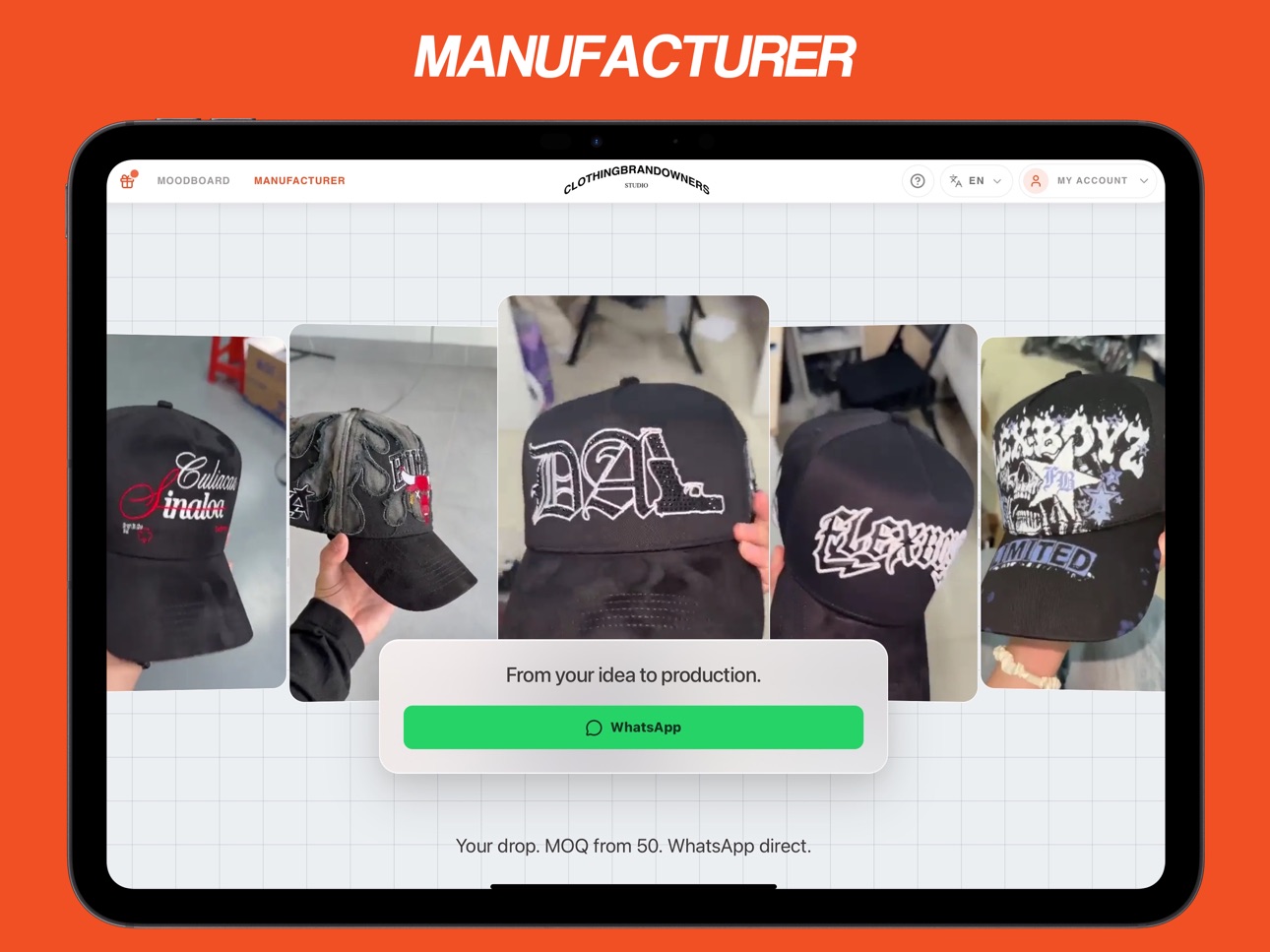
iPad 4 images



What’s New Version 2.0
This version focuses on the core CBOS design workflow for iPhone and iPad.
- 3D customization for supported hats, caps, boxes, and apparel concept workflows
- Decals, gems, accessories, colors, and material editing in the 3D studio
- Supported 3D model import for compatible files
- Real-scale 2D texture editing for graphics, patterns, and placement work
- AI-assisted image creation, background removal, and render workflows
- Local project saving so drafts and variations are easier to revisit
- Expanded editor and render workflow support
- Interface and performance refinements for mobile and tablet design sessions
Description
CBOS helps clothing brand owners design custom hats, caps, boxes, and apparel concepts on iPhone and iPad. Built for founders, streetwear designers, merch teams, and small creative studios, CBOS combines 3D product customization, a real-scale 2D texture editor, and AI-assisted workflows in one focused workspace.
Design in 3D
- Start from supported catalog products such as hats, caps, and boxes.
- Adjust colors, materials, decals, gems, accessories, and layout details.
- Import compatible 3D models for concept work.
- Preview designs from different angles and keep variations organized locally.
Edit graphics in 2D
- Work with a real-scale 2D texture editor for artwork, patterns, graphics, and placement checks.
- Add and refine raster layers, text, masks, and texture details.
- Save projects locally so you can return to drafts and iterate without starting over.
Use AI-assisted tools
- Create image ideas for graphics, references, and design exploration.
- Remove backgrounds from artwork and product images.
- Use assisted render workflows to create cleaner visuals for review and sharing.
Built for brand workflow
- Move from rough concept to a more polished visual direction in one app.
- Compare product ideas before committing time or budget to samples.
- Keep founder, designer, and merch feedback centered on the actual design.
Some features require internet access, account sign-in, supported assets, or eligible access. AI outputs may vary and should be reviewed before use in final brand materials.
Terms of Use (EULA): https://studio.clothingbrandowners.com/legal/terms
In-App Purchases US pricing
CBOS Pro Subscription
Monthly$34.99
Capabilities
In-App Purchases
Accessibility
ipadiphonemacrealityDevicetvoswatch
Version history 9 versions
Build 886955605v2.02026-06-22 13:50:29
This version focuses on the core CBOS design workflow for iPhone and iPad.
- 3D customization for supported hats, caps, boxes, and apparel concept workflows
- Decals, gems, accessories, colors, and material editing in the 3D studio
- Supported 3D model import for compatible files
- Real-scale 2D texture editing for graphics, patterns, and placement work
- AI-assisted image creation, background removal, and render workflows
- Local project saving so drafts and variations are easier to revisit
- Expanded editor and render workflow support
- Interface and performance refinements for mobile and tablet design sessions
Build 882052589v1.72026-02-02 04:29:38
fixed minor bug
Build 881719173v1.62026-01-22 13:23:55
fix minor bugs
Build 879330464v1.52025-10-30 07:03:04
What’s New
Mirror X/Y: quickly flip elements with a double-tap.
Background-driven opacity: more predictable transparency.
Landscape orientation
Performance: smoother interactions and steadier frame rates.
Fixes: assorted minor bug fixes and reliability improvements.
Build 879053195v1.42025-10-20 22:01:12
Now with Free Transform, Multi-Layer Selection, a new Pen Tool, and an expanded Undo/Redo for 3D & PBR. Plus, lots of fixes!
Build 878808975v1.32025-10-11 05:44:33
We've fixed some minor bugs and improved the overall performance of the app. In this update:
Minor bug fixes and stability improvements.
The Flood Fill algorithm is now more accurate and faster.
Introduced the new Brush tool to add gems more quickly in the 3D view.
Build 878597987v1.22025-10-02 17:20:04
This version introduces powerful new features for 3D creativity and improves the overall stability of the app.
Import USDZ Models: You can now import your own 3D models in .usdz format to decorate and enrich the main model. Unleash your imagination!
Animated 3D Flood Fill: We've added a new animated 3D "Flood Fill" effect to bring your creations to life with a dynamic touch.
Bug Fixes: Resolved minor bugs to make the user experience even smoother and more reliable.
Thank you for your support!
Build 878148588v1.12025-09-18 09:01:18
This update introduces new features to speed up your workflow:
4K UV Map Support.
New Flood Fill tool to color in the 3D scene with a single tap.
Project and Material Export for maximum flexibility.
Improved Layer Merging for a smoother experience.
Build 877657775v1.02025-09-02 09:40:11
Price history by region
Currency
Show
Columns
Search
Availability 1 of 1 storefronts
| Region | Language | Price | Ratings | Avg | Version |
|---|---|---|---|---|---|
| US | en-US | Free | 35 | 4.8 | 2.0 |
Change log 13 changes · US
✎
releaseNotes updated
This version focuses on the core CBOS design workflow for iPhone and iPad.
- 3D customization for supported hats, caps, boxes, and apparel concept workflows
-
✎
description updated
CBOS helps clothing brand owners design custom hats, caps, boxes, and apparel concepts on iPhone and iPad. Built for founders, streetwear designers, merch teams
✎
subtitle updated
AI Cap Mockup Maker
✎
name updated
CBOS: Custom Hat Design
◆
Version 2.0 released
This version focuses on the core CBOS design workflow for iPhone and iPad.
- 3D customization for supported hats, caps, boxes, and apparel concept workflows
- Decals, gems, accessories, colors, and material editing in the 3D studio
- Suppo
◆
Version 1.7 released
fixed minor bug
◆
Version 1.6 released
fix minor bugs
◆
Version 1.5 released
What’s New
Mirror X/Y: quickly flip elements with a double-tap.
Background-driven opacity: more predictable transparency.
Landscape orientation
Performance: smoother interactions and steadier frame rates.
Fixes: assorted minor bug fixe
◆
Version 1.4 released
Now with Free Transform, Multi-Layer Selection, a new Pen Tool, and an expanded Undo/Redo for 3D & PBR. Plus, lots of fixes!
◆
Version 1.3 released
We've fixed some minor bugs and improved the overall performance of the app. In this update:
Minor bug fixes and stability improvements.
The Flood Fill algorithm is now more accurate and faster.
Introduced the new Brush tool to add gems
◆
Version 1.2 released
This version introduces powerful new features for 3D creativity and improves the overall stability of the app.
Import USDZ Models: You can now import your own 3D models in .usdz format to decorate and enrich the main model. Unleash your im
◆
Version 1.1 released
This update introduces new features to speed up your workflow:
4K UV Map Support.
New Flood Fill tool to color in the 3D scene with a single tap.
Project and Material Export for maximum flexibility.
Improved Layer Merging for a smoother
◆
Version 1.0 released