Home › Utilities

 US
US
1 of 1 storefronts
Content in en-US
Content in en-US
Information
Preview 1 platform
iPhone 3 images
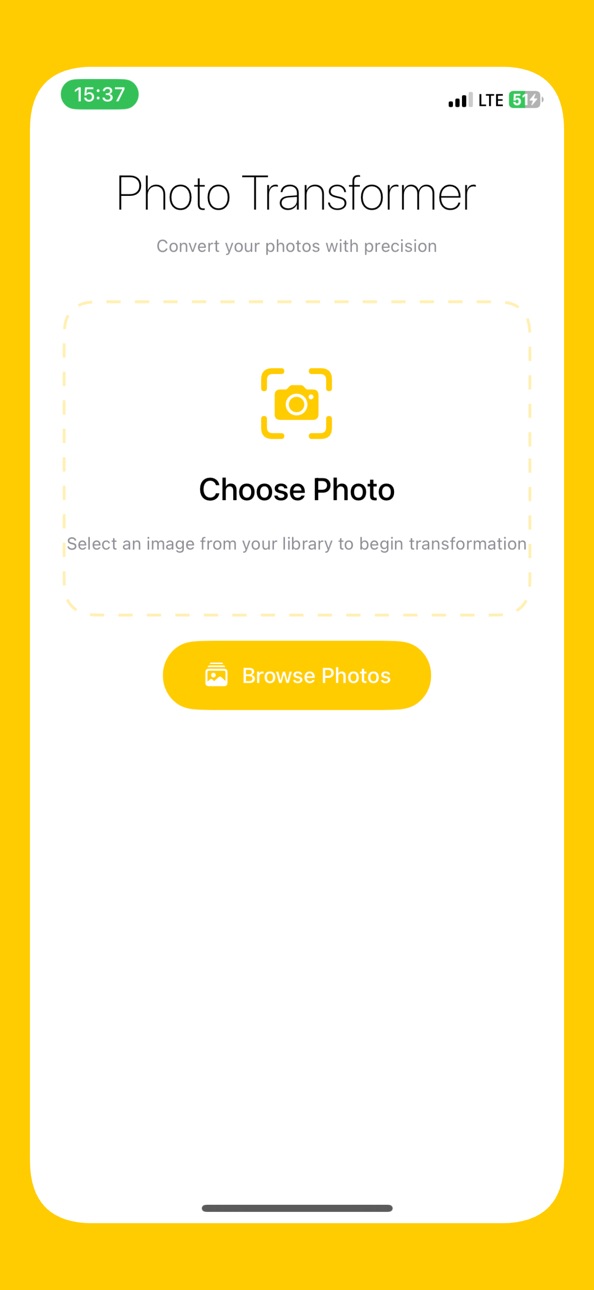

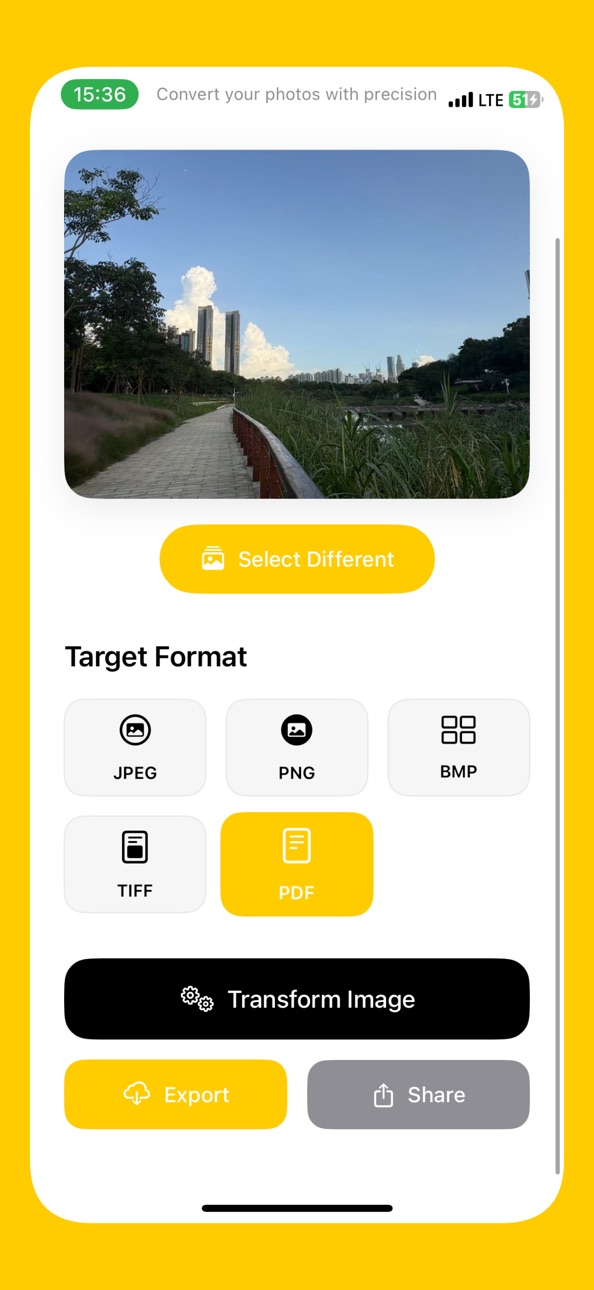
Description
Discover the ultimate solution for all your image format conversion needs with Image Converter. This powerful and user-friendly app allows you to seamlessly convert your images into a variety of formats, including JPG, PNG, MBP, WEBP, and TIFF . Whether you're looking to preserve the quality of your photos or share them across different platforms, Image Converter provides the flexibility and functionality you need.
With the added capability to convert images to PDF, sharing your files has never been easier. Simply choose your images, select the desired output format, and save or share them with friends, family, or colleagues with just a few taps. The intuitive interface ensures a smooth and hassle-free experience, making Image Converter your go-to app for all image conversion tasks.
Features:
- Convert images to popular formats: JPG, PNG, MBP, WEBP, and TIFF
- Create shareable PDFs from your images
- High-quality conversion with minimal loss in image quality
- Easy-to-use interface for seamless conversion
- Save converted images directly to your device
- Share images and PDFs effortlessly with friends and colleagues
Transform the way you handle images with Image Converter. Download now and experience the difference!
Accessibility
ipadiphonemacrealityDevicetvoswatch
Version history 1 versions
Build 877183279v1.02025-08-13 10:12:08
No pricing data captured yet — comparisons appear once the app has paid storefronts or in-app purchases.
Availability 1 of 1 storefronts
| Region | Language | Price | Ratings | Avg | Version |
|---|---|---|---|---|---|
| US | en-US | Free | 0 | — | 1.0 |
Change log 4 changes · US
✎
description updated
Discover the ultimate solution for all your image format conversion needs with Image Converter. This powerful and user-friendly app allows you to seamlessly con
✎
subtitle updated
JPG・PNG・Picture・Photo・PDF TIFF
✎
name updated
Image Convertor JPG, PDF, PNG
◆
Version 1.0 released