Home › Utilities

 US
US
1 of 1 storefronts
Content in en-US
Content in en-US
Information
Preview 2 platforms
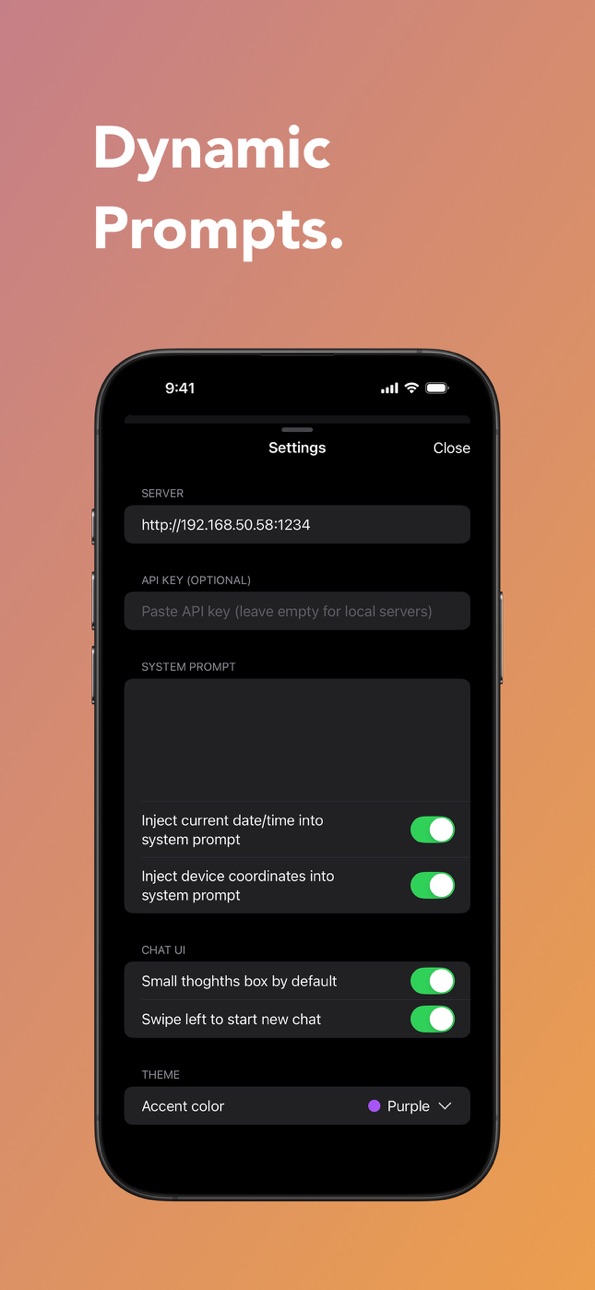
iPhone 5 images
Apple Watch 1 image

What’s New Version 1.6.3
- Introduced the new Card tool for richer, structured results directly in chat.
- Hardened Agent Mode for more reliable tool handling and a cleaner execution flow.
- Improved tool and thinking timelines so intermediate steps are easier to read.
- Fixed a chat UI issue where tiny empty thinking entries could appear after tool responses.
- General stability improvements and bug fixes.
Description
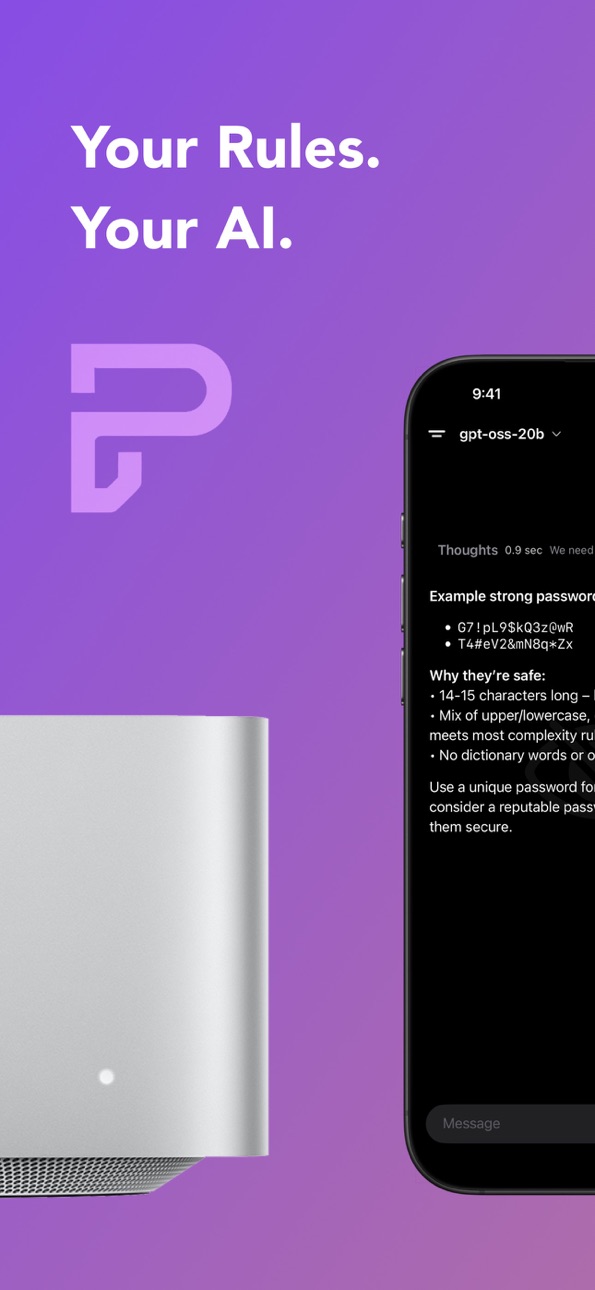
Your Rules. Your AI. Anywhere.
Run powerful AI models from your own computer with LM Studio – no cloud, no tracking, no limits. Connect directly from your iPhone for private, lightning-fast responses.
Why choose Local AI?
• Privacy First: All processing on your own server – your data stays with you.
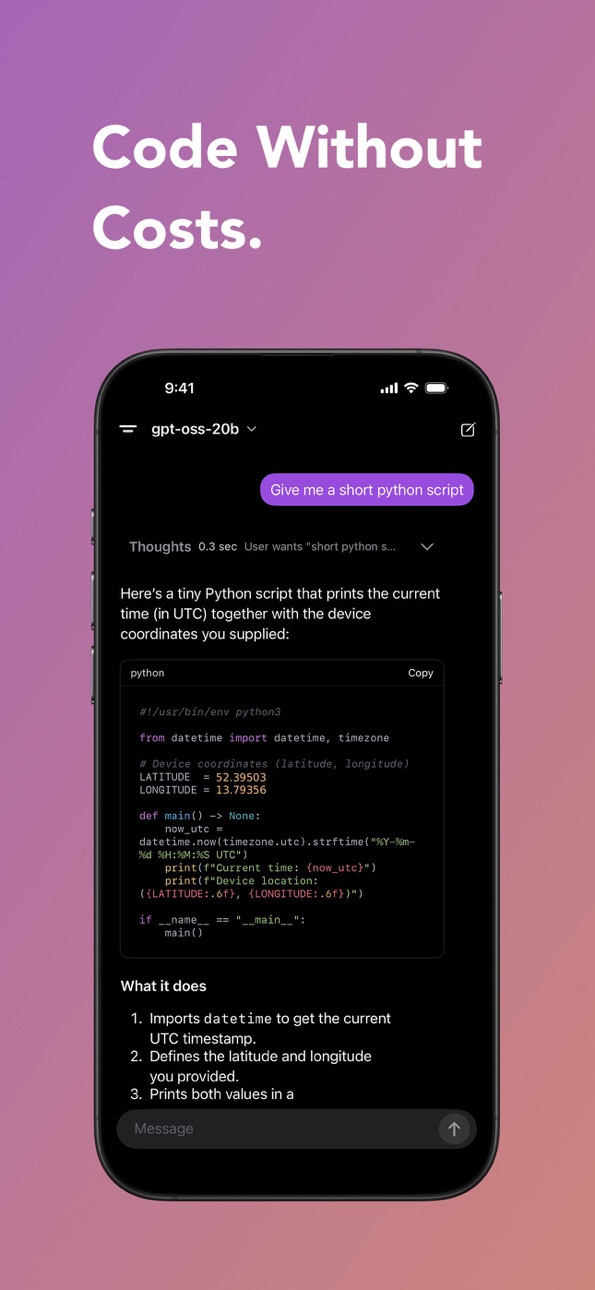
• Zero Cloud Costs: No monthly fees or hidden charges.
• Unlimited Models: Use any LLM supported by LM Studio.
• Instant Responses: Direct connection for real-time chat.
Perfect for:
Developers, AI enthusiasts, and anyone who wants full control over their AI without depending on external services.
Turn your PC into your personal AI engine – and put the power in your pocket.
Accessibility
ipadiphonemacrealityDevicetvoswatch
Version history 25 versions
Build 886928978v1.6.32026-06-16 13:23:18
- Introduced the new Card tool for richer, structured results directly in chat.
- Hardened Agent Mode for more reliable tool handling and a cleaner execution flow.
- Improved tool and thinking timelines so intermediate steps are easier to read.
- Fixed a chat UI issue where tiny empty thinking entries could appear after tool responses.
- General stability improvements and bug fixes.
Build 886249492v1.6.22026-06-08 19:23:51
Spike Agent is here: let Spike plan, use tools, and work through tasks step by step on a connected server.
Build 885515937v1.6.12026-05-28 15:08:24
Redesigned side menu plus small bug fixes and improvements.
Build 884994231v1.62026-05-06 17:16:09
• Rebranded to Spike — new icon, ghost, and Orbitron sidebar
• Smoother thinking box: faster open, crisper edges, no more double-toggle
• Live thinking preview during tool chains
• Native quick menu and refreshed sidebar spike icon
• Improved scroll behavior and streaming gap fixes
• Sharper Qwen 3.6 vision quality
Build 884175212v1.5.22026-04-07 17:33:26
- Fixed tool cards (crypto, maps, etc.) disappearing in chat
- Added Unsloth models to Hub search
- Bug fixes and stability improvements
Build 883631775v1.5.12026-03-30 16:45:56
- Apple Watch app — Chat with your AI directly from your wrist (server models)
- On-device Web Agent — Browse and interact with websites autonomously
- Welcome screen — Randomized color palettes with better color separation
- Ghost Mode pill button — Ghost toggle and new chat merged into a compact combined button
- Glass UI — Tool chips above the input bar now use clear glass instead of filled accent color
- Header layout — Model picker no longer overlaps side buttons; larger tap targets throughout
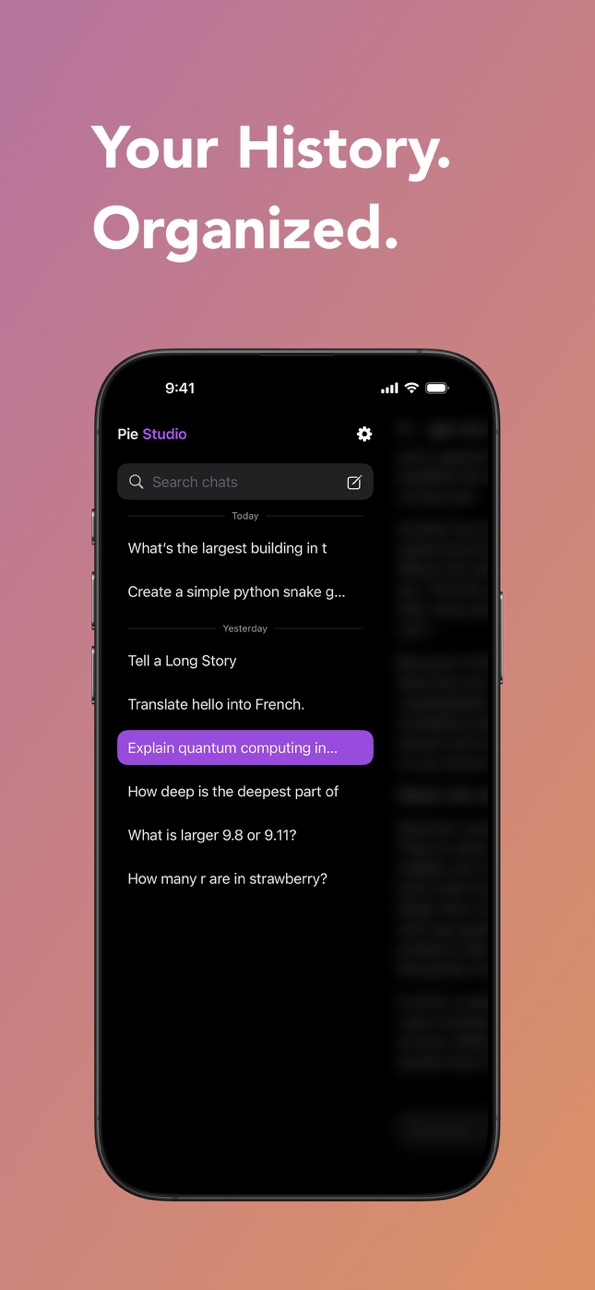
- Sidebar — Chat history scrolls to the very bottom of the screen
- Scroll stability — Reduced jitter during tool call transitions
- Server reliability — Improved connection handling and error recovery
- Gist sharing — Published artifacts are now secret/unlisted
- Bug fixes — Fixed streaming issues, Watch layout, TTS cleanup, and scroll-to-bottom edge cases
Build 883459114v1.5.02026-03-18 14:50:31
- New: Apple Watch app
- Bug fixes and improvements
Build 883185507v1.4.92026-03-10 19:57:49
- Unified Thinking & Tool Timeline: Thinking and tool calls now appear in a single collapsible timeline card. Tap to expand and see every step of the AI's
reasoning and actions live — from thinking to web searches, memory lookups, and more.
- Streaming Image Generation: Watch images appear progressively as they're generated, with a live preview that builds up in real time.
- Improved Stability: Fixed connection issues after returning from standby, prevented out-of-memory crashes when switching between models, and increased
connection timeout for slower model loading.
- Better Scrolling: Fixed scroll position jumping when dismissing code or HTML sheets, and improved auto-follow behavior during streaming.
- Premium Markdown: Redesigned tables, cleaner code block toolbars, and smoother rendering throughout.
- UI Polish: Balanced message padding, default accent color set to purple, and various visual refinements.
Build 882977784v1.4.82026-03-04 15:40:01
- Now supports Qwen 3.5 models
- Redesigned markdown tables
- Visual polish and bug fixes
Build 882859273v1.4.72026-02-28 15:20:58
- Smart Home Control — Control all your Apple Home devices with natural language. Turn lights on/off, set brightness, change colors, run scenes, and more.
Control multiple devices at once by room or name.
- Apple Maps — Search for places, get directions, plan multi-stop routes, and view locations on an interactive map — all through conversation.
- Soprano TTS — New on-device text-to-speech engine replacing ElevenLabs and System TTS for faster, more natural voice output.
- Improved Whisper — More reliable on-device speech recognition with better error recovery.
- Model Selector — Long model names now truncate gracefully instead of breaking the toolbar layout.
- Native Tool Calling — More reliable tool execution with better parameter handling across all tools.
Build 882224985v1.4.62026-02-06 16:56:54
What's New in 1.4.6
- New Reminders Tool: Create and manage reminders with batch support, full list management, and a
beautiful Apple Reminders-style UI
- New Calendar Tool: Add and view calendar events with quick toggles, syncing directly to your Apple
Calendar
- New Crypto Tool: Track cryptocurrency prices with a dedicated UI and live data
- On-Device AI: Optimized local MLX inference for faster performance on iPhone
- Camera improvements: Better image sizing when capturing photos
- Improved markdown rendering for crypto and math content
- Various bug fixes and performance improvements across the app
Build 882130953v1.4.52026-02-04 00:04:41
New: Artifact preview for generated HTML code blocks. View, copy, and navigate between artifact versions directly in the app.
Build 881080450v1.4.42025-12-30 01:10:40
Bug fixes and minor optimizations.
Build 880489672v1.4.32025-12-09 22:50:31
Bug fixes and minor optimizations.
Build 880409410v1.4.22025-12-07 04:59:45
Bug fixes and minor optimizations.
Build 880393901v1.4.12025-12-06 03:45:36
Bug fixes and minor optimizations.
Build 880323156v1.42025-12-05 22:09:44
Bug fixes and minor optimizations.
Build 878442610v1.3.12025-09-27 08:31:35
Bug fixes and minor optimizations.
Build 878393705v1.32025-09-25 15:49:26
• Local mode has been added to enable the use of MLX models on the device
Build 878205707v1.22025-09-18 09:48:48
• A new design that matches iOS 26
Build 877838829v1.1.92025-09-08 23:22:38
• Bug fixes and overall stability improvements
• Added favorite menu
Build 877821167v1.1.82025-09-04 08:16:44
• Bug fixes and overall stability improvements
• Added light mode
Build 877697245v1.1.72025-09-03 09:20:36
• Added a new image generation tool powered by a custom backend
• Bug fixes and overall stability improvements
Build 877653090v1.1.62025-08-29 01:05:10
• Bug fixes and stability improvements
Build 877623986v1.1.52025-08-28 04:32:43
• New Voice Mode
• Bug fixes and stability improvements
No pricing data captured yet — comparisons appear once the app has paid storefronts or in-app purchases.
Availability 1 of 1 storefronts
| Region | Language | Price | Ratings | Avg | Version |
|---|---|---|---|---|---|
| US | en-US | Free | 4 | 4.8 | 1.6.3 |
Change log 29 changes · US
✎
releaseNotes updated
- Introduced the new Card tool for richer, structured results directly in chat.
- Hardened Agent Mode for more reliable tool handling and a cleaner execution fl
✎
description updated
Your Rules. Your AI. Anywhere.
Run powerful AI models from your own computer with LM Studio – no cloud, no tracking, no limits. Connect directly from your iPhon
✎
subtitle updated
Your Rules. Your AI.
✎
name updated
Spike AI
◆
Version 1.6.3 released
- Introduced the new Card tool for richer, structured results directly in chat.
- Hardened Agent Mode for more reliable tool handling and a cleaner execution flow.
- Improved tool and thinking timelines so intermediate steps are easier to r
◆
Version 1.6.2 released
Spike Agent is here: let Spike plan, use tools, and work through tasks step by step on a connected server.
◆
Version 1.6.1 released
Redesigned side menu plus small bug fixes and improvements.
◆
Version 1.6 released
• Rebranded to Spike — new icon, ghost, and Orbitron sidebar
• Smoother thinking box: faster open, crisper edges, no more double-toggle
• Live thinking preview during tool chains
• Native quick menu and refreshed sidebar spike icon
◆
Version 1.5.2 released
- Fixed tool cards (crypto, maps, etc.) disappearing in chat
- Added Unsloth models to Hub search
- Bug fixes and stability improvements
◆
Version 1.5.1 released
- Apple Watch app — Chat with your AI directly from your wrist (server models)
- On-device Web Agent — Browse and interact with websites autonomously
- Welcome screen — Randomized color palettes with better color separation
- Ghost
◆
Version 1.5.0 released
- New: Apple Watch app
- Bug fixes and improvements
◆
Version 1.4.9 released
- Unified Thinking & Tool Timeline: Thinking and tool calls now appear in a single collapsible timeline card. Tap to expand and see every step of the AI's
reasoning and actions live — from thinking to web searches, memory lookups, and m
◆
Version 1.4.8 released
- Now supports Qwen 3.5 models
- Redesigned markdown tables
- Visual polish and bug fixes
◆
Version 1.4.7 released
- Smart Home Control — Control all your Apple Home devices with natural language. Turn lights on/off, set brightness, change colors, run scenes, and more.
Control multiple devices at once by room or name.
- Apple Maps — Search for pla
◆
Version 1.4.6 released
What's New in 1.4.6
- New Reminders Tool: Create and manage reminders with batch support, full list management, and a
beautiful Apple Reminders-style UI
- New Calendar Tool: Add and view calendar events with quick toggles, syncing
◆
Version 1.4.5 released
New: Artifact preview for generated HTML code blocks. View, copy, and navigate between artifact versions directly in the app.
◆
Version 1.4.4 released
Bug fixes and minor optimizations.
◆
Version 1.4.3 released
Bug fixes and minor optimizations.
◆
Version 1.4.2 released
Bug fixes and minor optimizations.
◆
Version 1.4.1 released
Bug fixes and minor optimizations.
◆
Version 1.4 released
Bug fixes and minor optimizations.
◆
Version 1.3.1 released
Bug fixes and minor optimizations.
◆
Version 1.3 released
• Local mode has been added to enable the use of MLX models on the device
◆
Version 1.2 released
• A new design that matches iOS 26
◆
Version 1.1.9 released
• Bug fixes and overall stability improvements
• Added favorite menu
◆
Version 1.1.8 released
• Bug fixes and overall stability improvements
• Added light mode
◆
Version 1.1.7 released
• Added a new image generation tool powered by a custom backend
• Bug fixes and overall stability improvements
◆
Version 1.1.6 released
• Bug fixes and stability improvements
◆
Version 1.1.5 released
• New Voice Mode
• Bug fixes and stability improvements