Home › Utilities

 US
US
1 of 1 storefronts
Content in en-US
Content in en-US
Information
Preview 2 platforms
iPhone 3 images


iPad 3 images


What’s New Version 1.6
• Barcode Scanner for Dexcom devices – You can now scan Dexcom barcodes to capture transmitter serial numbers and sensor lot numbers automatically.
• Faster session setup – When starting a new transmitter or sensor session, details can be read directly from the barcode (if you choose), saving time and avoiding manual entry.
This is a feature that's been planned from the very beginning of MyCGM Log, and it makes starting new sessions quicker, more accurate, and far less error-prone.
Description
Track CGM Sessions with Confidence
This app is designed to help you log and manage continuous glucose monitor (CGM) sessions with ease. Built with Dexcom users in mind, it also has the flexibility to support additional CGM types in the future.
Whether you're monitoring transmitter usage or logging sensor performance issues, this app provides a reliable logbook to support your diabetes management. It keeps a record of transmitter serial numbers and sensor lot numbers - information often required when reporting issues - so it’s all in one place when you need it.
Features include:
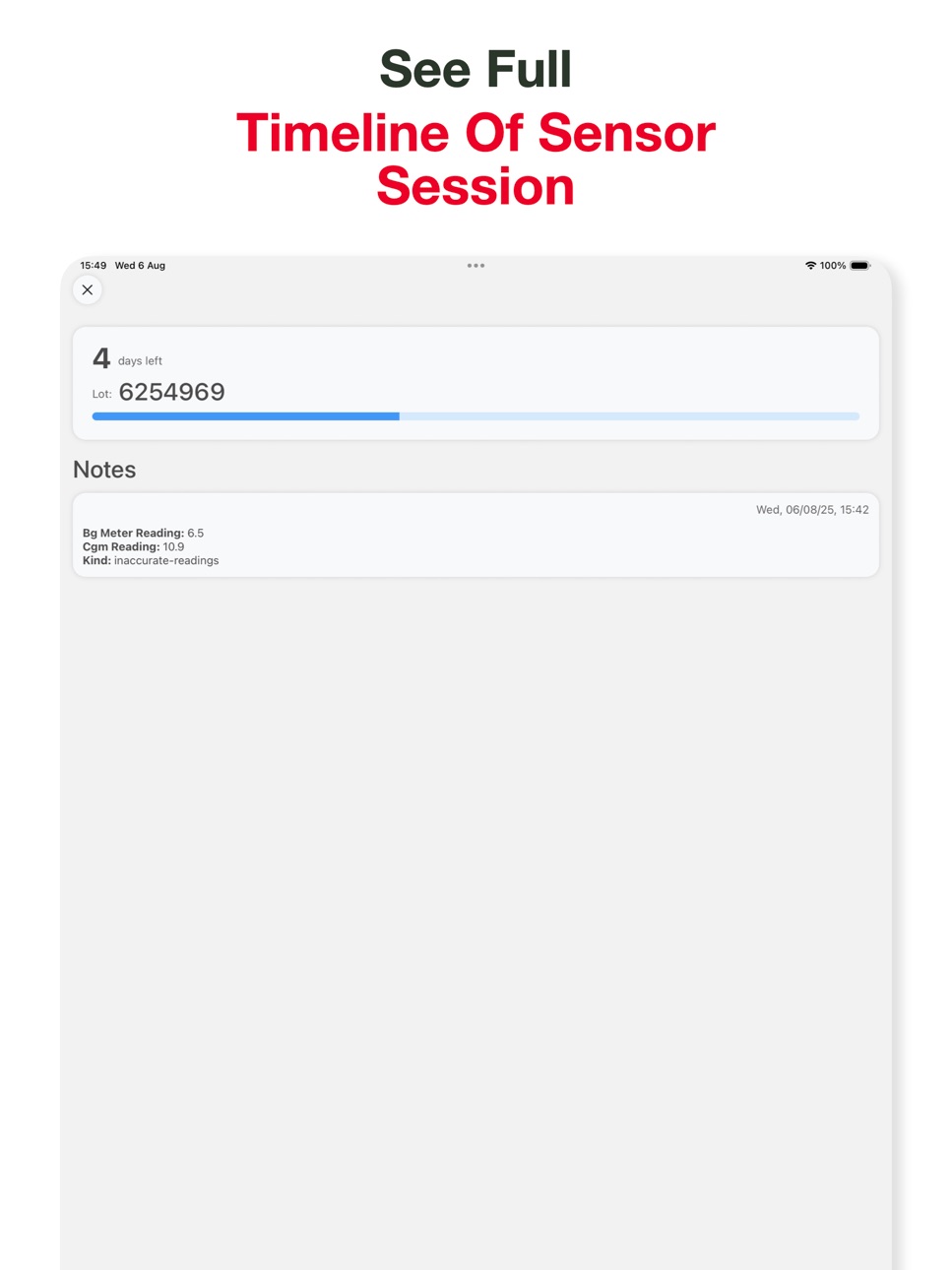
• A timeline of all sensor sessions and transmitter usage
• Countdown tracking for transmitter lifespan
• Easy access to serial and lot numbers
• Notes for documenting sensor performance or issues
MyCGMLog does not connect to any medical device, sensor, or transmitter. It does not use Bluetooth, APIs, or any form of hardware integration. All information is entered manually by the user, making it completely safe to explore and test without affecting any real devices
Accessibility
ipadiphonemacrealityDevicetvoswatch
Version history 7 versions
Build 880704241v1.62025-12-16 10:25:02
• Barcode Scanner for Dexcom devices – You can now scan Dexcom barcodes to capture transmitter serial numbers and sensor lot numbers automatically.
• Faster session setup – When starting a new transmitter or sensor session, details can be read directly from the barcode (if you choose), saving time and avoiding manual entry.
This is a feature that's been planned from the very beginning of MyCGM Log, and it makes starting new sessions quicker, more accurate, and far less error-prone.
Build 880184049v1.52025-11-29 01:42:47
• Undo Ended Sensor / Transmitter – If you accidentally mark a sensor or transmitter as ended, you can now undo it instantly.
• Archive & Restore Transmitters – Clean up your list without losing history. Archive transmitters you're no longer using and restore them any time.
• Permanently Delete Transmitters – When you're ready for a clean slate, you can fully remove a transmitter from your log.
• Improved Sensor Filtering – Fixed an issue where sensors without issues weren’t being filtered correctly.
• Smoother Filter Sheet – Fixed a bug where the filtering bottom sheet would scroll off the page.
Build 878743607v1.42025-10-08 19:14:51
• Copy serial and lot numbers – You can now copy your transmitter serial number and sensor lot number straight to the clipboard for quick sharing.
• Large Type View – View serial and lot numbers in large, easy-to-read text — perfect for reading them out or checking them at a glance.
• Phonetic Spelling View – See your transmitter serial number spelled out phonetically (A for Alpha, B for Bravo…) to make it effortless to read over the phone.
This update makes managing your CGM details faster, clearer, and easier than ever.
Build 878262219v1.32025-09-20 04:28:06
• Lightning-fast startup – We've reduced the app's cold start from ~3 seconds to instantaneous. No more loading screen — you're straight into your active transmitter.
• Filter your sensors – When viewing a transmitter, you can now filter sensors to quickly find exactly what you need:
- Sensors with / without issues
- Reported / not reported
- To be reported
- Ended early
Build 877994809v1.22025-09-10 21:49:33
We've made it easier to stay on top of your CGM sessions!
• Edit Transmitter Start Time – Mistimed a start? No problem. You can now edit the start date and time of your transmitter.
• Mark as Reported – Keep track of support requests by marking a sensor as reported and logging your reference number.
This update makes MyCGM Log even more flexible and helps you stay organised when dealing with sensors and transmitters.
Build 877387103v1.12025-08-20 01:26:24
• You can now see all your previous transmitters — finally, a proper history!
• Each transmitter now shows all its past sensors, so you can piece the puzzle together.
• Made a mistake? No problem — you can now edit transmitter serial numbers.
Build 877029643v1.02025-08-09 07:13:22
No pricing data captured yet — comparisons appear once the app has paid storefronts or in-app purchases.
Availability 1 of 1 storefronts
| Region | Language | Price | Ratings | Avg | Version |
|---|---|---|---|---|---|
| US | en-US | Free | 0 | — | 1.6 |
Change log 11 changes · US
✎
releaseNotes updated
• Barcode Scanner for Dexcom devices – You can now scan Dexcom barcodes to capture transmitter serial numbers and sensor lot numbers automatically.
• Faster ses
✎
description updated
Track CGM Sessions with Confidence
This app is designed to help you log and manage continuous glucose monitor (CGM) sessions with ease. Built with Dexcom users
✎
subtitle updated
Track CGM sessions & issues
✎
name updated
MyCGMLog
◆
Version 1.6 released
• Barcode Scanner for Dexcom devices – You can now scan Dexcom barcodes to capture transmitter serial numbers and sensor lot numbers automatically.
• Faster session setup – When starting a new transmitter or sensor session, details can be r
◆
Version 1.5 released
• Undo Ended Sensor / Transmitter – If you accidentally mark a sensor or transmitter as ended, you can now undo it instantly.
• Archive & Restore Transmitters – Clean up your list without losing history. Archive transmitters you're no longe
◆
Version 1.4 released
• Copy serial and lot numbers – You can now copy your transmitter serial number and sensor lot number straight to the clipboard for quick sharing.
• Large Type View – View serial and lot numbers in large, easy-to-read text — perfect for rea
◆
Version 1.3 released
• Lightning-fast startup – We've reduced the app's cold start from ~3 seconds to instantaneous. No more loading screen — you're straight into your active transmitter.
• Filter your sensors – When viewing a transmitter, you can now filter se
◆
Version 1.2 released
We've made it easier to stay on top of your CGM sessions!
• Edit Transmitter Start Time – Mistimed a start? No problem. You can now edit the start date and time of your transmitter.
• Mark as Reported – Keep track of support requests by mar
◆
Version 1.1 released
• You can now see all your previous transmitters — finally, a proper history!
• Each transmitter now shows all its past sensors, so you can piece the puzzle together.
• Made a mistake? No problem — you can now edit transmitter serial number
◆
Version 1.0 released