Home › Productivity

 US
US
1 of 1 storefronts
Content in en-US
Content in en-US
Information
Preview 3 platforms
iPhone 7 images



iPad 6 images



Mac 6 images


What’s New Version 2.4
- Small updates on Calendar
- Default calendar settings are now more beginner friendly
Description
Designed to boost your productivity, QuestList is an all-in-one gamified To-Do List & Calendar app.
QuestList can be accessed on most Apple platforms, including iPhone, iPad, and Mac, allowing you to work on any platform you want.
Free features:
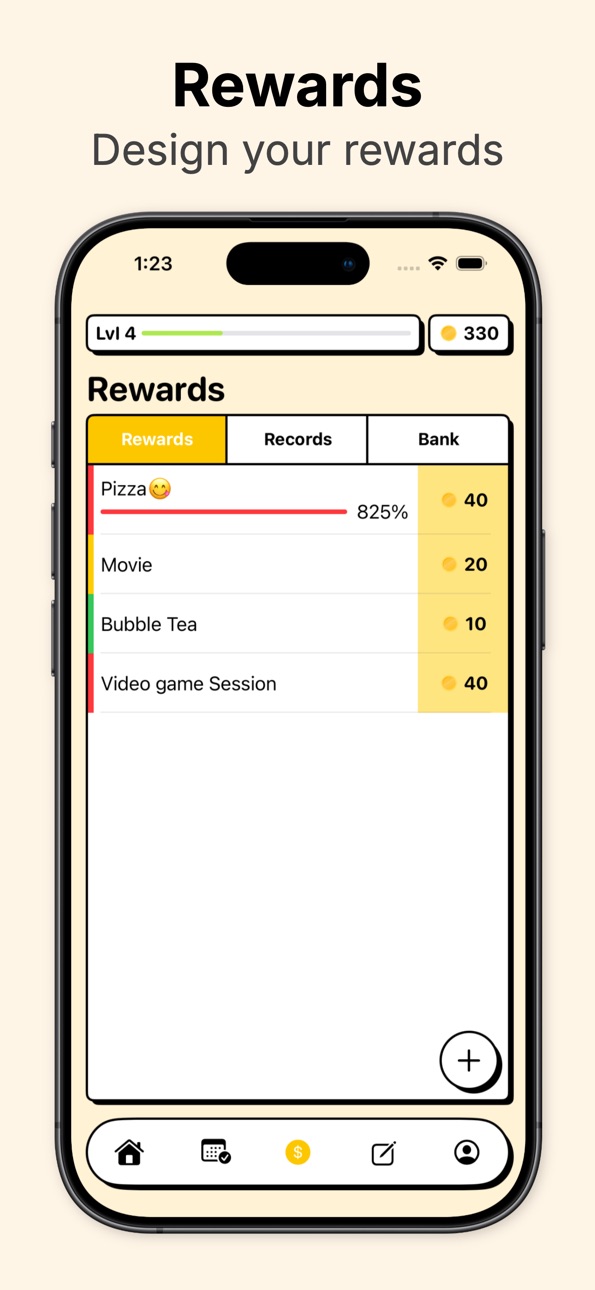
- Unlimited quests, 5 habits and 5 rewards for gamification
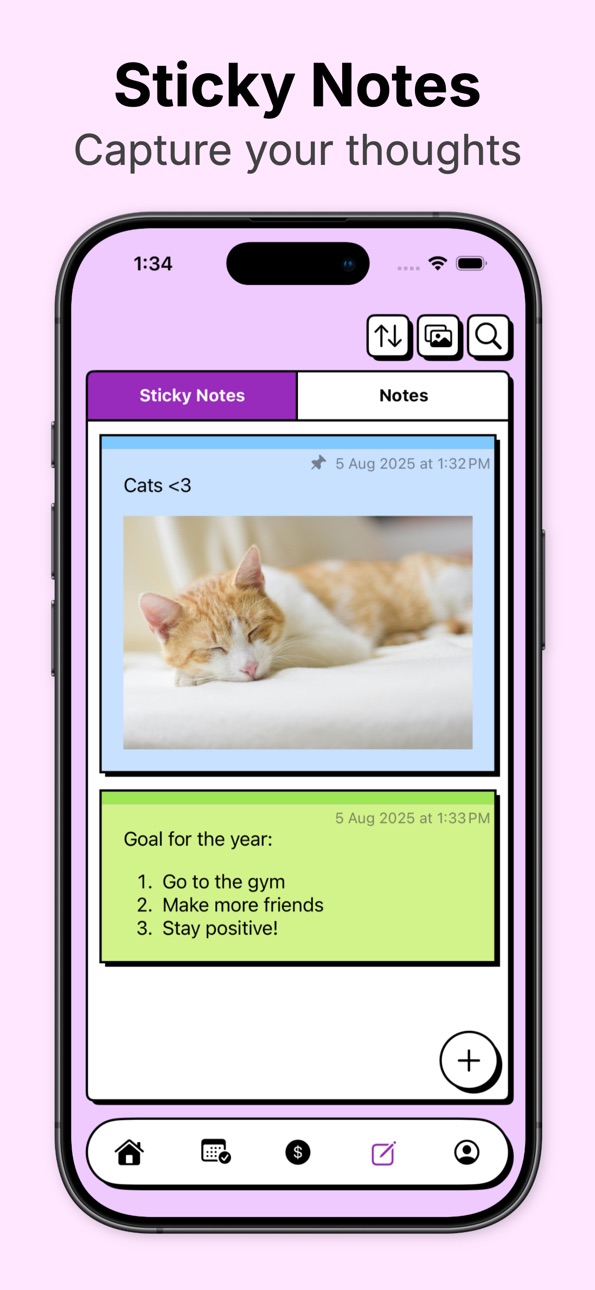
- 3 sticky notes and 5 notes with Markdown support
- iCloud sync and backup across all your Apple devices
Pro features:
- Calendar
- Month view: Drag and drop to quickly plan your schedule
- Day view: Break down your daily schedule with a detailed timeline
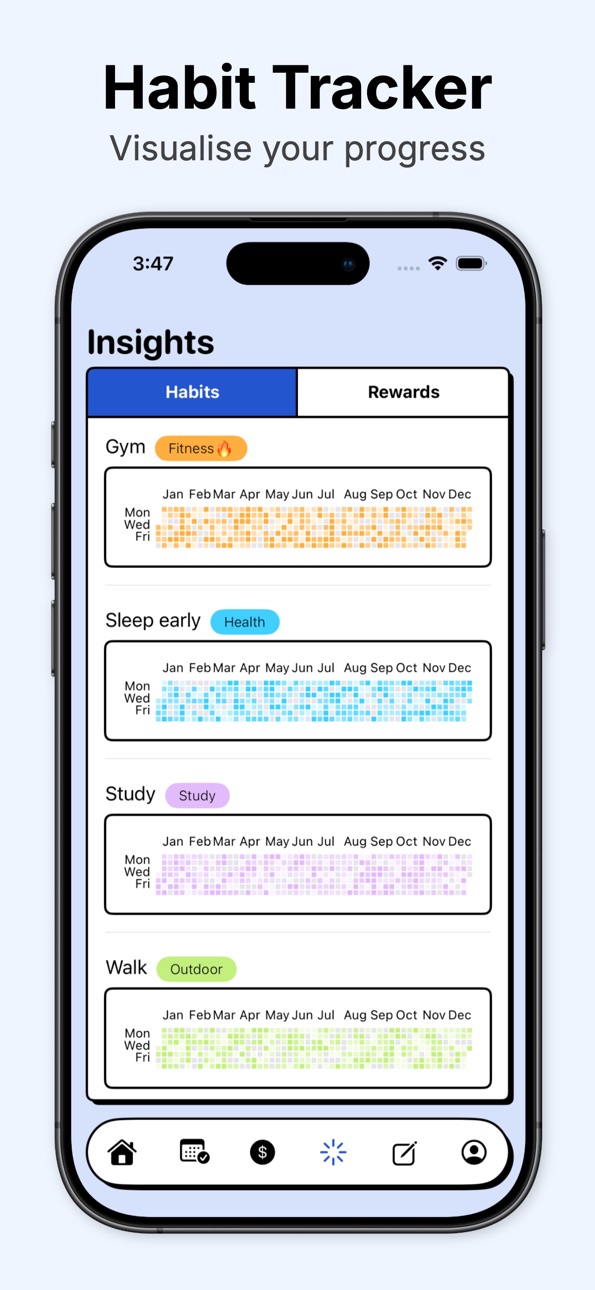
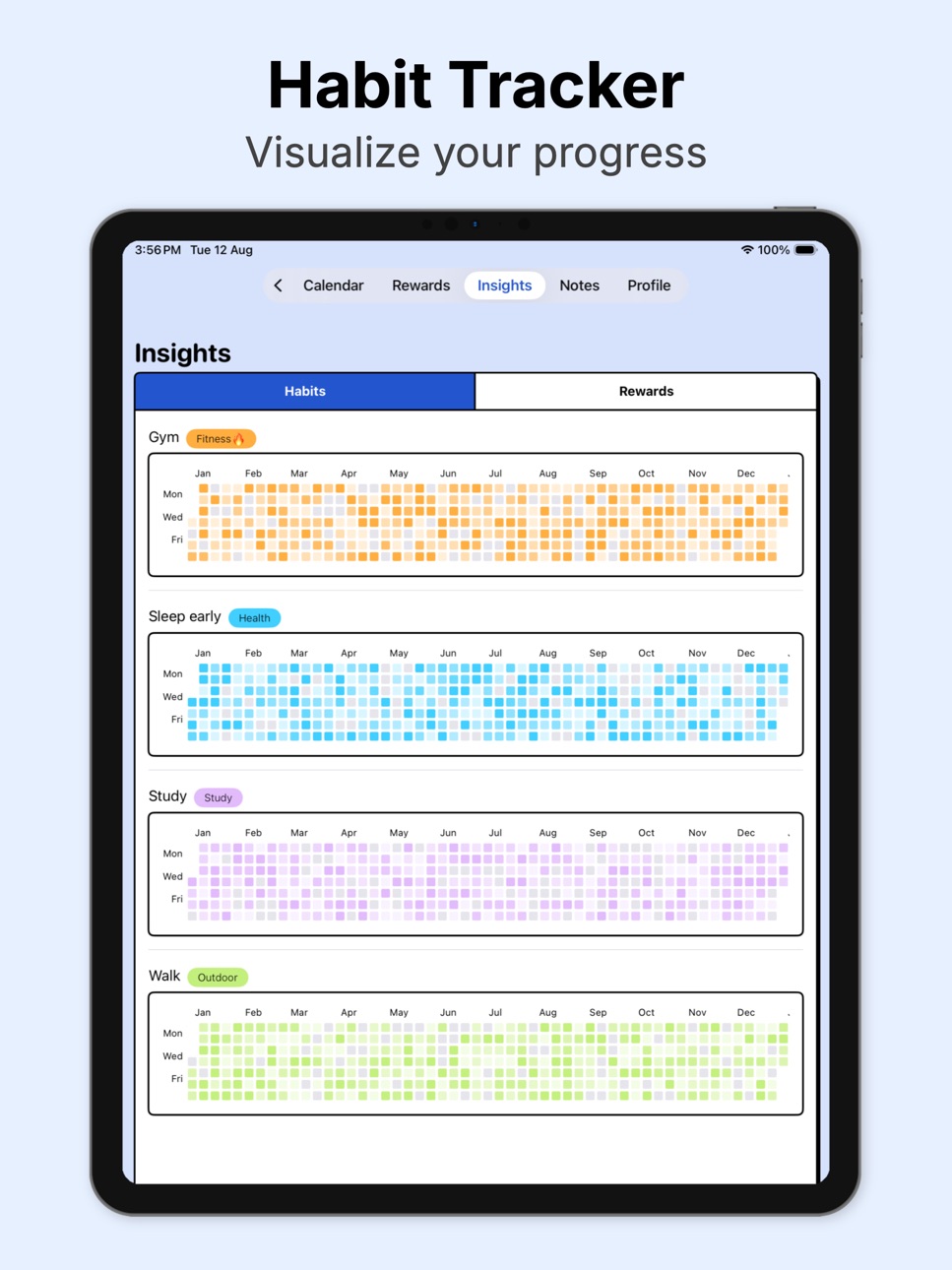
- Insights: Visualize your progress
- Unlimited sticky notes & notes
- Reward statistics and bank
Support us by purchasing Pro membership. We need your support to work on future updates and bug fixes.
Our app can double your productivity by:
- Never miss a task again
- Track all your schedules
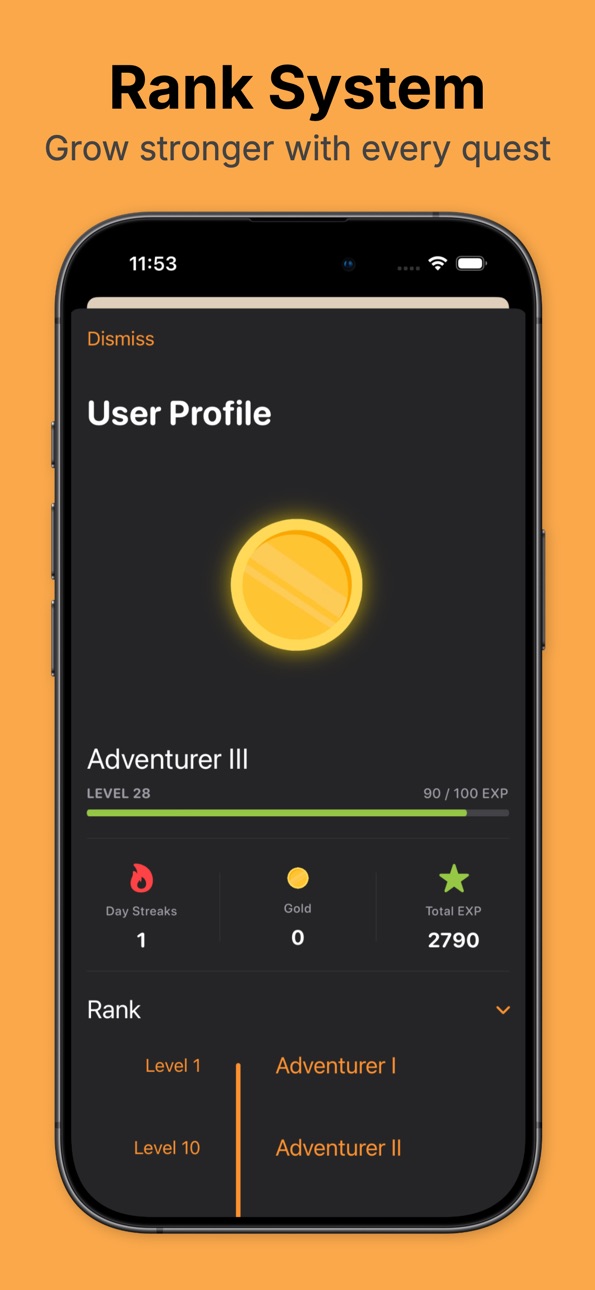
- Extra motivation with Gamification
- Reduce procrastination with reward-based system
Follow us on social media:
Reddit: https://www.reddit.com/r/QuestList_app/
X (developer): https://x.com/alvinng324
Privacy policy:
https://www.questlist.net
Terms of use:
https://www.questlist.net/terms/
Capabilities
In-App Purchases
Accessibility
ipadiphonemacrealityDevicetvoswatch
Version history 13 versions
Build 880936205v2.42025-12-24 06:45:08
- Small updates on Calendar
- Default calendar settings are now more beginner friendly
Build 879607961v2.32025-11-10 18:14:48
- Bug fix: completing / uncompleting bad habits affecting exp
- Bug fix: color scheme changes is not reflected immediately in settings
- New feature: add code block formatting for Markdown
Build 878356917v2.22025-09-23 09:53:32
- Bug fixes: wrong weekday computation for some regions and "start of week" settings
- Minor UI update
- New habits now hidden from calendar by default
Build 878111563v2.12025-09-16 10:46:00
- Bug fixes for Goal Tracker
Build 878067164v2.02025-09-14 07:54:12
- Fix the bug that bad habits reduce exp
- Moved insights to "More" in Profile
- Added goal tracker
Build 877681318v1.82025-09-01 05:58:05
- UI update
- Bug fixes
Build 877583133v1.72025-08-27 10:50:23
- UI update
- Bug fixes
Build 877506324v1.62025-08-24 09:58:23
- Fixed severe lag of notes and sticky notes by removing pdf / png export options
- UI improvements
Build 877239270v1.52025-08-14 05:43:07
- Emergency fix: Allow user to restore subscription on different platforms
- Small UI update
- Minor bug fixes
Build 877128005v1.42025-08-13 05:14:16
- Added statistics to Quest, Habit & Reward
- Added insights tab
- Updated paywall and pricing
- Reduced lag of confetti cannon
- Bug fixes
Build 877102244v1.32025-08-09 06:10:47
- Fixed bug that notification request and paywall are not showing after onboarding
- Fixed bug that app couldn't detect dark mode changes
- Improved the UI
Build 877042376v1.22025-08-08 14:38:58
- Added custom theme for each individual tab
- Added Pop up when level up
- Added Confetti button
- Improved onboarding flow
- New app icon
- Bug fixes
Build 876724162v1.12025-08-06 17:27:24
No pricing data captured yet — comparisons appear once the app has paid storefronts or in-app purchases.
Availability 1 of 1 storefronts
| Region | Language | Price | Ratings | Avg | Version |
|---|---|---|---|---|---|
| US | en-US | Free | 2 | 5.0 | 2.4 |
Change log 17 changes · US
✎
releaseNotes updated
- Small updates on Calendar
- Default calendar settings are now more beginner friendly
✎
description updated
Designed to boost your productivity, QuestList is an all-in-one gamified To-Do List & Calendar app.
QuestList can be accessed on most Apple platforms, including
✎
subtitle updated
Planner, Habit and Notes
✎
name updated
QuestList: Gamified To-Do List
◆
Version 2.4 released
- Small updates on Calendar
- Default calendar settings are now more beginner friendly
◆
Version 2.3 released
- Bug fix: completing / uncompleting bad habits affecting exp
- Bug fix: color scheme changes is not reflected immediately in settings
- New feature: add code block formatting for Markdown
◆
Version 2.2 released
- Bug fixes: wrong weekday computation for some regions and "start of week" settings
- Minor UI update
- New habits now hidden from calendar by default
◆
Version 2.1 released
- Bug fixes for Goal Tracker
◆
Version 2.0 released
- Fix the bug that bad habits reduce exp
- Moved insights to "More" in Profile
- Added goal tracker
◆
Version 1.8 released
- UI update
- Bug fixes
◆
Version 1.7 released
- UI update
- Bug fixes
◆
Version 1.6 released
- Fixed severe lag of notes and sticky notes by removing pdf / png export options
- UI improvements
◆
Version 1.5 released
- Emergency fix: Allow user to restore subscription on different platforms
- Small UI update
- Minor bug fixes
◆
Version 1.4 released
- Added statistics to Quest, Habit & Reward
- Added insights tab
- Updated paywall and pricing
- Reduced lag of confetti cannon
- Bug fixes
◆
Version 1.3 released
- Fixed bug that notification request and paywall are not showing after onboarding
- Fixed bug that app couldn't detect dark mode changes
- Improved the UI
◆
Version 1.2 released
- Added custom theme for each individual tab
- Added Pop up when level up
- Added Confetti button
- Improved onboarding flow
- New app icon
- Bug fixes
◆
Version 1.1 released