Home › Utilities

Image to PDF: PDF Rocket
Convert Images to PDF IMG PDF
 US
US
1 of 1 storefronts
Content in en-US
Content in en-US
Information
Preview 1 platform
iPhone 3 images


What’s New Version 1.0.3
We have redesigned the conversion flow and made the full conversion faster - especially in conversions with multiple images.
Description
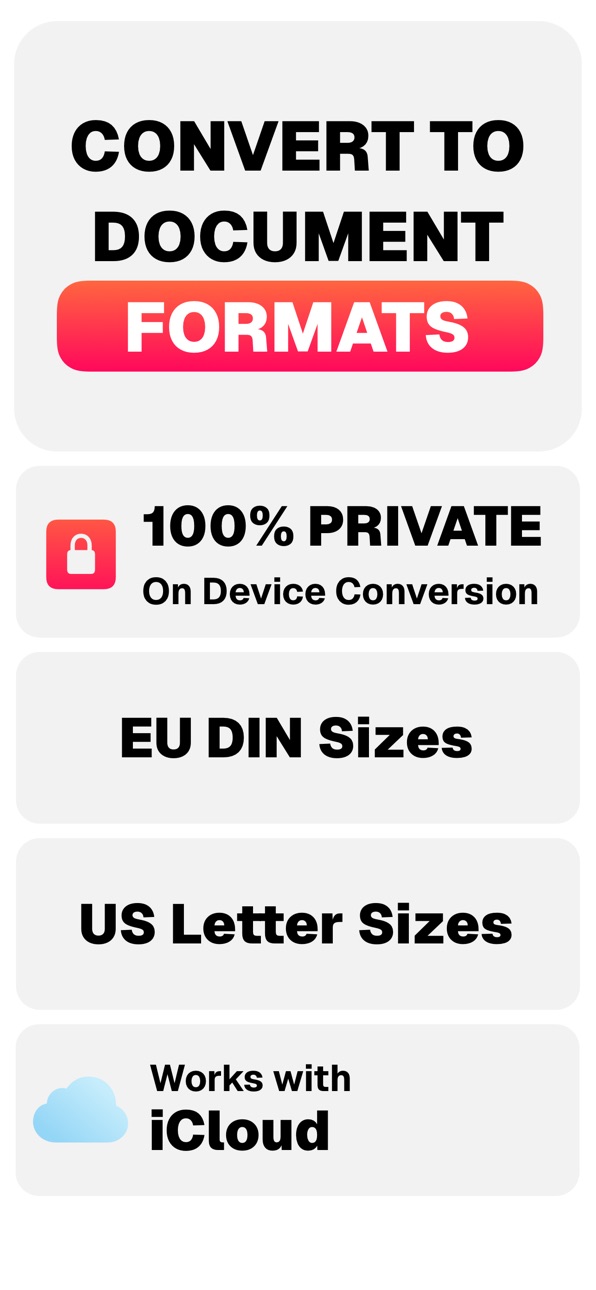
ImagePDF makes it simple to turn any photo, screenshot, or document into a high-quality PDF right on your iPhone. The entire conversion happens on your device, so your files stay private, secure, and never leave your phone.
You can select one or several images, reorder them, and create a clean PDF in just a few seconds. The app automatically adjusts orientation and quality so every page looks professional. Whether it’s receipts, study notes, contracts, or family photos, ImagePDF gives you a fast and reliable way to store or share them as polished PDFs.
Everything is processed locally - no servers, no sign-ups, and no ads. You can easily rename your files, preview the final document, and share it anywhere through Mail, AirDrop, or Files. The interface is modern, intuitive, and fully supports dark mode for a seamless iOS experience.
For users who convert frequently, ImagePDF Pro unlocks unlimited conversions and all quality levels through Apple’s secure in-app purchase system. Subscriptions are managed entirely by Apple and can be canceled at any time in your App Store settings.
Unlike other PDF tools, ImagePDF never uploads your content or tracks your activity. It’s fast, private, and always ready when you need it. Perfect for professionals, students, or anyone who wants an effortless way to create PDFs on the go.
Download ImagePDF today and experience the easiest and most private way to convert images into PDF files.
Some features of the app are paid and while you can use the basis version for free with one conversion every day, higher qualities and other paper formats are paid features.
Terms of Use: https://www.apple.com/legal/internet-services/itunes/dev/stdeula/
In-App Purchases US pricing
Premium Plans Subscription
Weekly Premium Plan · 7 days$4.99
PDF Rocket Premium Yearly · Yearly$29.99
Capabilities
In-App Purchases
Accessibility
ipadiphonemacrealityDevicetvoswatch
Version history 4 versions
Build 879850107v1.0.32025-11-18 17:15:03
We have redesigned the conversion flow and made the full conversion faster - especially in conversions with multiple images.
Build 879235827v1.0.22025-10-27 13:22:41
We have decreased the processing time significantly and made visual adjustments so you find your functions in the app even more quickly.
Build 879137948v1.0.12025-10-23 09:26:07
We have overhauled our simple design language and made the scanner even easier to use!
Build 876532756v1.0.02025-10-17 18:56:53
Price history by region
Currency
Show
Columns
Search
Availability 1 of 1 storefronts
| Region | Language | Price | Ratings | Avg | Version |
|---|---|---|---|---|---|
| US | en-US | Free | 0 | — | 1.0.3 |
Change log 8 changes · US
✎
releaseNotes updated
We have redesigned the conversion flow and made the full conversion faster - especially in conversions with multiple images.
✎
description updated
ImagePDF makes it simple to turn any photo, screenshot, or document into a high-quality PDF right on your iPhone. The entire conversion happens on your device,
✎
subtitle updated
Convert Images to PDF IMG PDF
✎
name updated
Image to PDF: PDF Rocket
◆
Version 1.0.3 released
We have redesigned the conversion flow and made the full conversion faster - especially in conversions with multiple images.
◆
Version 1.0.2 released
We have decreased the processing time significantly and made visual adjustments so you find your functions in the app even more quickly.
◆
Version 1.0.1 released
We have overhauled our simple design language and made the scanner even easier to use!
◆
Version 1.0.0 released