Home › Productivity

HiNoter - AI Note Taker
Auto transcribe & summarize
 US
US
USen-US MXes-MX
 IDen-GB
 ITit
ITit TRen-GB
 CLes-MX
 FRfr-FR
 ESes-ES
 PHen-GB
 EGen-GB
 TWzh-Hant-TW
 GHen-GB
 CAen-CA
 PLen-GB
 PTpt-PT
 GBen-GB
 CHde-CH
 NGen-GB
 DEde-DE
 SAen-GB
 INen-GB
 BEen-GB
 ROen-GB
 CDen-GB
 ILen-GB
 AEen-GB
 ZAen-GB
 AUen-AU
 QAen-GB
 SGen-GB
 TZen-GB
 OMen-GB
 PKen-GB
 KEen-GB
 NLnl
NLnl MZen-GB
 SEsv
SEsv UGen-GB
 HUen-GB
 IQen-GB
 LRen-GB
 UAen-GB
 ALen-GB
 ATde-DE
 BGen-GB
 HRen-GB
 PGen-GB
 RUru
RUru FIen-GB
 LTen-GB
 MNen-GB
 MRen-GB
 SLen-GB
 SZen-GB
 AMen-GB
 BMen-GB
 CYen-GB
 DMen-GB
 GMen-GB
 GWen-GB
 IEen-GB
 ISen-GB
 KRko
KRko LBen-GB
 LUen-GB
 MTen-GB
 MVen-GB
 SKen-GB
 TOen-GB
 AFen-GB
 AGen-GB
 BNen-GB
 BTen-GB
 CZen-GB
 DKen-GB
 EEen-GB
 GDen-GB
 KGen-GB
 KYen-GB
 LAen-GB
 LCen-GB
 MMen-GB
 NOen-GB
 NRen-GB
 NZen-AU
 PWen-GB
 RWen-GB
 SCen-GB
 SIen-GB
 STen-GB
 TJen-GB
 TMen-GB
 VCen-GB
 YEen-GB
 CNNot Available
94 of 95 storefronts
Content in en-US
Content in en-US
Information
Apple ID6747097475
Bundle IDcom.record.recorderpro
SellerSeller
Min iOS14.0
Min macOS11.0
Device familieswatch, iphone, ipad, ipod
Released2025-07-04
Copyright© Recorder Pro
Privacy policyLink ↗
Preview 3 platforms
iPhone 9 images



iPad 8 images


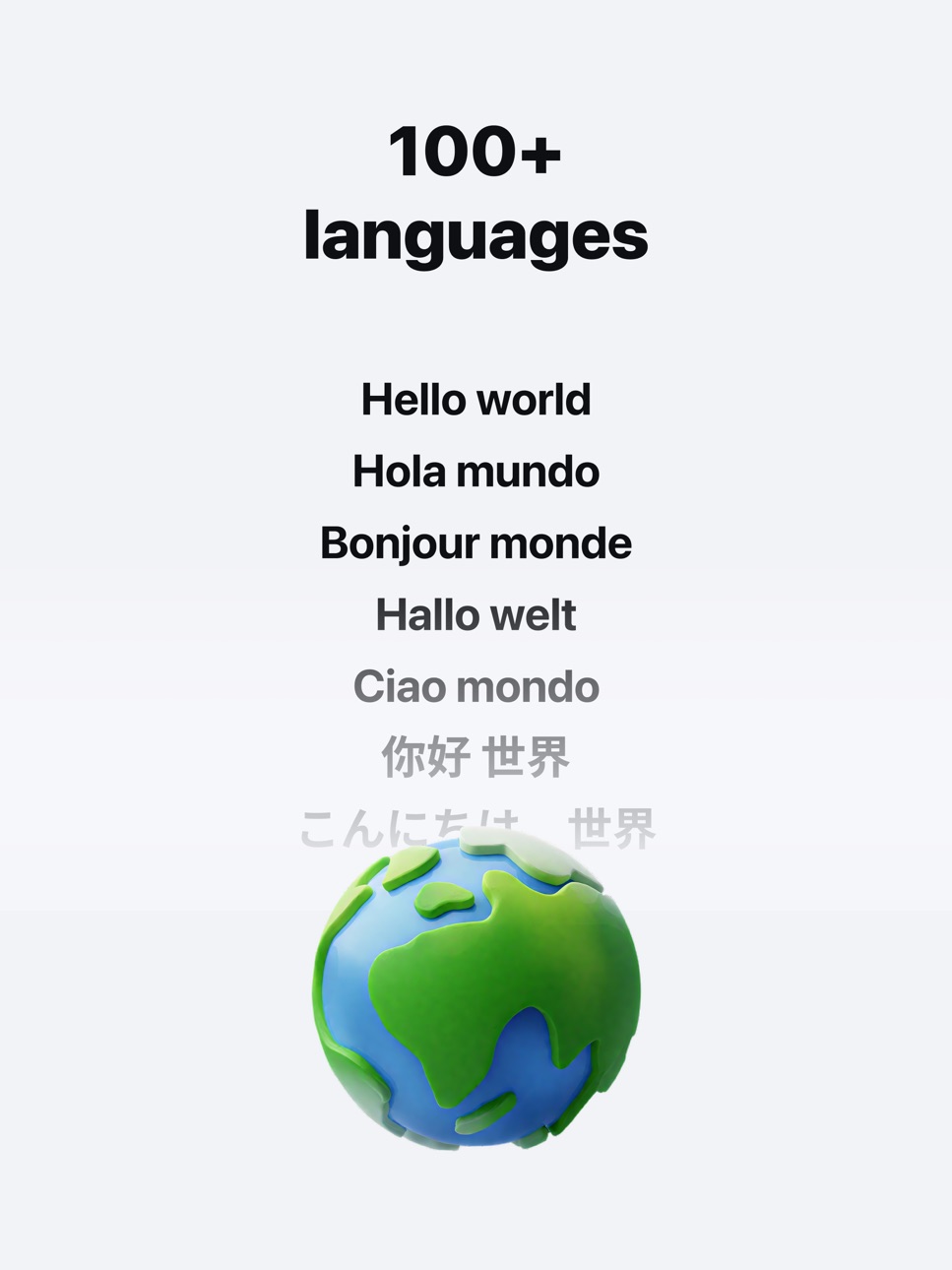


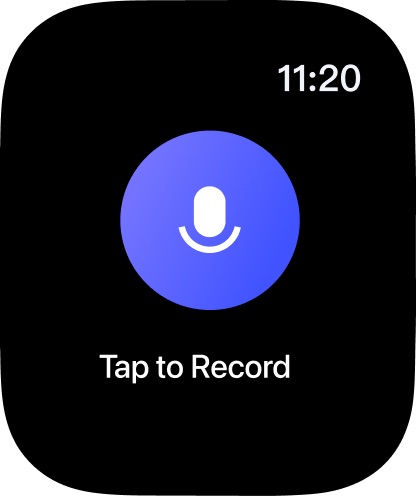
Apple Watch 3 images
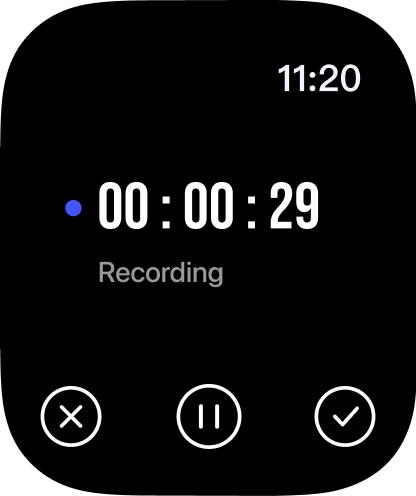
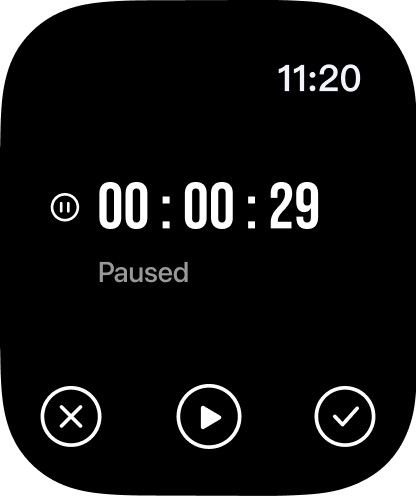
What’s New Version 4.3.2
- Create consistent notes faster with Workspace Templates
- UI and overall experience improvements
Description
HiNoter helps you capture every idea — automatically recording, transcribing, and summarizing meetings, lectures, and interviews so you can stay focused on what truly matters.
With one tap, HiNoter records crystal-clear audio, generates accurate transcripts with speaker labels, and creates concise summaries and AI-powered mind maps. Ask questions like “What were the main takeaways from today’s team meeting?” and get instant, intelligent answers.
Why HiNoter?
● Stay focused — Be present in the moment while HiNoter takes perfect notes for you.
● Save hours — Get AI-generated summaries and mind maps that help you see the big picture instantly.
● Search smarter — Type a keyword to jump straight to that moment in your audio.
● Collaborate easily — Share recordings and notes with your team whenever you want.
● Your data, your control — HiNoter protects your recordings with enterprise-grade security, and sharing is always your choice.
Who Uses HiNoter?
● Professionals: Capture meetings, action items, and client discussions.
● Students: Record and review lectures and study sessions.
● Researchers & Journalists: Transcribe and organize interviews.
● Everyone: From brainstorming to voice memos, HiNoter handles it all.
Key Features
● One-tap recording and AI transcription
● HiNoter automatically joins your calendar meetings to record and summarize
● Upload audio files or YouTube links for instant transcription
● Speaker identification with high accuracy
● AI-generated summaries and mind maps
● Ask AI anything about your recordings
● All your recordings and notes are securely encrypted
Subscription Plans:
Description:
This is a continuous subscription service (Weekly / Yearly). During the subscription period, users can access all features of the app without limitation.
Payment:
Once the purchase is confirmed, the corresponding fee will be charged from the user's iTunes account.
Auto-Renewal:
24 hours before the current subscription period ends, Apple will automatically charge the corresponding fee from your iTunes account to renew the plan (weekly or yearly). Once the renewal is successful, your membership will be extended for the next billing cycle.
Cancellation:
To avoid being charged for the next cycle, please cancel your subscription at least 24 hours before the current period expires. After cancellation, no further charges will be made.
Terms of Service: https://recorder.cqyygtech.cn/agreement/terms-of-service.html
Privacy Policy: https://recorder.cqyygtech.cn/agreement/privacy-policy.html
In-App Purchases US pricing
Recorder Pro Subscription
Yearly Subscription · Yearly$59.99
Weekly Subscription · 7 days 3-day free trial$8.99
Annual Unlimited · Yearly$69.99
Weekly Subscription · 7 days$9.99
Annual Unlimited · Yearly$39.99
Annual Unlimited · Yearly$49.99
Weekly Subscription · 7 days 7-day free trial$12.99
One-Time Purchases
Three-year membership$119.99
Capabilities
In-App Purchases
Accessibility
ipadiphonemacrealityDevicetvoswatch
Version history 25 versions
Build 887627264v4.3.22026-07-01 05:23:31
- Create consistent notes faster with Workspace Templates
- UI and overall experience improvements
Build 887468899v4.3.12026-06-27 01:22:37
- Create consistent notes faster with Workspace Templates
- UI and overall experience improvements
Build 887424793v4.3.02026-06-26 00:45:51
- Create consistent notes faster with Workspace Templates
- UI and overall experience improvements
Build 887024919v4.2.12026-06-17 00:31:35
- Collaborate with your team in shared Team Spaces
- Connect OneNote to sync and organize your notes
- UI and overall experience improvements
Build 886806155v4.2.02026-06-12 00:31:14
- Collaborate with your team in shared Team Spaces
- Connect OneNote to sync and organize your notes
- UI and overall experience improvements
Build 886098345v4.1.02026-05-28 05:47:19
- Customize folder icons and colors your way
- UI and overall experience improvements
Build 885894883v4.0.12026-05-21 07:42:08
- Calendar sync is now available for all users
- UI and overall experience improvements
Build 885799958v4.0.02026-05-19 00:30:31
- Calendar sync is now available for all users
- UI and overall experience improvements
Build 884960861v3.9.02026-05-07 00:44:15
- Added reminders for action items
- Support custom meeting bot names
- UI and overall experience improvements
Build 884450297v3.8.02026-04-16 12:28:51
- UI and overall experience improvements
Build 884273596v3.7.12026-04-09 00:55:37
- Added support for web version
- UI and overall experience improvements
Build 884217259v3.7.02026-04-08 01:26:33
- Added support for web version
- UI and overall experience improvements
Build 883820071v3.6.12026-03-28 08:02:24
- Added support for uploading images in summaries
- UI and overall experience improvements
Build 883571593v3.6.02026-03-26 01:48:18
- Added support for uploading images in summaries
- UI and overall experience improvements
Build 883415681v3.5.22026-03-17 01:29:03
- UI and overall experience improvements
Build 883325090v3.5.12026-03-14 03:16:57
- UI and overall experience improvements
Build 883289485v3.5.02026-03-13 01:38:27
- UI and overall experience improvements
Build 882147599v3.3.02026-03-08 12:33:08
- Added a new Recycle Bin feature
- UI and overall experience improvements
Build 881914436v3.2.02026-01-29 03:38:56
- UI and overall experience improvements
Build 881950728v3.2.12026-01-29 13:48:53
- UI and overall experience improvements
Build 881626342v3.1.02026-01-21 03:40:18
- UI and overall experience improvements
Build 881484700v3.0.12026-01-15 01:47:25
- Added AI-powered email generation
- UI and overall experience improvements
Build 881416733v3.0.02026-01-14 03:35:47
- Added AI-powered email generation
- UI and overall experience improvements
Build 881191929v2.9.02026-01-07 01:41:20
- Added support to regenerate summaries and mind maps
- UI optimised for a smoother and more intuitive experience
Build 880713914v2.8.02025-12-18 01:26:51
- UI optimised for a smoother and more intuitive experience
Price history by region
Currency
Show
Columns
Search
Availability 94 of 95 storefronts
| Region | Language | Price | Ratings | Avg | Version |
|---|---|---|---|---|---|
| US | en-US | Free | 429 | 4.7 | 4.3.2 |
| MX | es-MX | Free | 381 | 4.8 | 4.4.0 |
| ID | en-GB | Free | 343 | 4.8 | 4.4.0 |
| IT | it | Free | 294 | 4.5 | 4.4.0 |
| TR | en-GB | Free | 263 | 4.5 | 4.4.0 |
| CL | es-MX | Free | 262 | 4.6 | 4.4.0 |
| FR | fr-FR | Free | 236 | 4.6 | 4.4.0 |
| ES | es-ES | Free | 132 | 4.6 | 4.4.0 |
| PH | en-GB | Free | 126 | 4.8 | 4.3.2 |
| EG | en-GB | Free | 110 | 4.8 | 4.3.2 |
| TW | zh-Hant-TW | Free | 94 | 4.7 | 4.4.0 |
| GH | en-GB | Free | 79 | 4.1 | 4.4.0 |
| CA | en-CA | Free | 67 | 4.7 | 4.4.0 |
| PL | en-GB | Free | 62 | 4.3 | 4.4.0 |
| PT | pt-PT | Free | 61 | 4.6 | 4.4.0 |
| GB | en-GB | Free | 41 | 4.8 | 4.4.0 |
| CH | de-CH | Free | 40 | 4.6 | 4.4.0 |
| NG | en-GB | Free | 40 | 4.3 | 4.4.0 |
| DE | de-DE | Free | 38 | 4.4 | 4.4.0 |
| SA | en-GB | Free | 35 | 4.6 | 4.4.0 |
| IN | en-GB | Free | 31 | 4.8 | 4.4.0 |
| BE | en-GB | Free | 30 | 4.4 | 4.4.0 |
| RO | en-GB | Free | 28 | 4.8 | 4.4.0 |
| CD | en-GB | Free | 19 | 4.1 | 4.4.0 |
| IL | en-GB | Free | 18 | 3.1 | 4.4.0 |
| AE | en-GB | Free | 17 | 4.9 | 4.3.2 |
| ZA | en-GB | Free | 13 | 4.6 | 4.4.0 |
| AU | en-AU | Free | 10 | 5.0 | 4.4.0 |
| QA | en-GB | Free | 10 | 4.9 | 4.3.2 |
| SG | en-GB | Free | 10 | 4.6 | 4.3.2 |
| TZ | en-GB | Free | 10 | 4.9 | 4.4.0 |
| OM | en-GB | Free | 9 | 4.9 | 4.3.2 |
| PK | en-GB | Free | 9 | 4.7 | 4.4.0 |
| KE | en-GB | Free | 8 | 5.0 | 4.4.0 |
| NL | nl | Free | 7 | 4.9 | 4.4.0 |
| MZ | en-GB | Free | 6 | 4.0 | 4.4.0 |
| SE | sv | Free | 6 | 3.7 | 4.4.0 |
| UG | en-GB | Free | 6 | 5.0 | 4.4.0 |
| HU | en-GB | Free | 5 | 5.0 | 4.3.2 |
| IQ | en-GB | Free | 5 | 5.0 | 4.3.2 |
| LR | en-GB | Free | 4 | 4.8 | 4.4.0 |
| UA | en-GB | Free | 4 | 3.5 | 4.3.2 |
| AL | en-GB | Free | 3 | 5.0 | 4.4.0 |
| AT | de-DE | Free | 3 | 5.0 | 4.4.0 |
| BG | en-GB | Free | 3 | 5.0 | 4.4.0 |
| HR | en-GB | Free | 3 | 5.0 | 4.4.0 |
| PG | en-GB | Free | 3 | 5.0 | 4.4.0 |
| RU | ru | Free | 3 | 4.3 | 4.4.0 |
| FI | en-GB | Free | 2 | 5.0 | 4.4.0 |
| LT | en-GB | Free | 2 | 5.0 | 4.3.2 |
| MN | en-GB | Free | 2 | 5.0 | 4.4.0 |
| MR | en-GB | Free | 2 | 3.0 | 4.4.0 |
| SL | en-GB | Free | 2 | 5.0 | 4.4.0 |
| SZ | en-GB | Free | 2 | 3.5 | 4.4.0 |
| AM | en-GB | Free | 1 | 5.0 | 4.4.0 |
| BM | en-GB | Free | 1 | 4.0 | 4.4.0 |
| CY | en-GB | Free | 1 | 5.0 | 4.4.0 |
| DM | en-GB | Free | 1 | 1.0 | 4.4.0 |
| GM | en-GB | Free | 1 | 5.0 | 4.4.0 |
| GW | en-GB | Free | 1 | 5.0 | 4.4.0 |
| IE | en-GB | Free | 1 | 5.0 | 4.4.0 |
| IS | en-GB | Free | 1 | 5.0 | 4.4.0 |
| KR | ko | Free | 1 | 5.0 | 4.4.0 |
| LB | en-GB | Free | 1 | 5.0 | 4.4.0 |
| LU | en-GB | Free | 1 | 5.0 | 4.4.0 |
| MT | en-GB | Free | 1 | 5.0 | 4.4.0 |
| MV | en-GB | Free | 1 | 5.0 | 4.4.0 |
| SK | en-GB | Free | 1 | 5.0 | 4.3.2 |
| TO | en-GB | Free | 1 | 5.0 | 4.3.2 |
| AF | en-GB | Free | 0 | — | 4.4.0 |
| AG | en-GB | Free | 0 | — | 4.4.0 |
| BN | en-GB | Free | 0 | — | 4.3.2 |
| BT | en-GB | Free | 0 | — | 4.4.0 |
| CZ | en-GB | Free | 0 | — | 4.3.2 |
| DK | en-GB | Free | 0 | — | 4.4.0 |
| EE | en-GB | Free | 0 | — | 4.3.2 |
| GD | en-GB | Free | 0 | — | 4.4.0 |
| KG | en-GB | Free | 0 | — | 4.4.0 |
| KY | en-GB | Free | 0 | — | 4.4.0 |
| LA | en-GB | Free | 0 | — | 4.4.0 |
| LC | en-GB | Free | 0 | — | 4.4.0 |
| MM | en-GB | Free | 0 | — | 4.4.0 |
| NO | en-GB | Free | 0 | — | 4.4.0 |
| NR | en-GB | Free | 0 | — | 4.4.0 |
| NZ | en-AU | Free | 0 | — | 4.4.0 |
| PW | en-GB | Free | 0 | — | 4.4.0 |
| RW | en-GB | Free | 0 | — | 4.4.0 |
| SC | en-GB | Free | 0 | — | 4.4.0 |
| SI | en-GB | Free | 0 | — | 4.3.2 |
| ST | en-GB | Free | 0 | — | 4.4.0 |
| TJ | en-GB | Free | 0 | — | 4.4.0 |
| TM | en-GB | Free | 0 | — | 4.4.0 |
| VC | en-GB | Free | 0 | — | 4.4.0 |
| YE | en-GB | Free | 0 | — | 4.4.0 |
Not available in: CN
Change log 34 changes · US
◆
Version changed
4.3.2 → 4.4.0
◆
Version changed
4.3.2 → 4.4.0
◆
Version changed
4.3.2 → 4.4.0
◆
Version changed
4.3.2 → 4.4.0
◆
Version changed
4.3.2 → 4.4.0
✎
releaseNotes updated
- Create consistent notes faster with Workspace Templates
- UI and overall experience improvements
✎
description updated
HiNoter helps you capture every idea — automatically recording, transcribing, and summarizing meetings, lectures, and interviews so you can stay focused on what
✎
subtitle updated
Auto transcribe & summarize
✎
name updated
HiNoter - AI Note Taker
◆
Version 4.3.2 released
- Create consistent notes faster with Workspace Templates
- UI and overall experience improvements
◆
Version 4.3.1 released
- Create consistent notes faster with Workspace Templates
- UI and overall experience improvements
◆
Version 4.3.0 released
- Create consistent notes faster with Workspace Templates
- UI and overall experience improvements
◆
Version 4.2.1 released
- Collaborate with your team in shared Team Spaces
- Connect OneNote to sync and organize your notes
- UI and overall experience improvements
◆
Version 4.2.0 released
- Collaborate with your team in shared Team Spaces
- Connect OneNote to sync and organize your notes
- UI and overall experience improvements
◆
Version 4.1.0 released
- Customize folder icons and colors your way
- UI and overall experience improvements
◆
Version 4.0.1 released
- Calendar sync is now available for all users
- UI and overall experience improvements
◆
Version 4.0.0 released
- Calendar sync is now available for all users
- UI and overall experience improvements
◆
Version 3.9.0 released
- Added reminders for action items
- Support custom meeting bot names
- UI and overall experience improvements
◆
Version 3.8.0 released
- UI and overall experience improvements
◆
Version 3.7.1 released
- Added support for web version
- UI and overall experience improvements
◆
Version 3.7.0 released
- Added support for web version
- UI and overall experience improvements
◆
Version 3.6.1 released
- Added support for uploading images in summaries
- UI and overall experience improvements
◆
Version 3.6.0 released
- Added support for uploading images in summaries
- UI and overall experience improvements
◆
Version 3.5.2 released
- UI and overall experience improvements
◆
Version 3.5.1 released
- UI and overall experience improvements
◆
Version 3.5.0 released
- UI and overall experience improvements
◆
Version 3.3.0 released
- Added a new Recycle Bin feature
- UI and overall experience improvements
◆
Version 3.2.1 released
- UI and overall experience improvements
◆
Version 3.2.0 released
- UI and overall experience improvements
◆
Version 3.1.0 released
- UI and overall experience improvements
◆
Version 3.0.1 released
- Added AI-powered email generation
- UI and overall experience improvements
◆
Version 3.0.0 released
- Added AI-powered email generation
- UI and overall experience improvements
◆
Version 2.9.0 released
- Added support to regenerate summaries and mind maps
- UI optimised for a smoother and more intuitive experience
◆
Version 2.8.0 released
- UI optimised for a smoother and more intuitive experience