Home › Utilities

 US
US
1 of 1 storefronts
Content in en-US
Content in en-US
Information
Apple ID6745910858
Bundle IDcom.pcsoft.dscannerpro
SellerSeller
Min iOS15.0
Min macOS12.0
Device familiesiphone, ipad, ipod
Released2025-05-20
Copyright© 2025 2DSCANNER LP
Privacy policyLink ↗
Preview 2 platforms
iPhone 3 images


iPad 5 images


What’s New Version 1.0.178.0
- This version introduces a new dedicated module for manual measurements, preparing the app for the upcoming Era1D.
- With Era1D, you will be able to take manual measurements quickly and easily, and use ready-made templates designed for window measurements.
- Until Era1D becomes available, measurements can also be entered manually if desired, allowing you to start using the new workflow right away.
- A new custom drawing feature has been added, allowing you to create your own custom designs and measure them directly inside the app.
- You can now add dimensions directly on top of photos, making the app more flexible for custom measurement cases.
- The new Mirror function is now available, allowing you to flip the drawing when viewing the device from the bottom side.
- By default, the drawing is displayed as if the device is viewed from the top side, so Mirror makes it easier to work when the opposite view is needed.
- The long-awaited Dark Theme is now a reality, offering a more comfortable experience in low-light environments and for users who prefer a darker interface.
- The app is now also available in Spanish, making it easier for more users to work with 2Dscanner in their own language.
- Connectivity with the AufMauss-App application has been added, allowing you to send your measurements directly there for further use.
- Several bugs have been fixed and various small improvements have been made to improve the overall experience and stability of the app.
- These features, along with many other additions and improvements, are waiting for you inside the app.
Description
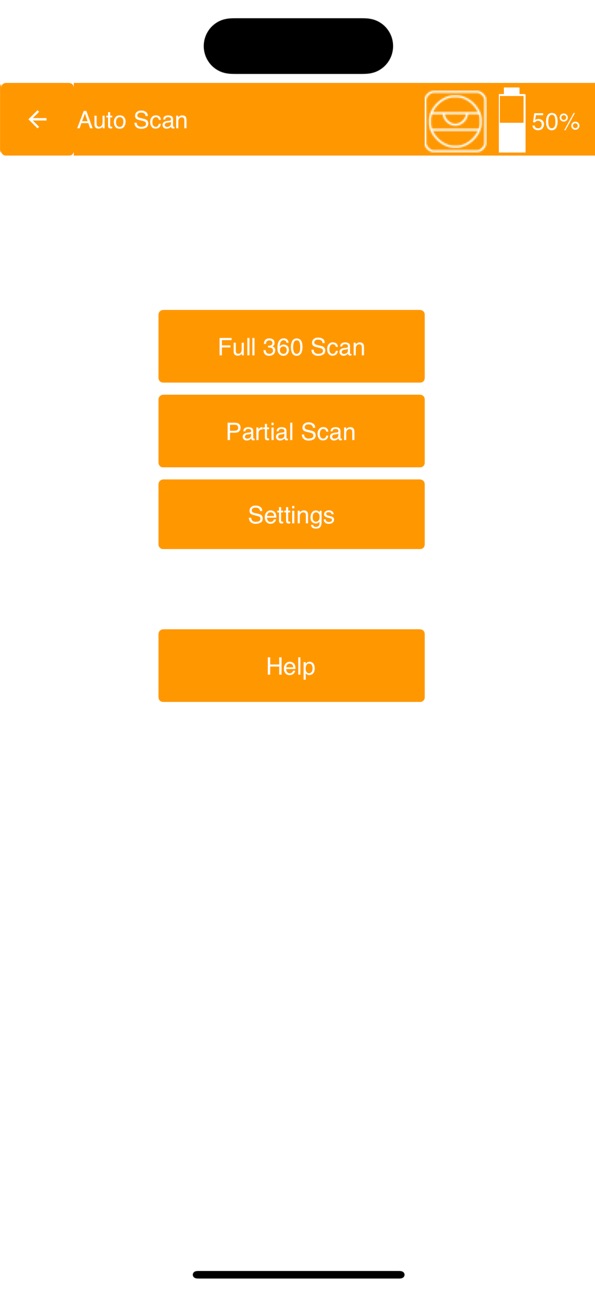
This is the official app for controlling your 2dscanner device. Easily connect via Bluetooth, start scans, view data in real time, and configure settings—all from your iPhone or iPad.
Accessibility
ipadiphonemacrealityDevicetvoswatch
Version history 14 versions
Build 886961662v1.0.178.02026-06-15 16:18:21
- This version introduces a new dedicated module for manual measurements, preparing the app for the upcoming Era1D.
- With Era1D, you will be able to take manual measurements quickly and easily, and use ready-made templates designed for window measurements.
- Until Era1D becomes available, measurements can also be entered manually if desired, allowing you to start using the new workflow right away.
- A new custom drawing feature has been added, allowing you to create your own custom designs and measure them directly inside the app.
- You can now add dimensions directly on top of photos, making the app more flexible for custom measurement cases.
- The new Mirror function is now available, allowing you to flip the drawing when viewing the device from the bottom side.
- By default, the drawing is displayed as if the device is viewed from the top side, so Mirror makes it easier to work when the opposite view is needed.
- The long-awaited Dark Theme is now a reality, offering a more comfortable experience in low-light environments and for users who prefer a darker interface.
- The app is now also available in Spanish, making it easier for more users to work with 2Dscanner in their own language.
- Connectivity with the AufMauss-App application has been added, allowing you to send your measurements directly there for further use.
- Several bugs have been fixed and various small improvements have been made to improve the overall experience and stability of the app.
- These features, along with many other additions and improvements, are waiting for you inside the app.
Build 886613143v1.0.100.02026-06-06 21:00:49
Fixed bug with lost photos
Added long tap functionality to view the photos
Build 882923694v1.0.99.02026-03-02 19:28:34
Help in app.
DXF has points instead of circles.
Bugs fixed
Build 882841576v1.0.98.02026-02-27 17:06:18
Fixed some bugs
Build 882446729v1.0.97.02026-02-14 00:23:26
Several bugs fixed
Added sticker check algorithm.
Improvement in sticker precision.
Build 881083993v1.0.43.02026-01-14 07:55:51
Pinch zoom with two fingers
Double tap for Zoom All
Smoother and more stable navigation
Focus point for centered zoom
Alignment check during scanning (warning above 3°)
Improvements in file handling and autosave visibility
Improved battery behavior
Build 881056224v1.0.36.02025-12-29 02:05:32
New Update – Pinch Zoom & Double Tap Zoom All
Pinch zoom with two fingers is now fully implemented and works smoothly and naturally.
Navigation is faster, more stable, and easier than ever.
.
What’s new
* Pinch zoom with two fingers
* Smoother and more stable navigation
* Focus point for centered zoom
* Alignment check during scanning (warning above 3°)
* Improvements in file handling and autosave visibility
* Improved battery behavior
Build 880535213v1.0.20.02025-12-10 23:58:52
Fixed a bug in Smart Scan
Build 880457581v1.0.15.02025-12-09 14:12:05
Photo functionality is added.
DXF upgraded to version 2007. The photos are in the DXF as raster images reference.
Now users can use notes in their local language.
File system has been upgraded. All project files are in folders.
Several bugs are fixed.
Build 880204611v1.0.13.02025-11-30 19:48:14
New functionality with photos. Several bugs fixed. File system is different and every project has its own folder. Compatibility with old devices.
Build 875150833v0.0.210.02025-05-29 14:38:19
Fix for share on iPad
Build 875032688v0.0.205.02025-05-26 13:36:59
Handles better disconnections
Build 875002112v0.0.201.02025-05-23 01:36:02
Fixed minor issues
Build 874786362v0.0.1842025-05-20 20:41:29
No pricing data captured yet — comparisons appear once the app has paid storefronts or in-app purchases.
Availability 1 of 1 storefronts
| Region | Language | Price | Ratings | Avg | Version |
|---|---|---|---|---|---|
| US | en-US | Free | 0 | — | 1.0.178.0 |
Change log 18 changes · US
✎
releaseNotes updated
- This version introduces a new dedicated module for manual measurements, preparing the app for the upcoming Era1D.
- With Era1D, you will be able to take manua
✎
description updated
This is the official app for controlling your 2dscanner device. Easily connect via Bluetooth, start scans, view data in real time, and configure settings—all fr
✎
subtitle updated
Companion for your 2Dscanner
✎
name updated
2DScannerPro
◆
Version 1.0.178.0 released
- This version introduces a new dedicated module for manual measurements, preparing the app for the upcoming Era1D.
- With Era1D, you will be able to take manual measurements quickly and easily, and use ready-made templates designed for win
◆
Version 1.0.100.0 released
Fixed bug with lost photos
Added long tap functionality to view the photos
◆
Version 1.0.99.0 released
Help in app.
DXF has points instead of circles.
Bugs fixed
◆
Version 1.0.98.0 released
Fixed some bugs
◆
Version 1.0.97.0 released
Several bugs fixed
Added sticker check algorithm.
Improvement in sticker precision.
◆
Version 1.0.43.0 released
Pinch zoom with two fingers
Double tap for Zoom All
Smoother and more stable navigation
Focus point for centered zoom
Alignment check during scanning (warning above 3°)
Improvements in file handling and autosave visibility
Improved battery
◆
Version 1.0.36.0 released
New Update – Pinch Zoom & Double Tap Zoom All
Pinch zoom with two fingers is now fully implemented and works smoothly and naturally.
Navigation is faster, more stable, and easier than ever.
.
What’s new
* Pinch zoom with two fingers
* Sm
◆
Version 1.0.20.0 released
Fixed a bug in Smart Scan
◆
Version 1.0.15.0 released
Photo functionality is added.
DXF upgraded to version 2007. The photos are in the DXF as raster images reference.
Now users can use notes in their local language.
File system has been upgraded. All project files are in folders.
Several bugs
◆
Version 1.0.13.0 released
New functionality with photos. Several bugs fixed. File system is different and every project has its own folder. Compatibility with old devices.
◆
Version 0.0.210.0 released
Fix for share on iPad
◆
Version 0.0.205.0 released
Handles better disconnections
◆
Version 0.0.201.0 released
Fixed minor issues
◆
Version 0.0.184 released