Home › Productivity

 US
US
1 of 1 storefronts
Content in en-US
Content in en-US
Information
Apple ID6745732652
Bundle IDcom.buslife.drivercalendar
SellerSeller
Min iOS13.0
Min macOS11.0
Device familiesiphone, ipad, ipod
Released2025-05-14
Copyright© 2025 WON HO CHOI.
Privacy policyLink ↗
Preview 2 platforms
iPhone 5 images



iPad 4 images


What’s New Version 1.4.3
1.4.3
Improved visibility of Today page.
Fixed a crash that could occur when editing vehicle information.
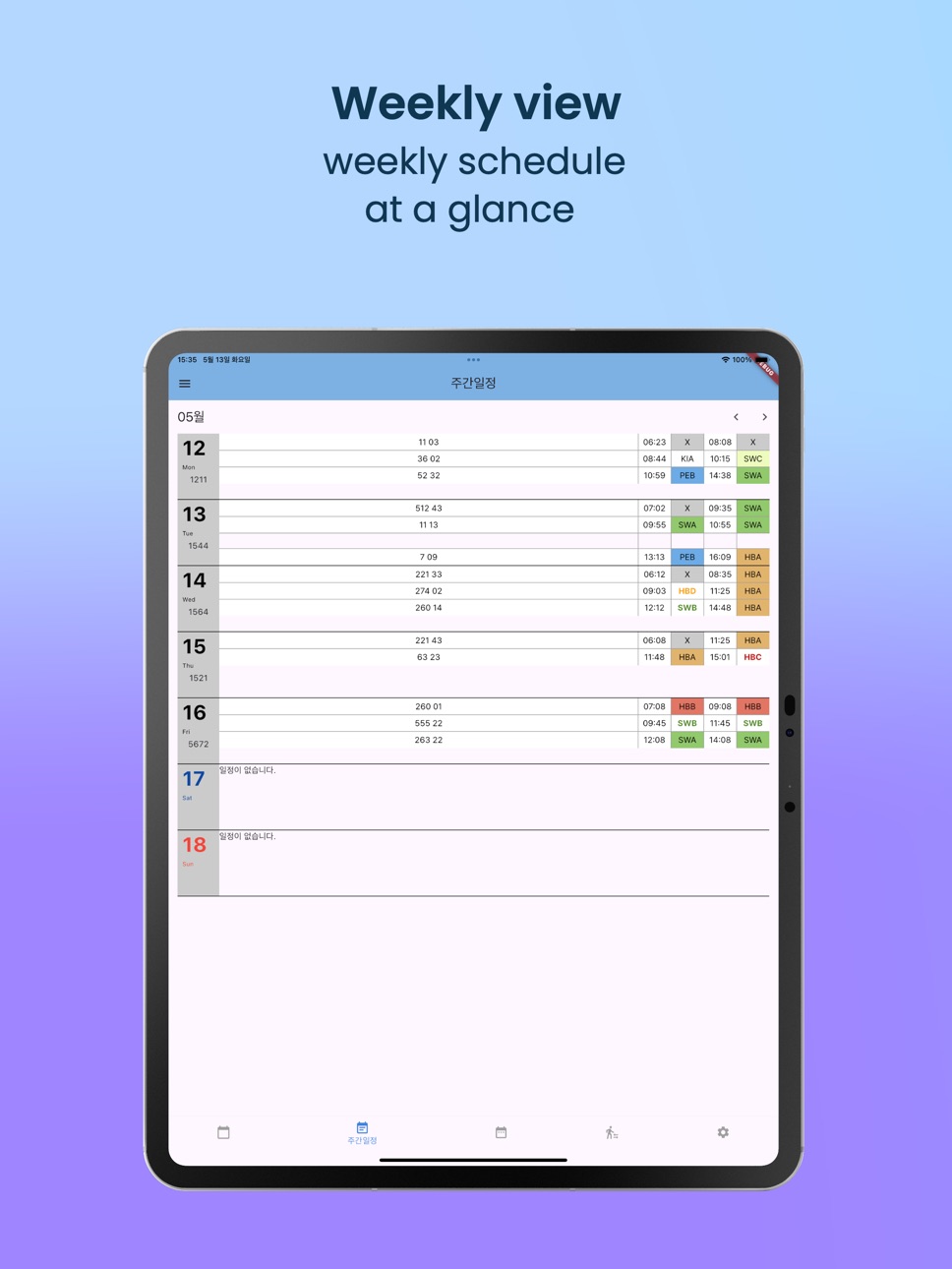
Improved vehicle information display on the weekly and monthly pages.
Description
Not just a schedule. A real-time timeline for your driving day.
Designed and developed by a bus driver, based on real daily experience behind the wheel.
This app shows how a driver’s workday actually unfolds — not how it looks on paper.
— KEY FEATURES —
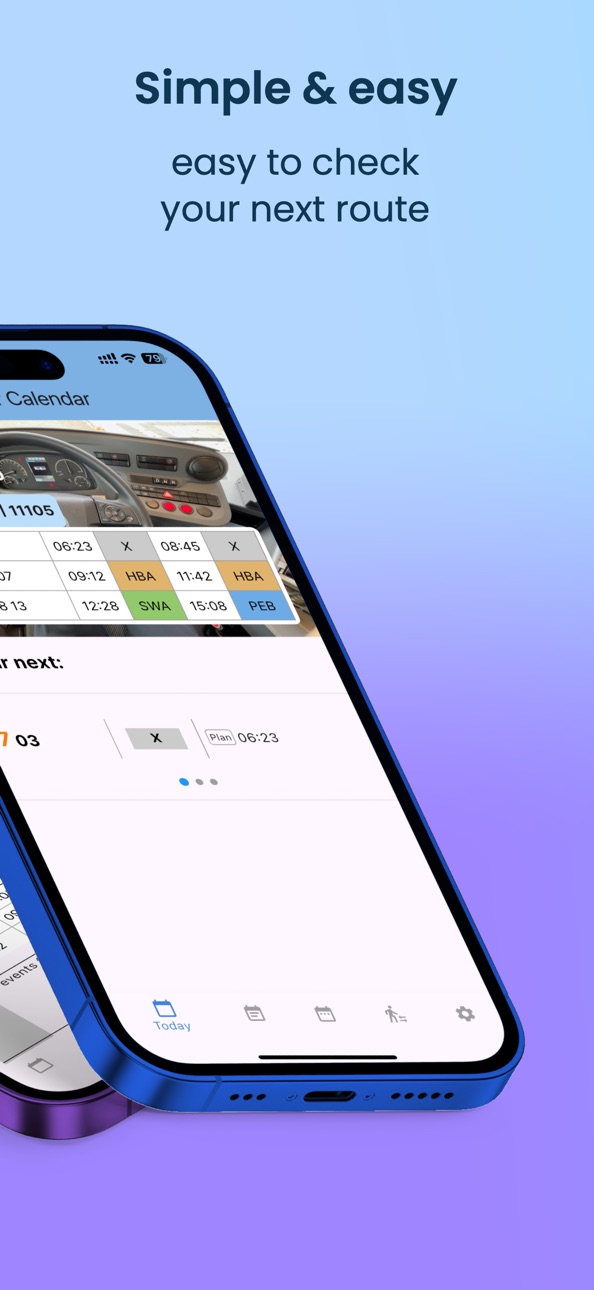
Timeline-based duty view
See your entire duty as one continuous flow, including pre- and post-duty time.
Vehicle change tracking
Record multiple vehicles within a single duty and see exact boarding and alighting times.
Next departure countdown
Always know how much time is left until your next departure.
Break time awareness
Planned breaks adjust automatically when the previous duty runs late.
Diversion and route information
Check active diversions per line with detailed route information.
Smart notifications
Get reminders 20, 10, and 5 minutes before departure.
— WHY THIS APP IS DIFFERENT —
Most scheduling apps are built from an office perspective.
This app is built from the driver’s seat.
It focuses on the moments that actually matter during a shift —
tight connections, reduced breaks, and the pressure before the next departure.
— WHO THIS APP IS FOR —
Bus drivers working with vehicle changes
Drivers with split duties or variable breaks
Anyone who wants to see their workday instead of just reading a schedule
A tool shaped by real driving — not assumptions.
Accessibility
ipadiphonemacrealityDevicetvoswatch
Version history 19 versions
Build 881722582v1.4.32026-01-22 22:04:15
1.4.3
Improved visibility of Today page.
Fixed a crash that could occur when editing vehicle information.
Improved vehicle information display on the weekly and monthly pages.
Build 881591609v1.4.02026-01-18 01:21:06
• The Today page UI has been completely redesigned.
• A new timeline-based layout makes it easier to see your duty at a glance.
• You can now register multiple vehicles within a single route duty.
• Next departures, breaks, and overall duty flow are displayed more clearly in chronological order.
Build 879980517v1.3.32025-11-22 18:49:37
Improved visibility of Route Info.
Build 879438158v1.3.22025-11-03 02:46:36
Fix route number display error on the Today page
Build 879246501v1.3.12025-10-27 23:00:19
Fix input error when no changeover stop exists
Build 878511784v1.3.02025-09-30 06:38:40
Redesigned Today page
Added route detour information feature (beta)
Preparations for community feature
Build 877687854v1.2.32025-08-29 18:22:28
New feature: Added ranking.
Build 876064753v1.2.22025-07-02 13:37:12
Improved monthly page UI
Build 875950982v1.2.12025-06-28 09:28:13
Fixed some translation errors
Fixed a bug where schedule notifications were not properly reset after editing the event.
Improved visibility of the weekly schedule view.
Build 875703191v1.2.02025-06-19 00:28:56
Improved settings page UI
New Feature: What's New!
Build 875541922v1.1.32025-06-13 00:03:54
UI improvement for vehicle number input feature
Build 875447750v1.1.22025-06-11 01:33:07
Fixing some translation mistakes
Build 875210870v1.1.12025-05-31 17:24:40
Bug Fix: Improved next schedule loading
Route color coding applied to today’s schedule
Build 875145416v1.1.02025-05-29 10:44:16
You can now enter your vehicle number.
It's now possible to input your own break time rule.
A bug that caused incorrect schedules for night shifts has been fixed.
Fixed a bug where notifications were duplicated on iPhone and Apple Watch.
Build 875042072v1.0.42025-05-24 21:41:51
Adjust date formatting according to locale
Optimize layout for different phone resolutions
Build 874968087v1.0.32025-05-22 07:28:21
Layout optimized for various phone screen resolutions
Fixed bugs in the backup feature
Added numeric keypad to the route input field
Highlighted today’s date in the monthly calendar
Build 874907252v1.0.22025-05-20 12:24:07
Fixed default text size in the app
Minor translation updates
Added zoom in/out functionality
Build 874800254v1.0.12025-05-16 14:34:24
1.0.1 Show App Version Info
Build 874670400v1.02025-05-14 14:18:26
No pricing data captured yet — comparisons appear once the app has paid storefronts or in-app purchases.
Availability 1 of 1 storefronts
| Region | Language | Price | Ratings | Avg | Version |
|---|---|---|---|---|---|
| US | en-US | Free | 0 | — | 1.4.3 |
Change log 23 changes · US
✎
releaseNotes updated
1.4.3
Improved visibility of Today page.
Fixed a crash that could occur when editing vehicle information.
Improved vehicle information display on the weekly and
✎
description updated
Not just a schedule. A real-time timeline for your driving day.
Designed and developed by a bus driver, based on real daily experience behind the wheel.
This a
✎
subtitle updated
Real-time timeline for drivers
✎
name updated
Driver Calendar
◆
Version 1.4.3 released
1.4.3
Improved visibility of Today page.
Fixed a crash that could occur when editing vehicle information.
Improved vehicle information display on the weekly and monthly pages.
◆
Version 1.4.0 released
• The Today page UI has been completely redesigned.
• A new timeline-based layout makes it easier to see your duty at a glance.
• You can now register multiple vehicles within a single route duty.
• Next departures, breaks, and overall duty
◆
Version 1.3.3 released
Improved visibility of Route Info.
◆
Version 1.3.2 released
Fix route number display error on the Today page
◆
Version 1.3.1 released
Fix input error when no changeover stop exists
◆
Version 1.3.0 released
Redesigned Today page
Added route detour information feature (beta)
Preparations for community feature
◆
Version 1.2.3 released
New feature: Added ranking.
◆
Version 1.2.2 released
Improved monthly page UI
◆
Version 1.2.1 released
Fixed some translation errors
Fixed a bug where schedule notifications were not properly reset after editing the event.
Improved visibility of the weekly schedule view.
◆
Version 1.2.0 released
Improved settings page UI
New Feature: What's New!
◆
Version 1.1.3 released
UI improvement for vehicle number input feature
◆
Version 1.1.2 released
Fixing some translation mistakes
◆
Version 1.1.1 released
Bug Fix: Improved next schedule loading
Route color coding applied to today’s schedule
◆
Version 1.1.0 released
You can now enter your vehicle number.
It's now possible to input your own break time rule.
A bug that caused incorrect schedules for night shifts has been fixed.
Fixed a bug where notifications were duplicated on iPhone and Apple Watch.
◆
Version 1.0.4 released
Adjust date formatting according to locale
Optimize layout for different phone resolutions
◆
Version 1.0.3 released
Layout optimized for various phone screen resolutions
Fixed bugs in the backup feature
Added numeric keypad to the route input field
Highlighted today’s date in the monthly calendar
◆
Version 1.0.2 released
Fixed default text size in the app
Minor translation updates
Added zoom in/out functionality
◆
Version 1.0.1 released
1.0.1 Show App Version Info
◆
Version 1.0 released