Home › Utilities

 US
US
1 of 1 storefronts
Content in en-US
Content in en-US
Information
Apple ID6745164574
Bundle IDcom.measuer.speed
SellerSeller
Min iOS15.6
Min macOS12.5
Device familiesiphone, ipad, ipod
Released2025-05-22
Copyright© 2025GaoJiaJun
Privacy policyLink ↗
Preview 2 platforms
iPhone 5 images
iPad 5 images


What’s New Version 1.9
optimize the experience
Add international languages
Description
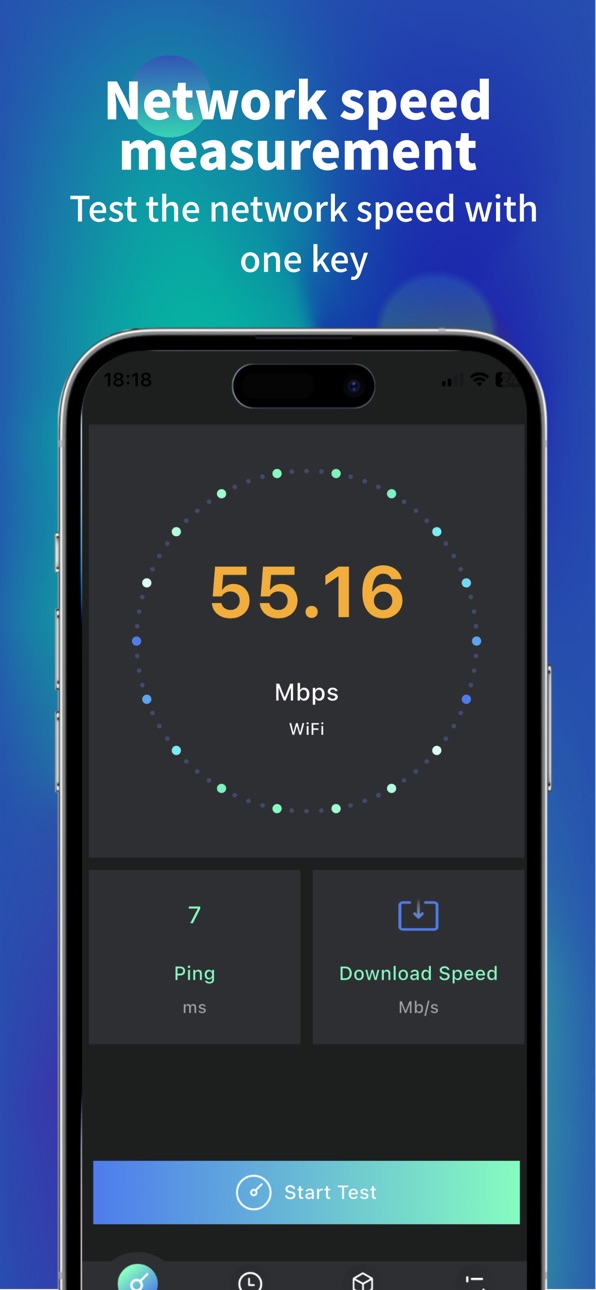
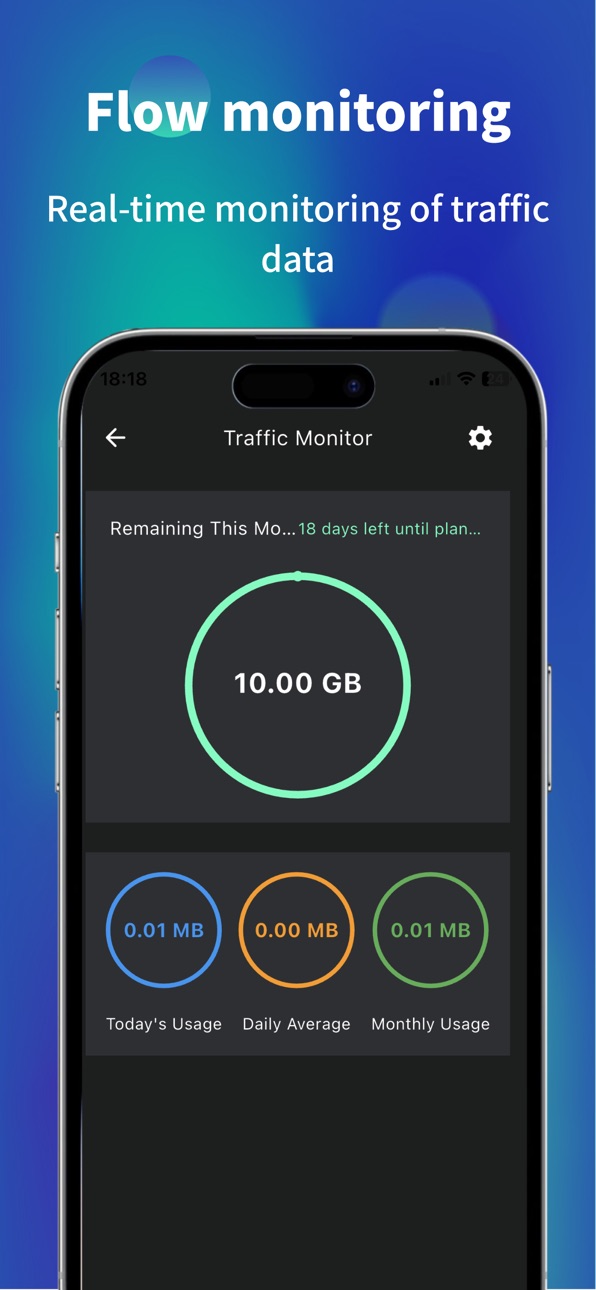
A concise and easy-to-use network tool designed to help you quickly understand the current network connection performance. We provide accurate speed measurement data and clear testing history, allowing you to have a thorough understanding of network conditions.
[Application Function]
One click precise speed measurement
Quickly test the current download and upload speed.
Real time display of your network connection type (such as Wi Fi or 5G) and signal strength.
Comprehensive network analysis
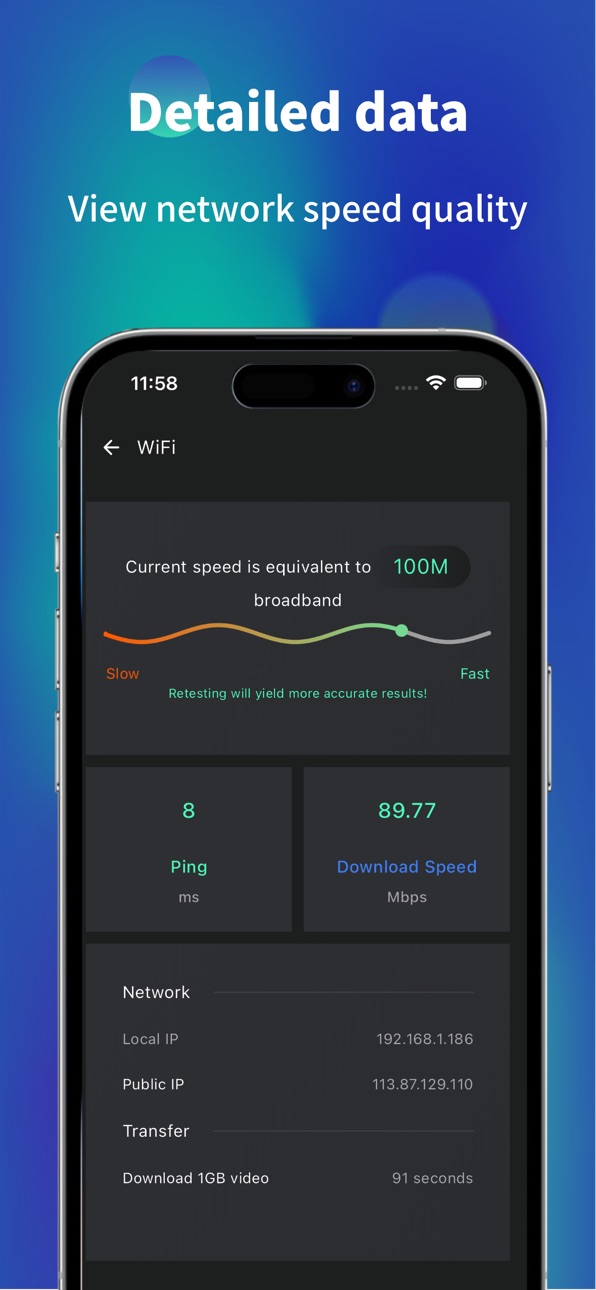
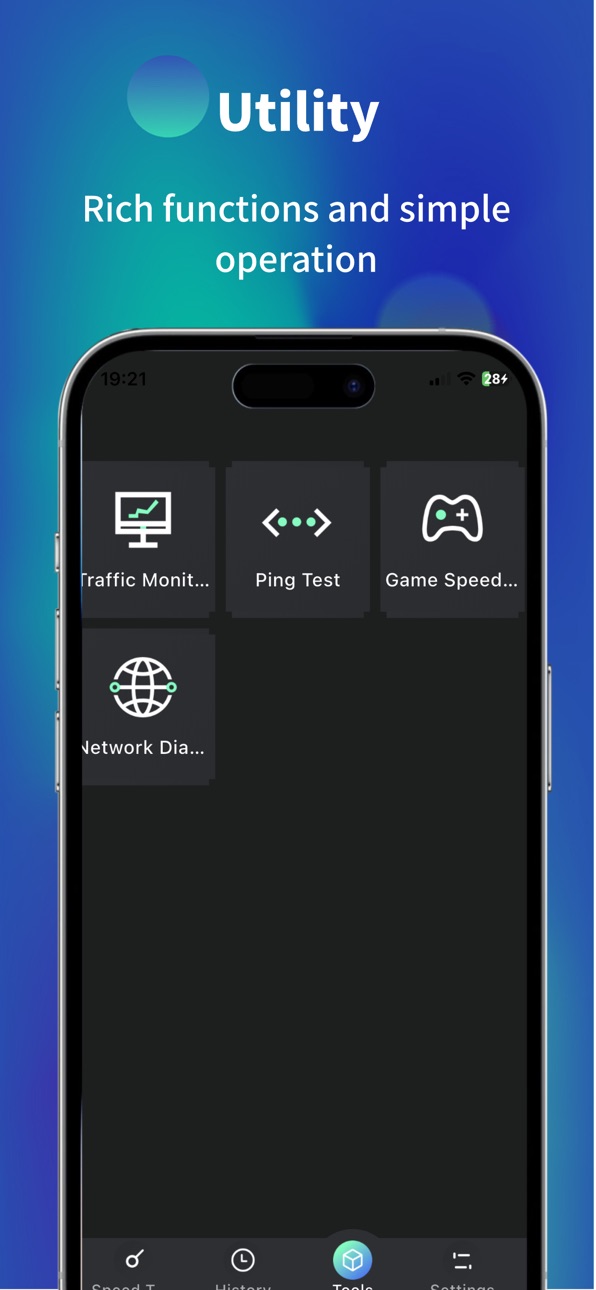
Ping Test: Measure the response time from your device to the server to understand network latency.
Connection stability assessment: Through multiple tests, help determine the stability of network connections.
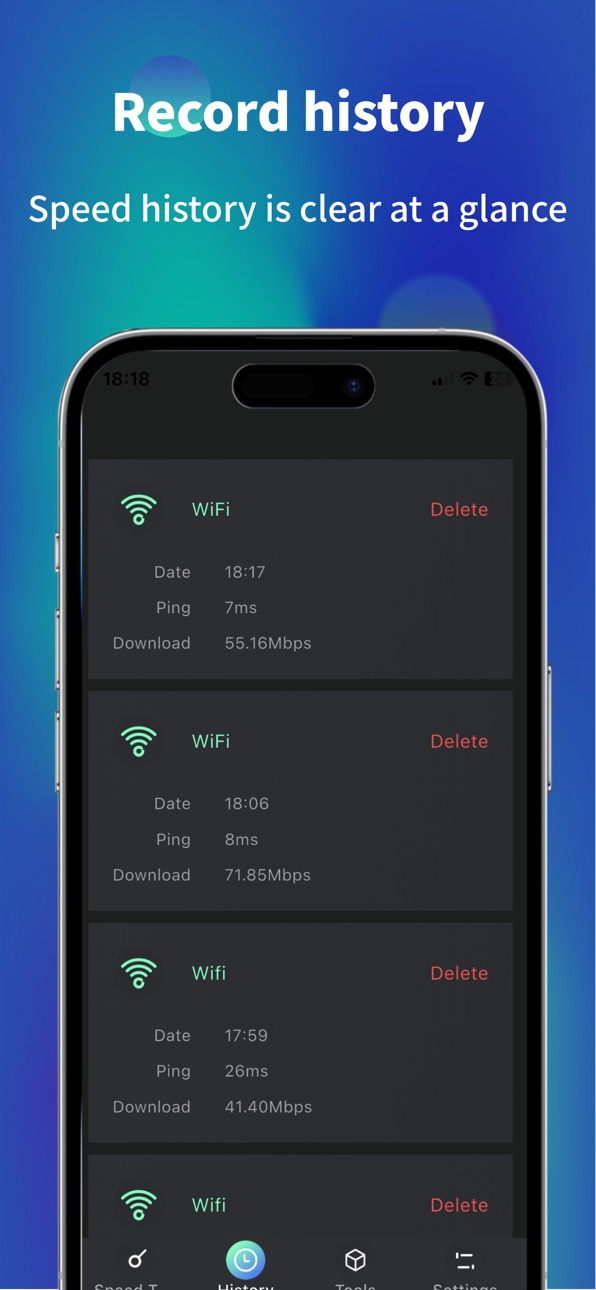
Clear historical records
Automatically save each speed measurement result, making it convenient for you to review and compare network performance at different times and locations at any time.
View network information
Display basic connection information such as the current IP address of your device.
We cannot do it
To maintain absolute authenticity of the description, we explicitly state that this application is primarily used for measuring and displaying network performance data and cannot directly repair or optimize your physical network environment (such as carrier signal coverage issues, router hardware failures, etc.).
Thank you for your choice! We continue to optimize and provide you with reliable tools.
Subscription Information
Weekly Subscription – $6.99 / week
Auto-renewable, cancel anytime
Payment will be charged to your Apple ID after confirmation
Auto-renewal will be charged within 24 hours before the current period ends
Go to "Settings" → "Apple ID" → "Subscriptions" to manage or cancel
Privacy Policy: https://mirror-colony-164.notion.site/Privacy-Policy-2637b7610f9780ff9010c8e02e242780?pvs=73
Terms of Use: https://mirror-colony-164.notion.site/User-Agreement-2637b7610f9780d79251ff763a423c04
In-App Purchases US pricing
WiFi Network Speed Test Subscription
Weekly Members · 7 days$6.99
One-Time Purchases
Permanent VIP$7.99
Lifetime membership$29.99
Capabilities
In-App Purchases
Accessibility
ipadiphonemacrealityDevicetvoswatch
Version history 10 versions
Build 884365461v1.92026-04-13 02:22:29
optimize the experience
Add international languages
Build 881695497v1.82026-04-09 02:20:16
Fix bugs
Build 881341524v1.72026-01-15 10:43:36
Fix bug issues
Build 879578281v1.62025-11-21 02:25:49
Fix the bug
Build 878517247v1.52025-10-01 05:18:05
Fixed the bug on the settings page
Optimize the guidance interface
Build 876789468v1.42025-09-04 10:13:02
Fix bugs and optimize
Build 875997849v1.32025-07-03 01:38:28
Fixed some issues
Build 875064767v1.22025-05-28 02:01:41
Fixed some bugs
Build 874984918v1.12025-05-26 03:19:28
Some bug fixes
Build 874351457v1.02025-05-22 08:40:18
Price history by region
Currency
Show
Columns
Search
Availability 1 of 1 storefronts
| Region | Language | Price | Ratings | Avg | Version |
|---|---|---|---|---|---|
| US | en-US | Free | 1 | 5.0 | 1.9 |
Change log 14 changes · US
✎
releaseNotes updated
optimize the experience
Add international languages
✎
description updated
A concise and easy-to-use network tool designed to help you quickly understand the current network connection performance. We provide accurate speed measurement
✎
subtitle updated
WiFi & 5G Speed Test
✎
name updated
WiFi Network Speed Meter
◆
Version 1.9 released
optimize the experience
Add international languages
◆
Version 1.8 released
Fix bugs
◆
Version 1.7 released
Fix bug issues
◆
Version 1.6 released
Fix the bug
◆
Version 1.5 released
Fixed the bug on the settings page
Optimize the guidance interface
◆
Version 1.4 released
Fix bugs and optimize
◆
Version 1.3 released
Fixed some issues
◆
Version 1.2 released
Fixed some bugs
◆
Version 1.1 released
Some bug fixes
◆
Version 1.0 released