Home › Utilities

 US
US
1 of 1 storefronts
Content in en-US
Content in en-US
Information
Apple ID6744957491
Bundle IDcom.mateusz.Military-time-clock
SellerSeller
Min iOS18.2
Min macOS15.2
Device familiesiphone, ipad
Released2025-11-19
Copyright© Mateusz Mikulski
Privacy policyLink ↗
Preview 2 platforms
iPhone 6 images


iPad 6 images




What’s New Version 1.1
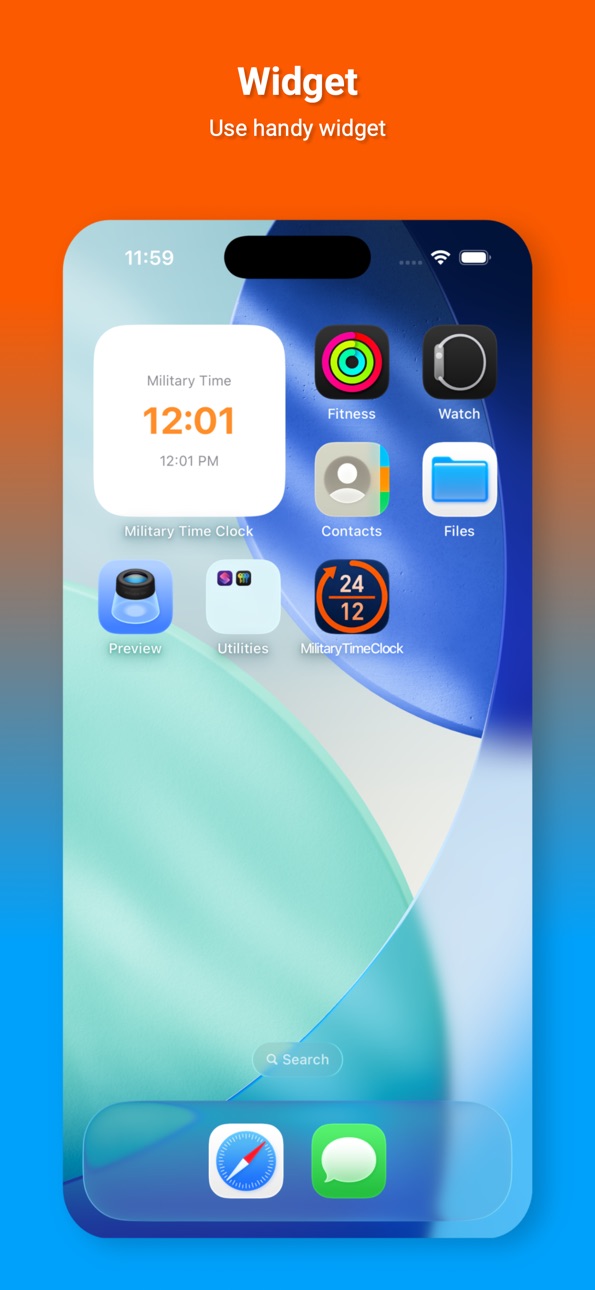
NEW: Home Screen Widget
Add a beautiful military time clock widget to your iPhone home screen! See current time in both 24-hour and 12-hour formats at a glance. Widget automatically matches your app theme for a consistent experience.
Complete Redesign
Modern, sleek interface with improved navigation and user experience. Better readability, smooth animations, and full iPad support. The most beautiful military time converter app on the App Store.
New Themes
Choose from 3 beautiful themes: Standard (dark mode), Military (camouflage design), and Light Mode. All themes are fully integrated with the widget.
Share & Export
Share time conversions instantly via Messages, Email, or Social Media. Export your conversion history as CSV or Text files. One-tap copy to clipboard.
Performance Improvements
Faster app launch, smoother performance, better battery efficiency. Optimized for all iPhone models.
Perfect for military personnel, healthcare workers, aviation professionals, and anyone who needs accurate 24-hour time conversion. Download the best military time converter app now!
Terms of Use (EULA): https://www.apple.com/legal/internet-services/itunes/dev/stdeula/
Privacy Policy: https://sites.google.com/view/militaryclock/privacy-policy
Description
Military Time Clock is the fastest and most accurate time conversion app for converting between military time (24-hour format) and 12-hour format. Perfect for military personnel, healthcare workers, aviation professionals, and anyone who needs instant, reliable time conversions.
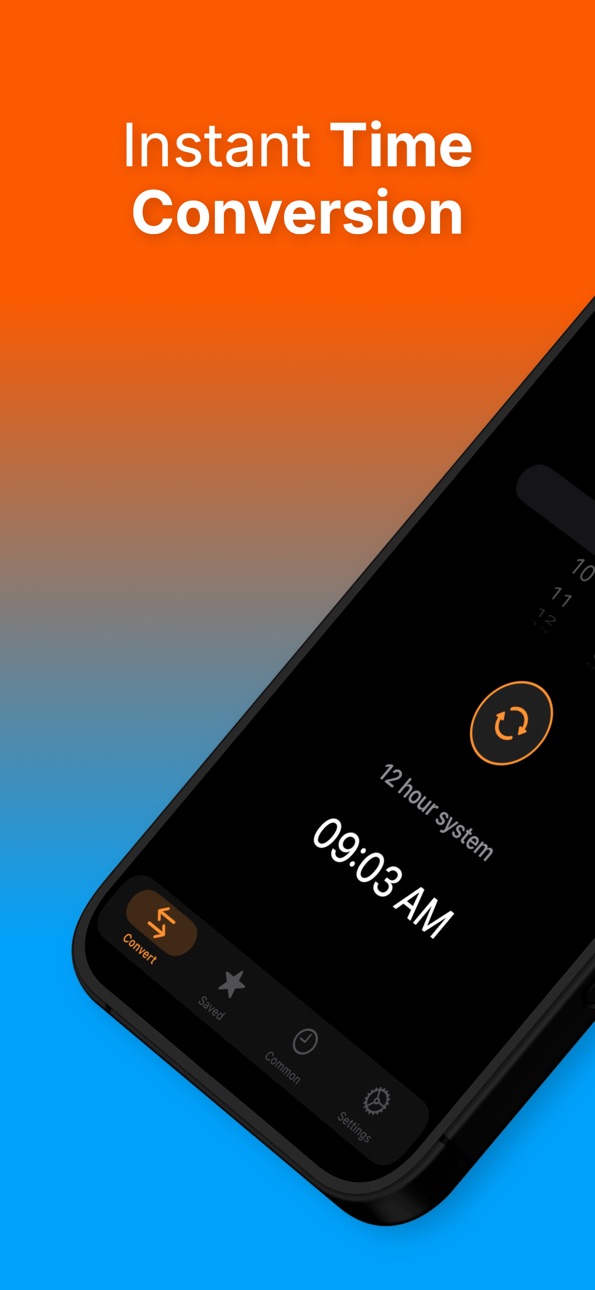
INSTANT TIME CONVERSION
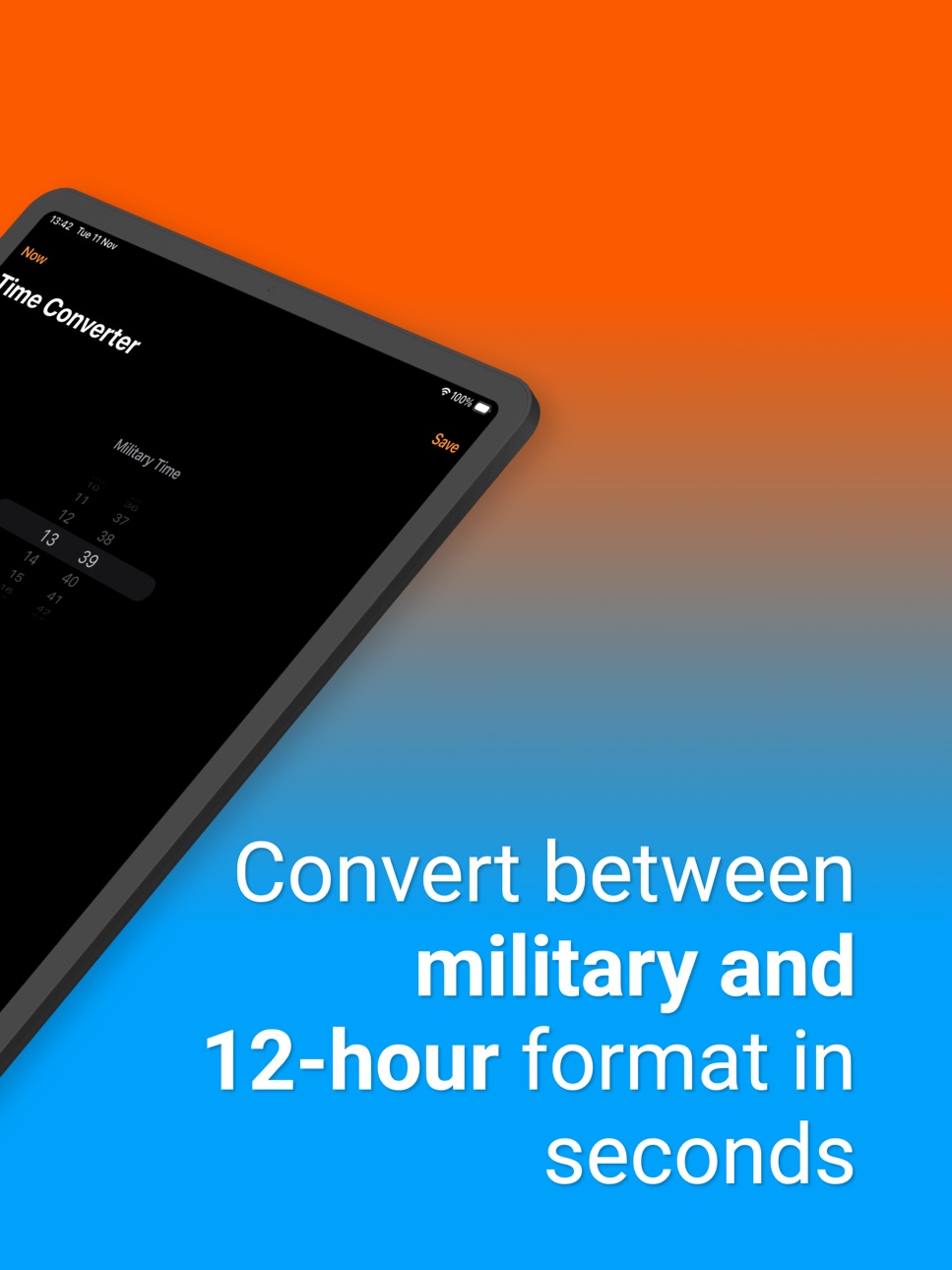
Convert between military time (00:00-23:59) and 12-hour format (12:00 AM-11:59 PM) in seconds. Our intuitive time picker makes conversions effortless - just select the time and see the result instantly. Switch conversion direction with a single tap.
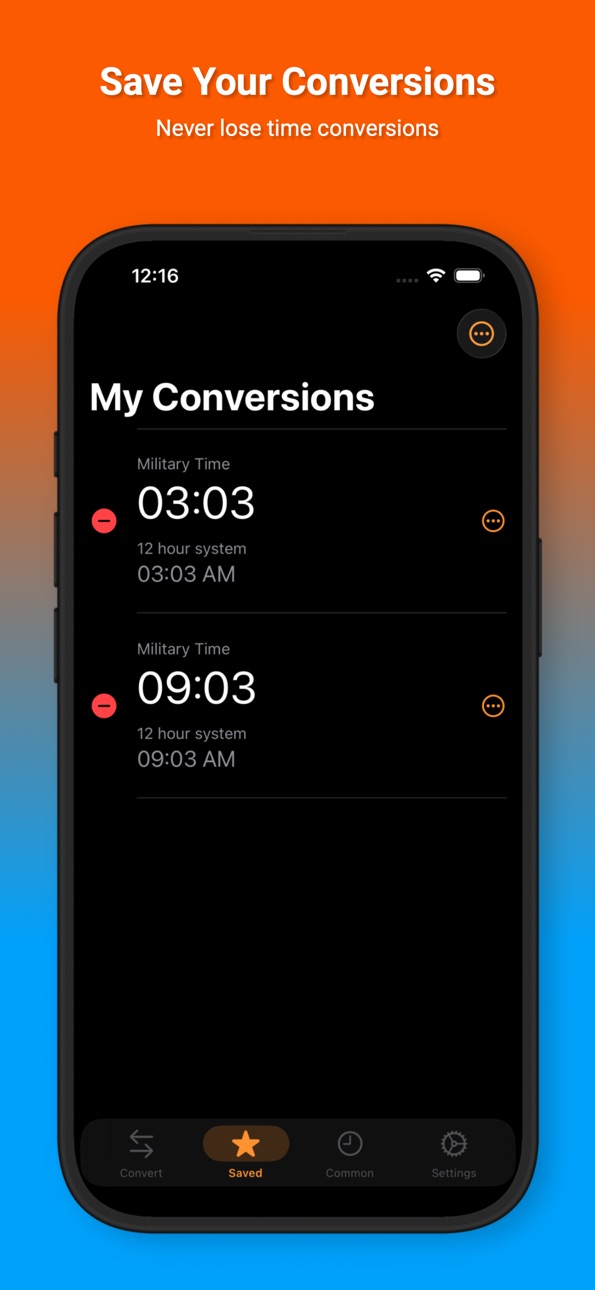
SAVE YOUR CONVERSIONS
Never lose important time conversions. Save unlimited conversions to your personal history and access them anytime. Perfect for tracking work schedules, appointments, or any time-related tasks. Delete individual conversions or clear all at once.
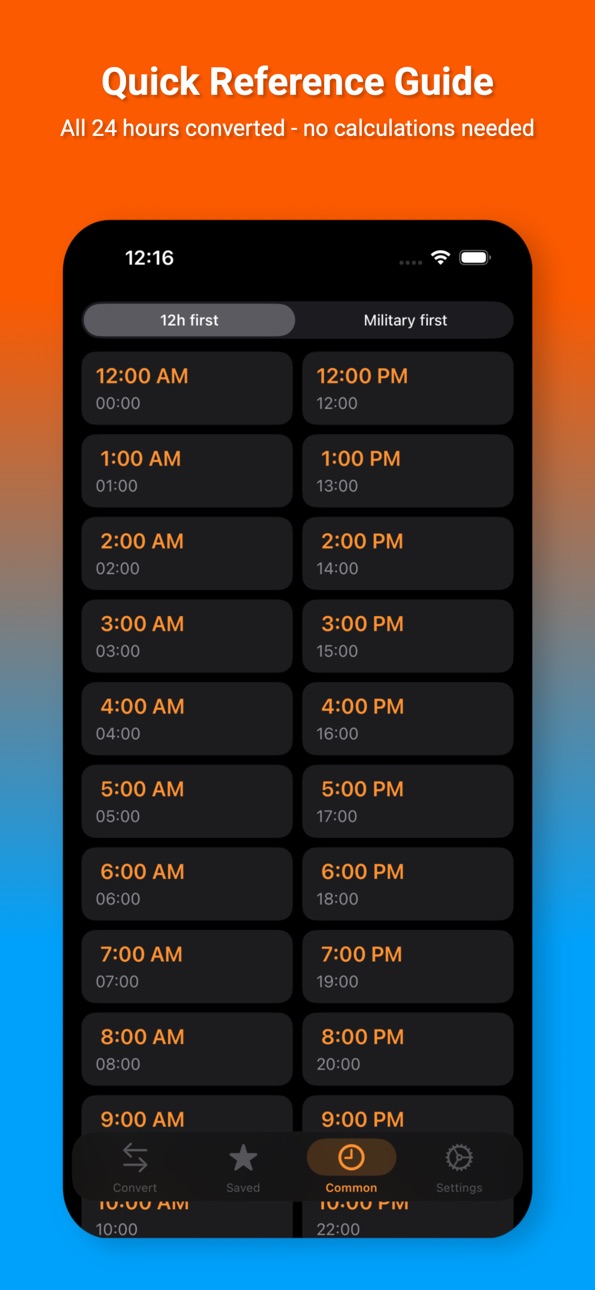
QUICK REFERENCE GUIDE
Access a complete 24-hour conversion reference instantly. See all military to 12-hour conversions at a glance without manual calculations. Perfect for quick lookups when you need immediate answers.
PREMIUM FEATURES
Upgrade to Premium for unlimited access to all features:
- Unlimited conversions - no restrictions
- Unlimited history - save as many conversions as you need
- No annoying paywalls - enjoy uninterrupted experience
- No adds - only clear time conversion
- Priority support - get help when you need it
WHY CHOOSE MILITARY TIME CLOCK?
Accurate - Reliable conversions every time
Fast - Instant results at your fingertips
Simple - Clean, easy-to-use interface
Professional - Built for serious time management
Free to Try - Test all features before upgrading
PERFECT FOR:
- Military personnel and veterans
- Healthcare professionals
- Aviation and transportation workers
- International business professionals
- Students and educators
- Anyone working with 24-hour time format
FEATURES:
- Instant time conversion between formats
- Save unlimited conversions to history
- Complete 24-hour reference guide
- Modern, clean interface
- Dark mode support
- Widget
- Share conversion
- Customizable app experience
- Haptic feedback for better interaction
- Accessibility support for all users
- Optimized for iPhone and iPad
Download Military Time Clock now and experience the most reliable time conversion app on the App Store. Convert time instantly, save your conversions, and never struggle with time format conversions again.
Terms of Use (EULA): https://www.apple.com/legal/internet-services/itunes/dev/stdeula/
Privacy Policy: https://sites.google.com/view/militaryclock/privacy-policy
In-App Purchases US pricing
Unlimited access. No ads. Subscription
Unlimited access for 1 week · 7 days 3-day free trial$1.99
Unlimited access for 1 year · Yearly 7-day free trial$8.99
One-Time Purchases
Lifetime access to full version$19.99
Capabilities
In-App Purchases
Accessibility
ipadiphonemacrealityDevicetvoswatch
Version history 3 versions
Build 880217697v1.12025-12-01 20:26:52
NEW: Home Screen Widget
Add a beautiful military time clock widget to your iPhone home screen! See current time in both 24-hour and 12-hour formats at a glance. Widget automatically matches your app theme for a consistent experience.
Complete Redesign
Modern, sleek interface with improved navigation and user experience. Better readability, smooth animations, and full iPad support. The most beautiful military time converter app on the App Store.
New Themes
Choose from 3 beautiful themes: Standard (dark mode), Military (camouflage design), and Light Mode. All themes are fully integrated with the widget.
Share & Export
Share time conversions instantly via Messages, Email, or Social Media. Export your conversion history as CSV or Text files. One-tap copy to clipboard.
Performance Improvements
Faster app launch, smoother performance, better battery efficiency. Optimized for all iPhone models.
Perfect for military personnel, healthcare workers, aviation professionals, and anyone who needs accurate 24-hour time conversion. Download the best military time converter app now!
Terms of Use (EULA): https://www.apple.com/legal/internet-services/itunes/dev/stdeula/
Privacy Policy: https://sites.google.com/view/militaryclock/privacy-policy
Build 879996893v1.0.12025-11-24 11:13:51
NEW: Military Theme
We've added a brand new Military theme that transforms your app with authentic military aesthetics. Switch between Standard and Military themes in Settings to customize your experience.
Military Theme Features:
• Authentic military color palette (olive green tones)
• Subtle camouflage pattern background
• Military-style icons (shields, timers, tactical symbols)
• Dark military-inspired interface
• Immersive visual experience
How to Use:
1. Open Settings
2. Go to Appearance section
3. Choose between "Standard" or "Military" theme
4. Your selection is saved automatically
Other Improvements:
• Enhanced visual consistency
• Better theme management
• Improved user interface
Experience Military Time Clock like never before with the new Military theme!
Build 874231349v1.02025-11-19 11:40:58
Price history by region
Currency
Show
Columns
Search
Availability 1 of 1 storefronts
| Region | Language | Price | Ratings | Avg | Version |
|---|---|---|---|---|---|
| US | en-US | Free | 1 | 1.0 | 1.1 |
Change log 7 changes · US
✎
releaseNotes updated
NEW: Home Screen Widget
Add a beautiful military time clock widget to your iPhone home screen! See current time in both 24-hour and 12-hour formats at a glance.
✎
description updated
Military Time Clock is the fastest and most accurate time conversion app for converting between military time (24-hour format) and 12-hour format. Perfect for m
✎
subtitle updated
Military & 24 Hour Clock
✎
name updated
Military time clock converter
◆
Version 1.1 released
NEW: Home Screen Widget
Add a beautiful military time clock widget to your iPhone home screen! See current time in both 24-hour and 12-hour formats at a glance. Widget automatically matches your app theme for a consistent experience.
Compl
◆
Version 1.0.1 released
NEW: Military Theme
We've added a brand new Military theme that transforms your app with authentic military aesthetics. Switch between Standard and Military themes in Settings to customize your experience.
Military Theme Features:
• Authen
◆
Version 1.0 released