Home › Photo & Video

 US
US
1 of 1 storefronts
Content in en-US
Content in en-US
Information
Preview 2 platforms
iPhone 8 images





iPad 7 images


What’s New Version 1.6
NEW: Contact Sheet Markup
• Mark frames as keepers, rejects, or maybes
• Free-form brush annotation with color and opacity controls
• 3× magnifier loupe for detailed inspection
• Markup bakes at full resolution for save and share
Plus: EXIF metadata embedding and My Gear camera/film presets.
Description
Transform your digital photos into classic film contact sheets — the essential photo grid layout for reviewing negatives. Contact Sheet Generator creates authentic proof sheets with the vintage look and feel of a traditional darkroom.
FEATURES:
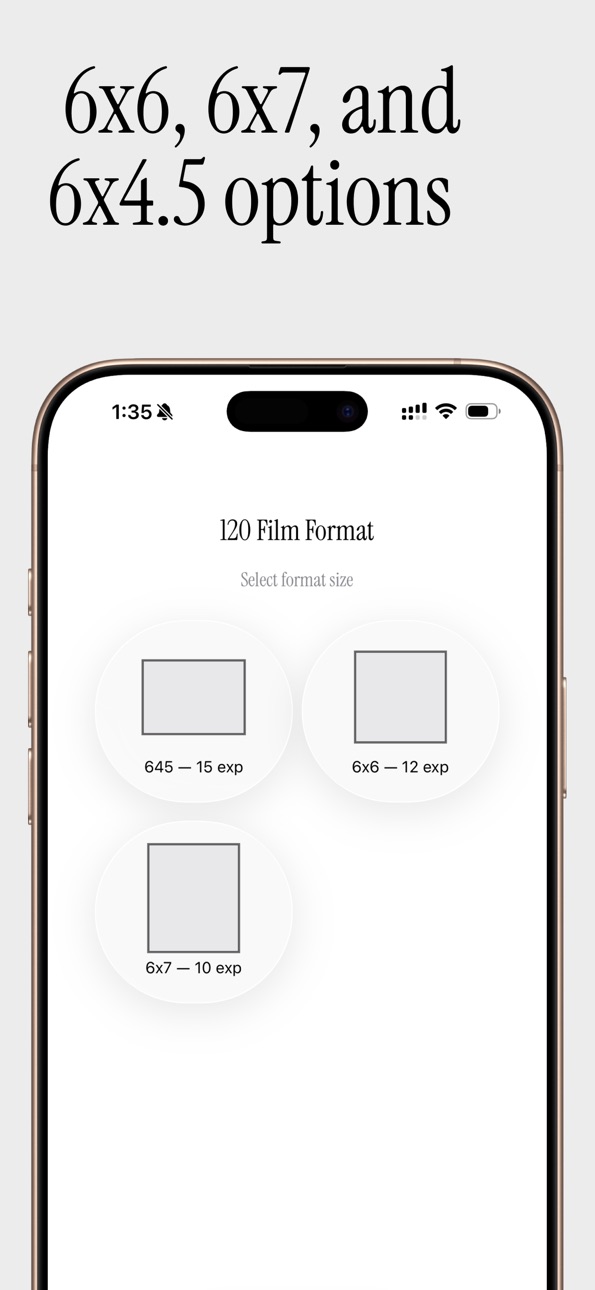
• Multiple Film Formats: 35mm (36 exposures) and medium format 120 film (645, 6x6, 6x7)
• Professional Layout: High-quality 8.5×11" contact sheets at 300 PPI — perfect as a photo collage or portfolio grid
• Authentic Film Border: Optional 35mm border overlay with sprocket holes and frame numbers
• Customizable Colors: Control background, text, border, and sprocket colors
• Font Options: Choose between classic Leica and San Francisco typography
• Dark Mode Support: Comfortable editing in any lighting condition
MARKUP & ANNOTATION:
• Mark frames as keepers, rejects, or maybes with color-coded overlays
• Free-form brush annotation with adjustable color, size, and opacity
• 3× magnifier loupe for detailed frame inspection
• All markup bakes at full resolution for save and share
MY GEAR PRESETS:
• Save your favorite cameras and film stocks for quick access
• Presets sorted by usage frequency or name
• EXIF metadata embedding: camera, film, and author info saved with every image
EASY TO USE:
1. Select your preferred film format
2. Choose up to 36 images (35mm) or 15 images (120 film)
3. Add custom details — or pick from your saved gear
4. Generate and save your contact sheet
PERFECT FOR:
• Film photographers documenting their work
• Photography students learning about contact sheets and proof sheets
• Professional photographers presenting their portfolio
• Anyone who loves the vintage aesthetic of analog film photography
• Photographers who want a clean negative review layout
Create beautiful contact sheets that blend digital convenience with analog charm — your darkroom proof sheet workflow, reimagined.
Accessibility
ipadiphonemacrealityDevicetvoswatch
Version history 8 versions
Build 883398982v1.62026-03-17 17:19:56
NEW: Contact Sheet Markup
• Mark frames as keepers, rejects, or maybes
• Free-form brush annotation with color and opacity controls
• 3× magnifier loupe for detailed inspection
• Markup bakes at full resolution for save and share
Plus: EXIF metadata embedding and My Gear camera/film presets.
Build 883380395v1.5.32026-03-15 00:45:44
Bug Fixes and Image updates
Build 882843106v1.5.22026-02-27 17:07:06
Bug Fixes and Image updates
Build 882724763v1.5.12026-02-25 11:12:37
Fixes a visual issue in What’s New where icons could appear black in Dark Mode (icons now adapt to light/dark appearance). Also improves the Settings button tap target on pre-iOS 26 devices for easier access on the landing screen.
Build 881981987v1.42026-01-29 23:32:50
Big Update!
Sequential Photo Picking from Camera Roll
Customizable colors for contact sheets (background, text colors)
35mm film borders with sprockets and frame numbers
Color customization for 35mm borders (border color, sprocket color, number color)
Zoom functionality for result view
Font selection feature (Leica Regular vs San Francisco)
Full list of Features section in settings
Build 878313369v1.3.12025-09-23 00:04:01
New Hidden Feature: Shake your device when viewing a contact sheet to convert it to black and white!
Discovery Celebration: The app now celebrates when you find hidden features like shake-to-B&W
Better Typography: Improved text sizing for better readability across all devices
Bug Fixes: Various stability improvements and performance optimizations
Build 878046304v1.32025-09-21 03:35:12
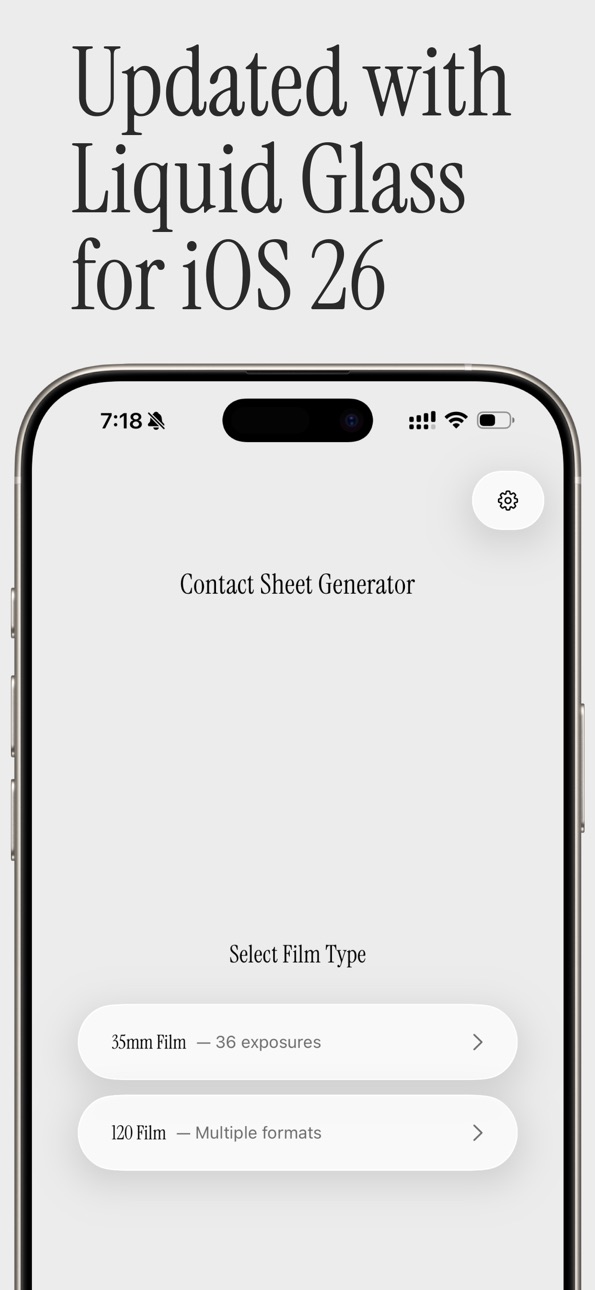
• Updated Liquid Glass UI.
• Refactored the whole app from 1 file to a new MVVM architecture.
• Added a new settings view.
• Added font option the the settings view.
Build 873875273v1.02025-07-10 22:43:22
No pricing data captured yet — comparisons appear once the app has paid storefronts or in-app purchases.
Availability 1 of 1 storefronts
| Region | Language | Price | Ratings | Avg | Version |
|---|---|---|---|---|---|
| US | en-US | Free | 3 | 5.0 | 1.6 |
Change log 12 changes · US
✎
releaseNotes updated
NEW: Contact Sheet Markup
• Mark frames as keepers, rejects, or maybes
• Free-form brush annotation with color and opacity controls
• 3× magnifier loupe for det
✎
description updated
Transform your digital photos into classic film contact sheets — the essential photo grid layout for reviewing negatives. Contact Sheet Generator creates authen
✎
subtitle updated
Analog Film Photo Proof Maker
✎
name updated
Contact Sheet Generator
◆
Version 1.6 released
NEW: Contact Sheet Markup
• Mark frames as keepers, rejects, or maybes
• Free-form brush annotation with color and opacity controls
• 3× magnifier loupe for detailed inspection
• Markup bakes at full resolution for save and share
Plus: EXI
◆
Version 1.5.3 released
Bug Fixes and Image updates
◆
Version 1.5.2 released
Bug Fixes and Image updates
◆
Version 1.5.1 released
Fixes a visual issue in What’s New where icons could appear black in Dark Mode (icons now adapt to light/dark appearance). Also improves the Settings button tap target on pre-iOS 26 devices for easier access on the landing screen.
◆
Version 1.4 released
Big Update!
Sequential Photo Picking from Camera Roll
Customizable colors for contact sheets (background, text colors)
35mm film borders with sprockets and frame numbers
Color customization for 35mm borders (border color, sprocket color, n
◆
Version 1.3.1 released
New Hidden Feature: Shake your device when viewing a contact sheet to convert it to black and white!
Discovery Celebration: The app now celebrates when you find hidden features like shake-to-B&W
Better Typography: Improved text sizing for b
◆
Version 1.3 released
• Updated Liquid Glass UI.
• Refactored the whole app from 1 file to a new MVVM architecture.
• Added a new settings view.
• Added font option the the settings view.
◆
Version 1.0 released