Home › Utilities

 US
US
1 of 1 storefronts
Content in en-US
Content in en-US
Information
Preview 2 platforms
iPhone 8 images


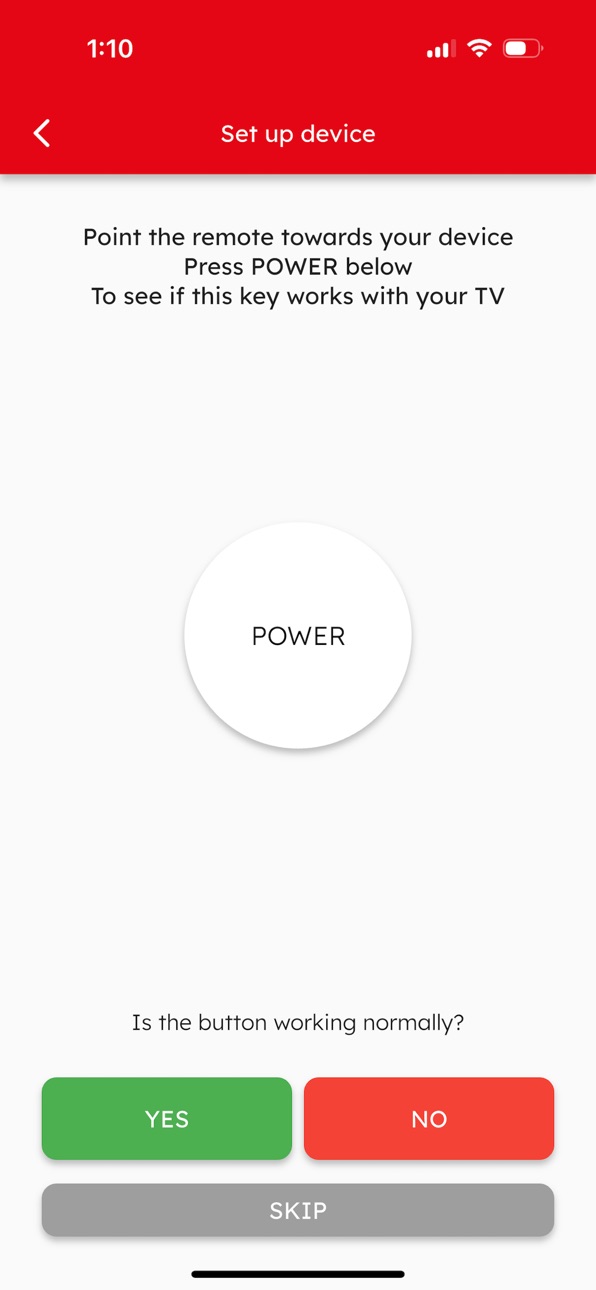
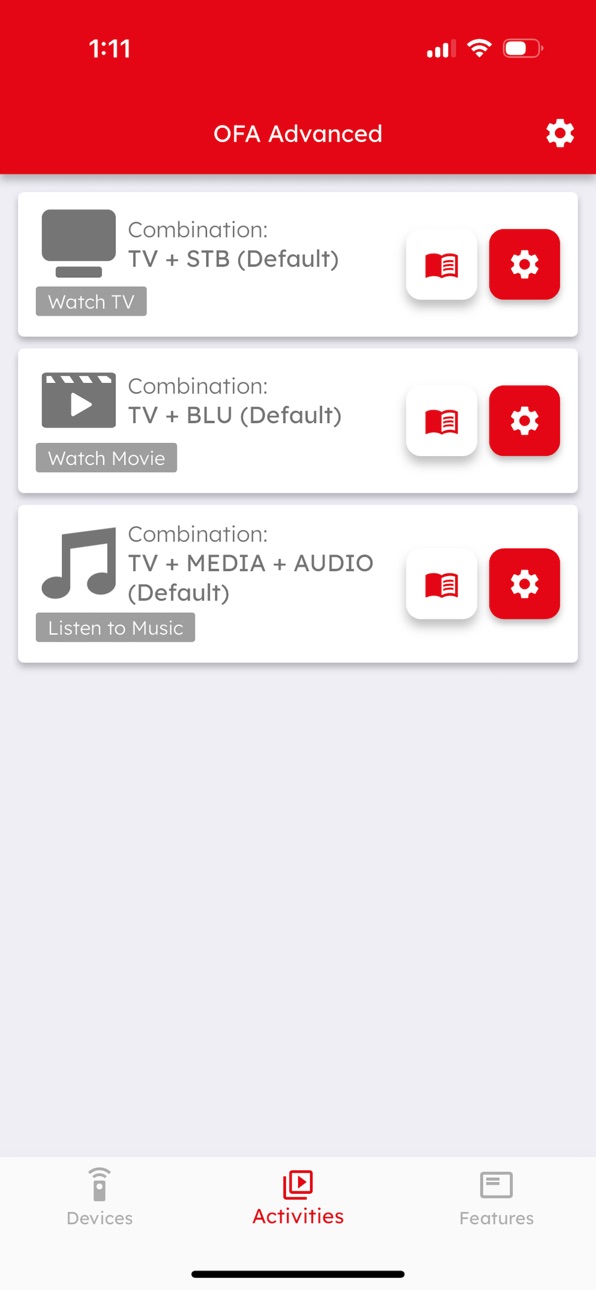

iPad 8 images


What’s New Version 1.0.7
URC 7985 Smart Control Pro Touch allows to control more than one Bluetooth Low Energy devices now. You can pair with up to 4 different Bluetooth devices.
The app supports pairing and setup with the URC 7967 Smart Control Pro 6.
Plus UI/UX improvement and bug fixes.
Description
The One For All Advanced Setup app is used to set up devices and features on the One For All Smart Control models URC 7956, URC 7981 and now URC 7985.
The app uses Bluetooth to communicate with the remote control and gives you access to thousands of brands and models of infrared controlled Audio/Video devices. Once the remote is controlling your Home Cinema, the app also gives you access to a wealth of features including:
• Combine up to 3 devices into a single Activity and control them from a single mode
• Learn any function from your original remote control onto keys on the OFA Smart Control
• Create flexible macros to send multiple commands on a single key press; for example power on your TV, Streaming Box and Sound bar, wait for 3 seconds then select the correct input on your TV.
• Easily edit keys and macros, changing their functionality, move them to different keys, devices or activities.
• Lock the volume control of the remote to a single device, for example a Sound Bar or Audio Video Receiver.
• Remote Finder – locate your remote using your phone to activate the speaker in the remote (8 Device remote and Touch remote only)
Accessibility
ipadiphonemacrealityDevicetvoswatch
Version history 8 versions
Build 884742907v1.0.72026-05-14 01:27:41
URC 7985 Smart Control Pro Touch allows to control more than one Bluetooth Low Energy devices now. You can pair with up to 4 different Bluetooth devices.
The app supports pairing and setup with the URC 7967 Smart Control Pro 6.
Plus UI/UX improvement and bug fixes.
Build 884085972v1.0.62026-04-17 03:52:11
Activity Macro has been enhanced. The first-trigger limit for the Activity Macro can be reset after sending the Power Macro.
Build 882765936v1.0.52026-04-03 04:30:38
The code library has been enhanced. Now, we support more devices and the new device types "CD Player" and "Cassette Player".
Activity Macro will be only triggered when first time switched to the Activity Mode.
Build 882626010v1.0.42026-02-24 01:23:01
AVR and Sound bars now have increased discrete inputs. To access go to the features menu and select Edit Extra Keys.
Vizio TV discrete commands have been added.
Devices and Activities can be reordered. Go to the Devices screen and tap on the 3 dot menu to the right of the Device and select Reorder Devices. For Activities use the Activity screen instead.
The pages of an individual device can now also be reordered. Go to the Devices screen and tap on the 3 dot menu to the right of the Device and select Reorder Device Pages.
The function Edit Device (accessed on the Devices page) has been renamed to Replace Device to avoid confusion.
Plus UI/UX improvement and bug fixes.
Build 878942159v1.0.32026-02-16 01:18:02
- UX/UI improvement
- Bug-fixes
Build 874911647v1.0.22025-10-08 08:38:16
- Added support for URC 7985 Smart Control Pro Touch
- UX/UI improvement
- Bug-fixes
Build 874644130v1.0.12025-05-14 01:10:42
- UX/UI improvement
- Bug-fixed
Build 873197367v1.0.02025-05-08 07:41:32
No pricing data captured yet — comparisons appear once the app has paid storefronts or in-app purchases.
Availability 1 of 1 storefronts
| Region | Language | Price | Ratings | Avg | Version |
|---|---|---|---|---|---|
| US | en-US | Free | 0 | — | 1.0.7 |
Change log 12 changes · US
✎
releaseNotes updated
URC 7985 Smart Control Pro Touch allows to control more than one Bluetooth Low Energy devices now. You can pair with up to 4 different Bluetooth devices.
The a
✎
description updated
The One For All Advanced Setup app is used to set up devices and features on the One For All Smart Control models URC 7956, URC 7981 and now URC 7985.
The app
✎
subtitle updated
One For All Setup Advanced
✎
name updated
OFA Advanced
◆
Version 1.0.7 released
URC 7985 Smart Control Pro Touch allows to control more than one Bluetooth Low Energy devices now. You can pair with up to 4 different Bluetooth devices.
The app supports pairing and setup with the URC 7967 Smart Control Pro 6.
Plus UI/UX
◆
Version 1.0.6 released
Activity Macro has been enhanced. The first-trigger limit for the Activity Macro can be reset after sending the Power Macro.
◆
Version 1.0.5 released
The code library has been enhanced. Now, we support more devices and the new device types "CD Player" and "Cassette Player".
Activity Macro will be only triggered when first time switched to the Activity Mode.
◆
Version 1.0.4 released
AVR and Sound bars now have increased discrete inputs. To access go to the features menu and select Edit Extra Keys.
Vizio TV discrete commands have been added.
Devices and Activities can be reordered. Go to the Devices screen and tap on
◆
Version 1.0.3 released
- UX/UI improvement
- Bug-fixes
◆
Version 1.0.2 released
- Added support for URC 7985 Smart Control Pro Touch
- UX/UI improvement
- Bug-fixes
◆
Version 1.0.1 released
- UX/UI improvement
- Bug-fixed
◆
Version 1.0.0 released