Home › Graphics & Design

 US
US
1 of 1 storefronts
Content in en-US
Content in en-US
Information
Preview 2 platforms
iPhone 8 images



iPad 3 images


What’s New Version 2.4
• Enhanced User Experience: We've optimized our ad delivery system to reduce frequency and provide a more seamless creative experience.
Thank you for your continued support and feedback as we work to make our Pixel Art Converter even better!
Description
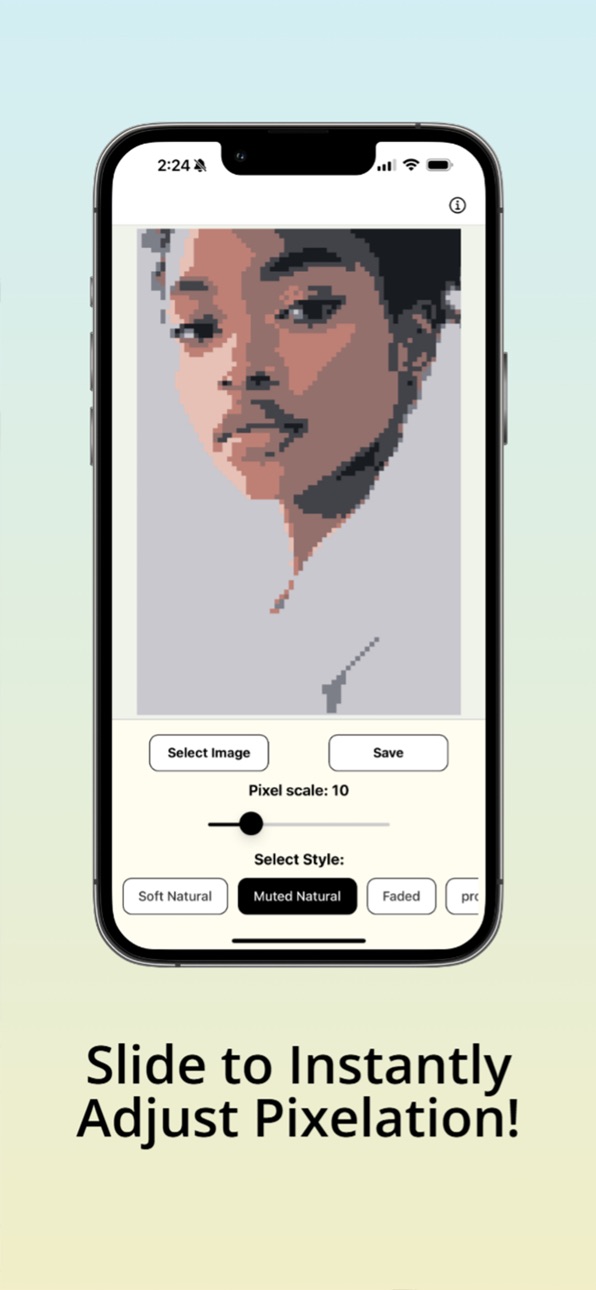
Pixel Art Converter transforms your photos into beautiful pixel art masterpieces with just a few simple taps. Whether you're a digital artist, game developer, or just love the retro aesthetic, our app makes creating pixel art effortless and fun.
KEY FEATURES:
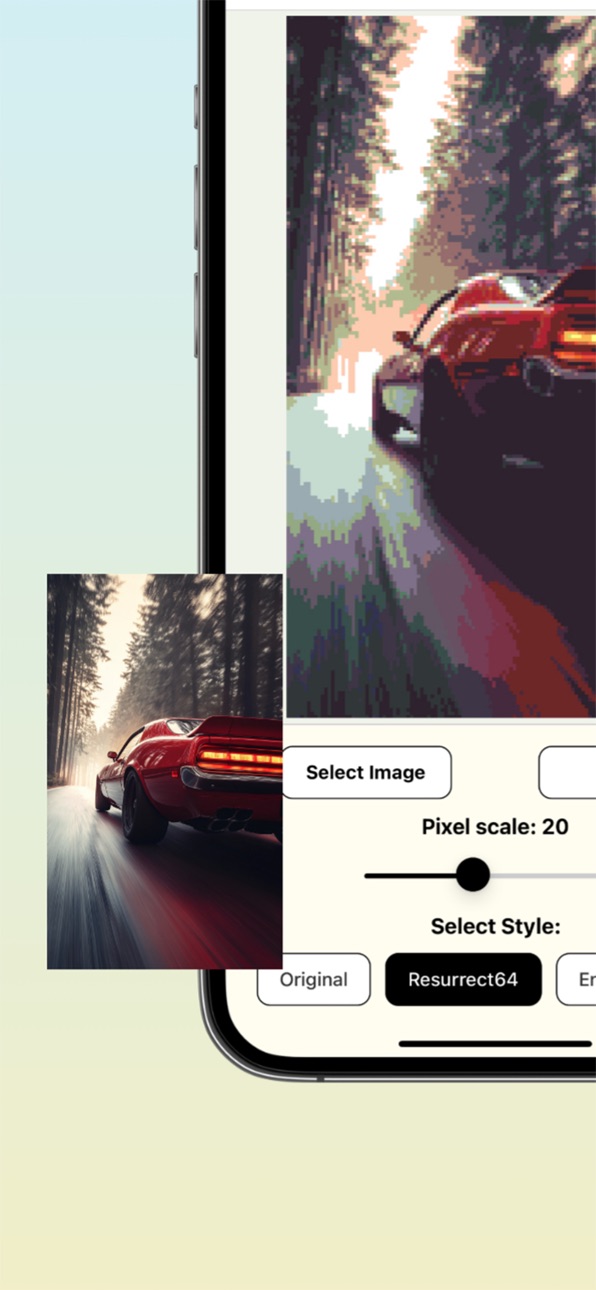
• Transform any photo into pixel art instantly
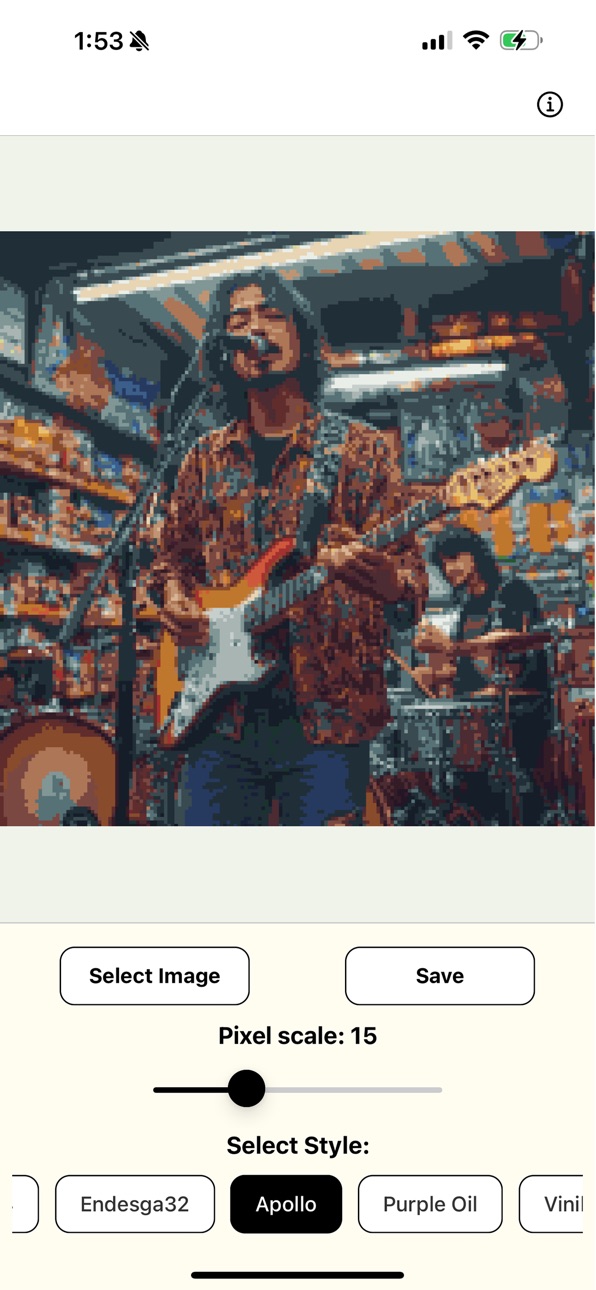
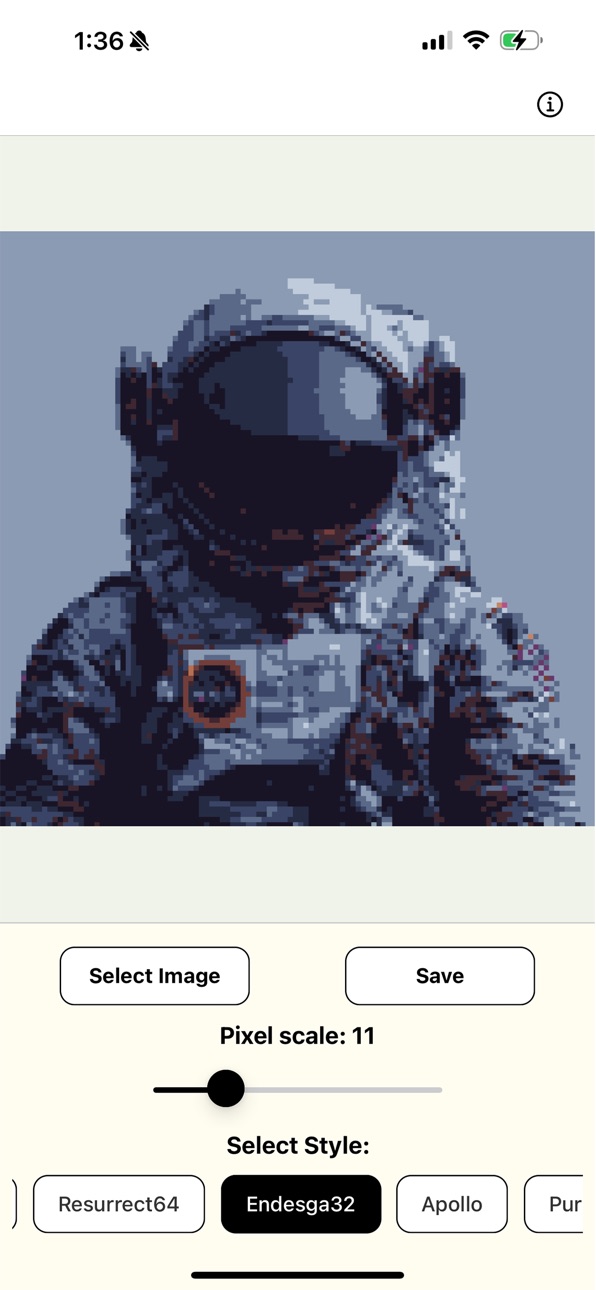
• Adjust pixelation scale (1-50) for precise control
• Choose from 20 stunning color palettes including Resurrect64, Endesga32, Fantasy, Gold, Retro, and more
• "Original" mode preserves your photo's colors while applying pixelation
• Real-time preview as you adjust settings
• Save your creations directly to your photo library
• Beautiful, intuitive interface optimized for both iPhone and iPad
• Dedicated layouts for iPad in both portrait and landscape orientations
PERFECT FOR:
• Creating unique social media posts
• Designing retro-style game assets
• Digital art projects
• Adding a nostalgic touch to your favorite photos
• Experimenting with different artistic styles
Our powerful pixelation engine processes everything locally on your device, ensuring your photos remain private and secure. The simple, clean interface makes it easy for anyone to create stunning pixel art, regardless of artistic experience.
SUBSCRIPTION INFORMATION:
• Pixelation Monthly Subscription: 1.99 USD per month
• Pixelation Yearly Subscription: 9.99 USD per year
• Subscription is optional and not required to use the basic features of the app
• Payment will be charged to your Apple ID account at the confirmation of purchase
• Subscription automatically renews unless auto-renew is turned off at least 24 hours before the end of the current period
• Account will be charged for renewal within 24 hours prior to the end of the current period
• Auto-renewal can be turned off at any time by going to your Apple ID Account Settings. If auto-renewal is turned off, your subscription will expire at the end of the current billing period
• No refunds will be provided for the active subscription period if canceled before the subscription ends
Privacy Policy: https://www.termsfeed.com/live/eed15514-ea09-464e-ad05-06c629ac47d9
Terms of Use (EULA): https://www.apple.com/legal/internet-services/itunes/dev/stdeula/
Download Pixel Art Converter today and discover how easy it is to transform your photos into pixel art masterpieces!
In-App Purchases US pricing
Monthly Subscription Subscription
Monthly 7-day free trial$1.99
Yearly Subscription Subscription
Yearly 7-day free trial$9.99
Capabilities
In-App Purchases
Accessibility
ipadiphonemacrealityDevicetvoswatch
Version history 4 versions
Build 873979804v2.42025-04-13 11:01:40
• Enhanced User Experience: We've optimized our ad delivery system to reduce frequency and provide a more seamless creative experience.
Thank you for your continued support and feedback as we work to make our Pixel Art Converter even better!
Build 873561812v2.22025-03-27 05:09:30
Updated the marketing URL
Build 873579688v2.32025-03-27 16:49:45
• Enhanced User Experience: We've optimized our ad delivery system to reduce frequency and provide a more seamless creative experience.
• Image Saving bugs solved: Resolved technical issues affecting the photo saving process, ensuring your pixel art creations are properly saved to your device gallery.
• Permission System Refinement: Streamlined the photo library access workflow with improved permission handling and clearer navigation to device settings when needed.
Thank you for your continued support and feedback as we work to make our Pixel Art Converter even better!
Build 872518518v2.12025-03-26 14:25:22
Price history by region
Currency
Show
Columns
Search
Availability 1 of 1 storefronts
| Region | Language | Price | Ratings | Avg | Version |
|---|---|---|---|---|---|
| US | en-US | Free | 9 | 5.0 | 2.4 |
Change log 8 changes · US
✎
releaseNotes updated
• Enhanced User Experience: We've optimized our ad delivery system to reduce frequency and provide a more seamless creative experience.
Thank you for your cont
✎
description updated
Pixel Art Converter transforms your photos into beautiful pixel art masterpieces with just a few simple taps. Whether you're a digital artist, game developer, o
✎
subtitle updated
Turn Photos into Pixel Art!
✎
name updated
Pixel Art Converter
◆
Version 2.4 released
• Enhanced User Experience: We've optimized our ad delivery system to reduce frequency and provide a more seamless creative experience.
Thank you for your continued support and feedback as we work to make our Pixel Art Converter even bette
◆
Version 2.3 released
• Enhanced User Experience: We've optimized our ad delivery system to reduce frequency and provide a more seamless creative experience.
• Image Saving bugs solved: Resolved technical issues affecting the photo saving process, ensuring your
◆
Version 2.2 released
Updated the marketing URL
◆
Version 2.1 released