Home › Utilities

 US
US
1 of 1 storefronts
Content in en-US
Content in en-US
Information
Preview 2 platforms
iPhone 5 images



iPad 5 images



What’s New Version 1.12
• Minor updates for iOS 26 compatibility
Description
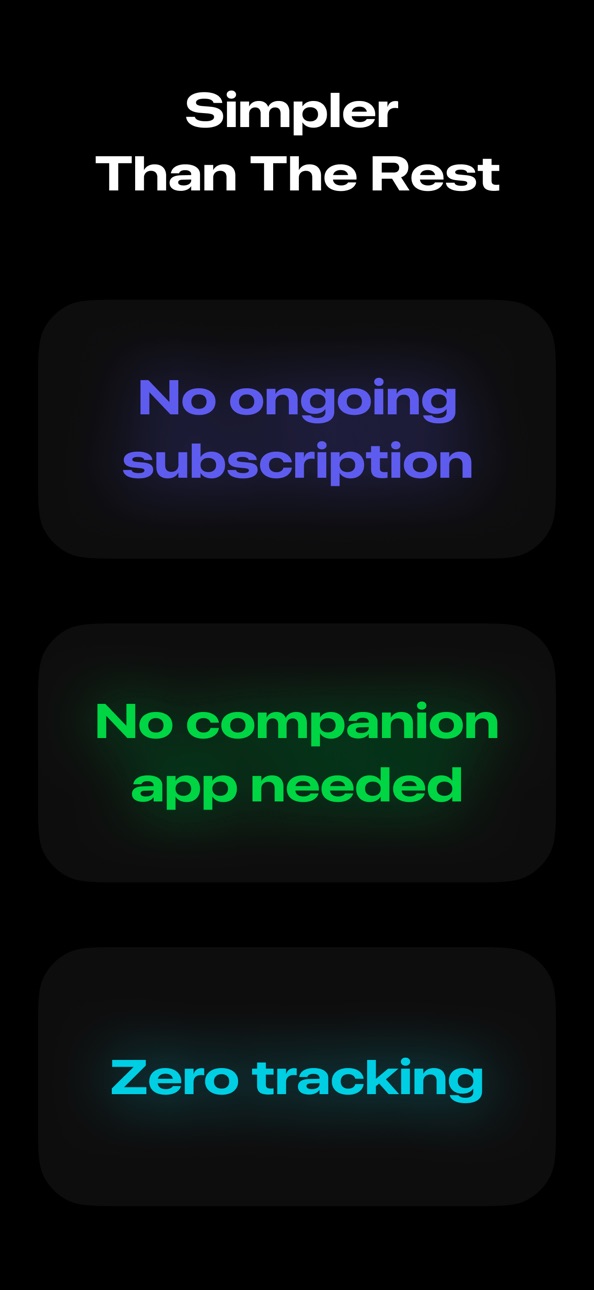
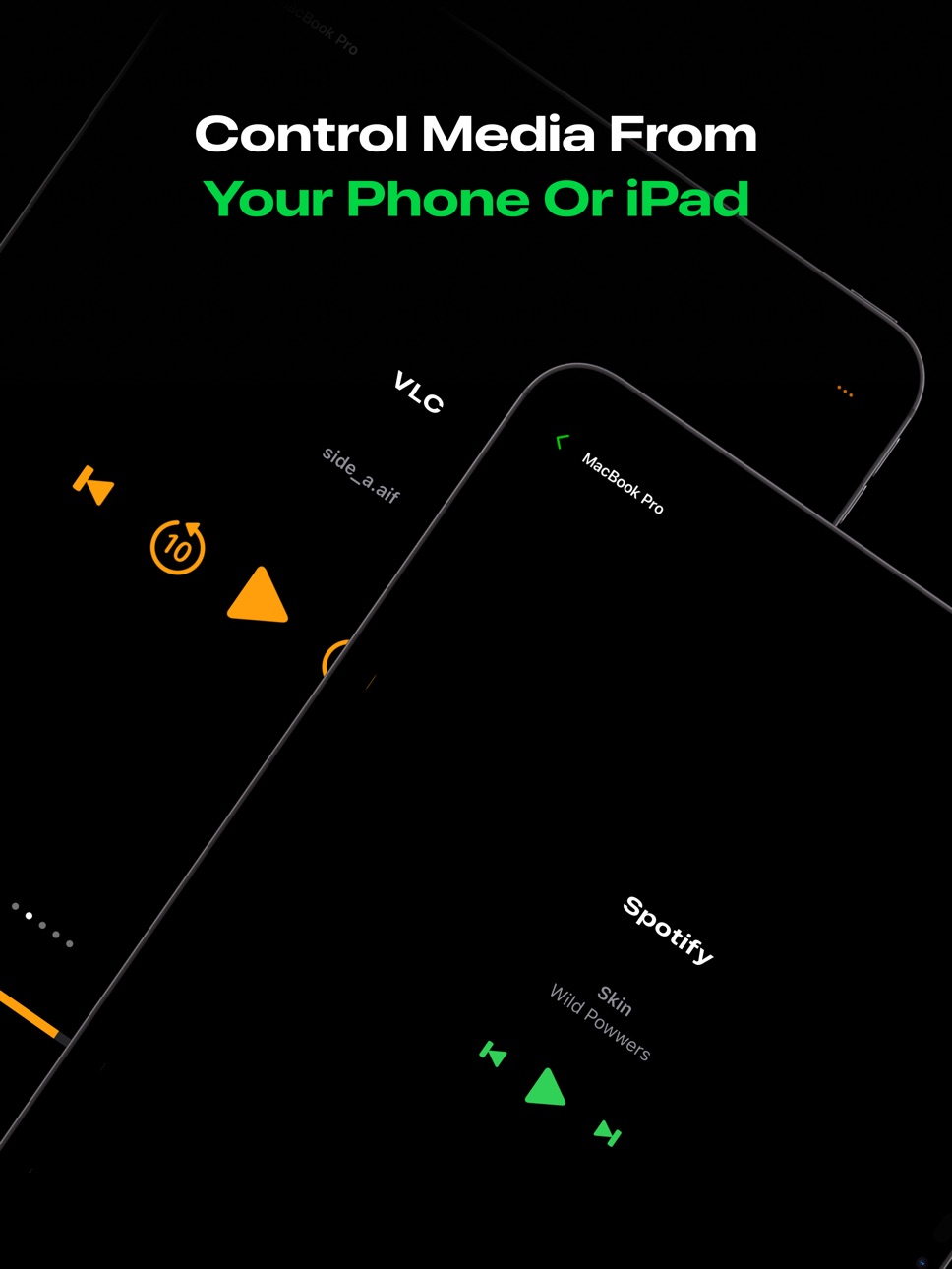
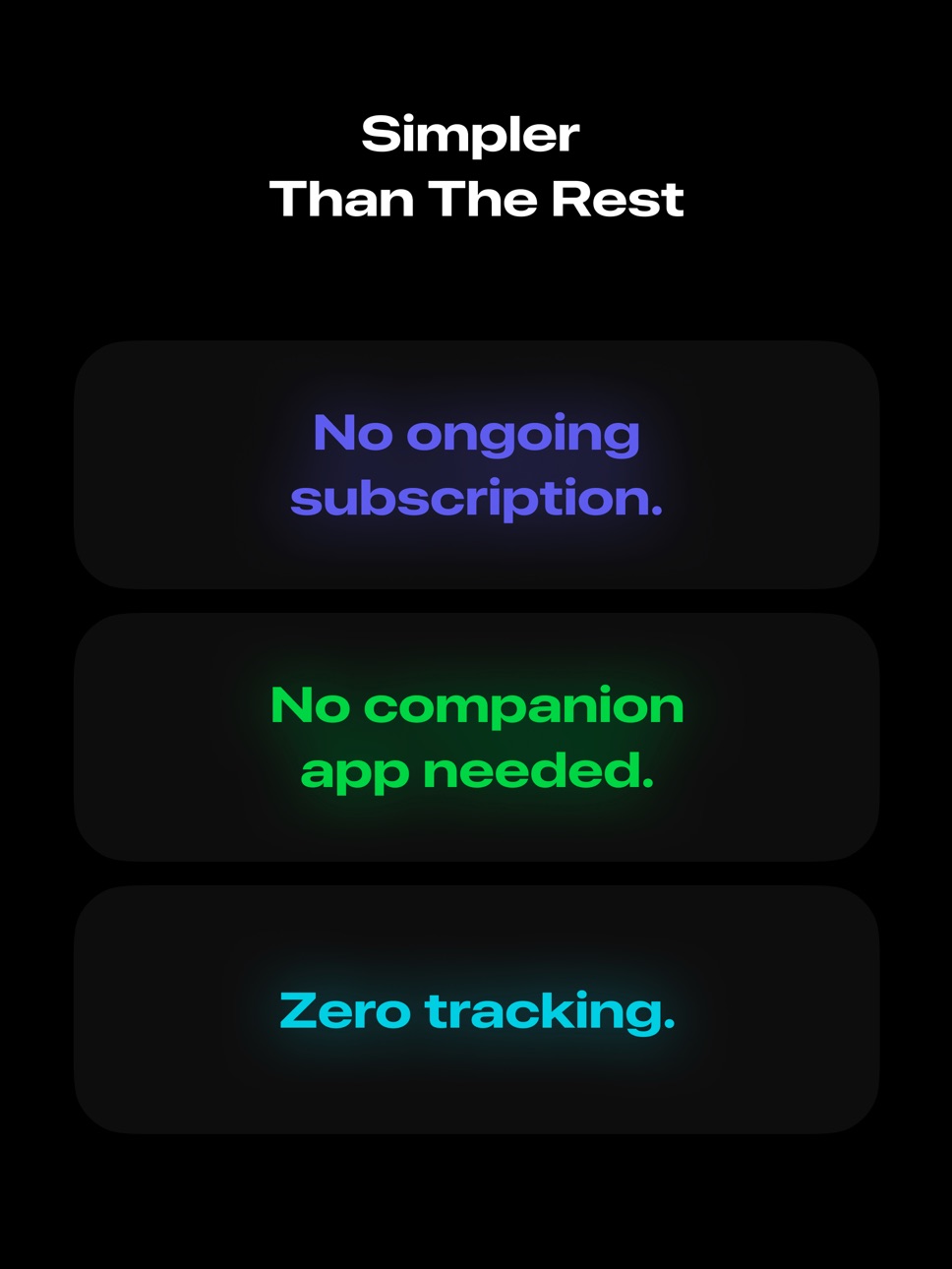
The simplest, fastest way to control basic media playback on your Mac. No subscription, payment, or companion app installs needed.
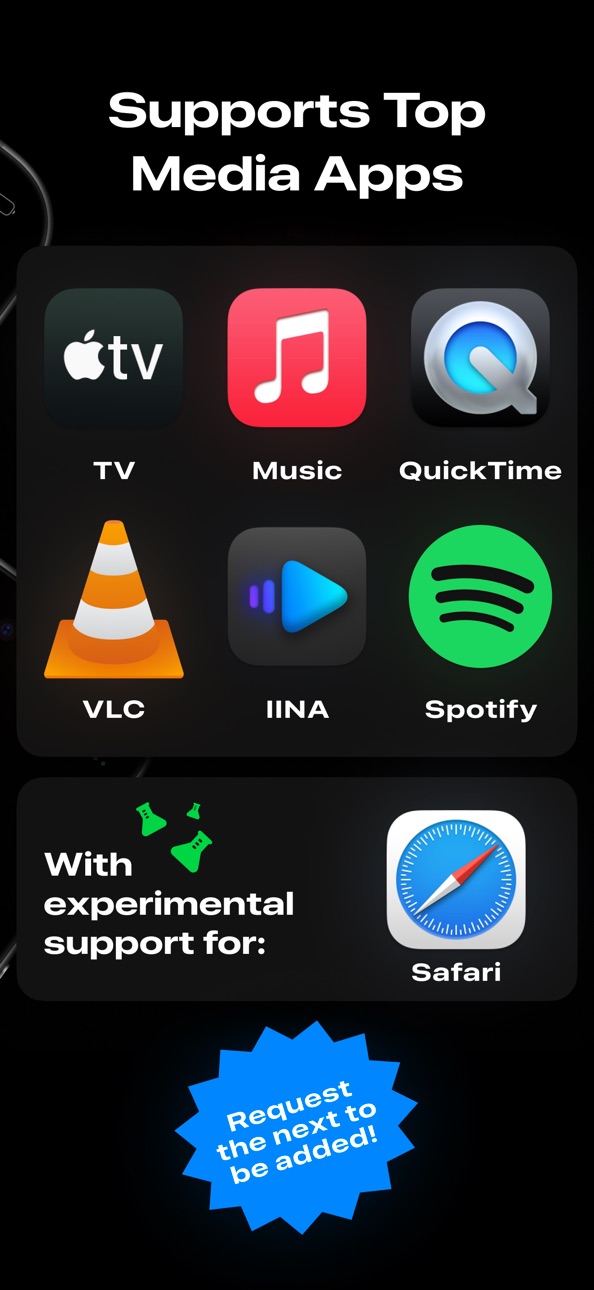
Control currently supports system-level volume controls and basic media controls for the following apps:
• TV.app
• Music.app
• QuickTime Player
• VLC
• IINA
• Spotify
• Safari (experimental)
If you'd like to use Control with an app that isn't on this list, send a request and I'll look into adding it.
Note: Control connects directly to your Mac using built-in permissions. This requires being on the same network and enabling Remote Access.
Powered by AppleScript.
Accessibility
ipadiphonemacrealityDevicetvoswatch
Version history 11 versions
Build 880661252v1.122025-12-14 23:22:00
• Minor updates for iOS 26 compatibility
Build 876082964v1.112025-07-07 15:40:00
• Manage which apps you want to control directly from the controls screen.
• Added experimental controls for Safari.
• Enable "Experimental App Controls" from Preferences.
• Bug fixes, improved connectivity, and visual improvements.
• Updated App Store screenshots
• Added a new app icon for iOS 26
Build 876080157v1.102025-07-02 19:39:31
• Enable "Experimental App Controls" from Preferences.
• Added experimental controls for Safari.
• Manage which apps you want to control directly from the controls screen.
• Bug fixes, improved connectivity, and visual improvements.
Build 875271502v1.072025-06-03 17:46:53
• Added support for IINA media player
Build 873438570v1.052025-03-22 08:22:15
- Fixed a bug where apps showed an inaccurate loading state
Build 873450627v1.062025-03-22 18:28:46
- Fixed an issue where the permissions screen was not opening the proper dialogs
Build 873407177v1.042025-03-21 02:46:02
- Updated volume controls for a more minimal look.
- Slight adjustments to control layouts.
- Improved display of currently playing media for TV.
- Added a feedback screen.
- Minor bug fixes and improvements, re-connecting should be more reliable now.
Build 873345983v1.032025-03-20 08:47:15
- Updated volume controls for a more minimal look
- Added a feedback screen
- Made the app status text slightly bigger on the control view
Build 873098623v1.022025-03-10 09:32:24
- Added a Support screen for reporting bugs, feedback, and feature requests.
Build 872576072v1.012025-02-19 07:14:52
- Updated the “why isn’t my device showing?” guidance.
- Fixed an issue where errors failed to show during authentication.
Build 871461545v1.02025-02-11 19:01:26
No pricing data captured yet — comparisons appear once the app has paid storefronts or in-app purchases.
Availability 1 of 1 storefronts
| Region | Language | Price | Ratings | Avg | Version |
|---|---|---|---|---|---|
| US | en-US | Free | 5 | 5.0 | 1.12 |
Change log 15 changes · US
✎
releaseNotes updated
• Minor updates for iOS 26 compatibility
✎
description updated
The simplest, fastest way to control basic media playback on your Mac. No subscription, payment, or companion app installs needed.
Control currently supports s
✎
subtitle updated
Remotely Control Mac Apps
✎
name updated
Control - Mac Remote Control
◆
Version 1.12 released
• Minor updates for iOS 26 compatibility
◆
Version 1.11 released
• Manage which apps you want to control directly from the controls screen.
• Added experimental controls for Safari.
• Enable "Experimental App Controls" from Preferences.
• Bug fixes, improved connectivity, and visual improvements.
• Updat
◆
Version 1.10 released
• Enable "Experimental App Controls" from Preferences.
• Added experimental controls for Safari.
• Manage which apps you want to control directly from the controls screen.
• Bug fixes, improved connectivity, and visual improvements.
◆
Version 1.07 released
• Added support for IINA media player
◆
Version 1.06 released
- Fixed an issue where the permissions screen was not opening the proper dialogs
◆
Version 1.05 released
- Fixed a bug where apps showed an inaccurate loading state
◆
Version 1.04 released
- Updated volume controls for a more minimal look.
- Slight adjustments to control layouts.
- Improved display of currently playing media for TV.
- Added a feedback screen.
- Minor bug fixes and improvements, re-connecting should be more re
◆
Version 1.03 released
- Updated volume controls for a more minimal look
- Added a feedback screen
- Made the app status text slightly bigger on the control view
◆
Version 1.02 released
- Added a Support screen for reporting bugs, feedback, and feature requests.
◆
Version 1.01 released
- Updated the “why isn’t my device showing?” guidance.
- Fixed an issue where errors failed to show during authentication.
◆
Version 1.0 released