Home › Photo & Video

 US
US
1 of 1 storefronts
Content in en-US
Content in en-US
Information
Preview 1 platform
iPhone 10 images




What’s New Version 1.4.0
New Features
• Added Siri Shortcuts for faster access to the camera, video recording, gallery, and filters.
• Added a new “What’s New” screen to highlight recent changes inside the app.
• Added Indonesian language support.
Improvements
• Improved the camera and filter experience to feel smoother and easier to use.
• Improved gallery previews for videos.
Bug Fixes
• Fixed several issues with zooming and video previews.
• Fixed minor bugs and improved overall stability.
Description
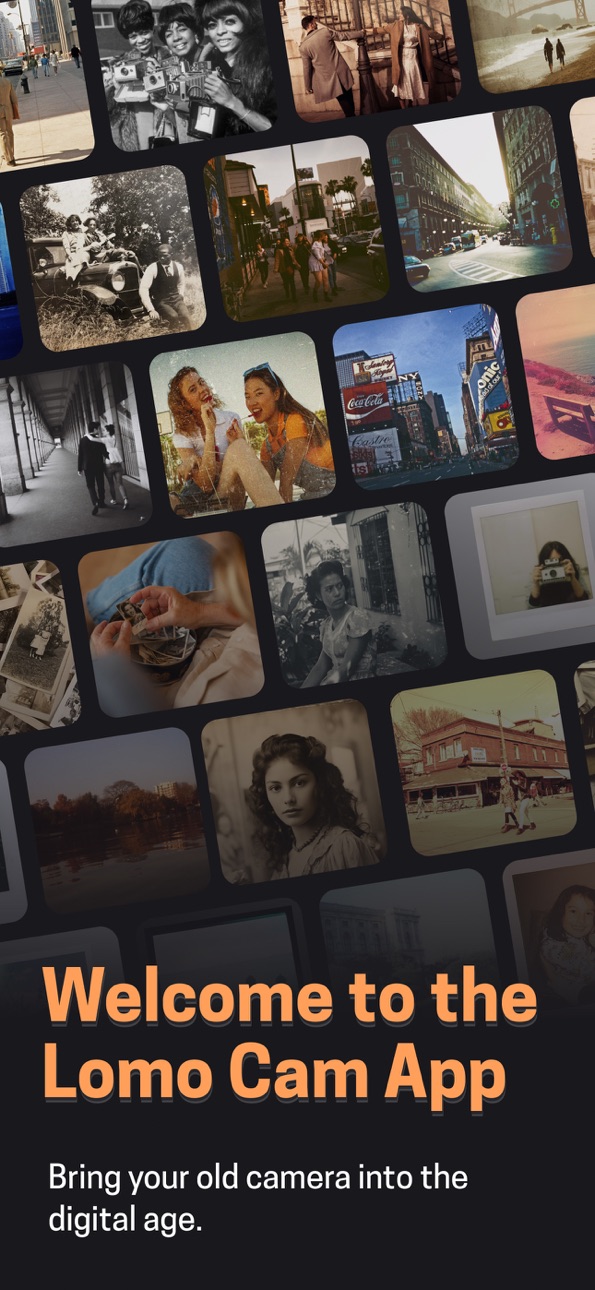
Lomo is not just another vintage camera app. It gives you complete creative control with a fully live experience—preview every filter, light leak, or timestamp before you capture. Built for creators who want the feel of analog, but with the tools of today.
No surprises after the shutter. No guessing how your photo will look. With Lomo, what you see is exactly what you get—live, styled, and share-ready.
Lomo includes a growing collection of unique camera styles inspired by iconic formats from every era.
* Polaroid-style instant cameras with soft tones and vintage frames
* VHS video camcorder with grainy textures and analog distortion
* Disposable film cameras with timestamp overlays and film burns
* 35mm classic film presets with true-to-life grain and color fade
* Point-and-shoot aesthetics with realistic flash and blur
* Experimental looks you won’t find in any other camera app
Live Real-Time Cameras
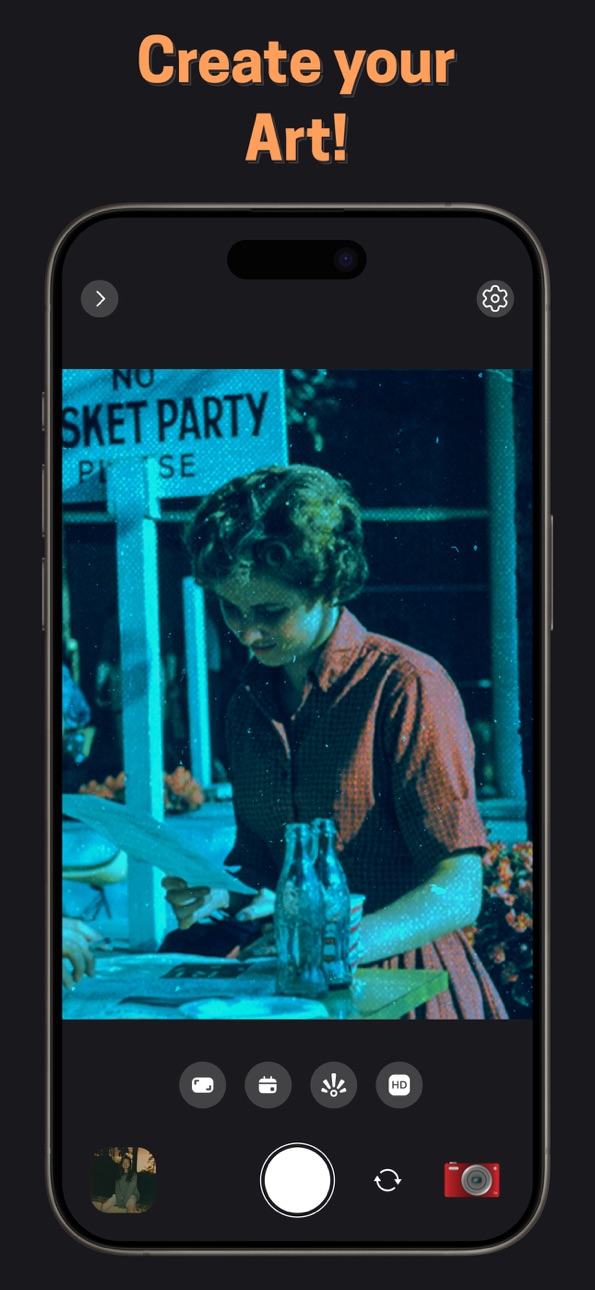
- Apply vintage filters and effects while using the camera, not afterward
- See light leaks, date stamps, and tone adjustments live on your screen.
Customizable Light Leaks
- Choose from a variety of light leak styles.
- Adjust intensity to create a unique film-like texture.
Multiple Aspect Ratios
- Shoot in various aspect ratios for both photo and video.
- Choose the best fit for social, film-style, or widescreen compositions.
Resolution Options
- Capture photos and videos in multiple resolutions.
- Tailor quality and file size to your needs.
Custom Date Stamp
- Add a timestamp in retro style.
- Use today’s date or select a custom one for that throwback feel.
Manual Focus and Focus Lock
- Tap to focus anywhere on the screen.
- Lock the focus for consistent clarity in your shot.
Temperature Adjustment
- Warm up or cool down the live feed before capture.
- Perfect for mood-based shooting and creative tone control.
Brightness Control
- Adjust exposure live with precision.
- Create low-light ambiance or high-brightness vintage pop.
Video Frame Rate Control
- Select different FPS options when capturing video.
- Add motion style flexibility for cinematic or retro looks.
Optical and Ultra-Wide Zoom Support
- Supports optical zoom and 0.5x ultra-wide lens (on supported devices).
- Frame scenes from any perspective without switching apps.
Grid and Level Overlay
- Enable grid lines for better composition.
- Use the level indicator to ensure balanced horizons.
Flash and Auto Flash
- Use manual or automatic flash as needed.
- Supports both photo and video modes.
Timer Capture
- Set a timer for hands-free shooting.
- Ideal for group shots or staged stills.
Location Metadata Saving
- Automatically store location info with each capture.
- Useful for organizing and revisiting memories.
Download LOMO now and see your world through a new lens—live, styled, and perfectly yours.
* Subscription required for some cameras and some features.
Terms of Service: https://lomo.gcoapps.com/terms
Privacy Policy: https://lomo.gcoapps.com/privacy
Capabilities
In-App Purchases
Accessibility
ipadiphonemacrealityDevicetvoswatch
Version history 7 versions
Build 887285369v1.4.02026-06-24 21:01:14
New Features
• Added Siri Shortcuts for faster access to the camera, video recording, gallery, and filters.
• Added a new “What’s New” screen to highlight recent changes inside the app.
• Added Indonesian language support.
Improvements
• Improved the camera and filter experience to feel smoother and easier to use.
• Improved gallery previews for videos.
Bug Fixes
• Fixed several issues with zooming and video previews.
• Fixed minor bugs and improved overall stability.
Build 886591948v1.3.02026-06-06 17:09:53
New Features
- Home Screen Quick Actions — jump straight into the camera, start recording a video, or open your gallery with a long press on the app icon!
- Redesigned Premium experience with a cleaner layout and clearer presentation of plans and features
- Introductory offers now show a clearer
Improvements
- Refreshed Premium screen with a smoother, more polished look
- Better camera and live preview performance
- Smarter photo album filters, including improved sorting and handling when filters are empty
- Improved video export progress messages in your language
- A more seamless experience when subscribing to Premium
Bug Fixes
- Fixed filter selection issues in the camera filter picker
- Fixed camera and video actions not working correctly after the app was closed from the background
- Fixed photo album thumbnail caching issues
- Fixed scroll bounce behavior in certain views
- Various stability, localization, and under-the-hood improvements
Build 886355618v1.2.22026-06-01 13:52:34
• App now available in 19 languages — change it anytime in Settings
• Redesigned Premium screen with swipeable features
• Bug fixes and performance improvements
Build 879450535v1.2.12025-11-03 22:31:30
-Added support for multiple image and video export formats
-Optimized performance, polished UI, and enhanced overall stability
-Fixed minor issues for a smoother experience
Build 879209808v1.2.02025-10-27 17:19:27
Up to 50% faster performance for a smoother, more responsive experience
Optimized memory management for longer battery life
New slideshow feature for your photo collections
Polished UI and smoother animations
Fixed minor bugs for improved stability
Build 878931745v1.1.02025-10-15 16:25:28
Up to 60% faster performance for a smoother and more responsive experience
Added a new Control Center widget for quick camera access
Added support for camera controls directly from the app and widget
Fixed minor bugs to improve stability
Minor UI enhancements for a cleaner, more polished look
Build 871140312v1.0.02025-05-06 01:17:02
No pricing data captured yet — comparisons appear once the app has paid storefronts or in-app purchases.
Availability 1 of 1 storefronts
| Region | Language | Price | Ratings | Avg | Version |
|---|---|---|---|---|---|
| US | en-US | Free | 5 | 5.0 | 1.4.0 |
Change log 11 changes · US
✎
releaseNotes updated
New Features
• Added Siri Shortcuts for faster access to the camera, video recording, gallery, and filters.
• Added a new “What’s New” screen to highlight rece
✎
description updated
Lomo is not just another vintage camera app. It gives you complete creative control with a fully live experience—preview every filter, light leak, or timestamp
✎
subtitle updated
Live Polaroid, VHS, Film Cams
✎
name updated
Lomo: Analog Vintage Camera
◆
Version 1.4.0 released
New Features
• Added Siri Shortcuts for faster access to the camera, video recording, gallery, and filters.
• Added a new “What’s New” screen to highlight recent changes inside the app.
• Added Indonesian language support.
Improvements
•
◆
Version 1.3.0 released
New Features
- Home Screen Quick Actions — jump straight into the camera, start recording a video, or open your gallery with a long press on the app icon!
- Redesigned Premium experience with a cleaner layout and clearer presentation of pl
◆
Version 1.2.2 released
• App now available in 19 languages — change it anytime in Settings
• Redesigned Premium screen with swipeable features
• Bug fixes and performance improvements
◆
Version 1.2.1 released
-Added support for multiple image and video export formats
-Optimized performance, polished UI, and enhanced overall stability
-Fixed minor issues for a smoother experience
◆
Version 1.2.0 released
Up to 50% faster performance for a smoother, more responsive experience
Optimized memory management for longer battery life
New slideshow feature for your photo collections
Polished UI and smoother animations
Fixed minor bugs for improved s
◆
Version 1.1.0 released
Up to 60% faster performance for a smoother and more responsive experience
Added a new Control Center widget for quick camera access
Added support for camera controls directly from the app and widget
Fixed minor bugs to improve stability
Mi
◆
Version 1.0.0 released