Home › Utilities

 US
US
1 of 1 storefronts
Content in en-US
Content in en-US
Information
Preview 2 platforms
iPhone 5 images


iPad 5 images




What’s New Version 3.0
- Bug fixes
Description
Sometimes in a single day you need your different documents scanned multiple times. In that situation if everything is planned you will definitely not suffer more. But if the need to scan that document arises one by one it will be a disaster for sure.
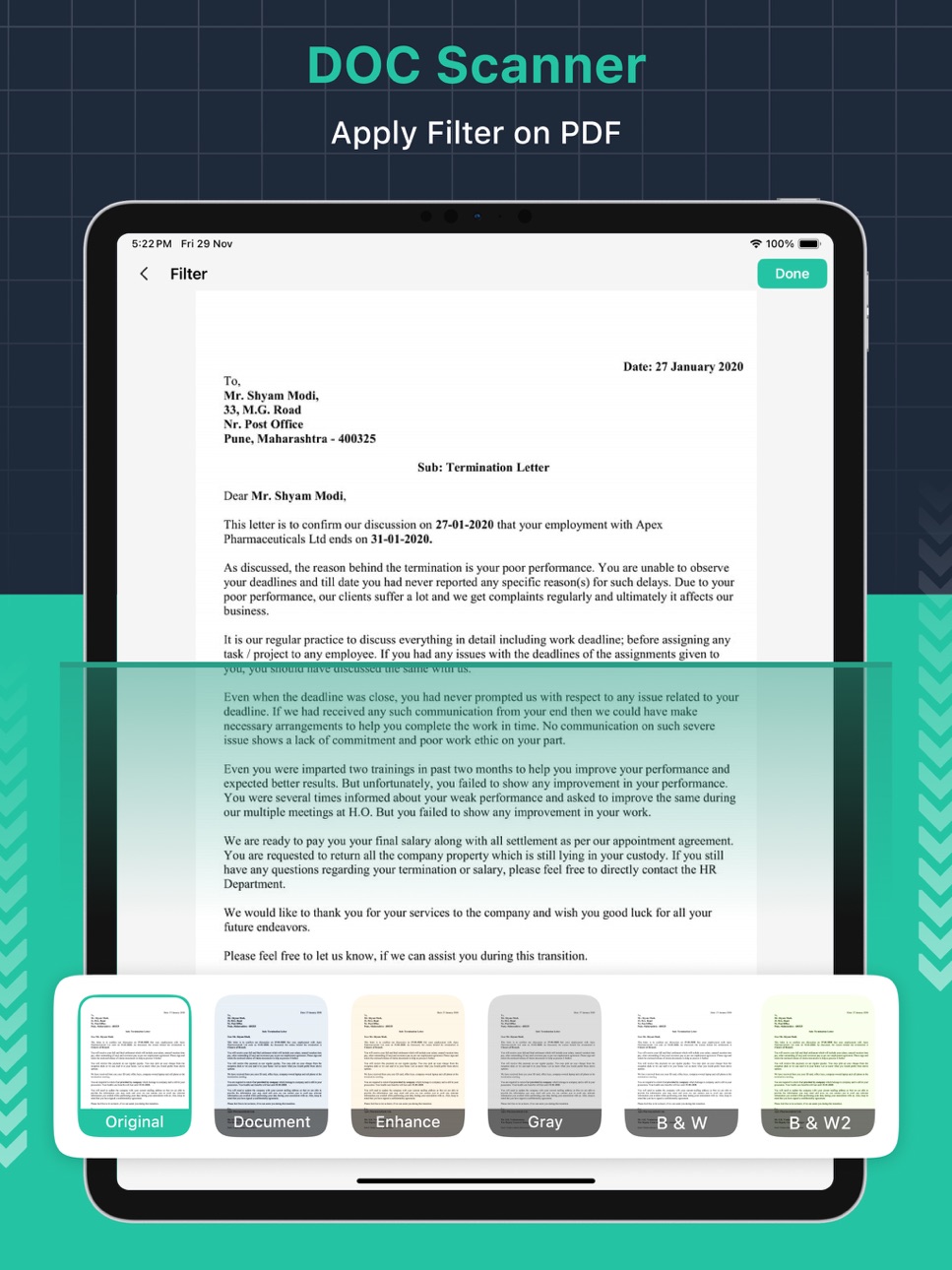
To rescue you from that situation we brings you a portable Doc Scanner. This Doc(Document) scanner lets you scan your documents anytime anywhere.
There are some additional features as well in the app which makes your document after scanning more professional and good to look at.
Let's take a tour of that attractive features::
* Scan your document.
* Enhance the scan quality automatically/Manually.
* Enhancement includes smart cropping and many more.
* Optimize your PDF into modes like B/W, Lighten, Color and dark.
* Turn scans into clear and and sharp PDF.
* Arrange your doc in folder and sub folders.
* Share PDF/JPEG files.
* Print and fax the scanned doc directly from the app.
* Upload doc’s to the cloud like Google Drive, Dropbox etc.
* Scan QR Code/Bar-code.
* Create QR Code.
* Share scanned QR Code.
* Turns your old documents into a clear and sharp one by removing the noise.
* Can create PDF in different sizes from A1 to A-6 and like Postcard, letter ,Note etc.
SUBSCRIPTION AND TERMS:
You may purchase an auto-renewing subscription through an In-App Purchase to enjoy all App Features without Ads:
• Auto-renewable subscription
• Weekly, 1 month and 1-year durations
• Your subscription will be charged to your iTunes account at confirmation of purchase and will automatically renew (at the duration selected) unless auto-renew is turned off at least 24 hours before the end of the current period.
• Current subscription may not be canceled during the active subscription period; however, you can manage your subscription and/or turn off auto-renewal by visiting your iTunes Account Settings after purchase.
* Link to Privacy Policy: https://documentscannerpdfmaker.blogspot.com/2024/11/privacy-policy.html
* Link to Terms of use: https://documentscannerpdfmaker.blogspot.com/2024/11/terms-conditions.html
* Link to EULA: https://documentscannerpdfmaker.blogspot.com/2024/11/eula.html
In-App Purchases US pricing
Document Scanner Pro Subscription
Weekly · 7 days$2.99
Monthly · Monthly$6.99
Yearly · Yearly$17.99
Capabilities
In-App Purchases
Accessibility
ipadiphonemacrealityDevicetvoswatch
Version history 3 versions
Build 876035146v3.02025-07-01 13:02:50
- Bug fixes
Build 870796879v2.02024-12-01 15:03:38
- Bug fixes
Build 870355981v1.02024-11-26 18:05:37
Price history by region
Currency
Show
Columns
Search
Availability 1 of 1 storefronts
| Region | Language | Price | Ratings | Avg | Version |
|---|---|---|---|---|---|
| US | en-US | Free | 12 | 4.9 | 3.0 |
Change log 7 changes · US
✎
releaseNotes updated
- Bug fixes
✎
description updated
Sometimes in a single day you need your different documents scanned multiple times. In that situation if everything is planned you will definitely not suffer mo
✎
subtitle updated
Scan with original Doc Scanner
✎
name updated
Doc Scanner : PDF Maker
◆
Version 3.0 released
- Bug fixes
◆
Version 2.0 released
- Bug fixes
◆
Version 1.0 released