Home › Utilities

 US
US
1 of 1 storefronts
Content in en-US
Content in en-US
Information
Apple ID6737021580
Bundle IDcom.zeta.bms
SellerSeller
Min iOS12.0
Min macOS11.0
Device familiesiphone, ipod
Released2024-10-21
Copyright© Shenzhen zetara power system Co.,LTD
Privacy policyLink ↗
Preview 1 platform
iPhone 5 images

What’s New Version 1.0.24
Optimize display and fix issues
Description
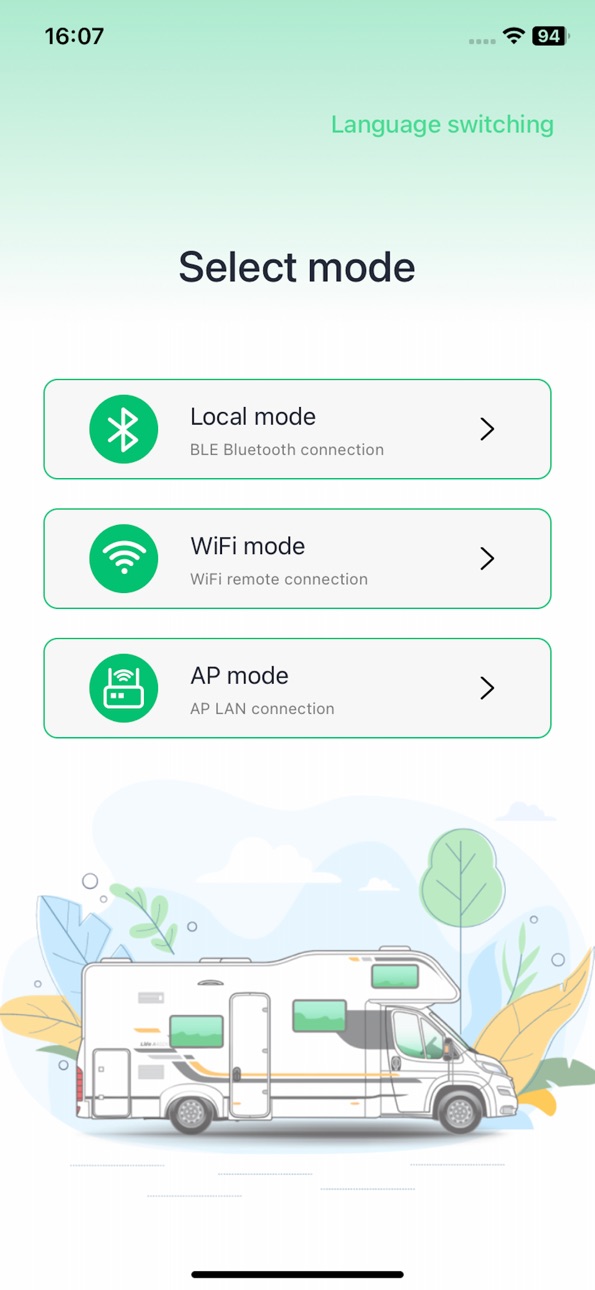
The RV power system equipment supports three connection methods through the APP: Bluetooth connection, device Wi Fi hotspot connection, and IOT connection.
There are three connection methods for RV power system equipment: Bluetooth connection, device hotspot connection, and IOT connection. After establishing a Bluetooth or Wi Fi hotspot connection between the mobile app and the device, the device's working status can be viewed through the app, allowing for wireless control and management of the device. Zeta Power also provides users with a third and more intelligent device connection method: IOT connection. On the basis of establishing Bluetooth connection or Wi Fi hotspot connection between mobile app and device, connect the device to the Internet by joining WiFi. At this point, the connection method of the device is switched to IoT connection, and users can use the app to remotely control and manage RV power system devices from any corner of the earth.
Bluetooth connection: Automatically discover Bluetooth devices, manually connect Bluetooth devices.
For devices that support Bluetooth connection, a Bluetooth connection between the phone and the device can be established through the app. For information on whether the device supports Bluetooth connection, please refer to the corresponding device manual.
Device Wi Fi hotspot connection:
Click the "Add Device" button on the homepage of the app to select the corresponding device that supports Wi Fi hotspot connection from the manually added device list. Follow the app's instructions and long press the "RESET" button to reset the device and connect it to the Wi Fi hotspot.
IOT connection
On the basis of establishing a Bluetooth or Wi Fi hotspot connection between the app and the device, according to the app's instructions, select the Wi Fi name and enter the correct Wi Fi password. At this point, the device's connection method will switch to IoT connection.
Equipment control
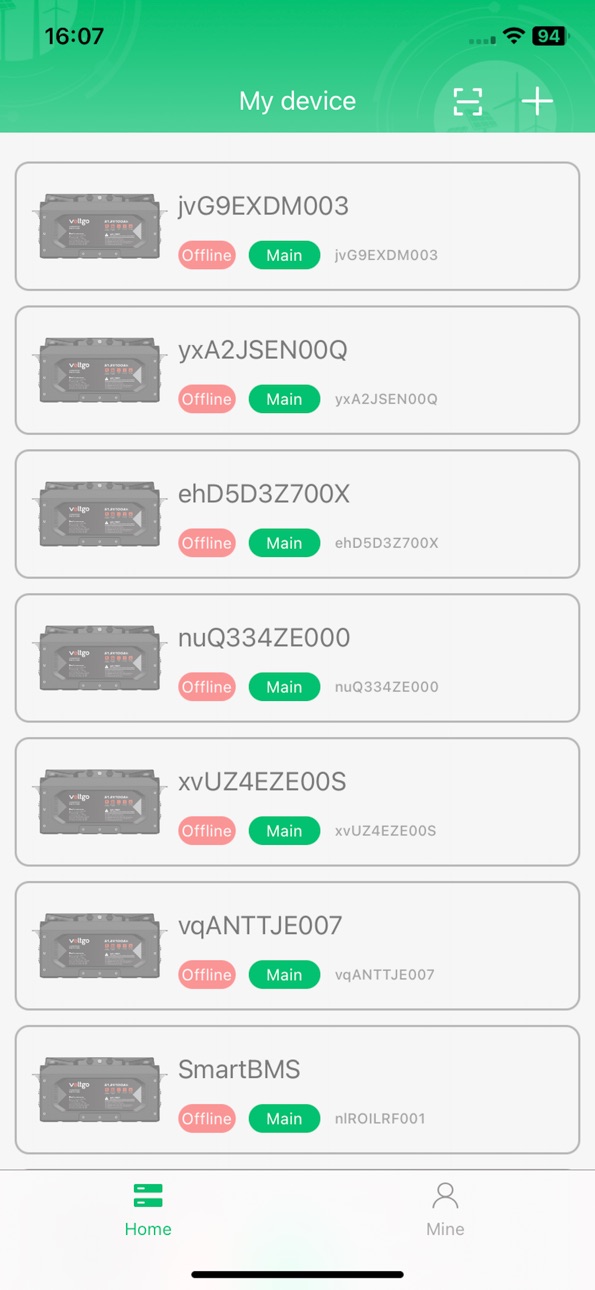
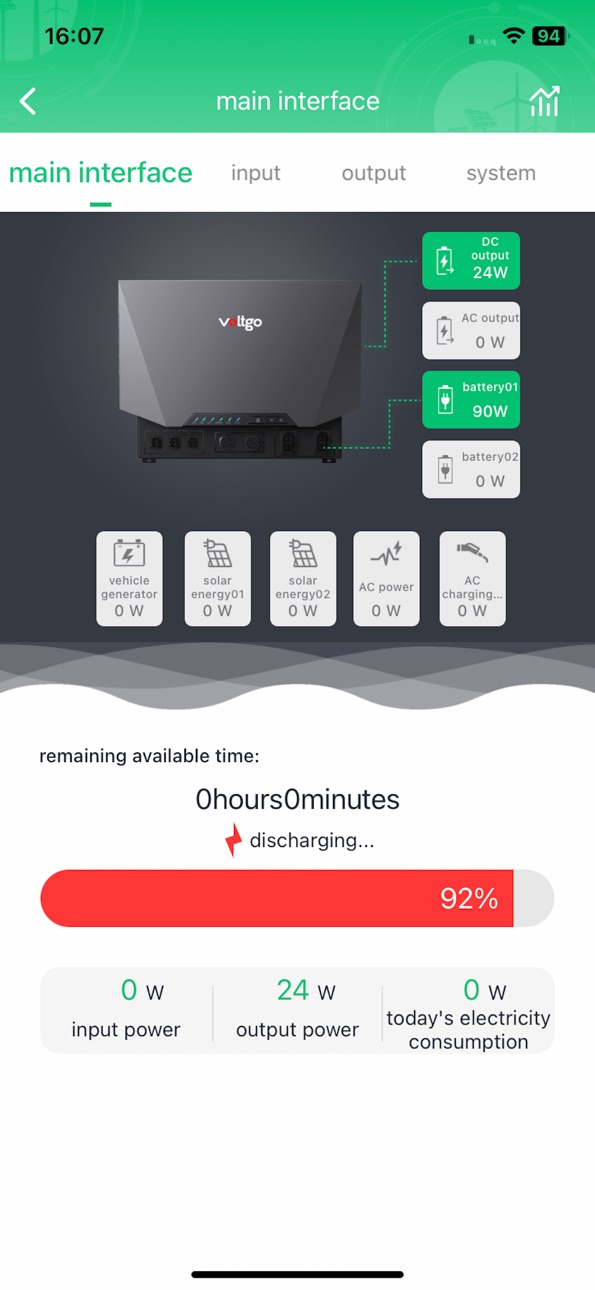
After connecting the device, the App homepage will display the connected devices. After selecting the corresponding device icon, you can enter the device details page to view the device's status and data, and control the device.
Equipment online:
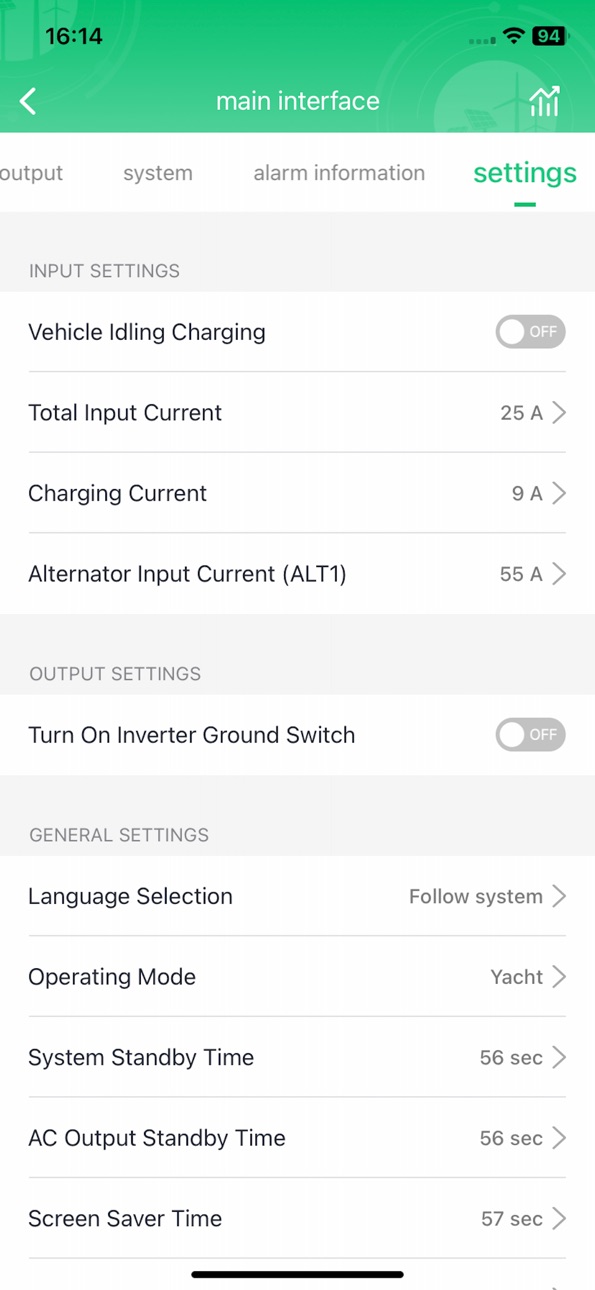
View device status and data in real-time on the App device details page, and control devices, unbind devices, etc.
Device offline:
When there is no Bluetooth, Wi Fi hotspot or IOT connection between the app and the device, the device is offline and cannot be viewed for device status and data or controlled through the app.
Firmware upgrade:
The firmware upgrade function is a fundamental service of the Voltgo App, which is particularly important when updating device firmware for software bug maintenance, self function optimization, and device performance improvement.
Accessibility
ipadiphonemacrealityDevicetvoswatch
Version history 3 versions
Build 883656310v1.0.242026-03-23 20:22:28
Optimize display and fix issues
Build 871467051v1.0.22025-01-02 07:45:22
Optimize display and fix issues
Build 869782712v1.02024-10-21 16:38:23
No pricing data captured yet — comparisons appear once the app has paid storefronts or in-app purchases.
Availability 1 of 1 storefronts
| Region | Language | Price | Ratings | Avg | Version |
|---|---|---|---|---|---|
| US | en-US | Free | 0 | — | 1.0.24 |
Change log 6 changes · US
✎
releaseNotes updated
Optimize display and fix issues
✎
description updated
The RV power system equipment supports three connection methods through the APP: Bluetooth connection, device Wi Fi hotspot connection, and IOT connection.
Ther
✎
name updated
Voltgo
◆
Version 1.0.24 released
Optimize display and fix issues
◆
Version 1.0.2 released
Optimize display and fix issues
◆
Version 1.0 released