Home › Business

 US
US
1 of 1 storefronts
Content in en-US
Content in en-US
Information
Preview 2 platforms
iPhone 10 images


iPad 7 images




What’s New Version 3.0.3411
Various bug fixes
Description
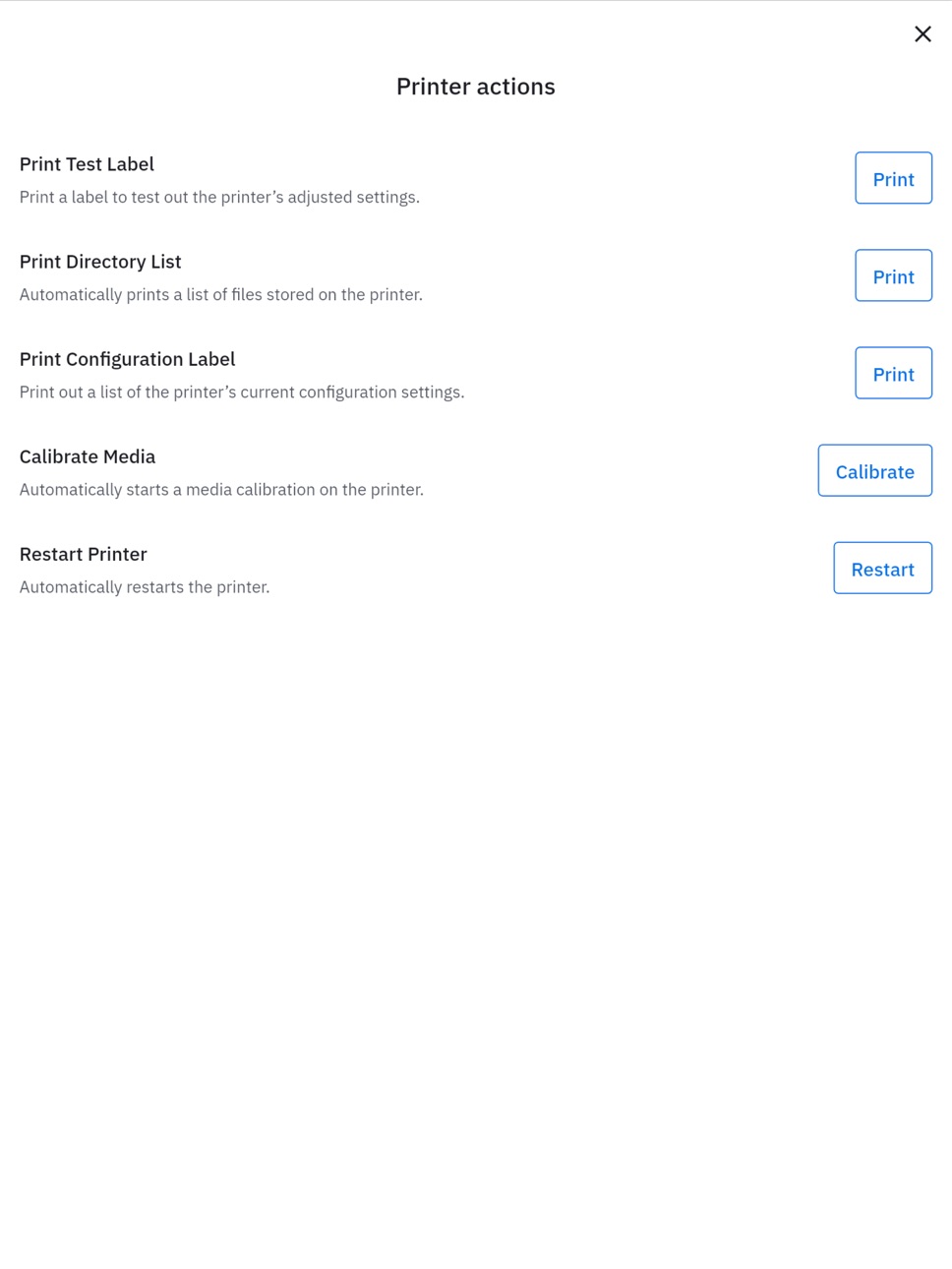
Zebra Nucleus Connector (formerly Zebra Printer Setup Utility) is a free mobile app that makes the process of setting up and configuring your Zebra thermal printer easier and faster than it’s ever been before. Users of any technical skill level can now configure their printers with a simple, modern interface and intuitive guidance.
Nucleus Connector is designed to remove the complexity from the setup experience. The app guides you through a few essential steps to get you up and running in minutes.
Zebra Nucleus Connector: The easiest and fastest way to get printers set up and running right out of the box—yet another reason to choose Zebra as your thermal printing partner.
Click below to view the Zebra End User License Agreement
https://www.zebra.com/us/en/support-downloads/eula/restricted-eula.html
Accessibility
ipadiphonemacrealityDevicetvoswatch
Version history 19 versions
Build 887705052v3.0.34112026-07-02 04:48:03
Various bug fixes
Build 887448827v3.0.33712026-07-01 16:02:12
Various bug fixes
Build 887341806v3.0.32992026-06-25 08:22:32
This version includes the following new features:
· Consolidated process: All printer setup, connectivity, configuration, and update steps are combined into one easy-to-use app.
· Consumer-friendly interface: Zebra Nucleus Connector has a modern and recognizable interface, comfortable for app users of any technical aptitude.
· Intuitive user experience: No specialized knowledge required; your device guides you through configuring your Link-OS Zebra printers so they’re connected and optimized for performance.
· Configurations: Printer configurations in four critical areas (connectivity, security, media, Nucleus enrollments) can be saved as printer profiles for easy setup.
· Profiles: A single Printer Setting Profile can bundle multiple configurations (connectivity, security, media, Nucleus enrollments) for rapid deployment to printers via NFC tap-and-pair.
· Integration with Zebra Nucleus: Nucleus Connector serves as the enrollment utility for Zebra Nucleus, which lets you manage your entire fleet of printers within a single ecosystem.
Build 886294963v3.0.32022026-06-05 21:36:27
This version includes the following new features:
· Consolidated process: All printer setup, connectivity, configuration, and update steps are combined into one easy-to-use app.
· Consumer-friendly interface: Zebra Nucleus Connector has a modern and recognizable interface, comfortable for app users of any technical aptitude.
· Intuitive user experience: No specialized knowledge required; your device guides you through configuring your Link-OS Zebra printers so they’re connected and optimized for performance.
· Configurations: Printer configurations in four critical areas (connectivity, security, media, Nucleus enrollments) can be saved as printer profiles for easy setup.
· Profiles: A single Printer Setting Profile can bundle multiple configurations (connectivity, security, media, Nucleus enrollments) for rapid deployment to printers via NFC tap-and-pair.
· Integration with Zebra Nucleus: Nucleus Connector serves as the enrollment utility for Zebra Nucleus, which lets you manage your entire fleet of printers within a single ecosystem.
Build 885727864v3.0.30062026-05-16 07:19:44
Various bug fixes
Build 885049887v3.0.29252026-05-12 16:28:00
Various bug fixes
Build 884779587v3.0.27742026-04-22 07:35:20
Various bug fixes
Build 884512844v3.0.27262026-04-15 11:16:20
Various bug fixes
Build 884292289v3.0.26752026-04-09 12:05:23
Various bug fixes
Build 884069154v3.0.25842026-04-03 18:22:55
Various bug fixes
Build 883348792v3.0.24602026-03-18 08:35:38
Various bug fixes
Build 883226331v3.0.24042026-03-13 13:47:06
Various bug fixes
Build 882947200v3.0.22962026-03-04 14:08:05
Various bug fixes
Build 882611298v3.0.22682026-02-28 08:12:47
Added the ability to communicate to the printer via an NFC connection. This option is found when navigating to the "Choose a printer communication" screen.
Additionally, there were various bug fixes as part of this update.
Build 882416151v3.0.21792026-02-13 23:06:40
Various Bug Fixes
Build 882161047v3.0.21042026-02-06 16:00:19
Various Bug Fixes
Build 882013047v3.0.20602026-02-03 05:47:21
Various Bug Fixes
Build 881719681v3.0.19432026-01-30 15:07:56
Various Bug Fixes
Build 869391598v3.02026-01-05 19:46:13
No pricing data captured yet — comparisons appear once the app has paid storefronts or in-app purchases.
Availability 1 of 1 storefronts
| Region | Language | Price | Ratings | Avg | Version |
|---|---|---|---|---|---|
| US | en-US | Free | 7 | 5.0 | 3.0.3411 |
Change log 22 changes · US
✎
releaseNotes updated
Various bug fixes
✎
description updated
Zebra Nucleus Connector (formerly Zebra Printer Setup Utility) is a free mobile app that makes the process of setting up and configuring your Zebra thermal prin
✎
name updated
Zebra Nucleus Connector
◆
Version 3.0.3411 released
Various bug fixes
◆
Version 3.0.3371 released
Various bug fixes
◆
Version 3.0.3299 released
This version includes the following new features:
· Consolidated process: All printer setup, connectivity, configuration, and update steps are combined into one easy-to-use app.
· Consumer-friendly interface: Zebra Nucleus Connector has a
◆
Version 3.0.3202 released
This version includes the following new features:
· Consolidated process: All printer setup, connectivity, configuration, and update steps are combined into one easy-to-use app.
· Consumer-friendly interface: Zebra Nucleus Connector has a
◆
Version 3.0.3006 released
Various bug fixes
◆
Version 3.0.2925 released
Various bug fixes
◆
Version 3.0.2774 released
Various bug fixes
◆
Version 3.0.2726 released
Various bug fixes
◆
Version 3.0.2675 released
Various bug fixes
◆
Version 3.0.2584 released
Various bug fixes
◆
Version 3.0.2460 released
Various bug fixes
◆
Version 3.0.2404 released
Various bug fixes
◆
Version 3.0.2296 released
Various bug fixes
◆
Version 3.0.2268 released
Added the ability to communicate to the printer via an NFC connection. This option is found when navigating to the "Choose a printer communication" screen.
Additionally, there were various bug fixes as part of this update.
◆
Version 3.0.2179 released
Various Bug Fixes
◆
Version 3.0.2104 released
Various Bug Fixes
◆
Version 3.0.2060 released
Various Bug Fixes
◆
Version 3.0.1943 released
Various Bug Fixes
◆
Version 3.0 released