Home › Productivity

 US
US
1 of 1 storefronts
Content in en-US
Content in en-US
Information
Apple ID6730111942
Bundle IDsv.DailyPlanner
SellerSeller
Min iOS26
Min macOS26.0
Device familiesiphone, ipad
Released2024-10-01
Copyright© 2024 Sviatoslav Illiashenko
Privacy policyLink ↗
Preview 2 platforms
iPhone 10 images




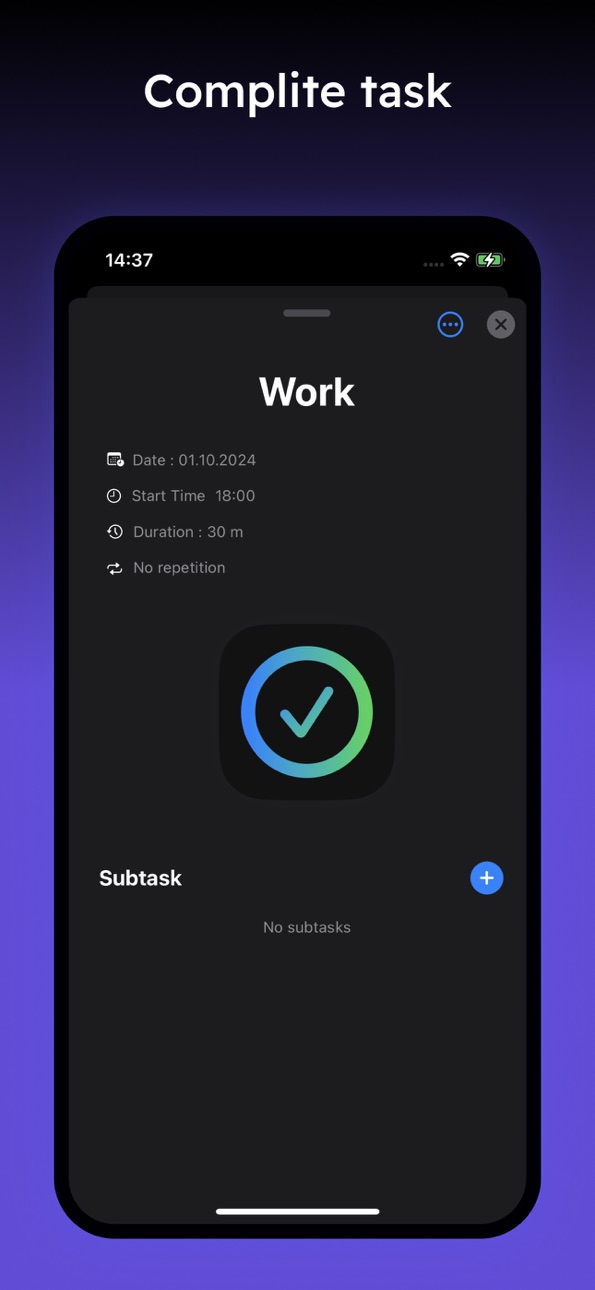
iPad 4 images


What’s New Version 3.0.4
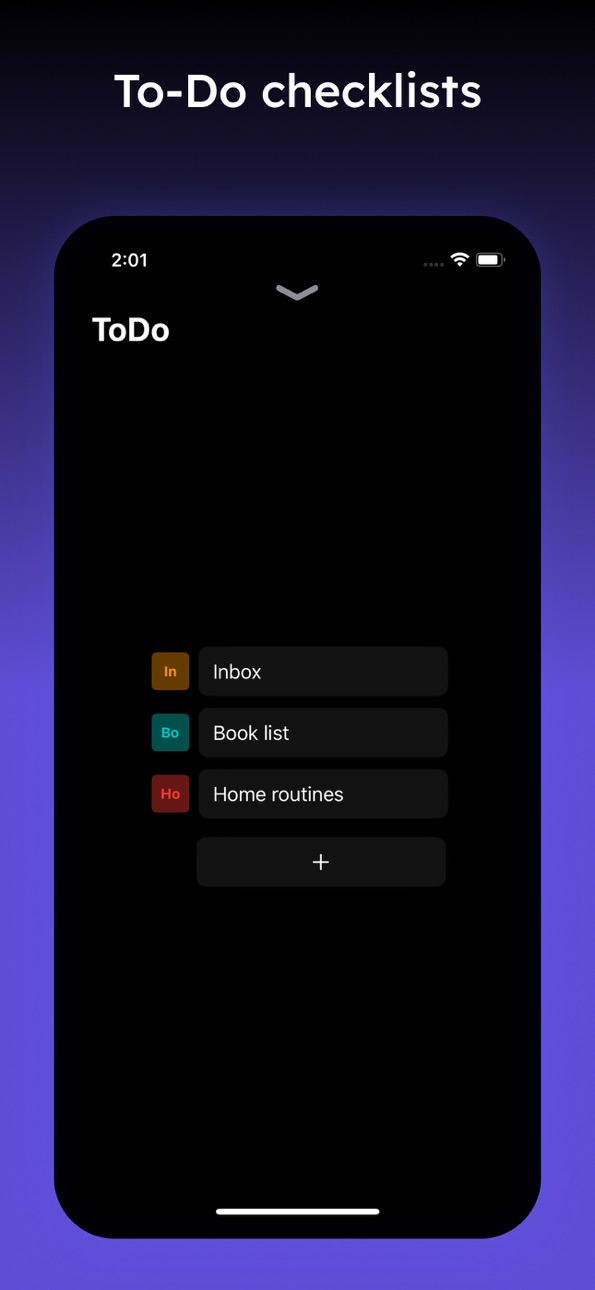
Added todo lists
Description
Stay organized and manage your daily routines with our advanced planner app! Designed to streamline your schedule, our app helps you track all your tasks, appointments, and goals with ease. Plan your day, set reminders, and organize your life more effectively with a feature-rich and highly customizable daily planner.
Customizable Task Scheduling: Create tasks and events for specific dates and set them to repeat based on your needs:
Daily: Set tasks to recur every day for consistent routines.
Interval-Based: Choose specific intervals for tasks (e.g., every 3 days).
Weekly: Pick specific days of the week (e.g., Mondays and Thursdays).
Monthly: Schedule tasks for particular days of the month.
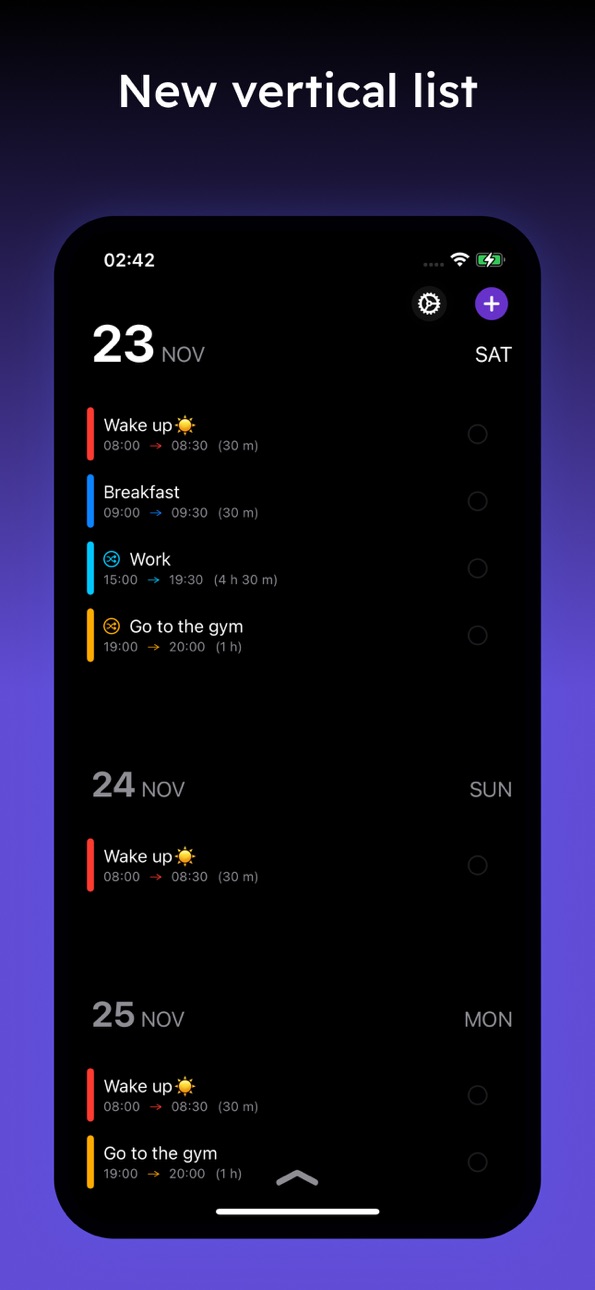
Beautiful Timeline View: Easily track your day’s schedule with our interactive timeline. See your tasks and appointments visually organized, so you always know what's coming next.
iCloud Synchronization: Keep your data safe and up-to-date across all your iOS devices with seamless iCloud sync.
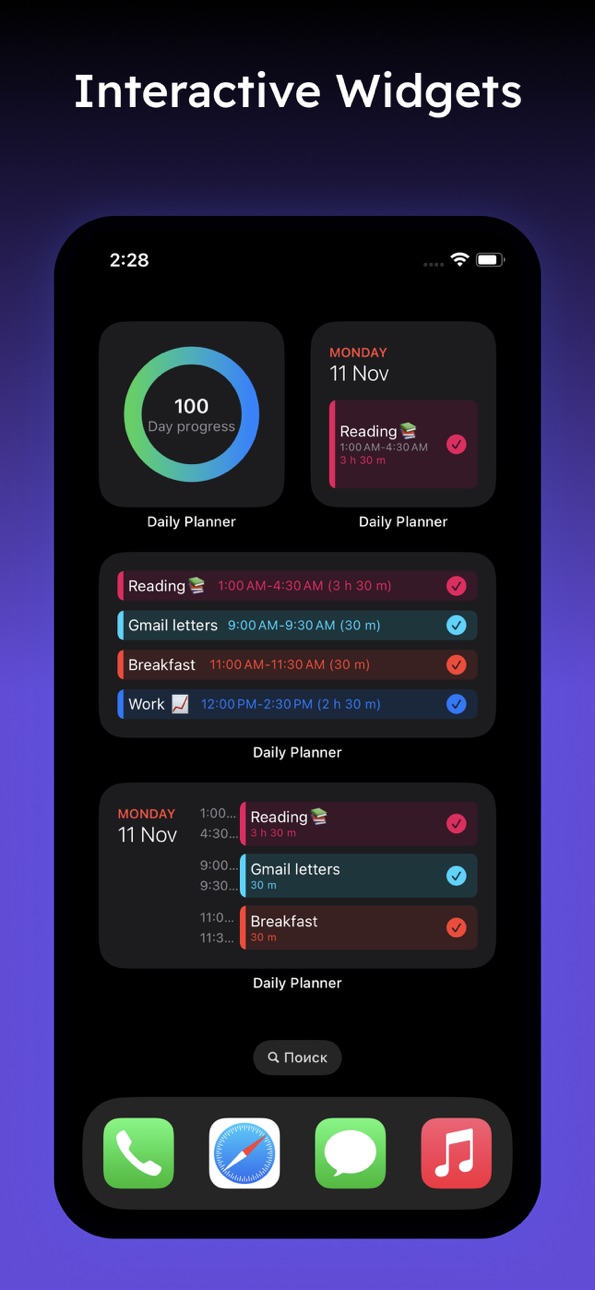
Home Screen Widgets: Stay on top of your tasks without even opening the app. Add widgets to your home screen for quick access and task overview.
Smart Notifications: Never miss an important task or event again. Receive timely reminders and notifications to stay on track.
Dark and Light Themes: Personalize your experience with support for both light and dark modes, adapting to your preference and environment.
Fast and Smooth Performance: Built using SwiftUI, our app is optimized for speed and efficiency, providing a seamless experience even with a large number of tasks.
Our productivity app is perfect for anyone looking to increase efficiency and keep a well-organized routine planner. Whether you’re managing work, personal goals, or everyday chores, our app is designed to help you achieve more with less effort.
Download now to experience the ultimate planner app for improving your schedule and boosting your productivity!
Accessibility
ipadiphonemacrealityDevicetvoswatch
Version history 13 versions
Build 886357684v3.0.42026-06-01 16:32:24
Added todo lists
Build 885125980v3.0.32026-04-30 18:39:21
Light theme for widget
Select a date from a month
Bug Fixes
Build 881759192v3.0.22026-01-23 22:04:51
focus timer screen updated
Build 881651081v3.0.12026-01-20 21:15:33
Updated task screen ui.
Build 881542126v3.0.02026-01-16 12:07:28
Updated UI.
Build 870629634v1.5.22024-11-24 08:39:23
New simple task view
New Vertical timeline mode
Build 870474920v1.5.12024-11-16 23:32:32
Add field EndTime for task
Add colors
Bug fix
Build 870397685v1.52024-11-13 16:13:36
Bug fixes
Build 870323774v1.42024-11-11 10:25:35
Added timeline
Added checklists
Build 870141989v1.32024-11-03 12:28:03
Add new Timeline mode
Build 869740255v1.22024-10-16 08:02:33
Add new icon
Build 869511183v1.12024-10-06 09:46:13
Bug fix.
Build 869353812v1.02024-10-02 04:48:21
No pricing data captured yet — comparisons appear once the app has paid storefronts or in-app purchases.
Availability 1 of 1 storefronts
| Region | Language | Price | Ratings | Avg | Version |
|---|---|---|---|---|---|
| US | en-US | Free | 19 | 4.1 | 3.0.4 |
Change log 17 changes · US
✎
releaseNotes updated
Added todo lists
✎
description updated
Stay organized and manage your daily routines with our advanced planner app! Designed to streamline your schedule, our app helps you track all your tasks, appoi
✎
subtitle updated
Planner app & Scheduler
✎
name updated
Daily Planner & Schedule App
◆
Version 3.0.4 released
Added todo lists
◆
Version 3.0.3 released
Light theme for widget
Select a date from a month
Bug Fixes
◆
Version 3.0.2 released
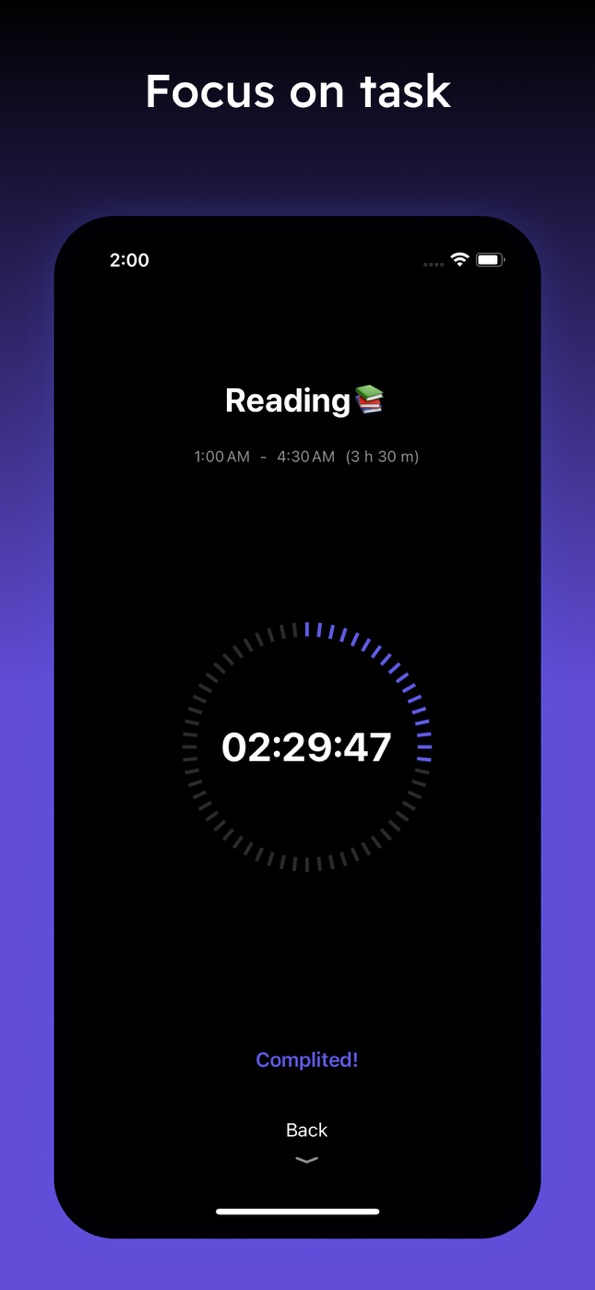
focus timer screen updated
◆
Version 3.0.1 released
Updated task screen ui.
◆
Version 3.0.0 released
Updated UI.
◆
Version 1.5.2 released
New simple task view
New Vertical timeline mode
◆
Version 1.5.1 released
Add field EndTime for task
Add colors
Bug fix
◆
Version 1.5 released
Bug fixes
◆
Version 1.4 released
Added timeline
Added checklists
◆
Version 1.3 released
Add new Timeline mode
◆
Version 1.2 released
Add new icon
◆
Version 1.1 released
Bug fix.
◆
Version 1.0 released