Home › Productivity


Screenshots 4 platforms
iPhone 10 shots · full-res
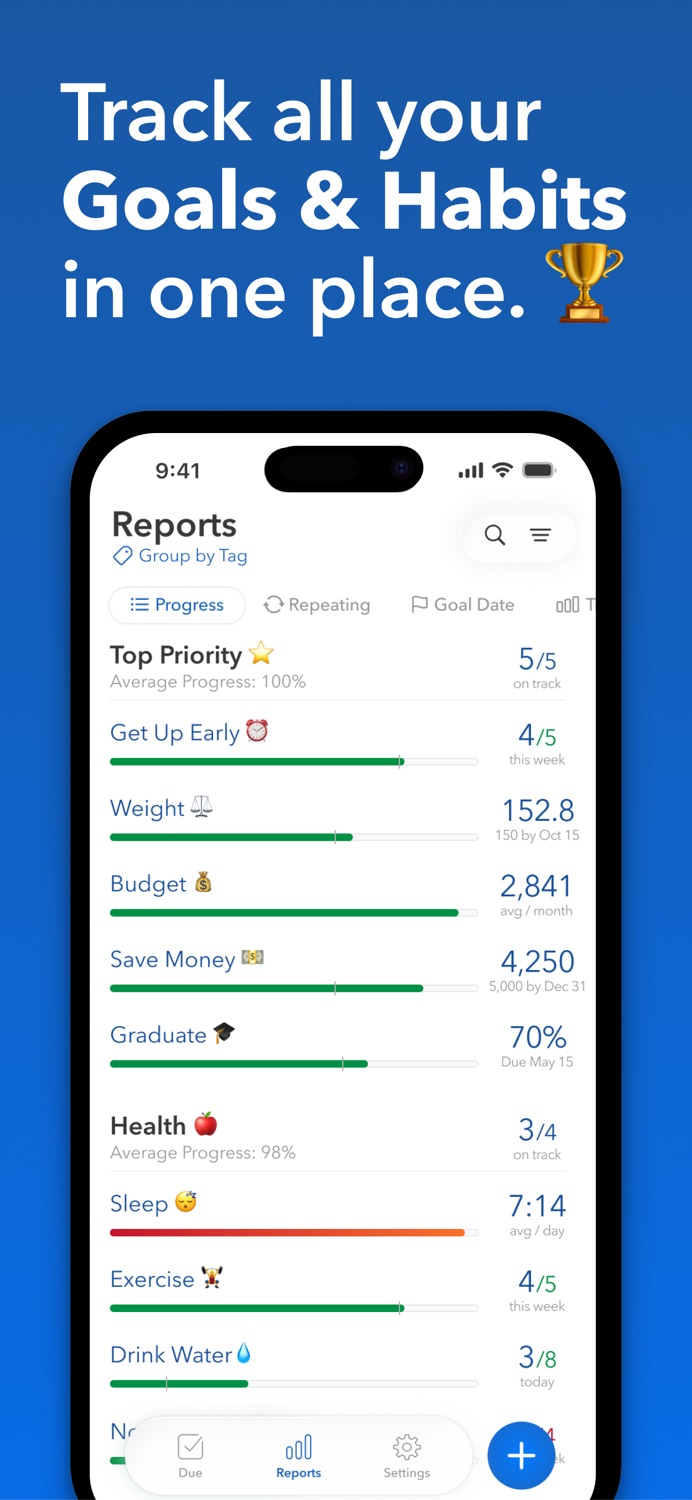
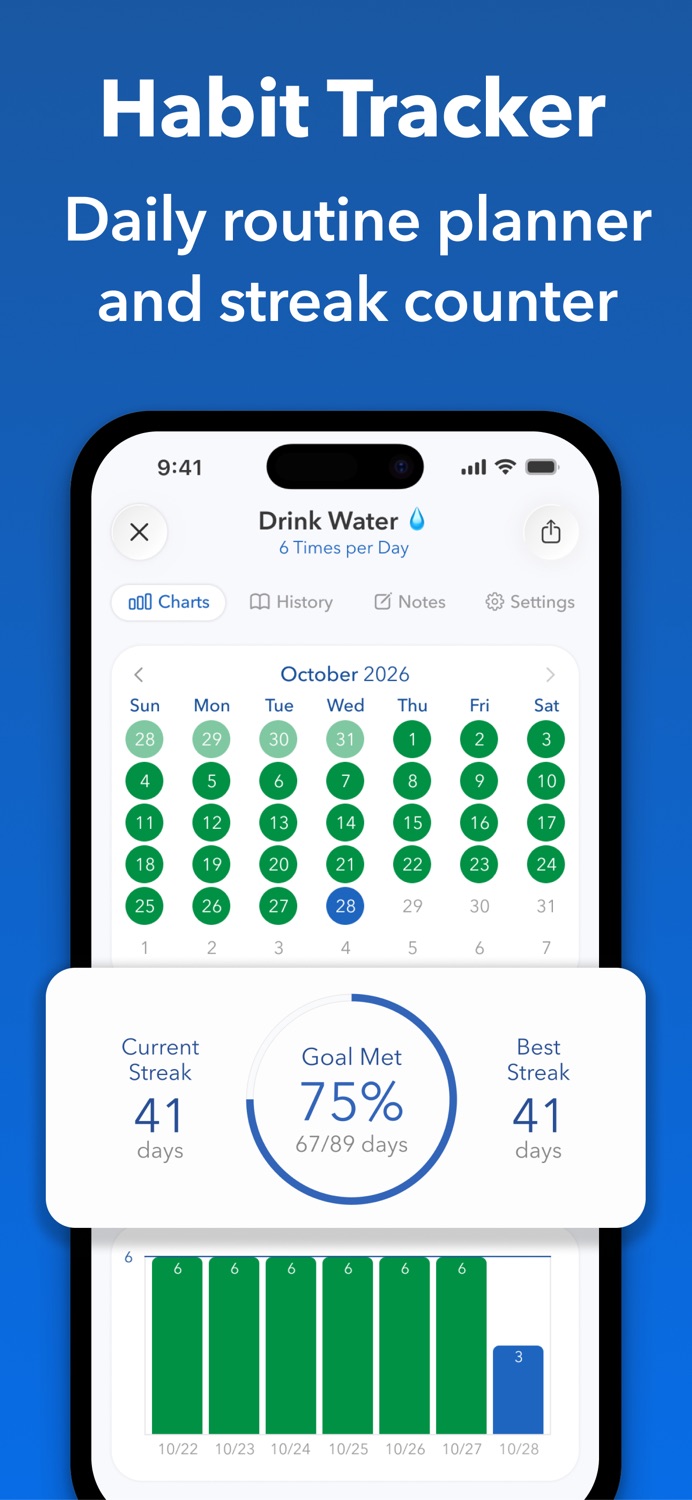
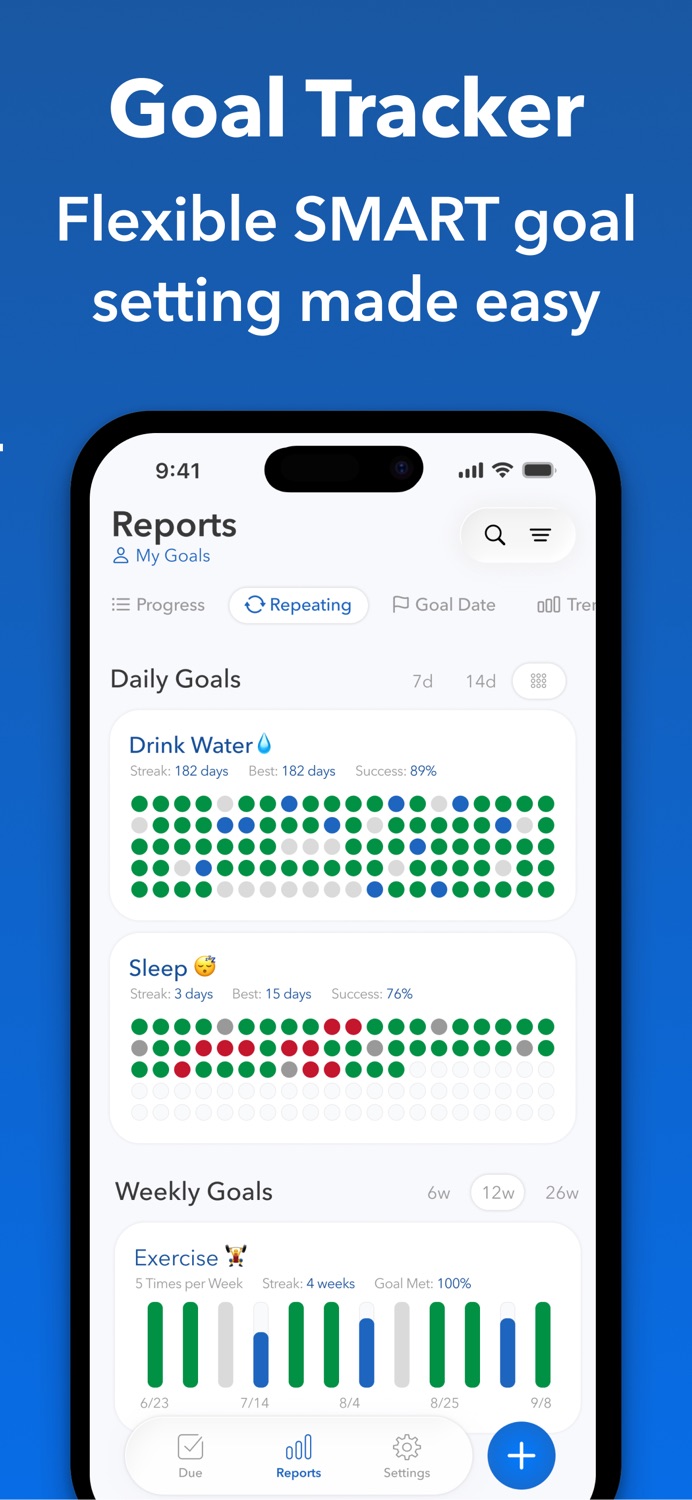
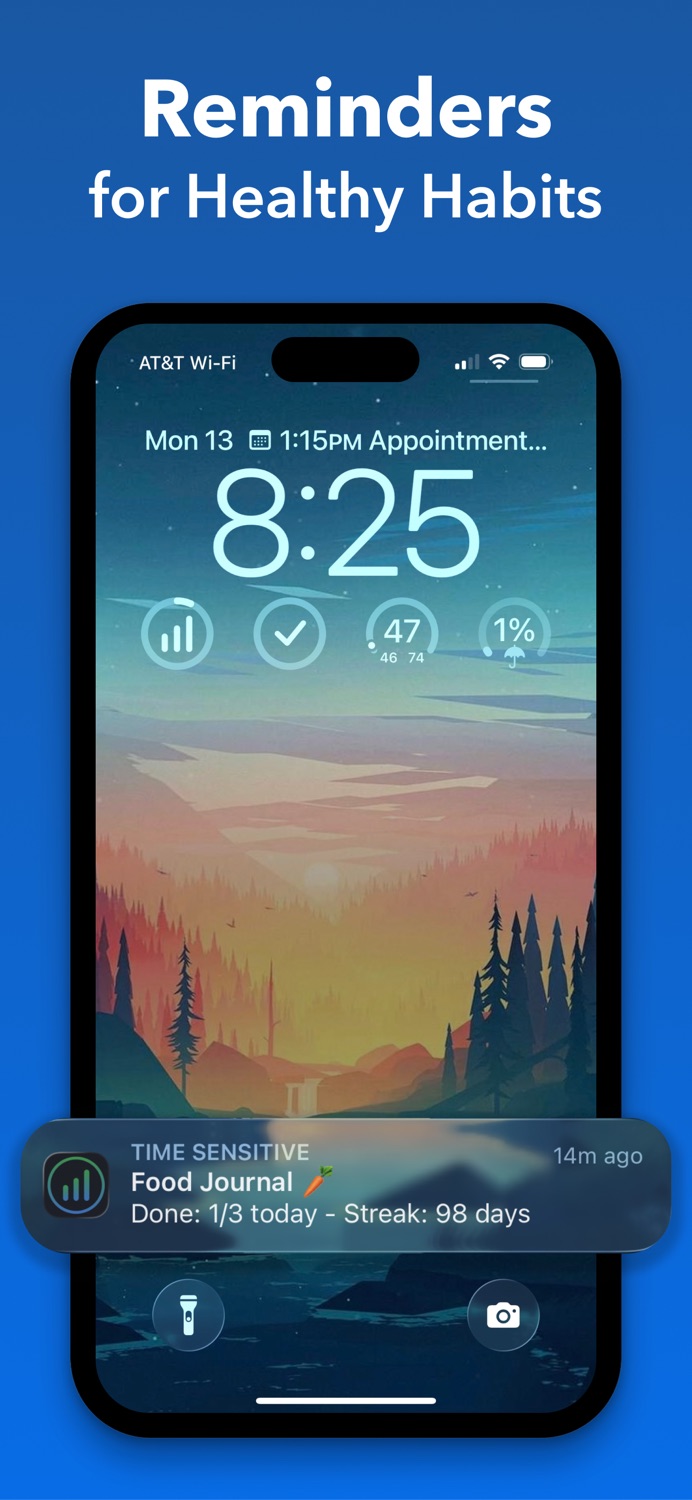
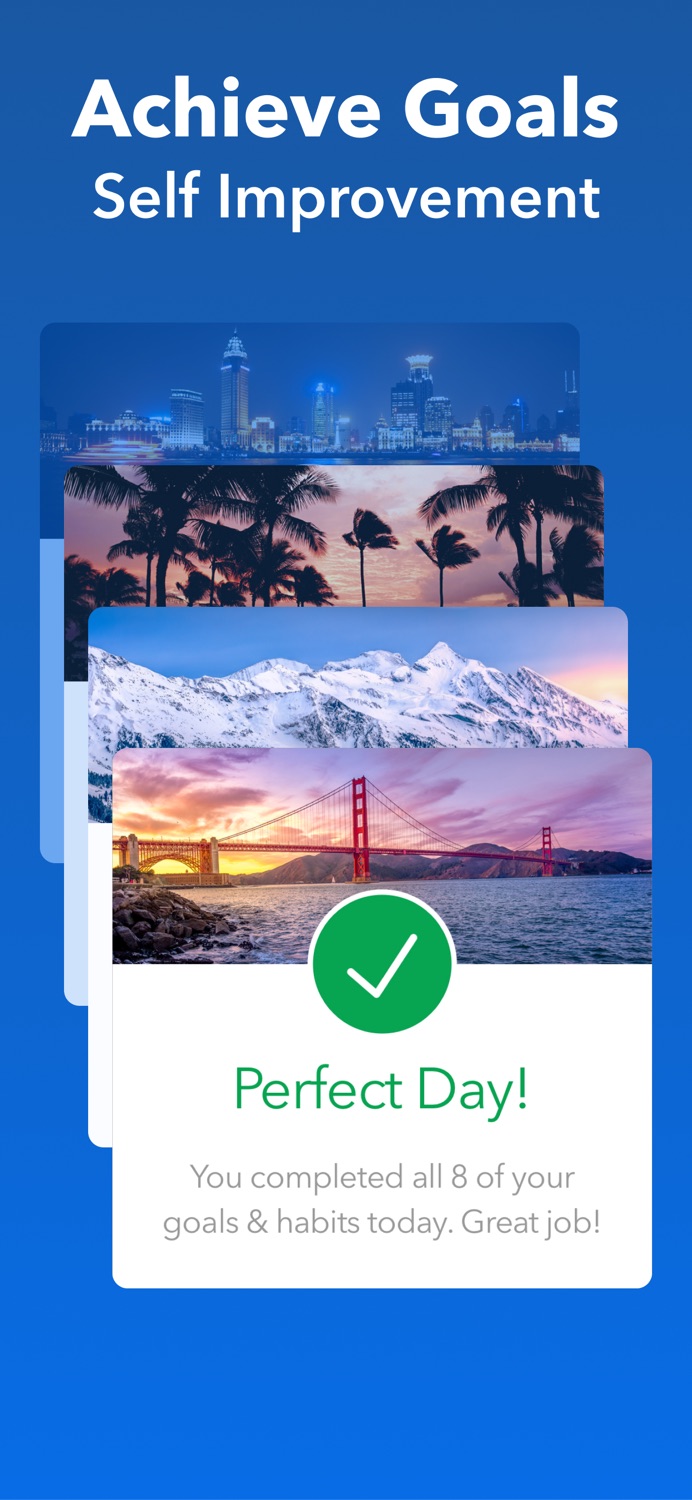
iPad 3 shots · full-res
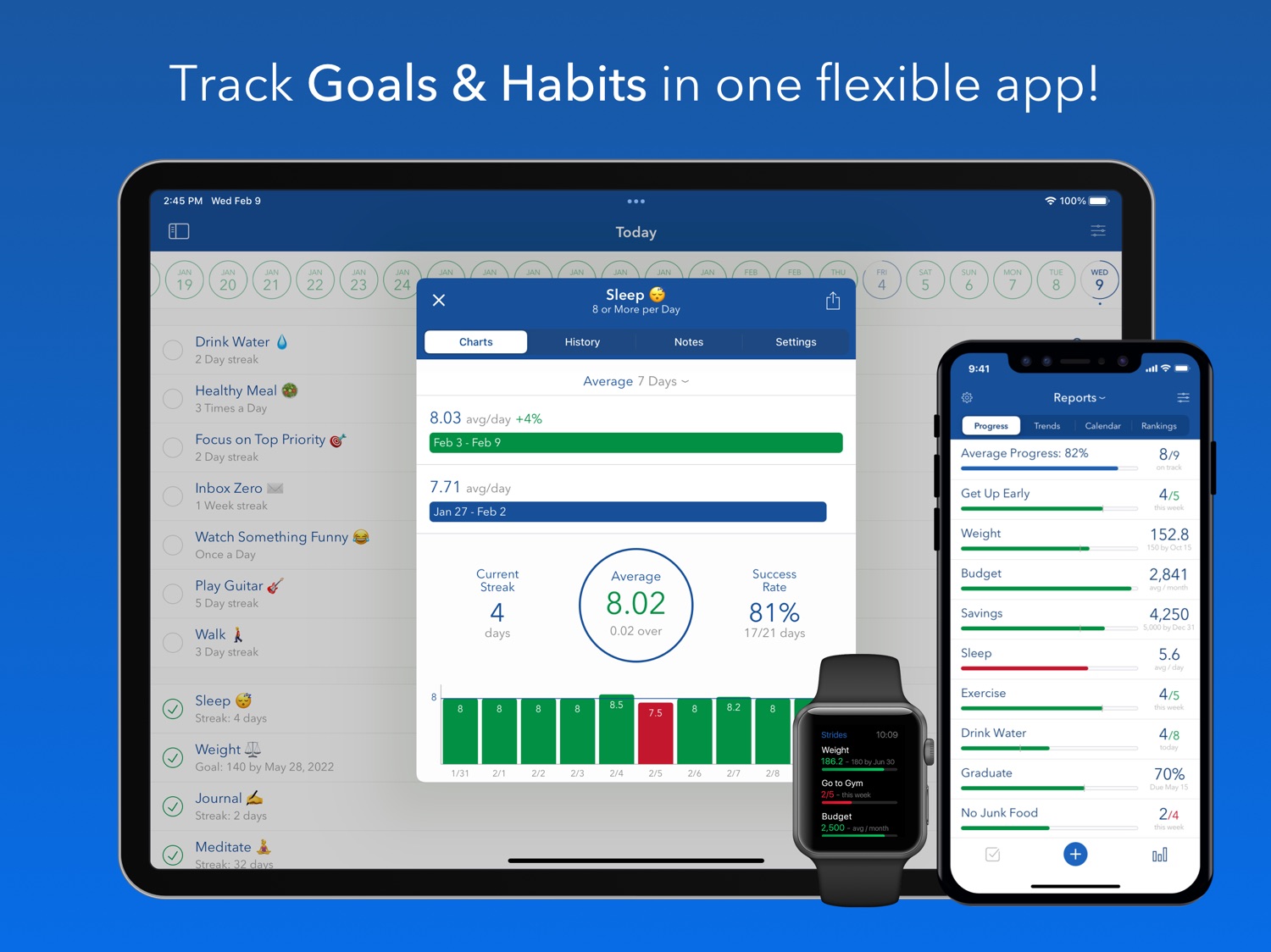
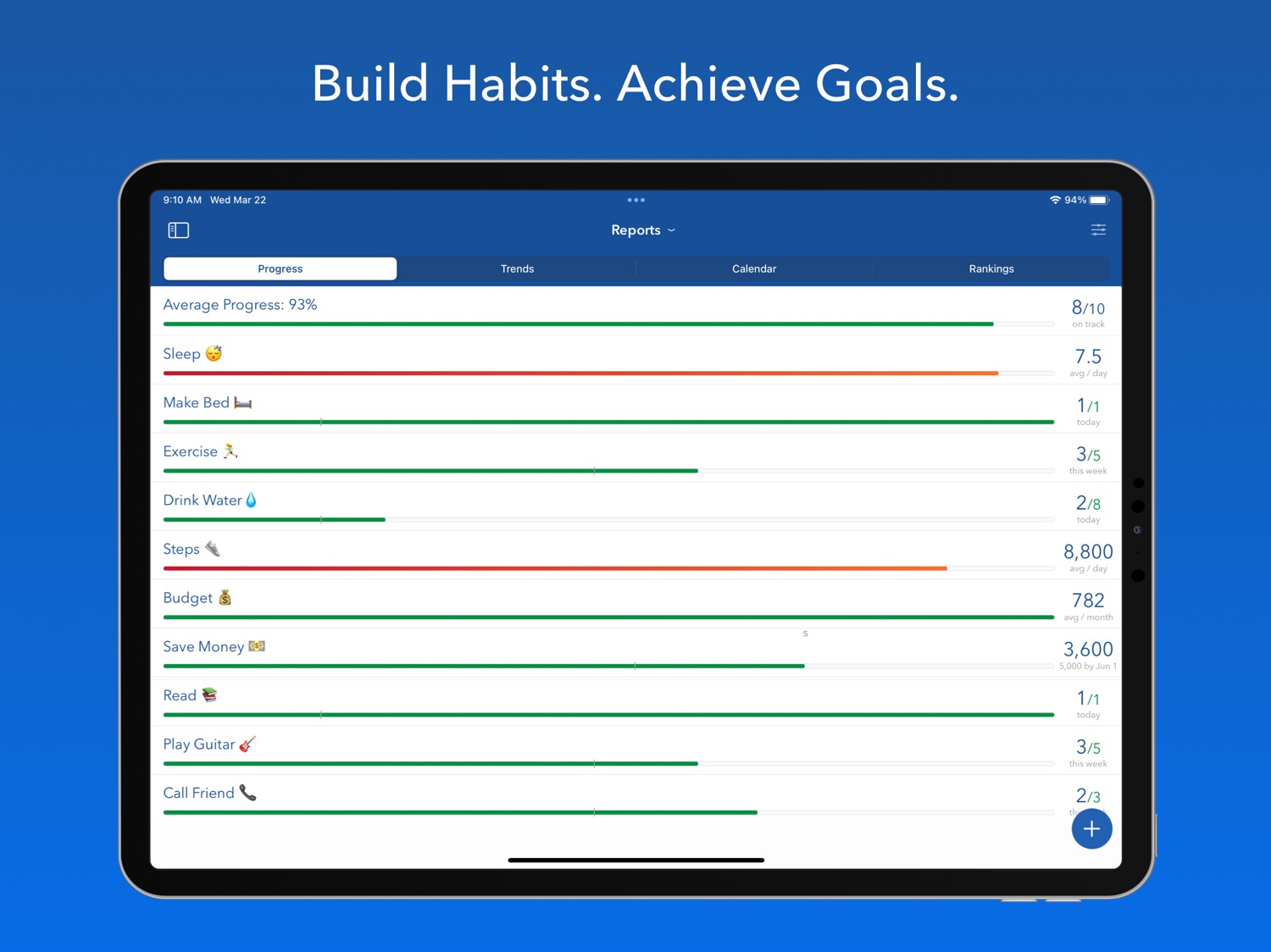
Mac 3 shots · full-res
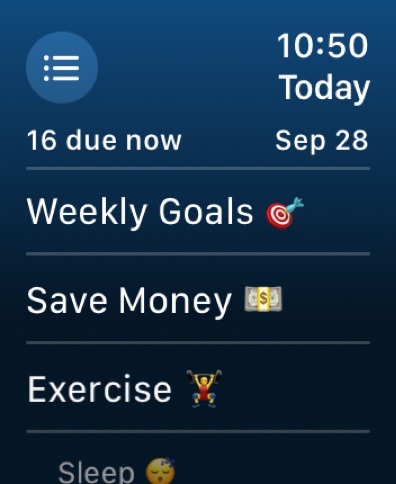
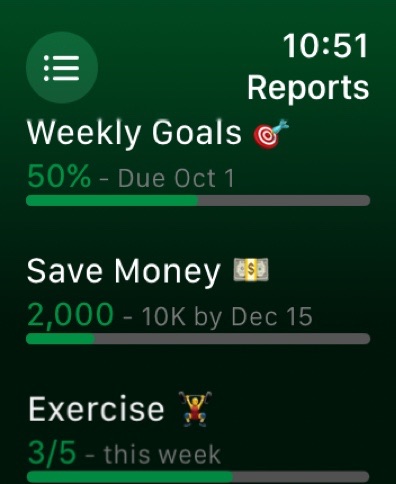
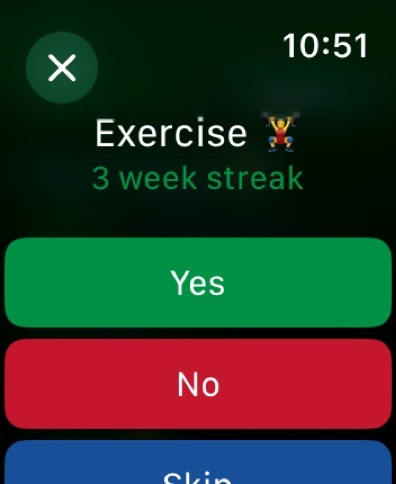
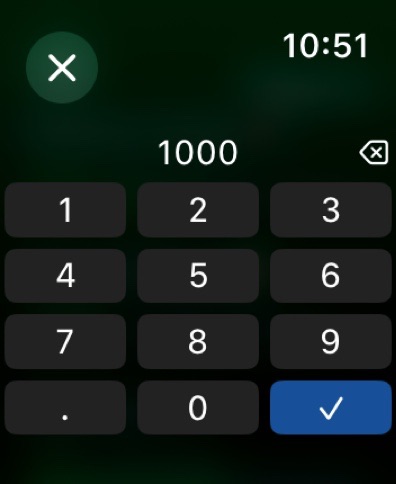
Apple Watch 4 shots · full-res
Description
Imagine having all of your most important habits, routines and goals together in one simple to do list. Now you can! With Strides, you can track good or bad habits, SMART goals, and more. Keep up with reminders to hold you accountable and charts to keep you motivated. Explore new ways to manage your life with over 150 templates and the ability to create your own trackers.
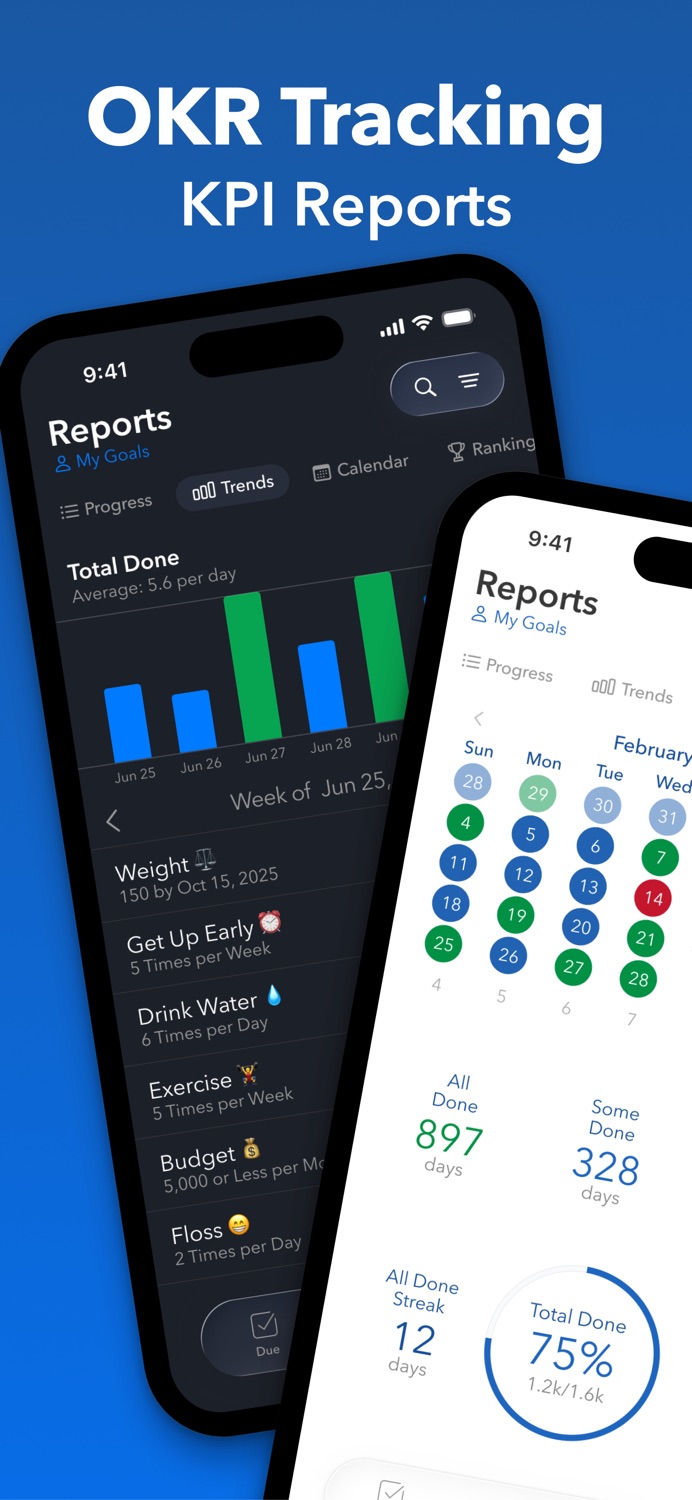
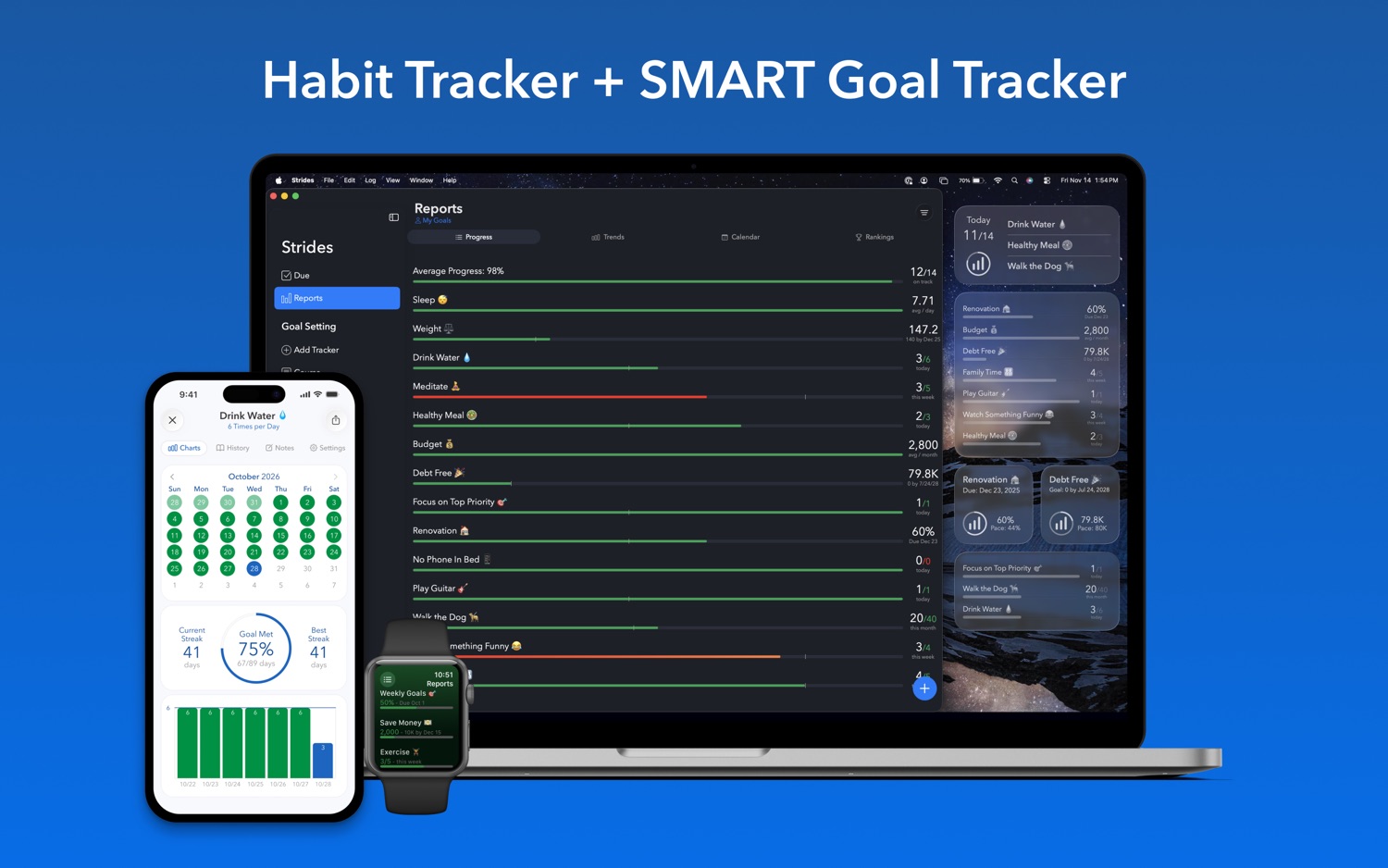
Get organized with a daily checklist to help create your perfect routine. Keep up with what you’ve accomplished with progress reports that compile your goals, projects and progress all in one place. Set up reminders and add notes to ensure you’re on track and on task.
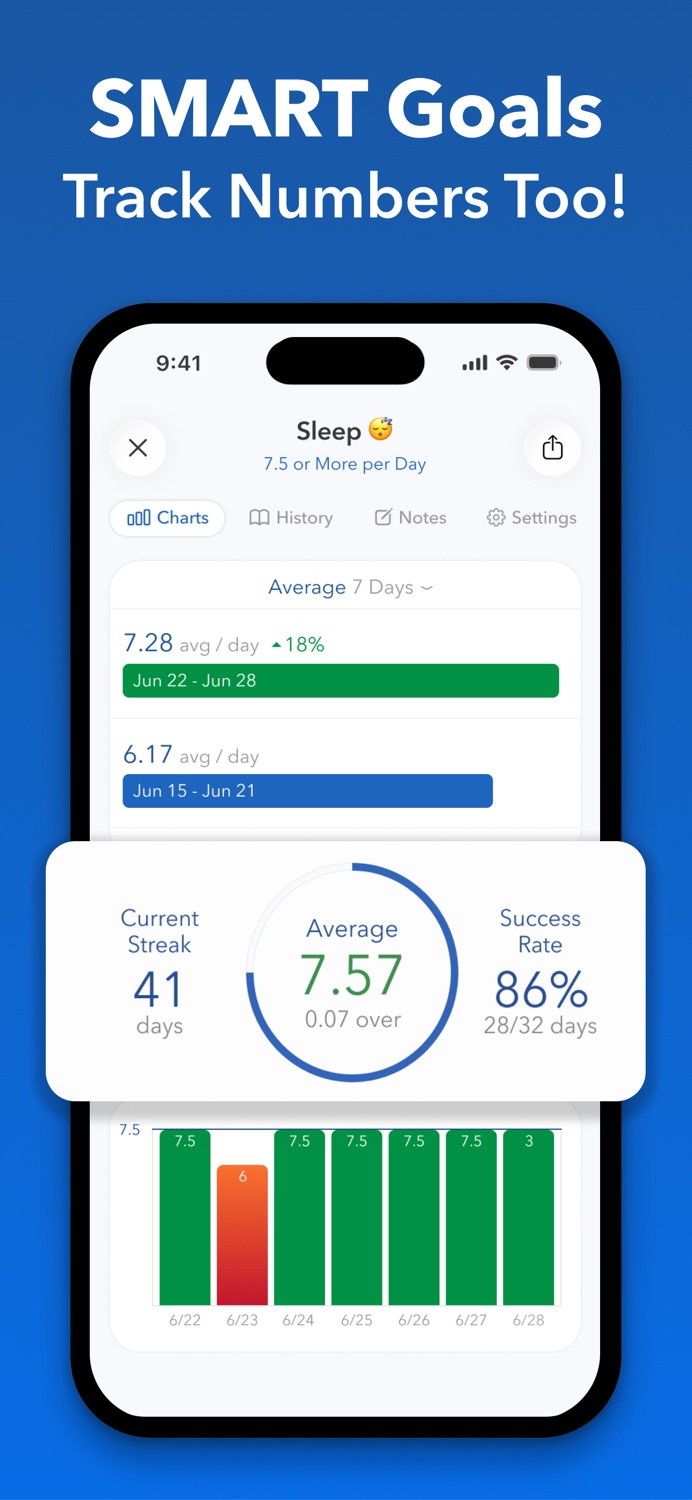
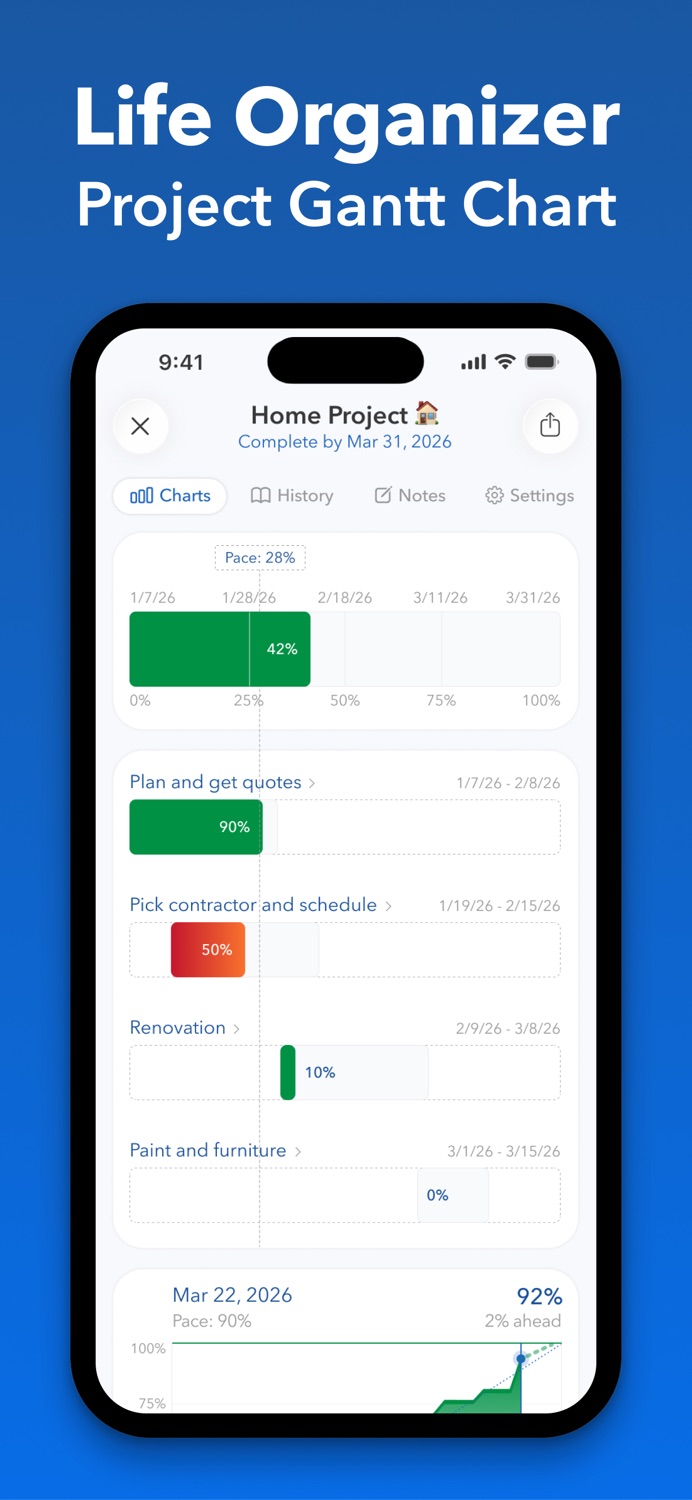
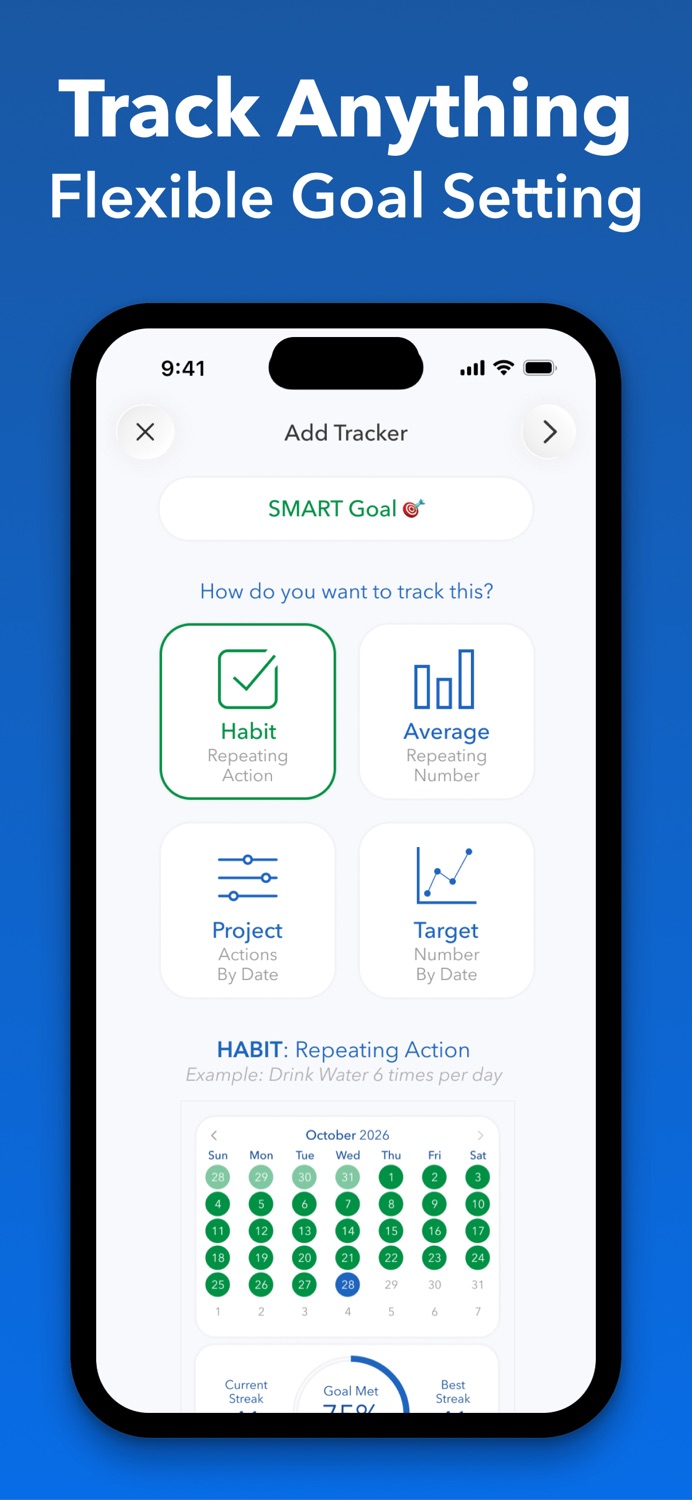
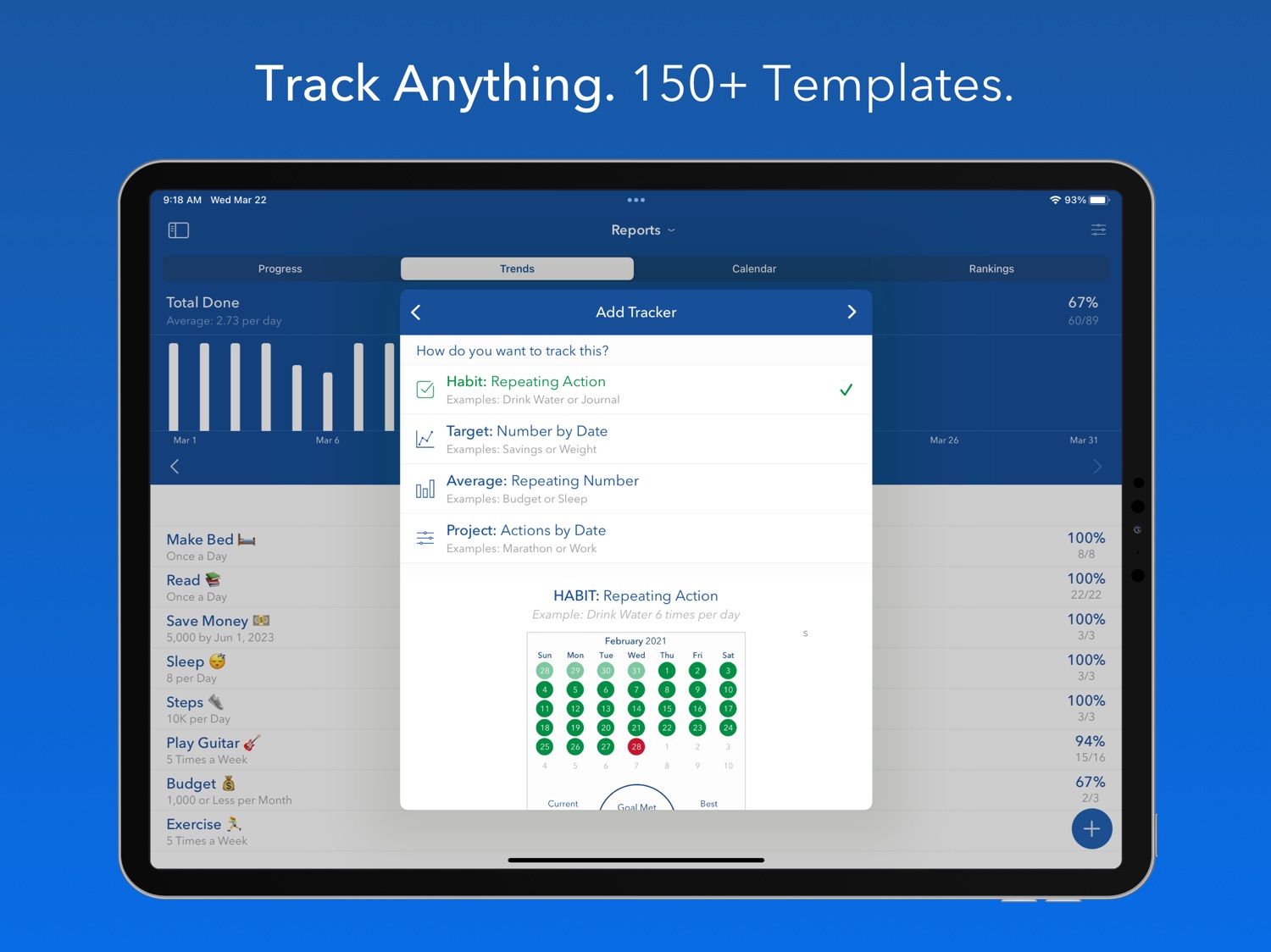
Track anything you want with four types of trackers. Streak calendars let you keep up with your success rate, and milestone calendars help you to keep up with project timelines. Want to keep track of a repeating number? Check out the Average tracker. Looking to hit a goal by a specific date? Give the Target tracker a try.
Start keeping track of your habits and goals anywhere you go. Download today to get organized and create the perfect routine with Strides.
TRACKERS:
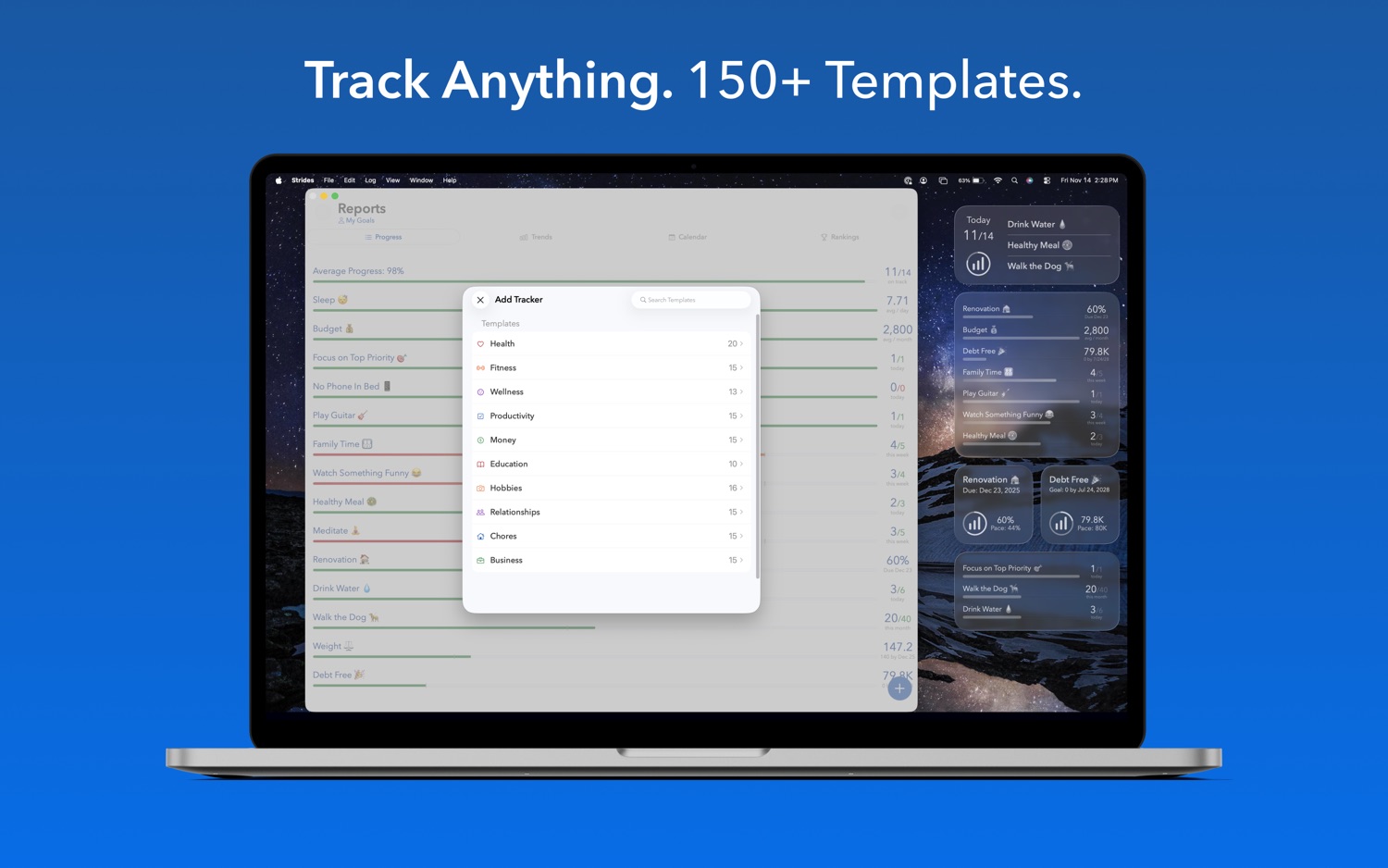
- 150+ templates to choose from, or create your own customized tracker
- Progress Reports with everything in one place
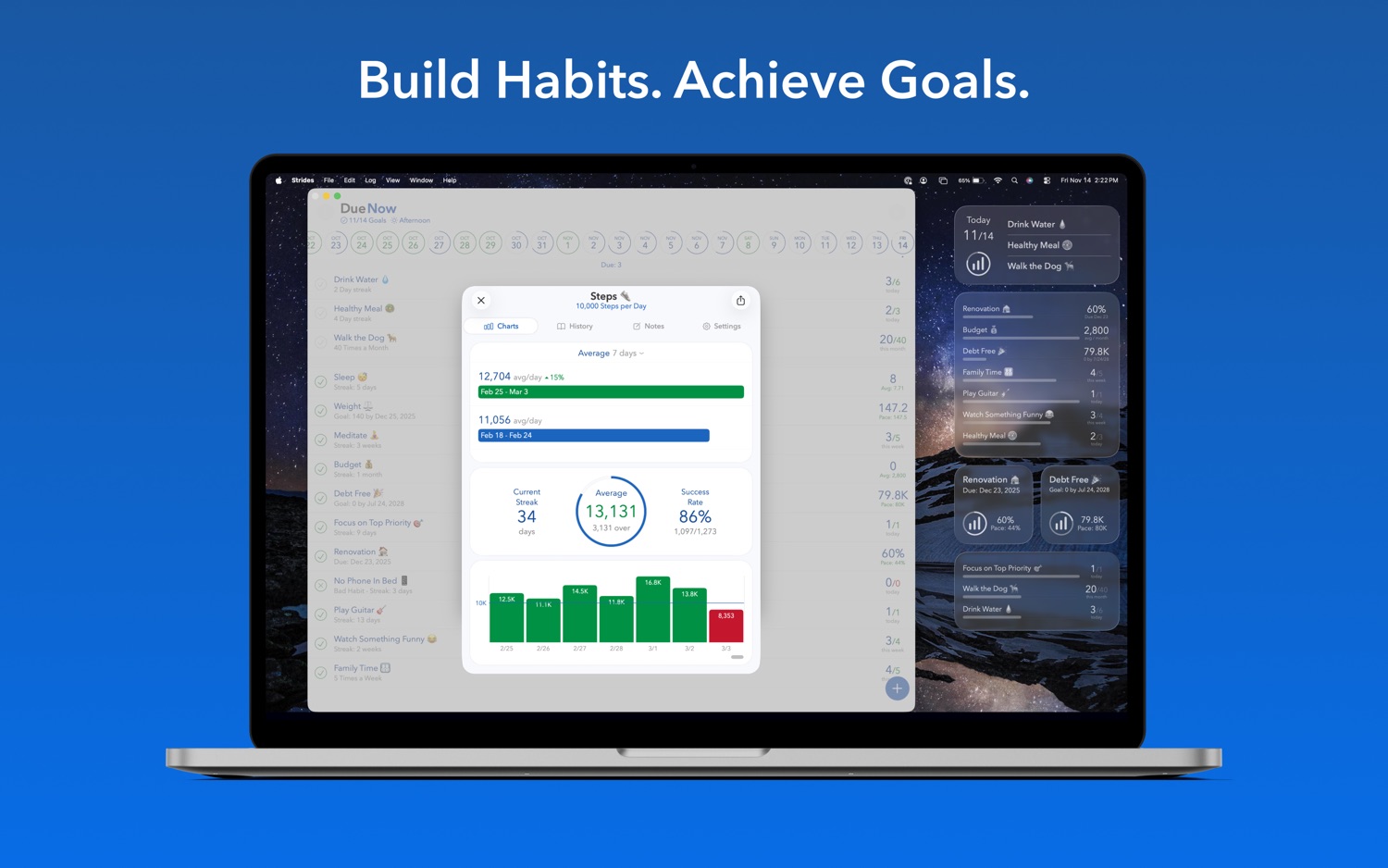
- View charts with history, streak, success rate and more
- Unlimited reminders to set yourself up for success
ADDITIONAL FEATURES:
- Integration with Apple Health
- Sync between iPhone, iPad & Mac
- Add notes to logs and trackers
- Reminders to keep you on track
SEE WHAT OTHERS ARE SAYING:
"I just wanted to say a big THANK YOU! Strides is one of the most useful apps out there. Nowadays, I can't even imagine myself without it :)” ~Leyla
"Amazing app. The sheer amount of flexibility with what you can track with Strides is amazing." ~Carlo
"My life has become so much more organized and fulfilled since I started using your app. I really appreciate it!” ~Micah
"Best tracking app. I love, love, love this app! This is exactly what I've been looking for for two or three years. I can track multiple goals and see them all on one screen. Perfect!" ~Kate
–
Strides is free forever to track what's most important to you. If you want to get even more out of it and support development, you can upgrade to Strides Plus with a monthly or annual subscription - or with a one-time purchase of the lifetime plan - to unlock all premium features, including Unlimited Trackers, sync between iPhone, iPad & Mac, Tags & Filters, Today List, Export Data, Goal Notes and more.
Payment will be charged to the credit card connected to your iTunes Account when you confirm the initial subscription purchase. Subscriptions automatically renew unless auto-renew is turned off at least 24-hours before the end of the current subscription period. Your account will be charged for renewal within 24-hours prior to the end of the current period, and the cost of the renewal will be identified. You may manage your subscription and auto-renewal may be turned off by going to your Account Settings after the purchase. Any unused portion of a free trial period, if offered, will be forfeited when you purchase a subscription, where applicable.
–
Read our full Privacy Policy / Terms of Use:
https://www.stridesapp.com/privacy.html
https://www.apple.com/legal/internet-services/itunes/dev/stdeula/
Keep making strides!
Information
Bundle IDcom.puresignal.strides
SellerGoals LLC
Min iOS17.0
Content rating4+
Released2013-07-22
Version history · 25 recorded
19.9.2
2026-06-09
A couple more fixes while we work on the next new feature: App Icon color selection and bad habit color fix on the new Repeating Report.
19.9.1
2026-06-05
While we're working on the next feature we improved the Average stats on the Progress Report and fixed a bug causing iPads to not be able to swipe right with the sidebar open.
19.9
2026-05-25
Modern Due view! Cleaner design, even faster, smoother animations, easier to read, and now you can open and close each section. This is a crucial step in not only finishing the design refresh we've been doing, but also to allow for more flexibility with layouts, grouping options, and an exciting new feature coming soon.
19.8.1
2026-05-04
While we're working on a bigger update, we fixed a crash on the Trends Report.
19.8
2026-04-19
Improvements for the new Repeating and Goal Date reports and Apple Health, plus a new Customer Center to make managing your subscription even easier.
19.7
2026-04-12
New premium reports! Check out the new Repeating and Goal Date reports to quickly reflect on multiple goals at once. Tap Reports then Repeating to see all your Habit and Average trackers, grouped by daily, weekly, monthly, quarterly and yearly goals. For daily goals you can see the past 7 days, 14 days, or even a grid of the past 100 days! The Goal Date report shows all of your Target and Project goals, sorted by when they're due, with countdowns and projected line charts for each. Enjoy!
19.6.1
2026-03-22
Improved chart date labels, added a way to tap to see the year below bars for long-term goals, and fixed a bug when adding steps to a milestone from settings. New reports coming soon!
19.6
2026-03-08
Continuing the design improvements with modern SwiftUI cards for settings and charts! Same function you know and love, just a cleaner, more structured layout.
Also, notice something new on your Projects? Feedback has been great about the new interactive Target line charts with pace and projected lines, so we added the same line chart to Project trackers! The new chart is below the progress bars so it's out of the way when you just want to focus on your milestones, but if you want to see how you've been progressing over time and when you're on track to complete your project, the line chart has you covered.
This update also fixes a bug causing yesterday to show when you first open the app in the morning, along with improvements to the add button, date labels, Tags view and Average tracker circle chart. Lots of great stuff on the way!
19.5
2026-02-22
Line chart improvements! The Target tracker line chart now has has been rebuilt with a modern design, smooth animation, pace line, projected line, and new stats. Plus, it's interactive now so you can select any date to see the progress you had made at that point and compare it to the pace. We also added a countdown for the Daily Goal stat so you know how many days are left until your goal date.
19.4
2026-02-03
New: Referral Program! Is Strides helping you build habits and make progress toward your goals? Now you can share it to help other people and earn a commission for the referral. Check it out on the Settings tab to learn more.
This update also makes it easier to clear filters, sync from the welcome screen and add tags on Mac.
19.3.1
2026-01-29
More bar chart improvements, including fixes for Apple Health times displaying in minutes and lots of large number abbreviation tweaks throughout the app. Also improved sync error popups and reduced their frequency. Next up: Big updates to the Target line chart!
19.3
2026-01-25
Hope your 2026 goals are going well so far! This update is packed with improvements to the bar charts for Habit, Average and Apple Health trackers! They're faster and more polished with nice animations, and they dynamically adjust their height based on what's in view, meaning no more super short bars because that one day you got 20,000 steps a couple years ago. They also work with the Goal Plan feature now, so you can see a separate line for each goal you've set!
This also came with some layout enhancements to the habit calendar chart and Mac app bar charts. Next up: Major improvements to the line charts!
19.2
2025-12-11
Following up the design refresh with more UI tweaks and search enhancements, an improvement when adding a bad habit tracker, and added the ability to snap back to today when looking at a past or future date by tapping the Due tab or title at the top. Also clarified a few things and fixed some bugs. Hope 2025 has gone well for you and the start of 2026 will be even better!
19.1
2025-12-03
The design refresh is off to a great start, and we're adding a Search Goals feature! This update also improves the Custom Goal setting view's design and fixes some things we missed in testing, mostly related to rare combinations of accessibility settings. Also updated the Accountability feature to display the names and avatars of people you're collaborating with in a new way that's even more private and reliable. Enjoy the new design and search!
19.0
2025-11-30
Design update! Strides has a clean, modern design with iOS 26 support, fresh new icons, a shiny new tab bar, an improved goal setting experience, and a modern top nav with more info that's easier to read. This is just the beginning. Lots more quality of life improvements on the way, including better charts and more ways to view your progress.
18.8
2025-10-20
Releasing some improvements to sharing with an accountability partner and dark mode while we continue work on the design refresh.
18.7
2025-10-05
Swiping to log on the Progress Report now comes with a nice bar animation. We did more prep work for the design refresh and fixed a couple bugs. Can't wait for you to see what we've been working on!
18.6
2025-09-22
Preparing for design improvements. Fixes for widgets, notifications and caching.
18.5
2025-09-09
New: Quarterly Goals! Now you can track Habit, Average and Apple Health trackers by quarter too.
18.4
2025-08-21
Have you tried the new Accountability feature? Now you can share your goals with accountability partners and even collaborate to make progress together! Just tap Accountability to share a goal with someone.
Changes:
- Logging from a notification on a past date logs now backlogs on that date
- Habit trackers with Log with Note enabled always have the keyboard up right away now
- Fixed a bug causing trackers marked for deletion to count toward the limit
- Fixed a rare bug with notifications
- Fixed a rare crashing bug
18.3
2025-08-11
Quick fix for notification issue.
18.2
2025-08-10
This update is focused on performance improvements, especially for people with lots of data. We also sped up the privacy lock screen and added support for Vision Pro.
18.1.1
2025-07-18
Have you tried the new Accountability feature? Now you can share your goals with accountability partners and even collaborate to make progress together! Just tap Accountability to share a goal with someone.
This update fixes some rare bugs related to the new feature.
18.1
2025-07-16
New: Choose from nine app icon styles to customize your home screen.
Also fixed a bug with the Privacy Lock feature and made it faster to long-press and undo a habit log by not requiring a confirmation unless there's a note. Adding a No log for a habit if today already has a Yes log now changes the the Yes to No.
Have you tried the new Accountability feature? Now you can share your goals with accountability partners and even collaborate to make progress together!
18.0
2025-07-14
NEW: Accountability and Collaboration! Now you can share your goals to team up with accountability partners and even collaborate to make progress together. This is the most popular feature request so we spent a long time carefully designing and building it to be easy to use and as valuable as possible. Viewing other people's progress is as easy as using the Shared With Me filter on Reports, and you can schedule accountability partner reminders to jump straight in to see how they're doing. We're so excited to get this launched!
Region availability · 1 of 1 storefronts
| Store | Price | Ratings | Avg | Version |
|---|---|---|---|---|
| US | Free | 19.0k | 4.8 | 19.9.2 |