Home › Photo & Video

 US
US
1 of 1 storefronts
Content in en-US
Content in en-US
Information
Preview 2 platforms
iPhone 5 images



iPad 5 images


What’s New Version 2.12
Thanks for using GPS Map Camera! This update brings bug fixes and performance improvements for faster, more reliable photo and video stamping.
Description
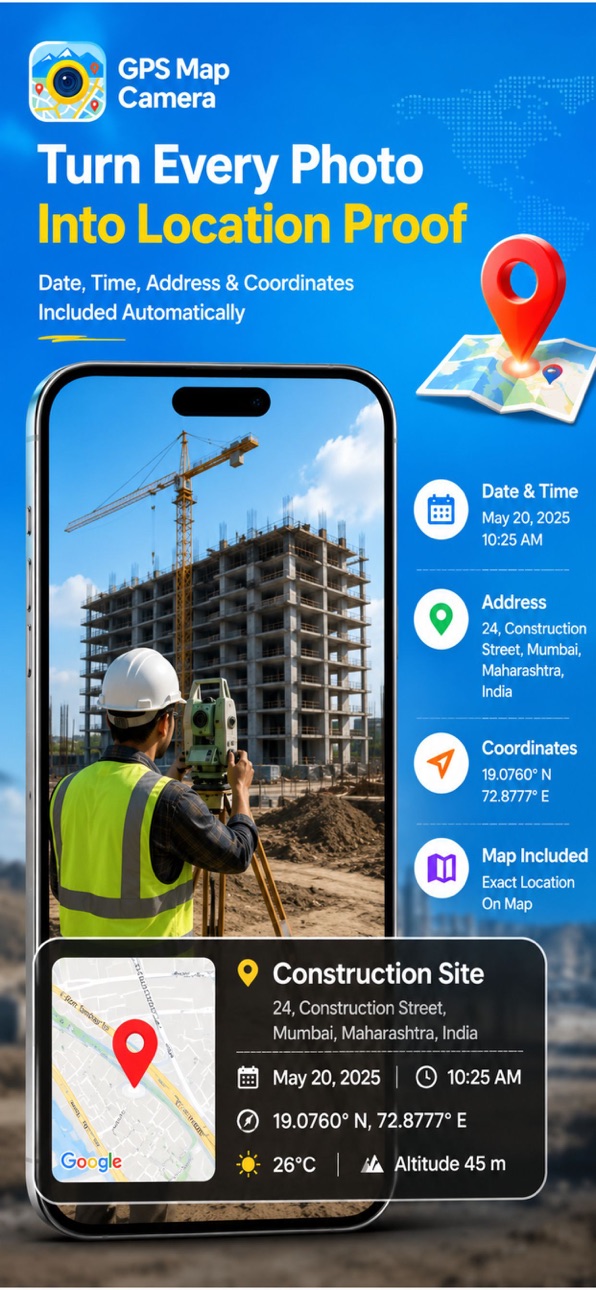
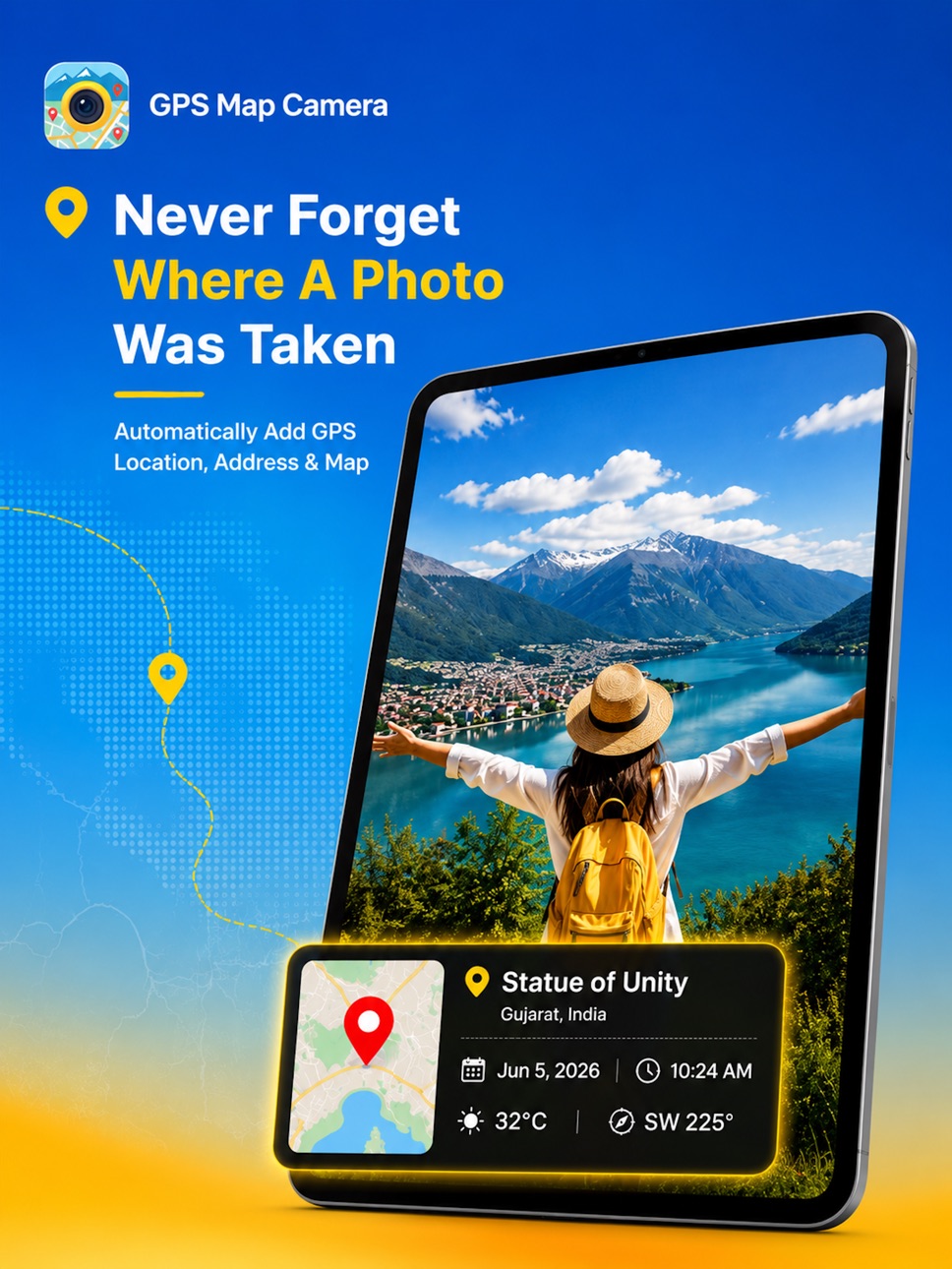
GPS Map Camera: Timestamp Photos is the all-in-one GPS camera app designed to add timestamps, locations, and maps to your photos and videos. Ideal for travelers, vloggers, field workers, and geotagging enthusiasts, this powerful timestamp camera helps you document every moment with accuracy. Use it as a live camera with real-time overlays or edit existing gallery images with ease.
Key Features
• STimestamp and Location on Photos and Videos
Automatically add date, time, and GPS coordinates to your captures. Perfect for documentation, travel logs, or proof of activity.
• Add Stamps to Existing Images
Easily apply location and timestamp overlays to any photo in your gallery. No need to retake your shots.
• Live Camera with Map Overlay
Capture images with real-time GPS data, compass direction, and map context. Ideal for real-time logging and reporting.
• Video Timestamp Support
Add accurate timestamps to videos, making this app a reliable tool for vloggers, journalists, and content creators.
• Fake Location and Location Changer
Change or simulate your location for privacy, creative needs, or testing purposes using the built-in location changer.
• Offline Functionality
Capture and tag content even without internet access. GPS data is stored and synced when you're back online.
• Customizable Stamp Styles
Personalize stamp appearance with adjustable fonts, sizes, positions, and colors to suit your project or brand.
Who It's For
• Travelers and vloggers who need timestamped visual records
• Field workers, inspectors, and professionals requiring location-based evidence
• Geocaching enthusiasts and outdoor explorers
• Anyone who wants to organize and tag their visual content with date and location
Start documenting your world with precision and clarity.
Subscribe to get Pro access to all features. You will be charged after the purchase confirmation. Subscriptions auto-renew 24 hours before the expiration date. You can manage your subscriptions in Account Settings on the App Store.
Privacy Policy: https://sites.google.com/view/gps-photo-location-timestamp/privacy-policy
Terms & Condition: https://sites.google.com/view/gps-photo-location-timestamp/terms-conditions
Download GPS Map Camera: Timestamp Photos now and bring meaning to every shot.
Capabilities
In-App Purchases
Accessibility
ipadiphonemacrealityDevicetvoswatch
Version history 22 versions
Build 887525271v2.122026-06-30 17:12:58
Thanks for using GPS Map Camera! This update brings bug fixes and performance improvements for faster, more reliable photo and video stamping.
Build 884586872v2.112026-04-16 22:13:09
GPS photo tagging with timestamps, plus fixes & improvements.
Build 884054235v2.102026-04-02 17:02:18
Added extra zoom levels to capture more, plus new templates and minor improvements.
Build 882395214v2.92026-02-14 17:15:36
Improved UI/UX, added new photo location templates, and enhanced performance for a smoother experience.
Build 881655090v2.82026-01-26 15:08:55
Improved timestamp accuracy
Build 881316351v2.72026-01-13 14:19:49
Minor Bug Fixes!
Build 880678055v2.62025-12-17 12:48:05
Minor bug fixes and improved camera clarity for photos and videos.
Build 880515347v2.52025-12-11 02:41:08
Minor bug fixes and improved camera clarity for photos and videos.
Build 876372510v2.42025-07-15 08:28:57
Minor improvements to the camera for enhanced clarity and more accurate location tagging on photos and videos.
Build 876188226v2.32025-07-07 18:39:15
Minor improvements to camera for enhanced clarity and more accurate location tagging on photos and videos.
Build 875958056v2.12025-06-30 21:19:19
• Improved GPS accuracy and faster location stamping on photos and videos
• Support for adding timestamps and location to existing videos
Build 875303938v2.02025-06-04 23:00:54
This version of GPS Map Camera: Photo Stamp contains
- Quickly access captured photos with location details
- Landscape mode is now supported for photo capture
- Zoom in/out is enabled during photo and video capture
- Resolved photo sharing issue
Build 874947642v1.92025-05-21 16:59:43
- Quickly access captured photos with location details
- Landscape mode is now supported for photo capture
- Zoom in/out is enabled during photo and video capture
- Resolved photo sharing issue
Build 874804934v1.82025-05-15 23:00:01
- Quickly access captured photos with location details
- Landscape mode is now supported for photo capture
- Zoom in/out is enabled during photo and video capture
- Resolved photo sharing issue
Build 874075404v1.72025-04-23 13:24:04
- Quickly access captured photos with location details
- Landscape mode is now supported for photo capture
- Zoom in/out is enabled during photo and video capture
- Resolved photo sharing issue
Build 873134285v1.62025-03-11 15:49:09
Minor bug fix while editing manual location!
Build 872489313v1.52025-03-06 13:20:05
You can now edit the address directly from the Capture screen based on your location!
Enhanced UI/UX for a better experience!
Build 872194945v1.42025-02-04 10:30:01
Tag GPS Location on Photos and Videos – Now, you can easily add precise GPS coordinates to any photo or video with just a tap
Improved UI and UX – A smoother, more intuitive experience with enhanced visuals and navigation for effortless use
Performance Boost and Bug Fixes – Enjoy faster performance and a more stable app experience
Update now and make the most of the latest improvements
Build 871387685v1.32025-01-10 00:11:19
Minor Bug fixes!
Easy to tag Location for new Photos/Videos
Build 869907749v1.22024-10-23 11:57:55
iPad support added.
Build 869782834v1.12024-10-17 13:14:47
Minor fixes on UI/UX
Build 868918585v1.02024-10-16 13:46:59
No pricing data captured yet — comparisons appear once the app has paid storefronts or in-app purchases.
Availability 1 of 1 storefronts
| Region | Language | Price | Ratings | Avg | Version |
|---|---|---|---|---|---|
| US | en-US | Free | 93 | 4.4 | 2.12 |
Change log 26 changes · US
✎
releaseNotes updated
Thanks for using GPS Map Camera! This update brings bug fixes and performance improvements for faster, more reliable photo and video stamping.
✎
description updated
GPS Map Camera: Timestamp Photos is the all-in-one GPS camera app designed to add timestamps, locations, and maps to your photos and videos. Ideal for travelers
✎
subtitle updated
Geotag Photo, Video & Location
✎
name updated
GPS Map Camera: Geo Location
◆
Version 2.12 released
Thanks for using GPS Map Camera! This update brings bug fixes and performance improvements for faster, more reliable photo and video stamping.
◆
Version 2.11 released
GPS photo tagging with timestamps, plus fixes & improvements.
◆
Version 2.10 released
Added extra zoom levels to capture more, plus new templates and minor improvements.
◆
Version 2.9 released
Improved UI/UX, added new photo location templates, and enhanced performance for a smoother experience.
◆
Version 2.8 released
Improved timestamp accuracy
◆
Version 2.7 released
Minor Bug Fixes!
◆
Version 2.6 released
Minor bug fixes and improved camera clarity for photos and videos.
◆
Version 2.5 released
Minor bug fixes and improved camera clarity for photos and videos.
◆
Version 2.4 released
Minor improvements to the camera for enhanced clarity and more accurate location tagging on photos and videos.
◆
Version 2.3 released
Minor improvements to camera for enhanced clarity and more accurate location tagging on photos and videos.
◆
Version 2.1 released
• Improved GPS accuracy and faster location stamping on photos and videos
• Support for adding timestamps and location to existing videos
◆
Version 2.0 released
This version of GPS Map Camera: Photo Stamp contains
- Quickly access captured photos with location details
- Landscape mode is now supported for photo capture
- Zoom in/out is enabled during photo and video capture
- Resolved photo sharing
◆
Version 1.9 released
- Quickly access captured photos with location details
- Landscape mode is now supported for photo capture
- Zoom in/out is enabled during photo and video capture
- Resolved photo sharing issue
◆
Version 1.8 released
- Quickly access captured photos with location details
- Landscape mode is now supported for photo capture
- Zoom in/out is enabled during photo and video capture
- Resolved photo sharing issue
◆
Version 1.7 released
- Quickly access captured photos with location details
- Landscape mode is now supported for photo capture
- Zoom in/out is enabled during photo and video capture
- Resolved photo sharing issue
◆
Version 1.6 released
Minor bug fix while editing manual location!
◆
Version 1.5 released
You can now edit the address directly from the Capture screen based on your location!
Enhanced UI/UX for a better experience!
◆
Version 1.4 released
Tag GPS Location on Photos and Videos – Now, you can easily add precise GPS coordinates to any photo or video with just a tap
Improved UI and UX – A smoother, more intuitive experience with enhanced visuals and navigation for effortless us
◆
Version 1.3 released
Minor Bug fixes!
Easy to tag Location for new Photos/Videos
◆
Version 1.2 released
iPad support added.
◆
Version 1.1 released
Minor fixes on UI/UX
◆
Version 1.0 released