Home › Education

 US
US
1 of 1 storefronts
Content in en-US
Content in en-US
Information
Preview 3 platforms
iPhone 7 images





iPad 7 images



Mac 1 image

What’s New Version 4.81
- minor bug fixes
Description
MyClassroom was has essential teacher tools that are designed to work fast. Even better, they works with an Apple Watch or Bluetooth clicker. This means you can place your iPhone or iPad anywhere in the room and still have access to your tools.
MyClassroom also offers extensive customization. If you don’t like how a tool works, there’s a good chance you can change it. Below is a list of tools and features that are just one press away!
Tools:
Bell
Alert your class with a variety of sounds to choose from.
Notes
Instantly save notes during hectic moments, with automatic logging of time, date, and subject. You can add text later.
Time
Quickly add time increments with each press. It's perfect when precise timing isn't necessary.
Coin & Dice
Randomly generate numbers and outcomes.
Sticks
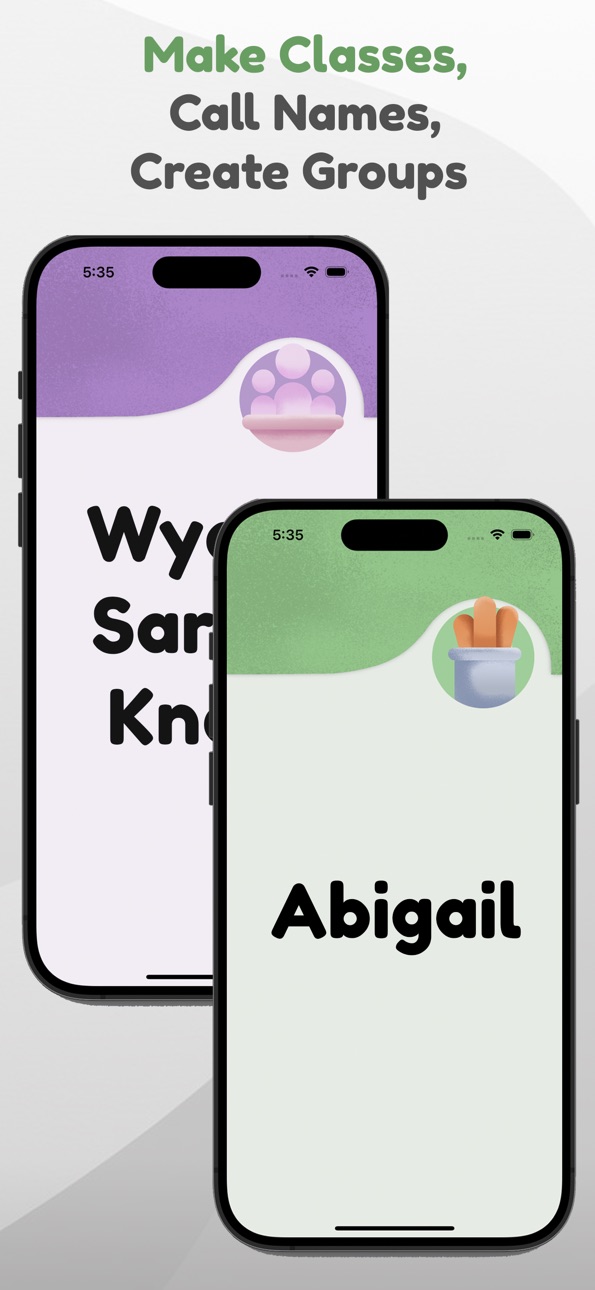
Randomly call on students, with an option to prevent repeats.
Groups
Create student groups, with settings to avoid unwanted pairings.
Tallies
Keep track of positive and negative classroom behaviors.
Time Lost
Track time wasted by students using a stopwatch and a warning sound.
Hearts
Each press removes a heart. Hearts can automatically replenish after a preset amount of time.
Noise Meter
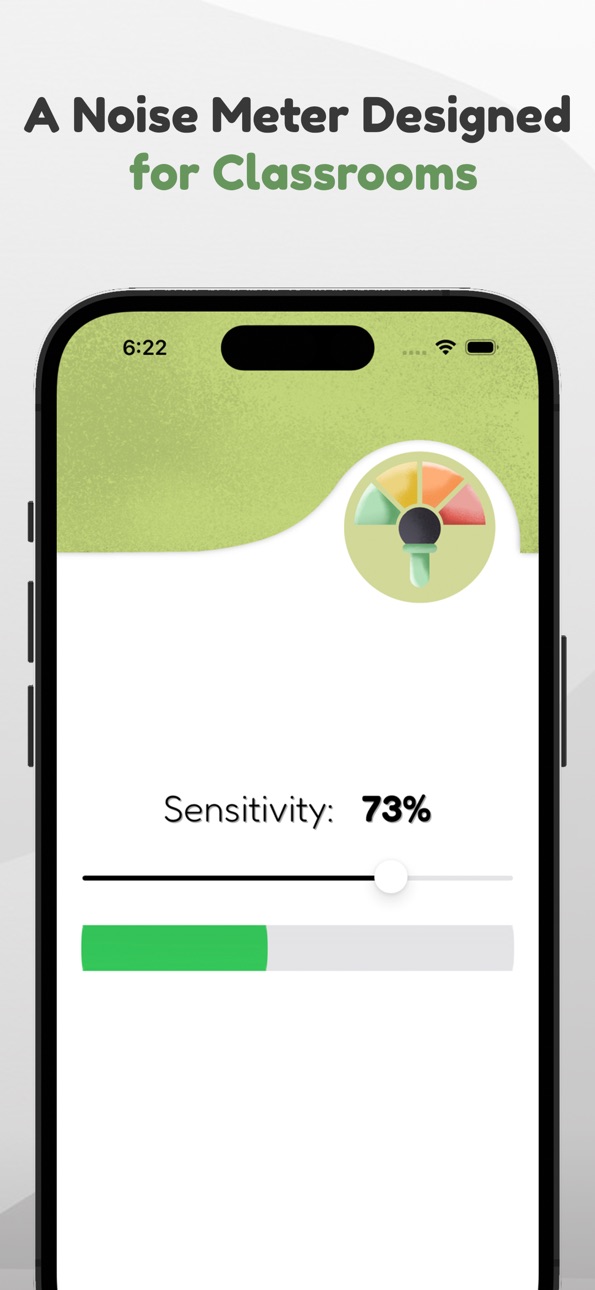
Tuned to student voice frequencies, with a buffer to prevent false alarms.
Music Box
Play over 150 instrumental tracks covering various genres and moods.
Brain Break
Meditate or get active with quick, interactive breaks.
Features
Routines
Set up your daily schedule and let the app automatically announce subjects and reminders. You won’t need to pull out your phone to turn off an alarm anymore!
Smart Seating
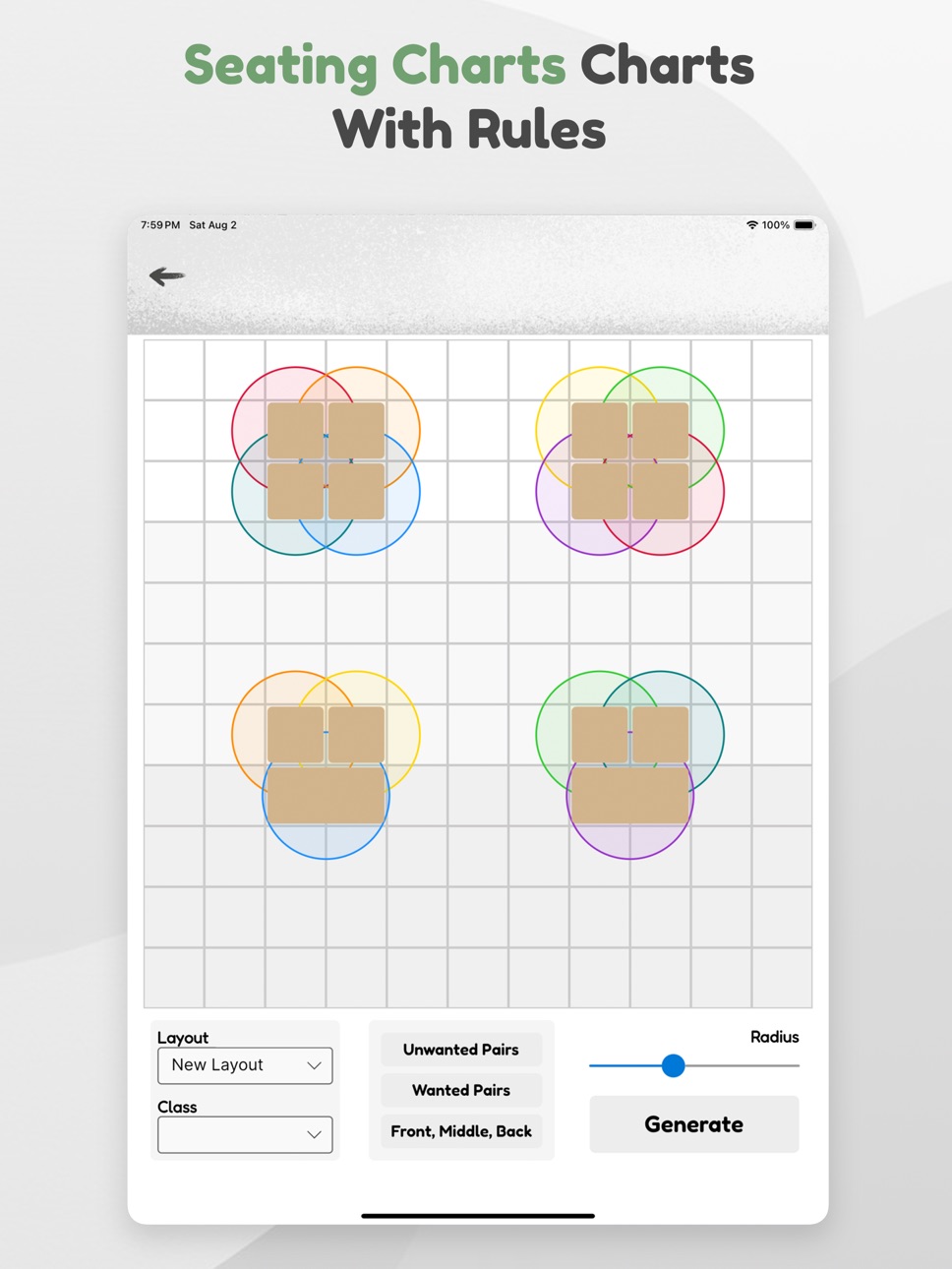
Seating charts with the ability to add rules, and use actual desk distances to generate seating charts.
This app is governed by Apple’s standard End User License Agreement (EULA), available here: https://www.apple.com/legal/internet-services/itunes/dev/stdeula/
In-App Purchases US pricing
Full Access Subscription
Monthly 3-day free trial$2.99
Yearly 3-day free trial$24.99
One-Time Purchases
Full Access$39.99
Capabilities
In-App Purchases
Accessibility
ipadiphonemacrealityDevicetvoswatch
Version history 25 versions
Build 884301599v4.812026-04-13 13:15:39
- minor bug fixes
Build 883383060v4.802026-03-16 12:22:12
Improvements:
Google Classroom Import Feature Added! You can now import all your classes from Google Classroom.
Fixes:
PIN issues fixed, PIN will no longer change if you sign out, and will activate when app opens.
Controller D-Pad on the shortcut menu now reflects a vertical orientation
Watch/Widget Sticks now works without a subscription.
Tallies Tools now correctly works with the Watch/Widget Apps.
Build 882688980v4.792026-02-23 22:26:11
- Faster and more reliable watch and widget support
Build 881437443v4.782026-01-13 13:41:36
Improvements:
Coin & Dice Tool now has animations.
Dice can now swap between dots and numbers.
Added a handful of new alert and "bad" noises.
Notes Tool can now send a daily scheduled alert to remind you to check your notes. Find this in th Notes tools Settings.
The number of unviewed notes will appear on the Tools Menu.
Animation added to Notes Tool while recording a voice memo.
Apple Watch and iPhone widget can now be used without an account. No Sign-Up required on mobile.
Bug Fixes:
Rare watch/widget crash fixed.
App guide view fixed.
Mute Routines option now works and will also turn off mobile notifications.
Various UI and graphic fixes
Build 881403600v4.772026-01-12 20:25:22
Improvements:
Coin & Dice Tool now has animations.
Dice can now swap between dots and numbers.
Added a handful of new alert and "bad" noises.
Notes Tool can now send a daily scheduled alert to remind you to check your notes. Find this in th Notes tools Settings.
The number of unviewed notes will appear on the Tools Menu.
Animation added to Notes Tool while recording a voice memo.
Apple Watch and iPhone widget can now be used without an account. No Sign-Up required on mobile.
App now asks if you want to sync your subscription when you log in.
Bug Fixes:
Rare watch/widget crash fixed.
App guide view fixed.
Mute Routines option now works and will also turn off mobile notifications.
Various UI and graphic fixes
Build 881147060v4.762026-01-03 15:01:58
Improvements:
Coin & Dice Tool now has animations.
Dice can now swap between dots and numbers.
Notes Tool can now send a daily scheduled alert to remind you to check your notes. Find this in th Notes tools Settings.
The number of unviewed notes will appear on the Tools Menu.
Animation added to Notes Tool while recording a voice memo.
Apple Watch and iPhone widget can now be used without an account. No Sign-Up required on mobile.
Bug Fixes:
Rare watch/widget crash fixed.
App guide view fixed.
Mute Routines option now works and will also turn off mobile notifications.
Various UI and graphic fixes
Build 881105681v4.752026-01-01 19:15:13
Improvements:
Coin & Dice Tool now has animations.
Dice can now swap between dots and numbers.
Notes Tool can now send a daily scheduled alert to remind you to check your notes. Find this in th Notes tools Settings.
The number of unviewed notes will appear on the Tools Menu.
Animation added to Notes Tool while recording a voice memo.
Apple Watch and iPhone widget can now be used without an account. No Sign-Up required on mobile.
Bug Fixes:
Rare watch/widget crash fixed.
App guide view fixed.
Mute Routines option now works and will also turn off mobile notifications.
Various UI and graphic fixes
Build 880390231v4.742025-12-06 14:55:36
- Quick fix: Routines not set iOS notifications again
Build 880191007v4.732025-12-01 13:28:59
- Various fixes and improvements
Build 879397263v4.722025-11-01 22:41:49
Version 1.8.6 (10/25/2025)
Improvements:
You can now bulk add students. Paste in an excel or sheet column or quickly enter one student per line.
Various visual improvements.
Bug Fixes:
Fixed Group Maker Speed Issue
Fixed Sticks not announcing names if you were on the default class.
Deleted a routine no longer forces you to scroll to the bottom.
Intro Information Fixed
Build 879276772v4.712025-10-28 21:17:16
Improvements:
You can now bulk add students. Paste in an excel or sheet column or quickly enter one student per line.
Various visual improvements.
Bug Fixes:
Fixed Group Maker Speed Issue
Fixed Sticks not announcing names if you were on the default class.
Fixed Sticks sometimes not calling names.
Deleted a routine no longer forces you to scroll to the bottom.
Build 879234502v4.692025-10-27 11:28:39
Improvements:
You can now bulk add students. Paste in an excel or sheet column or quickly enter one student per line.
Various visual improvements.
Bug Fixes:
Fixed Group Maker Speed Issue
Fixed Sticks not announcing names if you were on the default class.
Deleted a routine no longer forces you to scroll to the bottom.
Build 879272045v4.702025-10-27 16:31:24
HOTFIX: App would not open.
Build 879070447v4.682025-10-21 08:51:24
Improvements:
New Clock Display: After 1 minute of being idle at the tools menu or tapping the new icon at the top of the Tools Menu, the Clock Display will appear. This screen shows your routines and the Time and Date. There is also a progress bar indicating how much time you have left in your current routine. This is great for those who place their tablet on the wall, but this screen can also be triggered by a shortcut for Desktop users.
Bug Fixes:
Fixed Crashes involving the Sticks Tool
Fixed various visual bugs on the Tool Menu
Fixed network crashes regarding the Watch and iPhone shortcuts.
Fixed audio issue on iOS where the app would stop making sounds.
Fixed Seating Chart bug where unwanted pairs were not being enforced
Fixed Groups to work correctly with when no class is found.
Build 878928493v4.672025-10-15 14:33:18
New Clock Display: After 1 minute of being idle at the tools menu or tapping the new icon at the top of the Tools Menu, the Clock Display will appear. This screen shows your routines and the Time and Date. There is also a progress bar indicating how much time you have left in your current routine. This is great for those who place their tablet on the wall, but this screen can also be triggered by a shortcut for Desktop users.
Bug Fixes:
Hotfix: Clock Display now works after a tool is used
Fixed Crashes involving the Sticks Tool
Fixed various visual bugs on the Tool Menu
Fixed network crashes regarding the Watch and iPhone shortcuts.
Fixed audio issue on iOS where the app would stop making sounds.
Build 878874795v4.662025-10-14 07:18:50
Improvements:
New Clock Display: After 1 minute of being idle at the tools menu or tapping the new icon at the top of the Tools Menu, the Clock Display will appear. This screen shows your routines and the Time and Date. There is also a progress bar indicating how much time you have left in your current routine. This is great for those who place their tablet on the wall, but this screen can also be triggered by a shortcut for Desktop users.
Bug Fixes:
Fixed Crashes involving the Sticks Tool
Fixed various visual bugs on the Tool Menu
Fixed network crashes regarding the Watch and iPhone shortcuts.
Fixed audio issue on iOS where the app would stop making sounds.
Build 878719960v4.652025-10-08 20:45:25
Improvements:
New Brain Break "The Storm"
Mindfulness Brain Breaks Improved
Transitions and Timer Tool now have an optional countdown voice.
New Sync Subscription button for better feedback and control
Faster Sign-In Load Time
Bug Fixes:
Syncing issue fixes, and now has detailed error messages
Fixed various bugs and crashes that come up while being offline
Shutter Remote removed as it caused crashes and other issues. May return.
Issues with Seating Charts syncing between different classes fixed
Wanted and Unwanted seating chart pairs can now be deleted consistently
Build 878514489v4.642025-09-28 23:20:16
- Quick Fix to Sticks, Groups and other Text to Speech
Build 878447192v4.632025-09-27 20:52:48
Improvements:
Brain Breaks added as a new tool!
Transitions separated from Bell to be its own tool.
iPhone widget app is now out! Use your iPhone as a controller. Go to Settings > Shortcuts > iPhone for more details.
Bug Fixes:
Sticks now behave correctly when multiple class switches are set in routines
Block Schedule bug fix where you couldn't select Block Routines
Shutter Remote now works properly on desktop when the app is minimized
Build 878410360v4.622025-09-26 01:16:08
Improvements:
Brain Breaks added as a new tool!
Transitions separated from Bell to be its own tool.
iPhone widget app is now out! Use your iPhone as a controller. Go to Settings > Shortcuts > iPhone for more details.
Bug Fixes:
Sticks now behave correctly when multiple class switches are set in routines
Block Schedule bug fix where you couldn't select Block Routines
Shutter Remote now works properly on desktop when the app is minimized
Various other fixes
Build 878143043v4.612025-09-24 07:16:19
Improvements:
Brain Breaks added as a new tool!
Transitions separated from Bell to be its own tool.
iPhone widget app is now out! Use your iPhone as a controller. Go to Settings > Shortcuts > iPhone for more details.
Bug Fixes:
Sticks now behave correctly when multiple class switches are set in routines
Block Schedule bug fix where you couldn't select Block Routines
Shutter Remote now works properly on desktop when the app is minimized
Build 878053668v4.62025-09-12 22:45:13
- Classes can now auto switch, even if the app was closed when the routine goes off
- bug fixes
Build 877918282v4.52025-09-09 11:12:49
- Updated Syncing
Build 877858489v4.42025-09-06 16:31:36
- Improvements to Routines, and Classes
Build 877794065v4.32025-09-03 08:02:39
Improvements:
iOS now supports Shutter Remotes
Bug Fixes:
Students are easier to add and remove on mobile
Noise Meter Recalibrated on iOS
Music Bug Crash fixed on iOS
Voice Commands Removed (may return)
Routines can now be delete on mobile
Display tool icons are bigger on mobile
List navigation improved
Bug where clicking on a tool after using a shortcut for that tool now behaves as it should.
Price history by region
Currency
Show
Columns
Search
Availability 1 of 1 storefronts
| Region | Language | Price | Ratings | Avg | Version |
|---|---|---|---|---|---|
| US | en-US | Free | 328 | 4.6 | 4.81 |
Change log 29 changes · US
✎
releaseNotes updated
- minor bug fixes
✎
description updated
MyClassroom was has essential teacher tools that are designed to work fast. Even better, they works with an Apple Watch or Bluetooth clicker. This means you can
✎
subtitle updated
For Teachers and Classrooms
✎
name updated
myClassroom: Class Tools
◆
Version 4.81 released
- minor bug fixes
◆
Version 4.80 released
Improvements:
Google Classroom Import Feature Added! You can now import all your classes from Google Classroom.
Fixes:
PIN issues fixed, PIN will no longer change if you sign out, and will activate when app opens.
Controller D-Pad on the
◆
Version 4.79 released
- Faster and more reliable watch and widget support
◆
Version 4.78 released
Improvements:
Coin & Dice Tool now has animations.
Dice can now swap between dots and numbers.
Added a handful of new alert and "bad" noises.
Notes Tool can now send a daily scheduled alert to remind you to check your notes. Find this in th
◆
Version 4.77 released
Improvements:
Coin & Dice Tool now has animations.
Dice can now swap between dots and numbers.
Added a handful of new alert and "bad" noises.
Notes Tool can now send a daily scheduled alert to remind you to check your notes. Find this in t
◆
Version 4.76 released
Improvements:
Coin & Dice Tool now has animations.
Dice can now swap between dots and numbers.
Notes Tool can now send a daily scheduled alert to remind you to check your notes. Find this in th Notes tools Settings.
The number of unviewed n
◆
Version 4.75 released
Improvements:
Coin & Dice Tool now has animations.
Dice can now swap between dots and numbers.
Notes Tool can now send a daily scheduled alert to remind you to check your notes. Find this in th Notes tools Settings.
The number of unview
◆
Version 4.74 released
- Quick fix: Routines not set iOS notifications again
◆
Version 4.73 released
- Various fixes and improvements
◆
Version 4.72 released
Version 1.8.6 (10/25/2025)
Improvements:
You can now bulk add students. Paste in an excel or sheet column or quickly enter one student per line.
Various visual improvements.
Bug Fixes:
Fixed Group Maker Speed Issue
Fixed Sticks not anno
◆
Version 4.71 released
Improvements:
You can now bulk add students. Paste in an excel or sheet column or quickly enter one student per line.
Various visual improvements.
Bug Fixes:
Fixed Group Maker Speed Issue
Fixed Sticks not announcing names if you were on t
◆
Version 4.70 released
HOTFIX: App would not open.
◆
Version 4.69 released
Improvements:
You can now bulk add students. Paste in an excel or sheet column or quickly enter one student per line.
Various visual improvements.
Bug Fixes:
Fixed Group Maker Speed Issue
Fixed Sticks not announcing names if you were on t
◆
Version 4.68 released
Improvements:
New Clock Display: After 1 minute of being idle at the tools menu or tapping the new icon at the top of the Tools Menu, the Clock Display will appear. This screen shows your routines and the Time and Date. There is also a pro
◆
Version 4.67 released
New Clock Display: After 1 minute of being idle at the tools menu or tapping the new icon at the top of the Tools Menu, the Clock Display will appear. This screen shows your routines and the Time and Date. There is also a progress bar indic
◆
Version 4.66 released
Improvements:
New Clock Display: After 1 minute of being idle at the tools menu or tapping the new icon at the top of the Tools Menu, the Clock Display will appear. This screen shows your routines and the Time and Date. There is also a pro
◆
Version 4.65 released
Improvements:
New Brain Break "The Storm"
Mindfulness Brain Breaks Improved
Transitions and Timer Tool now have an optional countdown voice.
New Sync Subscription button for better feedback and control
Faster Sign-In Load Time
Bug Fixes
◆
Version 4.64 released
- Quick Fix to Sticks, Groups and other Text to Speech
◆
Version 4.63 released
Improvements:
Brain Breaks added as a new tool!
Transitions separated from Bell to be its own tool.
iPhone widget app is now out! Use your iPhone as a controller. Go to Settings > Shortcuts > iPhone for more details.
Bug Fixes:
Sticks now
◆
Version 4.62 released
Improvements:
Brain Breaks added as a new tool!
Transitions separated from Bell to be its own tool.
iPhone widget app is now out! Use your iPhone as a controller. Go to Settings > Shortcuts > iPhone for more details.
Bug Fixes:
Sticks now
◆
Version 4.61 released
Improvements:
Brain Breaks added as a new tool!
Transitions separated from Bell to be its own tool.
iPhone widget app is now out! Use your iPhone as a controller. Go to Settings > Shortcuts > iPhone for more details.
Bug Fixes:
Sticks now
◆
Version 4.6 released
- Classes can now auto switch, even if the app was closed when the routine goes off
- bug fixes
◆
Version 4.5 released
- Updated Syncing
◆
Version 4.4 released
- Improvements to Routines, and Classes
◆
Version 4.3 released
Improvements:
iOS now supports Shutter Remotes
Bug Fixes:
Students are easier to add and remove on mobile
Noise Meter Recalibrated on iOS
Music Bug Crash fixed on iOS
Voice Commands Removed (may return)
Routines can now be delete on