Home › Utilities

 US
US
1 of 1 storefronts
Content in en-US
Content in en-US
Information
Preview 1 platform
iPhone 7 images



What’s New Version 2.0.1
Bug fixes
Description
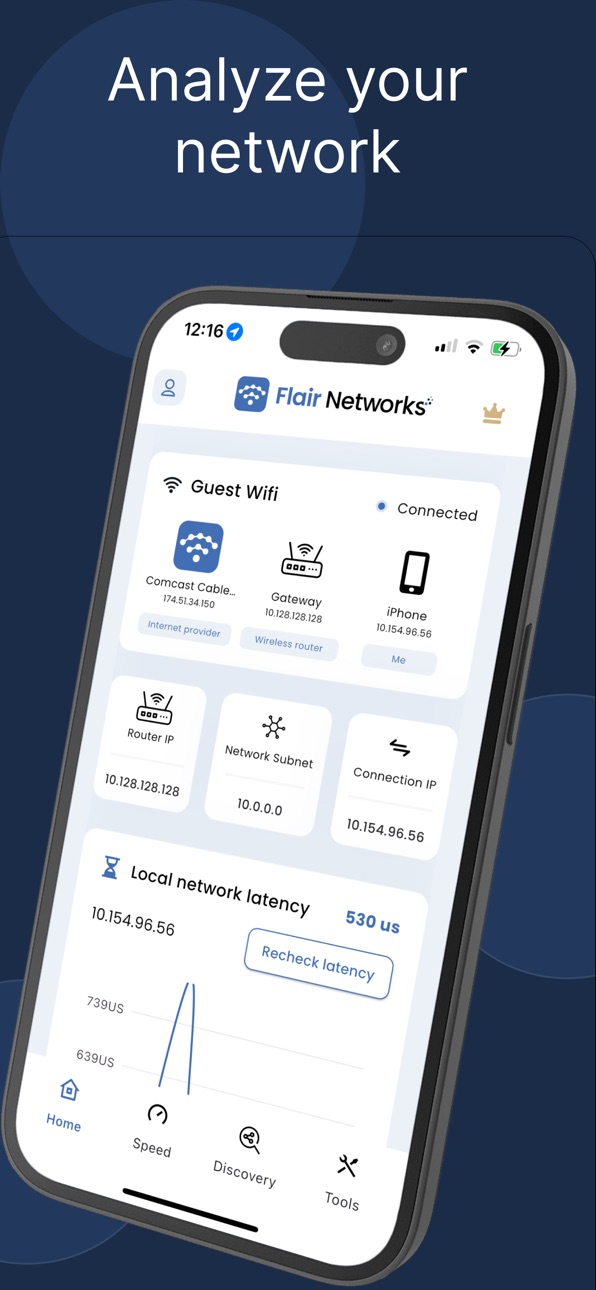
Diagnose and resolve network issues with ease. Flair WiFi Analyzer transforms your iPhone or iPad into a powerful, ad-free network diagnostic tool.
SOLVE THESE PROBLEMS:
• Slow internet speeds at home or office
• Unknown devices on your network
• Gaming lag and streaming interruptions
• Network connectivity troubleshooting
• Internet performance monitoring
FREE NETWORK TOOLS:
• Speed Test - Measure download/upload speeds with quality ratings
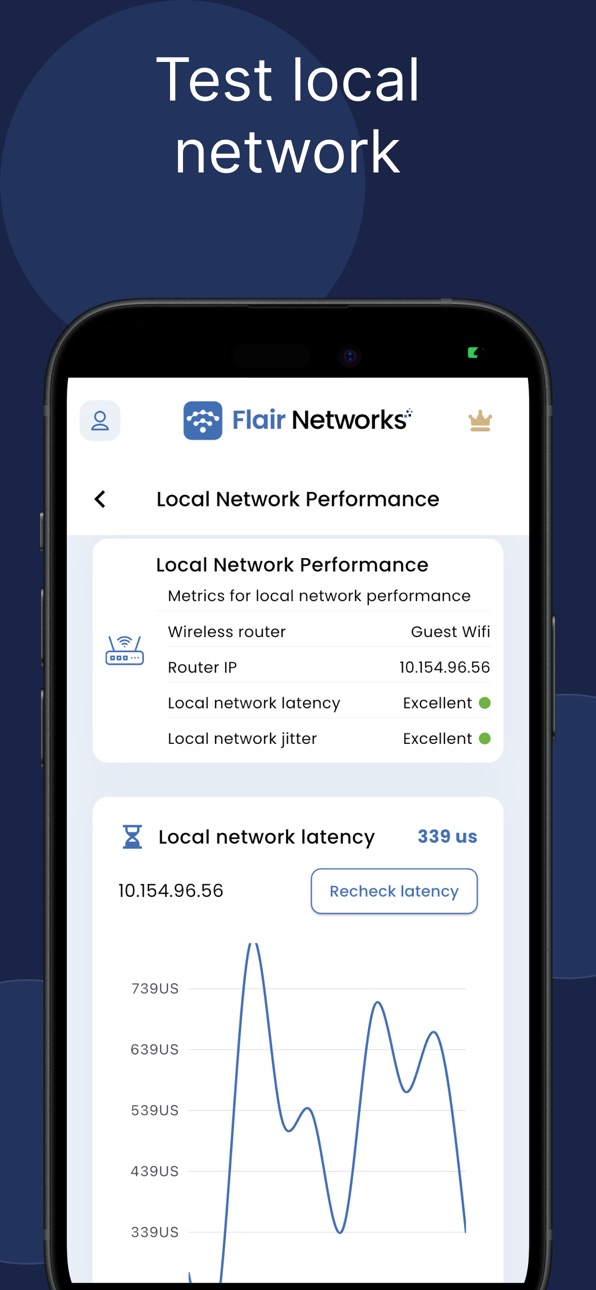
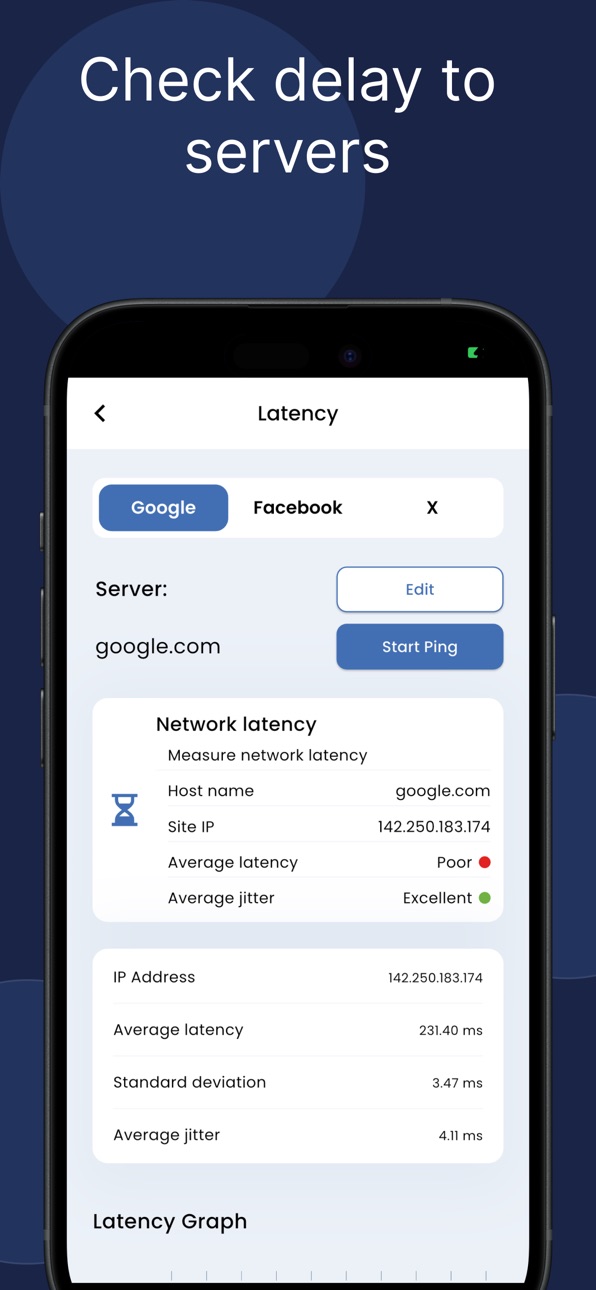
• Latency Test - Check ping delays to your router and major websites
• ISP Information - View your internet provider and connection details
• Network Configuration - Find your device's IP and network info
FLAIR PRO FEATURES:
• Device Scanner - Discover devices on your network with IP/MAC details*
• Advanced Network Diagnostics - Professional troubleshooting tools
• Whois Analysis - Domain registration and ownership lookup
• Network Insights - Comprehensive network health analysis
• Historical Data - See network performance over time
PERFECT FOR:
• Homeowners troubleshooting internet issues
• Small business network managers
• IT students learning networking
• Gamers optimizing connection performance
• Anyone wanting reliable internet
WHY CHOOSE FLAIR:
• Completely ad-free experience
• Professional-grade tools made simple
• No technical expertise required
• Trusted by thousands of users worldwide
*Note: Some network scanning features may be limited on certain networks due to security restrictions.
Transform your internet experience today. Download Flair WiFi Analyzer and take control of your network performance.
Privacy Policy: https://www.flairnetworks.com/privacy
Terms of Service: https://www.flairnetworks.com/terms
Developed by Flair Networks - Your network analysis experts.
In-App Purchases US pricing
$9.99 For One Year Subscription
Pro Subscription · Yearly 7-day free trial$9.99
Monthly Pro Subscription · Monthly 7-day free trial$1.99
Capabilities
In-App Purchases
Accessibility
ipadiphonemacrealityDevicetvoswatch
Version history 13 versions
Build 885435406v2.0.12026-05-08 19:54:32
Bug fixes
Build 884441285v1.9.02026-04-13 18:08:13
• Enhanced home page with support for celllar
• Improved subscription flow
Build 883649738v1.8.62026-03-23 20:53:13
• Enhanced home page user experience.
• Improved speed test reliability
Build 881816020v1.7.62026-01-28 02:59:29
Network Analyzer intelligently finds issues in your network
DNS analysis tool
Speed Test changes to improve reliability
Build 877761086v1.6.22025-09-10 13:35:25
Added comprehensive help messages
UX updates
Build 876121611v1.5.12025-07-16 09:37:29
New Network tools added along with Network insights and suggestions.
Build 875893108v1.4.12025-06-27 11:00:23
UI updates, bug fixes
Build 875638007v1.3.42025-06-18 09:39:05
New network analysis tools
Build 874842854v1.2.42025-05-30 17:09:32
New latency tool. Additional quality information on speed test and device discovery. Login not needed for subscription. Bug fixes.
Build 873378977v1.1.22025-03-21 23:09:33
Bug fixes, updated mechanism find more devices in network.
Build 869632948v1.022024-10-10 23:49:28
UI updates, bug fixes
Build 869147893v1.0.12024-09-21 17:30:10
Minor Bug Fix
Build 867903811v1.02024-09-18 16:10:26
Price history by region
Currency
Show
Columns
Search
Availability 1 of 1 storefronts
| Region | Language | Price | Ratings | Avg | Version |
|---|---|---|---|---|---|
| US | en-US | Free | 5 | 5.0 | 2.0.1 |
Change log 17 changes · US
✎
releaseNotes updated
Bug fixes
✎
description updated
Diagnose and resolve network issues with ease. Flair WiFi Analyzer transforms your iPhone or iPad into a powerful, ad-free network diagnostic tool.
SOLVE THESE
✎
subtitle updated
WiFi & Network Analysis
✎
name updated
Flair WiFi Analyzer
◆
Version 2.0.1 released
Bug fixes
◆
Version 1.9.0 released
• Enhanced home page with support for celllar
• Improved subscription flow
◆
Version 1.8.6 released
• Enhanced home page user experience.
• Improved speed test reliability
◆
Version 1.7.6 released
Network Analyzer intelligently finds issues in your network
DNS analysis tool
Speed Test changes to improve reliability
◆
Version 1.6.2 released
Added comprehensive help messages
UX updates
◆
Version 1.5.1 released
New Network tools added along with Network insights and suggestions.
◆
Version 1.4.1 released
UI updates, bug fixes
◆
Version 1.3.4 released
New network analysis tools
◆
Version 1.2.4 released
New latency tool. Additional quality information on speed test and device discovery. Login not needed for subscription. Bug fixes.
◆
Version 1.1.2 released
Bug fixes, updated mechanism find more devices in network.
◆
Version 1.02 released
UI updates, bug fixes
◆
Version 1.0.1 released
Minor Bug Fix
◆
Version 1.0 released