Home › Education

 US
US
1 of 1 storefronts
Content in en-US
Content in en-US
Information
Preview 2 platforms
iPhone 6 images


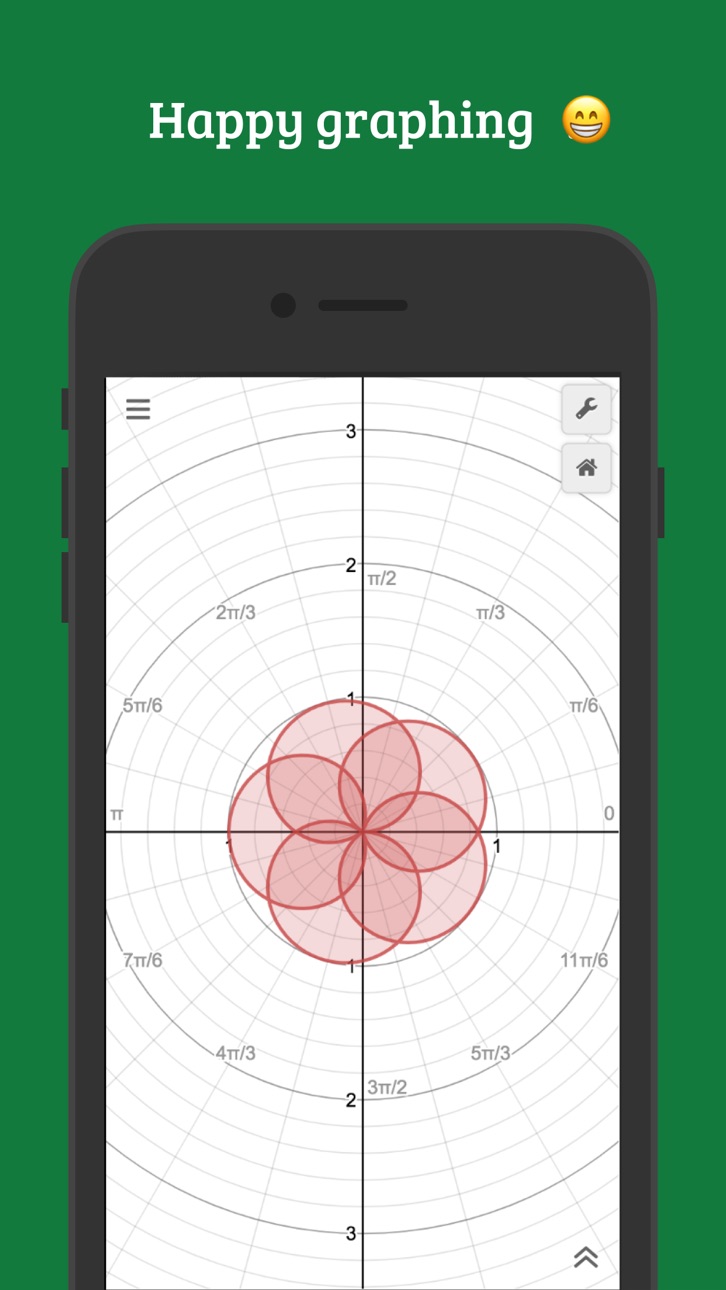
iPad 1 image

What’s New Version 7.49.0
Bug fixes and performance improvements.
Description
Explore math with the fast and powerful Desmos Graphing Calculator. Plot any equation, from lines and parabolas to derivatives and Fourier series. Add sliders to demonstrate function transformations, create tables to input and plot data, animate your graphs, and more—all for free.
Features:
Graphing: Plot polar, cartesian, or parametric graphs. There’s no limit to how many expressions you can graph at one time—and you don’t even need to enter expressions in y= form!
Sliders: Adjust values interactively to build intuition, or animate any parameter to visualize its effect on the graph.
Tables: Input and plot data, or create an input-output table for any function.
Statistics: Find best-fit lines, parabolas, and more.
Zooming: Scale the axes independently or at the same time with the pinch of two fingers, or edit the window size manually to get the perfect window.
Points of Interest: Touch a curve to show maximums, minimums, and points of intersection. Tap the gray points of interest to see their coordinates. Hold and drag along a curve to see the coordinates change under your finger.
Scientific Calculator: Just type in any equation you want to solve and Desmos will show you the answer. It can handle square roots, logs, absolute value, and more.
Inequalities: Plot Cartesian and polar inequalities.
Accessibility: Read and edit math using a screen reader or a refreshable Braille display, and use audio trace to explore graphs and data through sound.
Offline: No internet access required.
Visit www.desmos.com to learn more and to see the free browser version of our calculator.
Accessibility
ipadiphonemacrealityDevicetvoswatch
Version history 25 versions
Build 886304602v7.49.02026-05-29 22:38:01
Bug fixes and performance improvements.
Build 883305254v7.48.02026-03-12 23:48:59
Bug fixes and performance improvements.
Build 881945365v7.45.02026-01-30 11:16:37
Bug fixes and performance improvements.
Build 881539960v7.44.02026-01-16 00:57:52
Bug fixes and performance improvements.
Build 881227339v7.43.02026-01-06 17:20:40
This update includes improvements to audio trace, new color methods (oklab, oklch, and okhsv), and support for recursive regressions and a repeat function.
Build 876815686v7.37.02025-07-30 01:11:37
Bug fixes and performance improvements.
Build 876646759v7.35.02025-07-24 13:28:59
This update includes a redesigned interface with folders for saved graphs, along with new sharing options.
Build 875141422v7.32.02025-05-29 01:08:44
Now you can see your account settings and the share, help, and language menus all from the app. This update also includes a new inference menu where you can add a distribution or run an inference test with just a few clicks.
Build 874626542v7.30.02025-05-08 22:55:12
Bug fixes and performance improvements.
Build 874364067v7.29.02025-04-29 11:25:28
Bug fixes and performance improvements.
Build 871248214v7.26.02025-03-29 17:47:52
Please forgive our 5 month haitus! This update features all of our favorites from www.desmos.com/whats-new: more regression templates, point styles, list evaluations, point evaluations, distribution footers, and more.
Build 869987636v7.18.02024-10-27 08:38:41
This isn’t your imagination: complex numbers are now live! Be sure to toggle on "Complex Mode" from the graph settings menu (the wrench icon). You can also now perform regressions directly from a table of values, and find just the right fit.
To read more about all that's new across the Desmos math tools, visit our what's new page: https://desmos.com/whats-new
Build 868270764v7.17.02024-08-24 22:01:56
Bug fixes and performance improvements.
Build 866003333v7.14.02024-05-17 04:47:02
Added support for defining recursive functions.
Build 864316829v7.13.02024-03-09 06:56:43
Bug fixes and performance improvements.
Build 857612616v7.12.02024-01-10 16:01:55
Bug fixes and performance improvements.
Build 856822609v7.4.02023-05-02 21:49:14
Have you been wanting to plot 10^-6 and 10^6 on the same graph? You're in luck. Introducing logarithmic axes, now in a settings menu near you.
Build 855264810v7.3.02023-03-01 20:49:15
Bug fixes and performance improvements.
Build 855012700v6.17.02023-02-16 21:37:18
Bug fixes and performance improvements.
Build 851296515v6.14.02022-09-14 01:30:21
* There’s a new way to create lists of polygons: when the polygon function is given several arguments and one or more of these arguments is a list of points, a list of polygons will be created.
* Fixed a bug that could prevent playing sound.
Build 848027955v6.12.02022-03-31 20:21:18
Bug fixes and localization improvements.
Build 846966563v6.11.02022-02-02 18:15:46
Bug fixes and localization improvements.
Build 846626285v6.10.02022-01-19 15:41:06
In edit list mode, you can now duplicate any kind of expression, including sliders, notes, images, tables, and folders. Duplicating a folder duplicates all of its contents.
Build 845468879v6.8.02021-12-02 23:50:08
* Added list comprehensions. List comprehensions enable new ways to create lists from other lists. As an example, [(x,y) for x=[1...10], y=[1...10]] is a list comprehension that creates a list of 100 points that form a grid.
* Polygons can now be assigned to variables, used as part of function definitions, and stored in lists.
Build 844025782v6.7.02021-09-09 13:49:54
Added Actions. Actions provide a way to react to events in the calculator, like clicks or clock ticks, by updating variables in the expression list.
No pricing data captured yet — comparisons appear once the app has paid storefronts or in-app purchases.
Availability 1 of 1 storefronts
| Region | Language | Price | Ratings | Avg | Version |
|---|---|---|---|---|---|
| US | en-US | Free | 1.3k | 4.3 | 7.49.0 |
Change log 28 changes · US
✎
releaseNotes updated
Bug fixes and performance improvements.
✎
description updated
Explore math with the fast and powerful Desmos Graphing Calculator. Plot any equation, from lines and parabolas to derivatives and Fourier series. Add sliders t
✎
name updated
Desmos Graphing Calculator
◆
Version 7.49.0 released
Bug fixes and performance improvements.
◆
Version 7.48.0 released
Bug fixes and performance improvements.
◆
Version 7.45.0 released
Bug fixes and performance improvements.
◆
Version 7.44.0 released
Bug fixes and performance improvements.
◆
Version 7.43.0 released
This update includes improvements to audio trace, new color methods (oklab, oklch, and okhsv), and support for recursive regressions and a repeat function.
◆
Version 7.37.0 released
Bug fixes and performance improvements.
◆
Version 7.35.0 released
This update includes a redesigned interface with folders for saved graphs, along with new sharing options.
◆
Version 7.32.0 released
Now you can see your account settings and the share, help, and language menus all from the app. This update also includes a new inference menu where you can add a distribution or run an inference test with just a few clicks.
◆
Version 7.30.0 released
Bug fixes and performance improvements.
◆
Version 7.29.0 released
Bug fixes and performance improvements.
◆
Version 7.26.0 released
Please forgive our 5 month haitus! This update features all of our favorites from www.desmos.com/whats-new: more regression templates, point styles, list evaluations, point evaluations, distribution footers, and more.
◆
Version 7.18.0 released
This isn’t your imagination: complex numbers are now live! Be sure to toggle on "Complex Mode" from the graph settings menu (the wrench icon). You can also now perform regressions directly from a table of values, and find just the right fit
◆
Version 7.17.0 released
Bug fixes and performance improvements.
◆
Version 7.14.0 released
Added support for defining recursive functions.
◆
Version 7.13.0 released
Bug fixes and performance improvements.
◆
Version 7.12.0 released
Bug fixes and performance improvements.
◆
Version 7.4.0 released
Have you been wanting to plot 10^-6 and 10^6 on the same graph? You're in luck. Introducing logarithmic axes, now in a settings menu near you.
◆
Version 7.3.0 released
Bug fixes and performance improvements.
◆
Version 6.17.0 released
Bug fixes and performance improvements.
◆
Version 6.14.0 released
* There’s a new way to create lists of polygons: when the polygon function is given several arguments and one or more of these arguments is a list of points, a list of polygons will be created.
* Fixed a bug that could prevent playing sound
◆
Version 6.12.0 released
Bug fixes and localization improvements.
◆
Version 6.11.0 released
Bug fixes and localization improvements.
◆
Version 6.10.0 released
In edit list mode, you can now duplicate any kind of expression, including sliders, notes, images, tables, and folders. Duplicating a folder duplicates all of its contents.
◆
Version 6.8.0 released
* Added list comprehensions. List comprehensions enable new ways to create lists from other lists. As an example, [(x,y) for x=[1...10], y=[1...10]] is a list comprehension that creates a list of 100 points that form a grid.
* Polygons can
◆
Version 6.7.0 released
Added Actions. Actions provide a way to react to events in the calculator, like clicks or clock ticks, by updating variables in the expression list.