Home › Utilities

 US
US
1 of 1 storefronts
Content in en-US
Content in en-US
Information
Apple ID6504573402
Bundle IDcom.jgeek00.MyLinks
SellerSeller
Min iOS17.0
Device familiesmac, iphone, ipad
Released2024-07-10
Copyright© JGeek00
Privacy policyLink ↗
Preview 3 platforms
iPhone 8 images




iPad 8 images




Mac 6 images


What’s New Version 2.5.0
- Added share and collaborate configuration menu
Description
With My Links you can manage all your links stored in Linkwarden from the ease of your phone or tablet. My Links has been created to offer the user a beautiful and simple interface, following Apple's design guidelines, while offering the same functionalities as the Linkwarden web application.
With My Links you can:
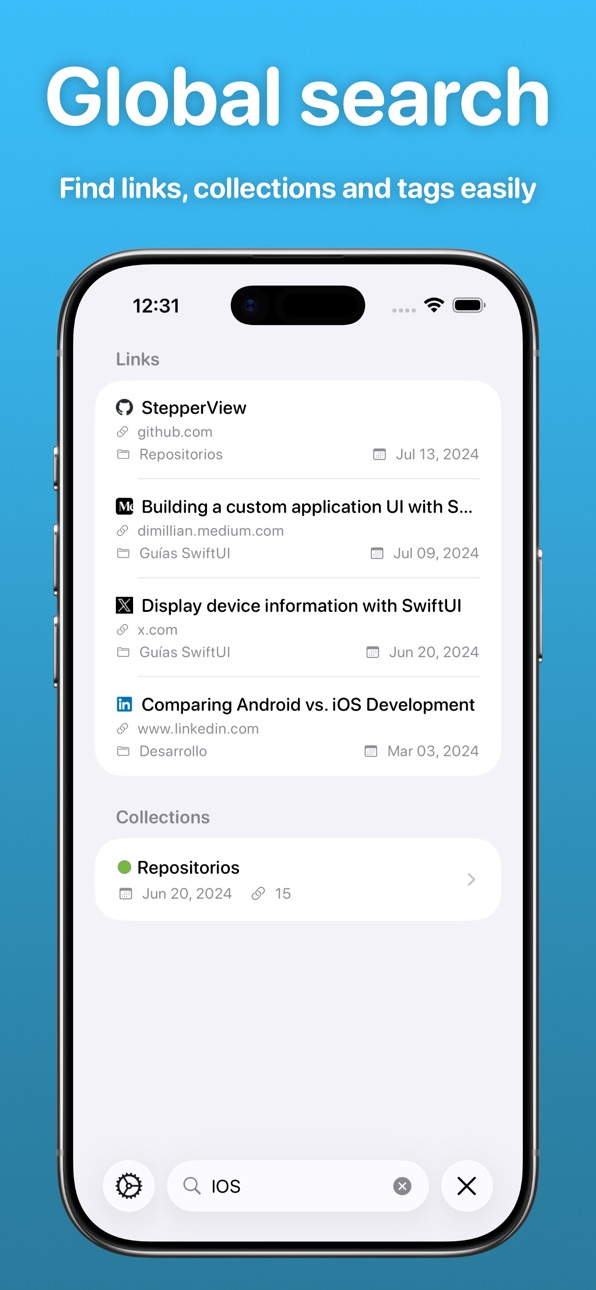
- View all your links
- Create new links and edit existing ones
- Upload PDF files and images
- Pin links to the dashboard
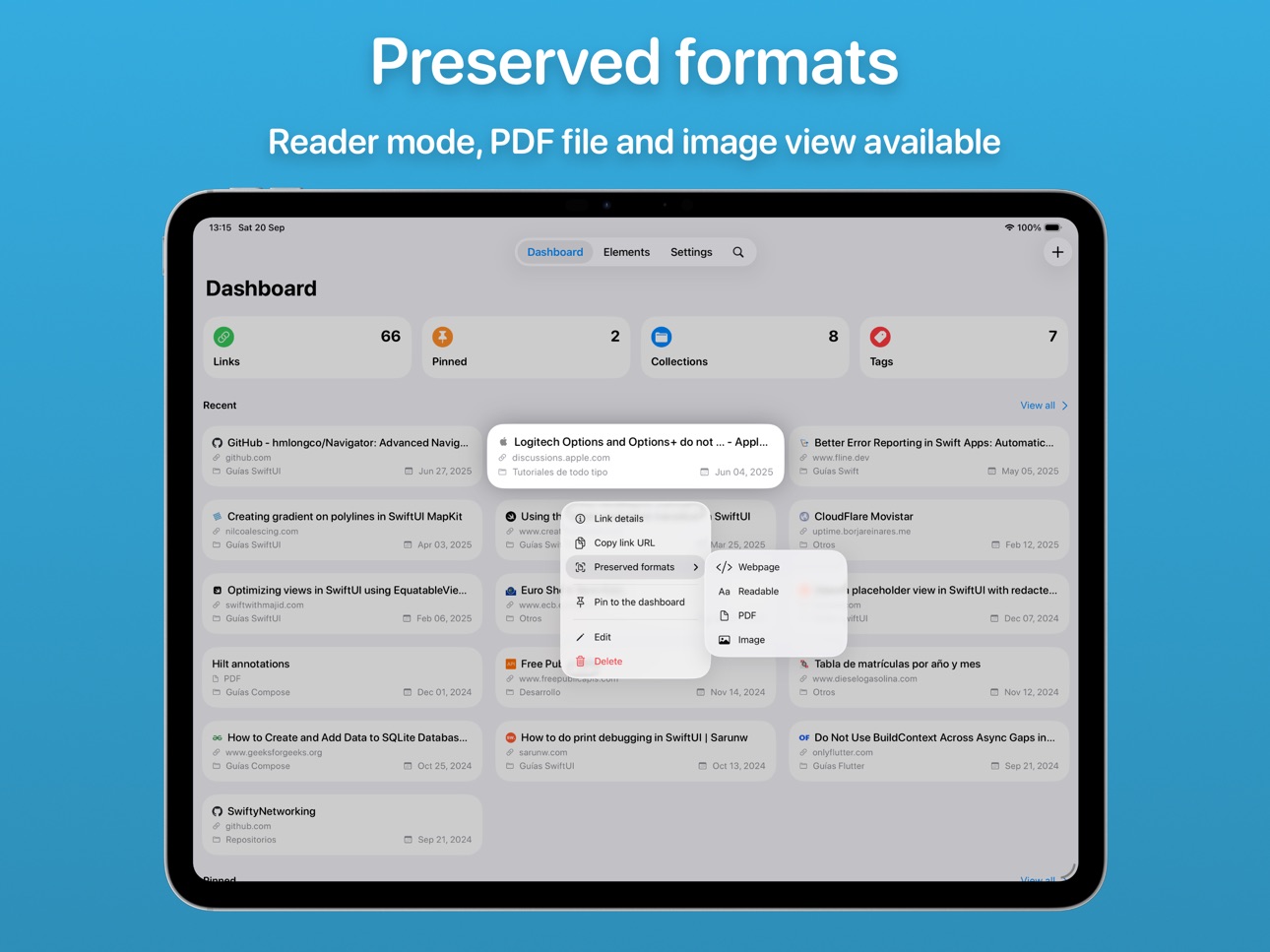
- Access the preserved formats of each link (webpage, reader mode, PDF file and image)
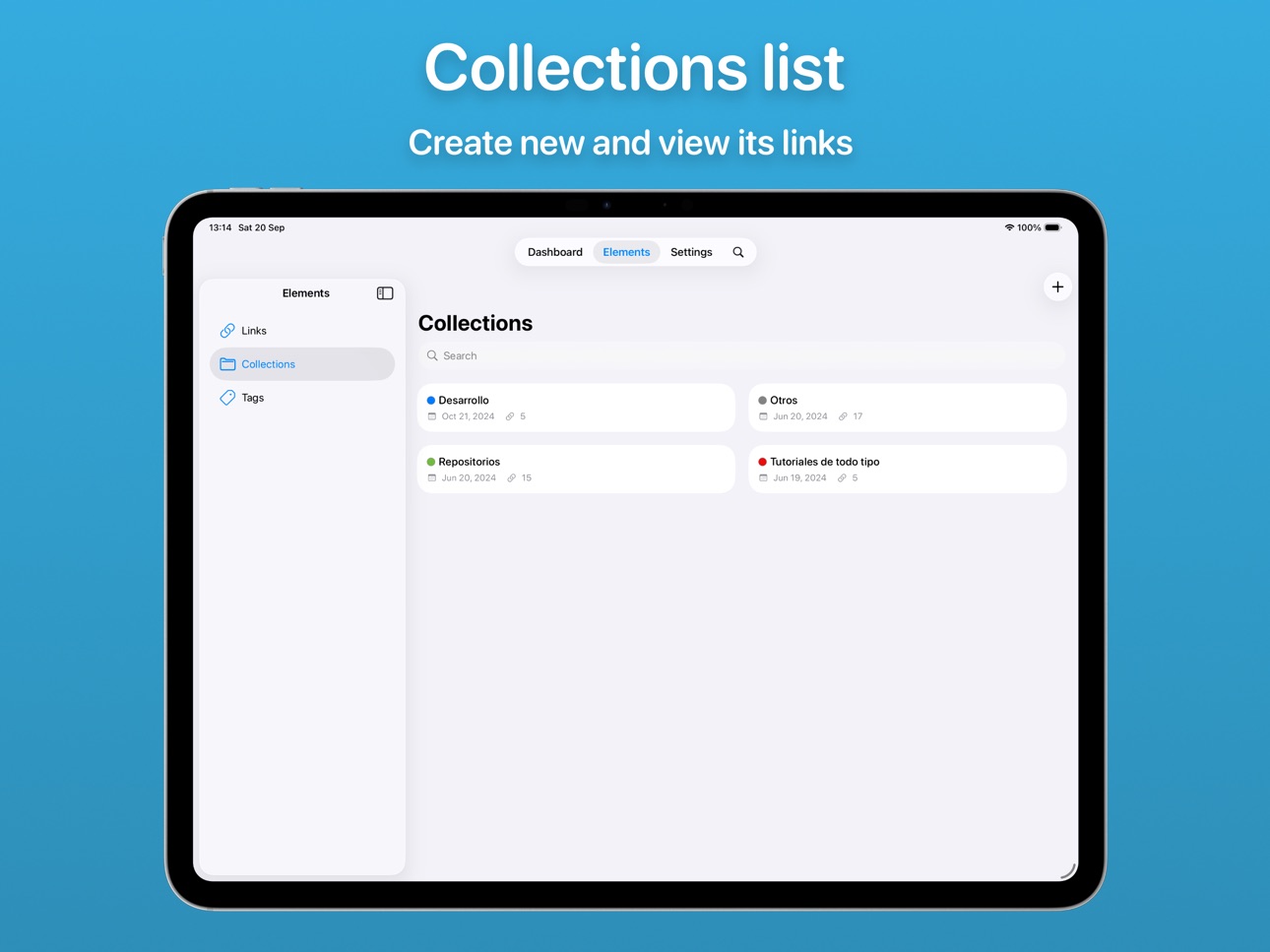
- View the links in each category
- Create and edit categories
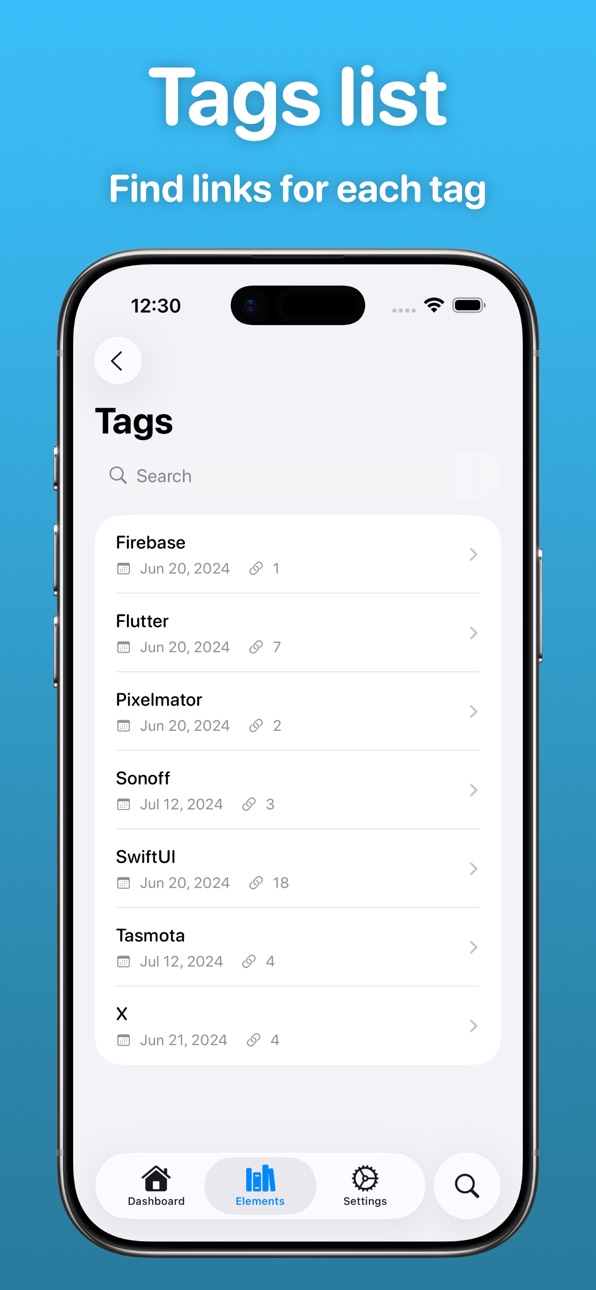
- View links for each tag
- Create new links from the share menu when sharing an URL
All this while preserving your privacy, because My Links does not share your personal information with anyone, nor does it share information you have stored in Linkwarden.
My Links is also available for macOS, if you have a Mac, download it and enjoy it on your Mac too!
In-App Purchases US pricing
One-Time Purchases
Small tip$1.99
Medium tip$3.99
Big tip$7.99
Very big tip$12.99
Glorious tip$19.99
Capabilities
In-App Purchases
Accessibility
ipadiphonemacrealityDevicetvoswatch
Version history 22 versions
Build 886012707v2.5.02026-05-22 21:13:47
- Added share and collaborate configuration menu
Build 885382556v2.4.12026-05-07 19:08:22
- Bug fixes
Build 884860427v2.4.02026-04-23 23:22:34
- Added ability to edit tags
- New tags selector
- Full internal code refactor
- Bug fixes and optimizations
Build 884547659v2.3.12026-04-15 20:17:22
- Fixed a bug when creating links from the share menu
- Fixed an issue that caused the links to be empty
Build 881599466v2.3.02026-01-19 06:07:45
- You can now create links directly from the collection screen.
- New collection selection screen when creating a new link. It will appear when you have more than 10 collections.
- Improvements to the link creation screen.
- Added a new option in settings to place pinned links above recent links.
Build 878868519v2.2.02025-10-14 03:54:09
- Now you can create and delete tags
Build 878674928v2.1.02025-10-07 00:13:23
- Now you can tap on the summary section at the top of the Dashboard screen to access directly that sections
- Now you can configure a default way to open your links other than the integrated browser
- Now you can open your links using the system browser
- Now you can see more information about the server instance where you are connected in Settings
Build 878311364v2.0.12025-09-22 22:06:35
- Small UI improvements
Build 878280964v2.0.02025-09-21 03:25:43
LIQUID GLASS COMES TO MY LINKS!
- New user interface that features Liquid Glass (iOS 26+)
- New Elements menu
- New Search menu on the navigation bar
Build 877139671v1.4.22025-08-11 15:55:39
WARNING: This update requires Linkwarden v2.10.0 or greater
Build 876390620v1.4.12025-07-15 05:06:23
- Bug fixes
Build 872061401v1.4.02025-01-28 14:40:21
- Added favicons
- Small bug fixes
Build 870975056v1.3.42024-12-07 22:41:54
- Fixed an issue that caused an error 400 after trying to edit a link or a collection
- Improved search for subcollections screen
Build 870486040v1.3.32024-11-17 22:59:54
- Now you can create links from Firefox and Brave
- Bug fixes
Build 869137508v1.3.22024-09-20 02:54:52
- Bug fixes
Build 868941271v1.3.02024-09-12 00:26:08
- Added support for iOS 18 and iPadOS 18
- Added dark app icon and tinted app icon
Build 868966657v1.3.12024-09-12 18:35:44
- Bug fixes
Build 867785531v1.2.12024-07-28 01:17:26
- Bug fixes
Build 867766960v1.2.02024-07-26 19:55:29
- Added support for webpage preserved format
- Added a new option to copy the link URL to the clipboard
- Bug fixes
Build 867618871v1.1.02024-07-20 09:02:39
- Now you can upload images and PDF files (requires Linkwarden v2.6.0+)
Build 867385960v1.0.22024-07-11 23:12:00
- Bug fixes
Build 866828830v1.0.02024-07-10 13:25:08
Price history by region
Currency
Show
Columns
Search
Availability 1 of 1 storefronts
| Region | Language | Price | Ratings | Avg | Version |
|---|---|---|---|---|---|
| US | en-US | Free | 31 | 4.7 | 2.5.0 |
Change log 26 changes · US
✎
releaseNotes updated
- Added share and collaborate configuration menu
✎
description updated
With My Links you can manage all your links stored in Linkwarden from the ease of your phone or tablet. My Links has been created to offer the user a beautiful
✎
subtitle updated
Manage and organize your links
✎
name updated
My Links for Linkwarden
◆
Version 2.5.0 released
- Added share and collaborate configuration menu
◆
Version 2.4.1 released
- Bug fixes
◆
Version 2.4.0 released
- Added ability to edit tags
- New tags selector
- Full internal code refactor
- Bug fixes and optimizations
◆
Version 2.3.1 released
- Fixed a bug when creating links from the share menu
- Fixed an issue that caused the links to be empty
◆
Version 2.3.0 released
- You can now create links directly from the collection screen.
- New collection selection screen when creating a new link. It will appear when you have more than 10 collections.
- Improvements to the link creation screen.
- Added a new opt
◆
Version 2.2.0 released
- Now you can create and delete tags
◆
Version 2.1.0 released
- Now you can tap on the summary section at the top of the Dashboard screen to access directly that sections
- Now you can configure a default way to open your links other than the integrated browser
- Now you can open your links using the
◆
Version 2.0.1 released
- Small UI improvements
◆
Version 2.0.0 released
LIQUID GLASS COMES TO MY LINKS!
- New user interface that features Liquid Glass (iOS 26+)
- New Elements menu
- New Search menu on the navigation bar
◆
Version 1.4.2 released
WARNING: This update requires Linkwarden v2.10.0 or greater
◆
Version 1.4.1 released
- Bug fixes
◆
Version 1.4.0 released
- Added favicons
- Small bug fixes
◆
Version 1.3.4 released
- Fixed an issue that caused an error 400 after trying to edit a link or a collection
- Improved search for subcollections screen
◆
Version 1.3.3 released
- Now you can create links from Firefox and Brave
- Bug fixes
◆
Version 1.3.2 released
- Bug fixes
◆
Version 1.3.1 released
- Bug fixes
◆
Version 1.3.0 released
- Added support for iOS 18 and iPadOS 18
- Added dark app icon and tinted app icon
◆
Version 1.2.1 released
- Bug fixes
◆
Version 1.2.0 released
- Added support for webpage preserved format
- Added a new option to copy the link URL to the clipboard
- Bug fixes
◆
Version 1.1.0 released
- Now you can upload images and PDF files (requires Linkwarden v2.6.0+)
◆
Version 1.0.2 released
- Bug fixes
◆
Version 1.0.0 released