Home › Productivity

Screenshots 1 platform
iPhone 5 shots · full-res
Description
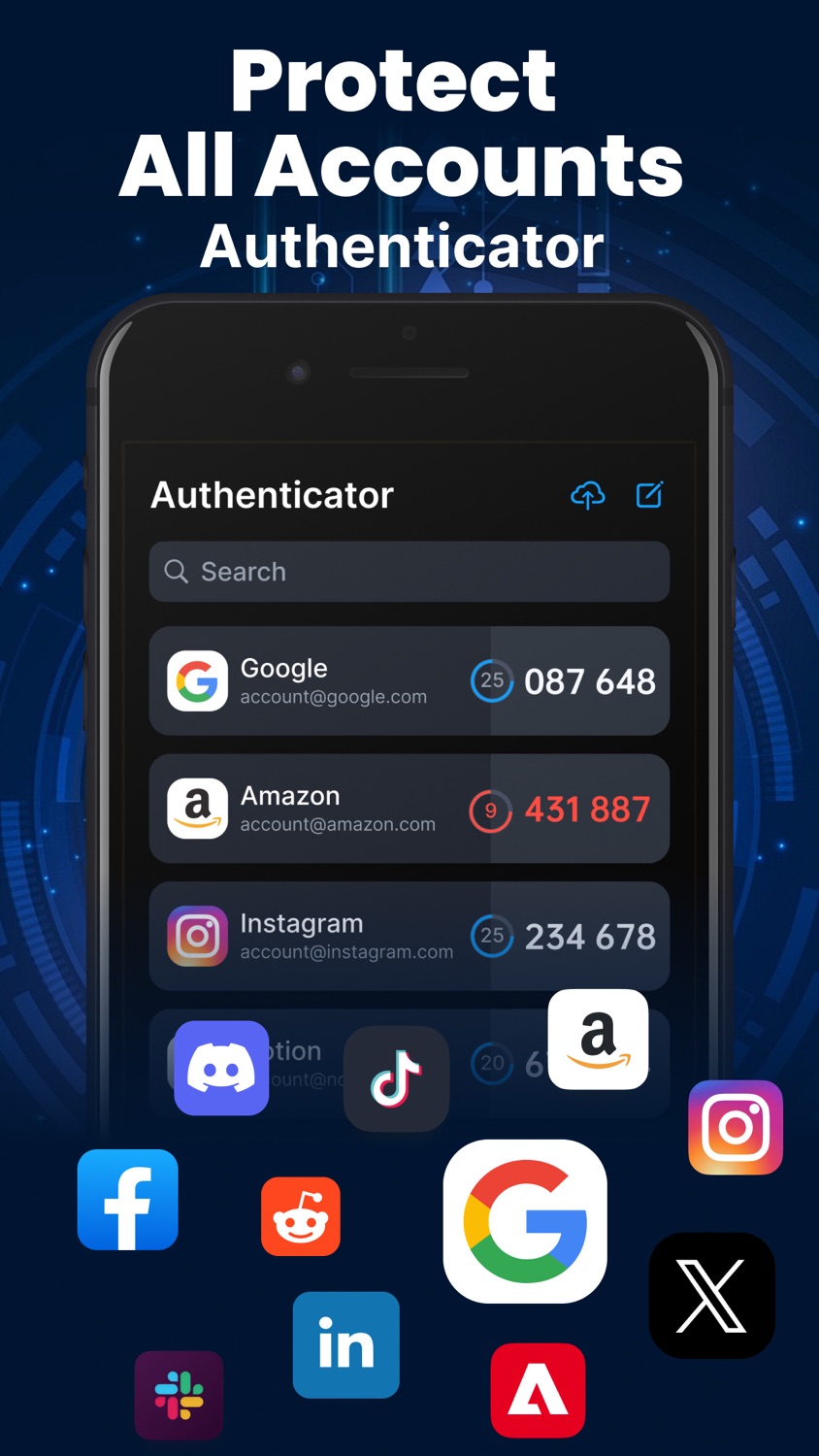
The Authenticator app is your gateway to enhanced login security, leveraging two-factor authentication to safeguard your personal data and passwords from online threats. Acting as your personal password manager, it ensures you stay clear of the embarrassment of forgotten passwords. Easily scan QR codes or manually input codes to access and register for a wide array of popular services. With features like auto-fill and password generation, logging in becomes both convenient and secure. Moreover, your data is securely backed up with encryption, and your privacy is paramount, with robust measures in place to prevent misuse of your personal information.
Key Features:
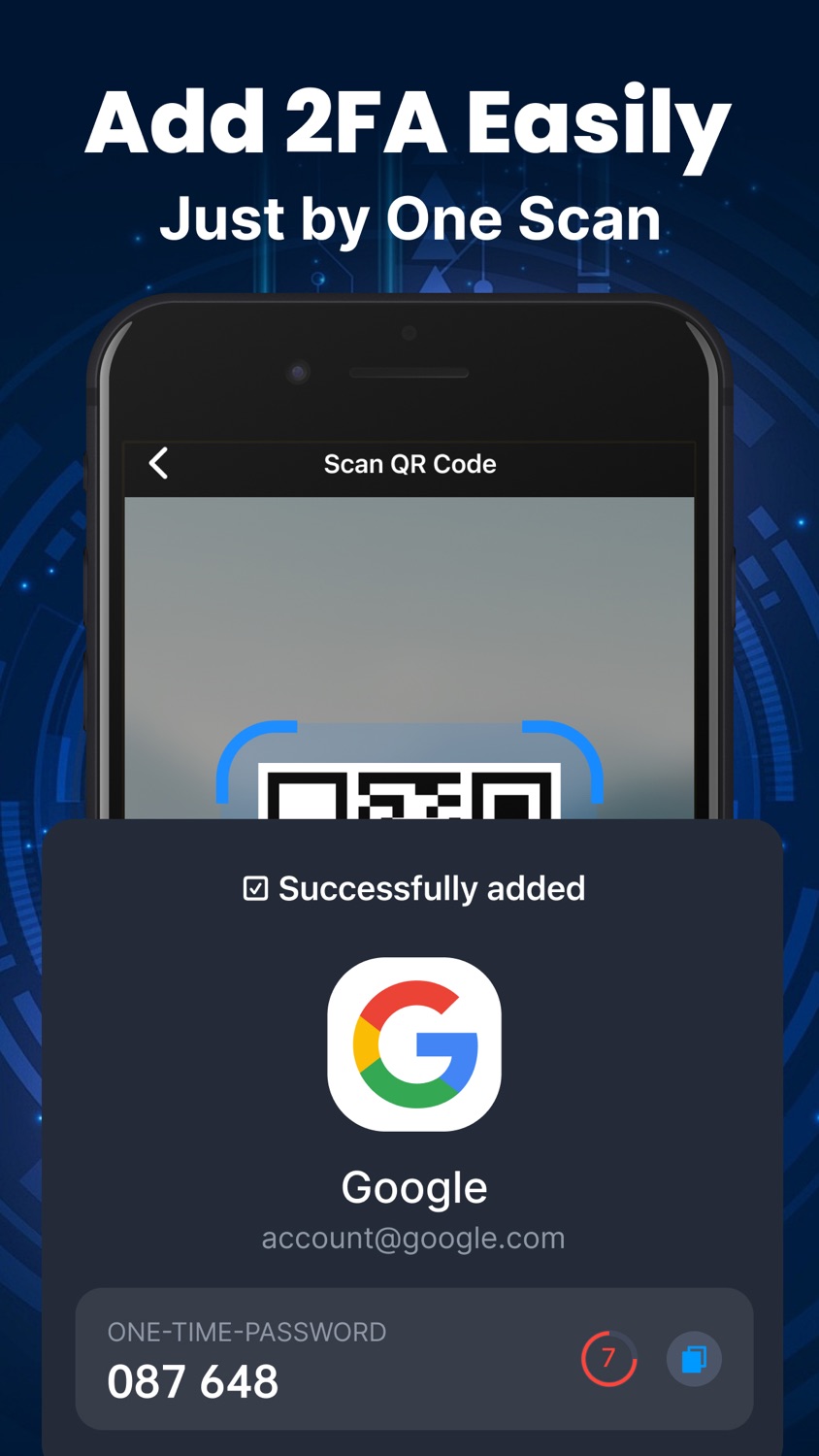
- Convenient Operation: Easily scan QR codes or manually input codes for quick adding 2FA codes.
- Wide Compatibility: Supports numerous popular services like Facebook, Google, Amazon, covering a wide range of your commonly used accounts.
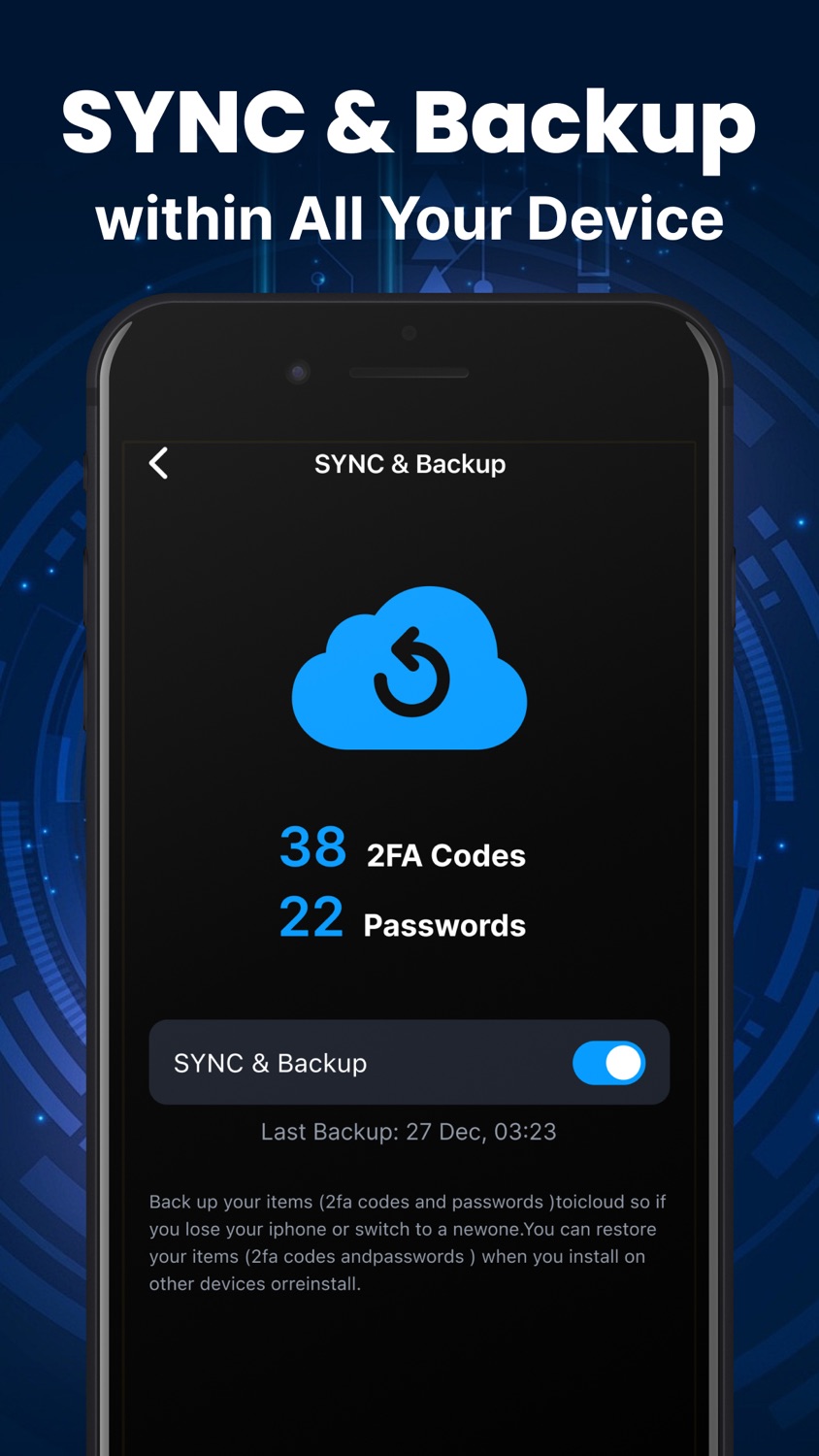
- Data Backup Assurance: Your data is securely backed up with iCloud encryption, ensuring its safety in case of device loss or replacement.
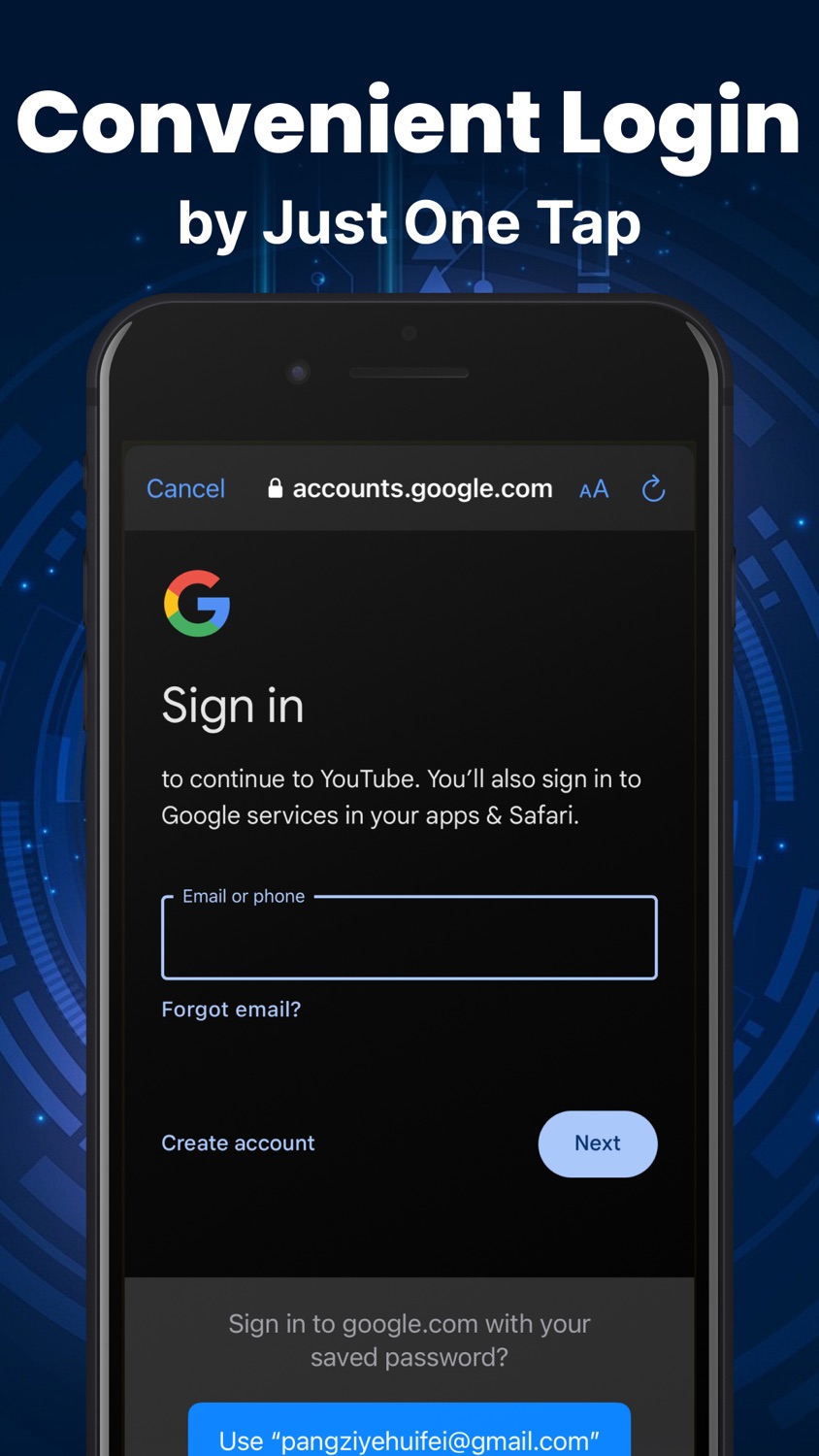
- Automatic Login Support: Auto-fill and one-click fill for login information liberate you from the hassle of remembering account passwords, making usage more convenient.
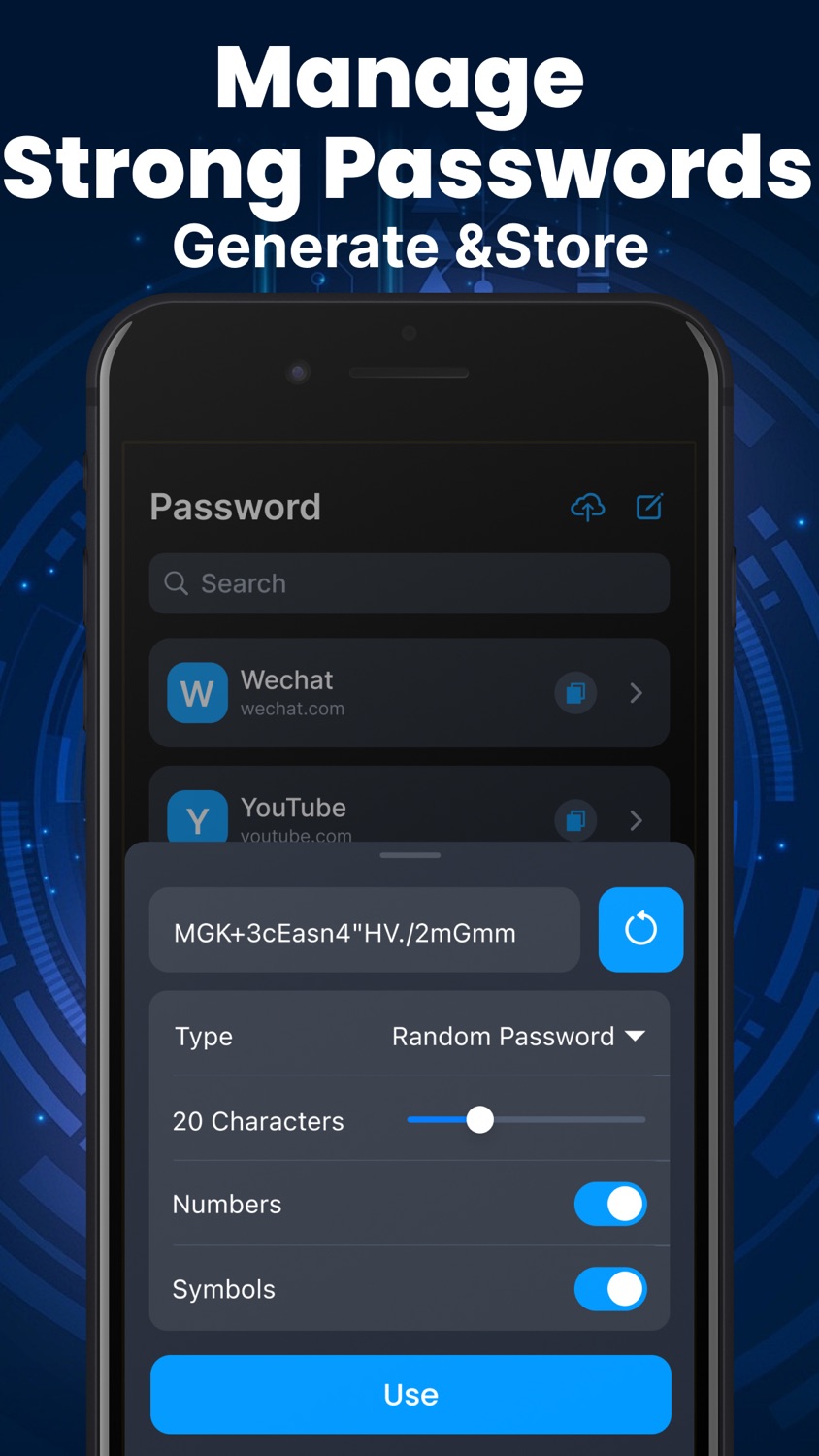
- Strong Password Generation: The built-in password generator effortlessly creates hard-to-guess passwords, ensuring the security of your accounts. Plus, you can access these passwords on any device.
- Biometric Unlock: Supports Face ID and Touch ID unlock, ensuring only authorized users can access your accounts.
- Complete Privacy Protection: Employs unique security measures to comprehensively protect your privacy, preventing intrusion by cybercriminals, and ensuring your data is never used, shared, or sold.
Subscription:
1. Subscription service will be paid directly through iTunes account.
2. 24 hours before the subscription service expires, the system will automatically renew the subscription and deduct the corresponding fees according to the subscription type.
3. If you need to turn off the automatic renewal service, please do so in "Account Settings" at least 24 hours in advance. Subscriptions may be managed by the user and auto-renewal may be turned off by going to the user's Account Settings at iTunes Store after purchase.
Privacy Policy:https://docs.qq.com/doc/DRGRTZ3BTTVJWVmpk
Terms of Use:https://docs.qq.com/doc/DRFBXSWxwZ2FtcXRI
If you have any questions or requests, please reach out to our customer support at: applinkhelp@outlook.com
Information
Bundle IDcom.auth.2fa
SellerSeller
Size61 MB
Min iOS14.3
Min macOS11.0
Content rating4+
Age rating[object Object]
Languages2
Device familiesiphone, ipod
Released2024-07-08
Copyright© 2FA Authenticator
Privacy policylink
Accessibility
ipadiphonemacrealityDevicetvoswatch
Version history · 6 recorded
1.5.0
2026-03-03
Bug fixes and performance improvements
1.4.0
2024-12-07
Fix bugs reported by users
1.3.0
2024-09-12
Bug fixes and performance improvements
Add low-priced weekly subscription
1.2.0
2024-07-24
Bug fixes and performance improvements
1.1.0
2024-07-17
Bug fixes and performance improvements
1.0.0
2024-07-09
—
Listing history · 4 snapshots — every change kept with its date
releaseNotes
2026-06-21
Bug fixes and performance improvements
description
2026-06-21
The Authenticator app is your gateway to enhanced login security, leveraging two-factor authentication to safeguard your personal data and passwords from online threats. Acting as your personal password manager, it ensur…
full text
The Authenticator app is your gateway to enhanced login security, leveraging two-factor authentication to safeguard your personal data and passwords from online threats. Acting as your personal password manager, it ensures you stay clear of the embarrassment of forgotten passwords. Easily scan QR codes or manually input codes to access and register for a wide array of popular services. With features like auto-fill and password generation, logging in becomes both convenient and secure. Moreover, your data is securely backed up with encryption, and your privacy is paramount, with robust measures in place to prevent misuse of your personal information. Key Features: - Convenient Operation: Easily scan QR codes or manually input codes for quick adding 2FA codes. - Wide Compatibility: Supports numerous popular services like Facebook, Google, Amazon, covering a wide range of your commonly used accounts. - Data Backup Assurance: Your data is securely backed up with iCloud encryption, ensuring its safety in case of device loss or replacement. - Automatic Login Support: Auto-fill and one-click fill for login information liberate you from the hassle of remembering account passwords, making usage more convenient. - Strong Password Generation: The built-in password generator effortlessly creates hard-to-guess passwords, ensuring the security of your accounts. Plus, you can access these passwords on any device. - Biometric Unlock: Supports Face ID and Touch ID unlock, ensuring only authorized users can access your accounts. - Complete Privacy Protection: Employs unique security measures to comprehensively protect your privacy, preventing intrusion by cybercriminals, and ensuring your data is never used, shared, or sold. Subscription: 1. Subscription service will be paid directly through iTunes account. 2. 24 hours before the subscription service expires, the system will automatically renew the subscription and deduct the corresponding fees according to the subscription type. 3. If you need to turn off the automatic renewal service, please do so in "Account Settings" at least 24 hours in advance. Subscriptions may be managed by the user and auto-renewal may be turned off by going to the user's Account Settings at iTunes Store after purchase. Privacy Policy:https://docs.qq.com/doc/DRGRTZ3BTTVJWVmpk Terms of Use:https://docs.qq.com/doc/DRFBXSWxwZ2FtcXRI If you have any questions or requests, please reach out to our customer support at: applinkhelp@outlook.comsubtitle
2026-06-21
2-Step Verification-Secure ID
name
2026-06-21
Authenticator-2FA Code
Region availability · 1 of 1 storefronts
| Store | Price | Ratings | Avg | Version |
|---|---|---|---|---|
| US | Free | 1 | 5.0 | 1.5.0 |