Home › Utilities

 US
US
1 of 1 storefronts
Content in en-US
Content in en-US
Information
Apple ID6480310011
Bundle IDcom.csa1.CustomerPortal-IOS-RMLD
SellerSeller
Min iOS15.0
Min macOS12.0
Device familiesiphone, ipad, ipod
Released2024-04-03
Copyright© Copyright 2026 @ Central Service Association
Privacy policyLink ↗
Preview 2 platforms
iPhone 9 images




iPad 9 images


What’s New Version 1.2.41
New Features
- Account Nicknames — You can now assign custom nicknames to your accounts from the My Profile section. Nicknames appear throughout the app to help you quickly identify each account.
- Notification Bell — Important messages from your utility provider now appear as a bell icon in the navigation bar. A red dot indicates an unread notification; tap the bell to read and dismiss it.
- Broadband Facts Label — If your service includes broadband, a "Broadband Facts" link now appears on your statement details screen, giving you quick access to your FCC Broadband Facts label PDF.
- Quick Links on Login — If your utility has a prepay portal or additional web resources, a convenient link overlay is now available on the login screen for easy access.
Improvements
- The payment screen now clearly communicates when future-dated payments are or aren't available for your account, including specific guidance for past-due situations.
- Balance amounts are now displayed more accurately for prepay and Special Payment Agreement accounts.
- Due dates now correctly reflect your Special Payment Agreement terms rather than showing a generic pending status.
Bug Fixes
- Fixed an issue where the cancel button appeared on autopay and already-processed payments, which cannot be cancelled.
- Fixed a bug where changes to billing preferences (such as paperless settings) would silently fail to save.
- Fixed a profile screen title display regression.
Description
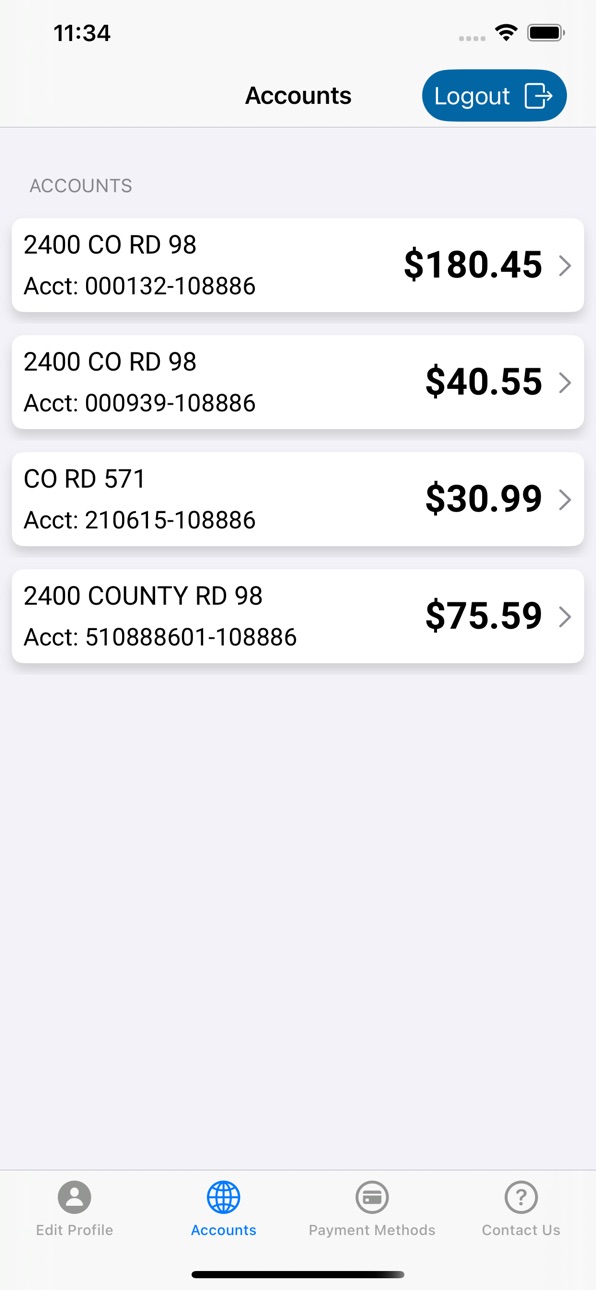
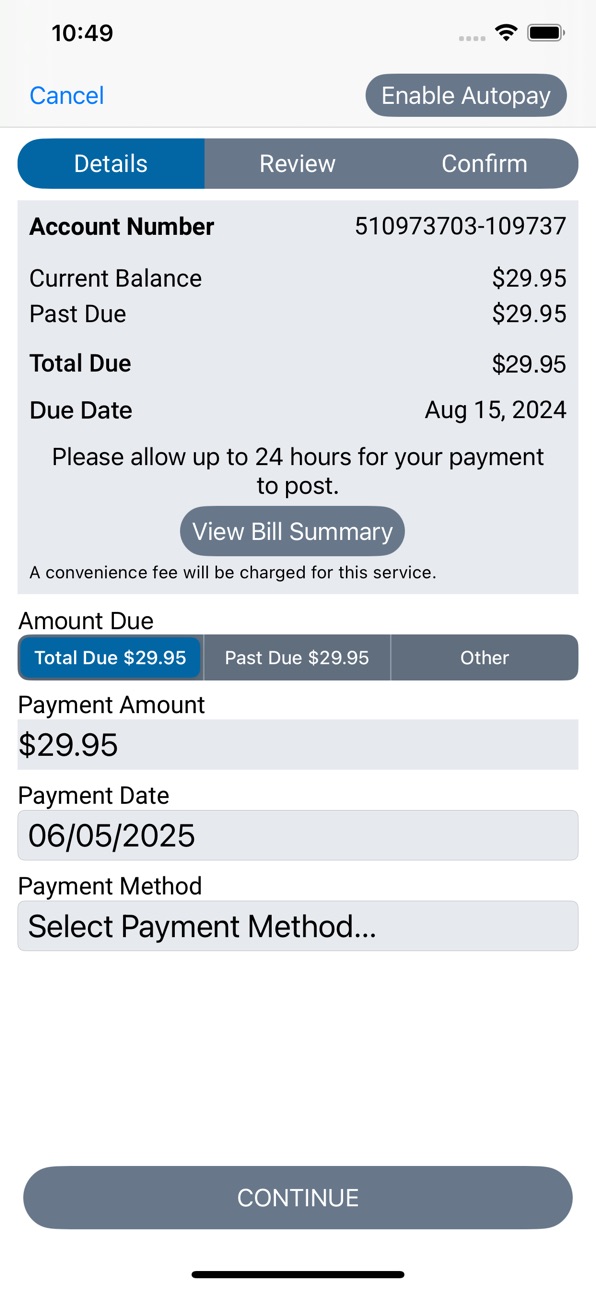
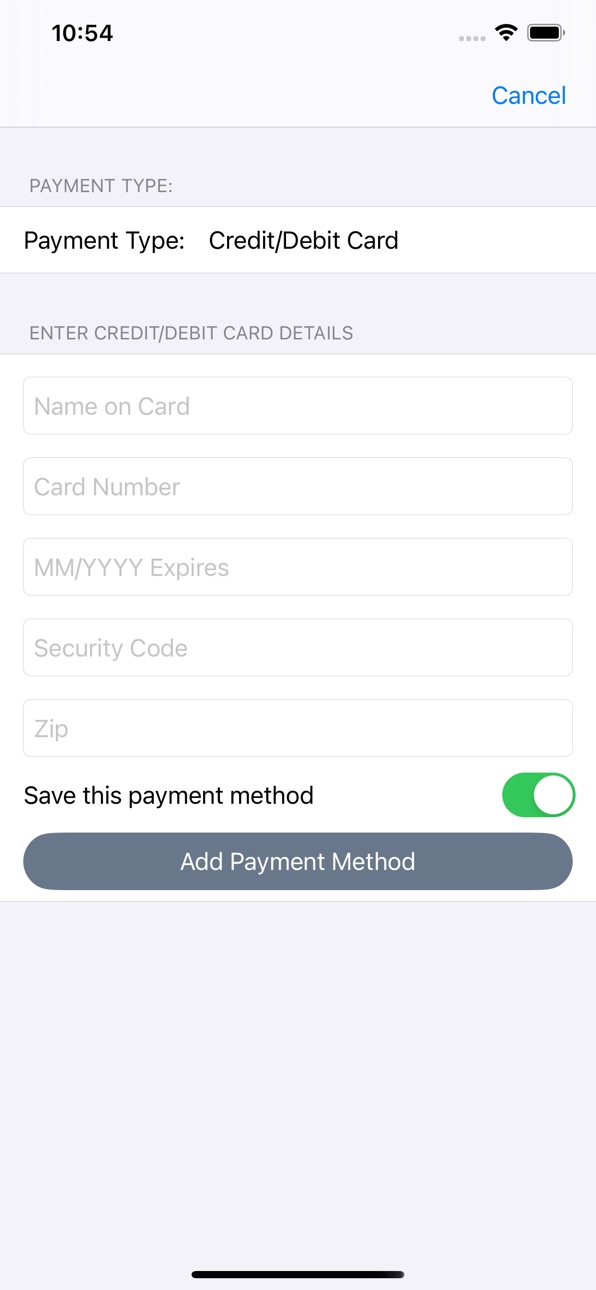
Reading Municipal Light Department's mobile payment application allows you to view and pay your bill, view your past payments, access your historical usage information in graph form, and manage your payments and notifications, among other capabilities.
Accessibility
ipadiphonemacrealityDevicetvoswatch
Version history 17 versions
Build 885842182v1.2.412026-05-22 15:41:44
New Features
- Account Nicknames — You can now assign custom nicknames to your accounts from the My Profile section. Nicknames appear throughout the app to help you quickly identify each account.
- Notification Bell — Important messages from your utility provider now appear as a bell icon in the navigation bar. A red dot indicates an unread notification; tap the bell to read and dismiss it.
- Broadband Facts Label — If your service includes broadband, a "Broadband Facts" link now appears on your statement details screen, giving you quick access to your FCC Broadband Facts label PDF.
- Quick Links on Login — If your utility has a prepay portal or additional web resources, a convenient link overlay is now available on the login screen for easy access.
Improvements
- The payment screen now clearly communicates when future-dated payments are or aren't available for your account, including specific guidance for past-due situations.
- Balance amounts are now displayed more accurately for prepay and Special Payment Agreement accounts.
- Due dates now correctly reflect your Special Payment Agreement terms rather than showing a generic pending status.
Bug Fixes
- Fixed an issue where the cancel button appeared on autopay and already-processed payments, which cannot be cancelled.
- Fixed a bug where changes to billing preferences (such as paperless settings) would silently fail to save.
- Fixed a profile screen title display regression.
Build 884906819v1.2.402026-04-28 17:04:24
- Enhanced Security with Passkey Authentication — Your account is now protected by passkey-based two-factor authentication. If our security system flags a login attempt as low-confidence, you'll be prompted to verify your identity using a saved passkey — keeping your account safe without extra passwords.
- Manage Your Passkeys — A new "Manage Passkeys" section in your profile lets you view and remove any registered passkeys, including the device name and model they were registered on.
- Performance improvements and bug fixes.
Build 884040735v1.2.392026-04-06 16:45:33
- Improved login reliability with enhanced security verification
- Fixed an issue where some users experienced repeated security check failures during login, adding payment methods, and making payments
- Performance and stability improvements
Build 882928236v1.2.382026-03-06 15:58:11
- Fixed an issue with Autopay management
- General performance improvements and bug fixes
Build 880737251v1.2.362025-12-17 20:09:28
- App icon change
Build 879789164v1.2.352025-11-19 23:25:14
- Added a Manage Autopay option on the dashboard for quick access to Autopay settings
- Fixed an issue where payment method details were saved even when the user chose not to add them
- Added support for additional notification emails in the Edit Profile screen
- Added the ability to enable or disable Email notifications in the Edit Profile screen
- Resolved an issue where the app did not consistently return to the login screen after a session timeout
- Removed the "Received" label from the Usage Summary for improved clarity
- Added an "Enrolled in Autopay" indicator on the dashboard to clearly show Autopay enrollment status
- Added options to enable or disable daily usage and threshold notifications in the Edit Profile screen
- UI enhancements for iOS 26
- General performance improvements and bug fixes
Build 876043092v1.2.312025-07-10 14:56:29
- Bug fixes and performance improvements
Build 875364344v1.2.302025-06-10 13:50:41
- Past due balance information display on the dashboard
- Amount due option selection control changes
- Bug fixes and performance improvements
Build 874327741v1.2.282025-05-01 17:04:22
Payment Sync:
- Payments in the mobile app are now automatically disabled if they’re turned off in the web app — keeping things consistent across platforms.
Bug Fixes & Performance Improvements:
- We've squashed a few bugs and made behind-the-scenes enhancements for a smoother experience.
Build 871728328v1.2.262025-01-22 14:44:29
Login issue fix.
Note: You might be having login issue if "Remember Login ID" is turned on and "Enable Face/Touch ID Login" is turned off, and the username is masked like "a*******@bcd.com". Downloading this latest version and logging in by entering unmasked username/password will fix this issue, and next time onwards you won't need to enter the unmasked username if "Remember Login ID" is enabled. If you continue to experience issues after this, please contact your utility company.
Build 871133157v1.2.242024-12-16 20:42:54
Bug fixes and performance improvements.
Build 870964567v1.2.232024-12-10 17:21:41
Login issue fix.
Build 869675118v1.2.222024-10-14 15:23:27
UI enhancements.
Various bug fixes and performance improvements.
Build 868185763v1.2.212024-08-14 14:54:24
-PrePay account balance display changes
-Various other bug fixes and performance improvements
Build 867590420v1.2.202024-07-25 21:24:51
Set the amount due as the default option for one-time payments.
Various bug fixes and performance improvements.
Build 865105790v1.2.192024-04-12 19:02:06
Various bug fixes and performance improvements.
Build 864825212v1.2.172024-04-03 14:48:22
No pricing data captured yet — comparisons appear once the app has paid storefronts or in-app purchases.
Availability 1 of 1 storefronts
| Region | Language | Price | Ratings | Avg | Version |
|---|---|---|---|---|---|
| US | en-US | Free | 0 | — | 1.2.41 |
Change log 21 changes · US
✎
releaseNotes updated
New Features
- Account Nicknames — You can now assign custom nicknames to your accounts from the My Profile section. Nicknames appear throughout the app to he
✎
description updated
Reading Municipal Light Department's mobile payment application allows you to view and pay your bill, view your past payments, access your historical usage info
✎
subtitle updated
RMLD
✎
name updated
Reading Municipal Light Dept.
◆
Version 1.2.41 released
New Features
- Account Nicknames — You can now assign custom nicknames to your accounts from the My Profile section. Nicknames appear throughout the app to help you quickly identify each account.
- Notification Bell — Important messages
◆
Version 1.2.40 released
- Enhanced Security with Passkey Authentication — Your account is now protected by passkey-based two-factor authentication. If our security system flags a login attempt as low-confidence, you'll be prompted to verify your identity using a s
◆
Version 1.2.39 released
- Improved login reliability with enhanced security verification
- Fixed an issue where some users experienced repeated security check failures during login, adding payment methods, and making payments
- Performance and stability improvemen
◆
Version 1.2.38 released
- Fixed an issue with Autopay management
- General performance improvements and bug fixes
◆
Version 1.2.36 released
- App icon change
◆
Version 1.2.35 released
- Added a Manage Autopay option on the dashboard for quick access to Autopay settings
- Fixed an issue where payment method details were saved even when the user chose not to add them
- Added support for additional notification emails in th
◆
Version 1.2.31 released
- Bug fixes and performance improvements
◆
Version 1.2.30 released
- Past due balance information display on the dashboard
- Amount due option selection control changes
- Bug fixes and performance improvements
◆
Version 1.2.28 released
Payment Sync:
- Payments in the mobile app are now automatically disabled if they’re turned off in the web app — keeping things consistent across platforms.
Bug Fixes & Performance Improvements:
- We've squashed a few bugs and made behi
◆
Version 1.2.26 released
Login issue fix.
Note: You might be having login issue if "Remember Login ID" is turned on and "Enable Face/Touch ID Login" is turned off, and the username is masked like "a*******@bcd.com". Downloading this latest version and logging in b
◆
Version 1.2.24 released
Bug fixes and performance improvements.
◆
Version 1.2.23 released
Login issue fix.
◆
Version 1.2.22 released
UI enhancements.
Various bug fixes and performance improvements.
◆
Version 1.2.21 released
-PrePay account balance display changes
-Various other bug fixes and performance improvements
◆
Version 1.2.20 released
Set the amount due as the default option for one-time payments.
Various bug fixes and performance improvements.
◆
Version 1.2.19 released
Various bug fixes and performance improvements.
◆
Version 1.2.17 released