Home › Productivity

 US
US
1 of 1 storefronts
Content in en-US
Content in en-US
Information
Apple ID6475656827
Bundle IDcom.wenting.copydata
SellerSeller
Min iOS13.0
Min macOS12.0
Device familiesiphone, ipad, ipod
Released2024-04-24
Copyright© Phone Clone
Privacy policyLink ↗
Preview 2 platforms
iPhone 5 images


iPad 5 images



What’s New Version 1.1.7
Fixed bugs and optimized app experience.
Description
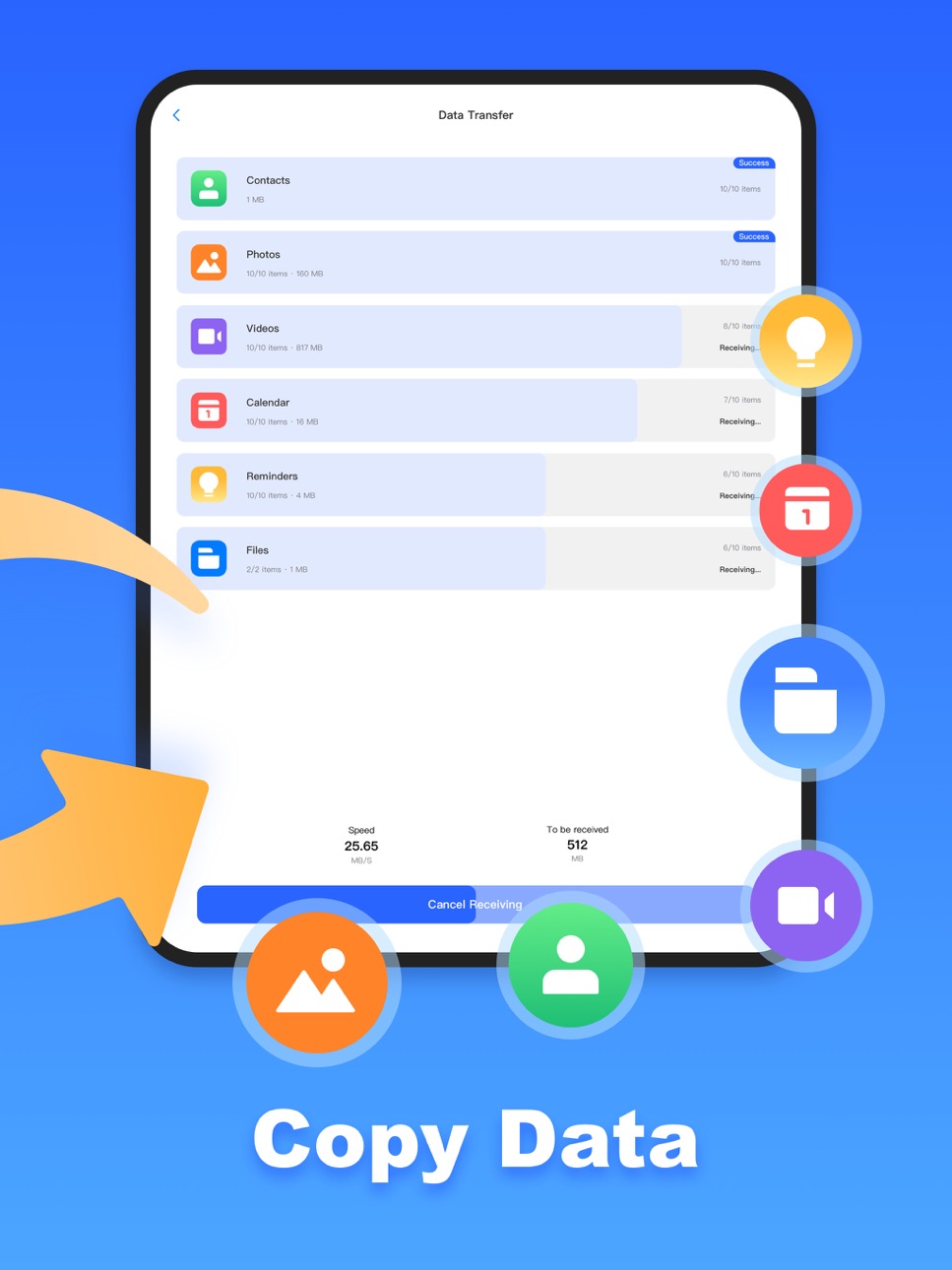
Phone Clone lets you quickly and seamlessly migrate all the basic data from your old phone to your new phone. You can transfer contacts, calendars, reminders, photos, videos, and files wirelessly between devices.
App Features:
One-Click Quick Transfer
Quickly transfer data from your old iPhone & iPad to a new device with just one click, saving you time and effort.
Cross-Platform Transfer
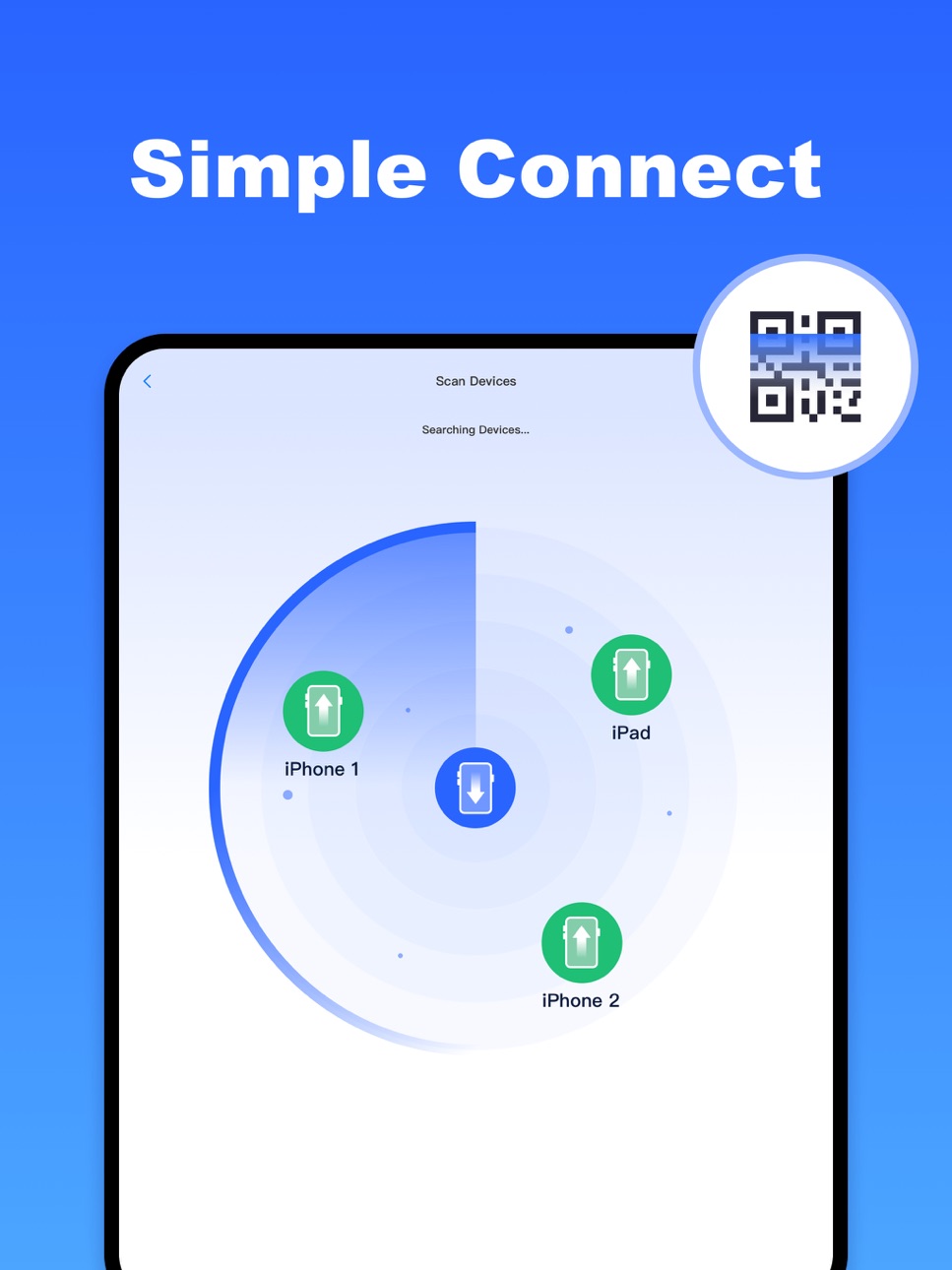
Supports data transfer between iOS and other devices.
Multiple Data Types Transfer
Transfer contacts, calendars, reminders, photos, videos, and files (like MP3, MP4, GIF, PPT, DOC, PDF).
No Need For Third-Party Devices
Transfer data directly between your iOS devices, eliminating the need for any third-party devices or additional hardware.
Wi-Fi Wireless Transfer
Use Wi-Fi to transfer data between devices, ensuring a fast and seamless transfer process without consuming data.
File Transfer Records
Keep a record of all files that have been transferred, allowing you to easily track and manage your data transfer history.
If you have any questions or suggestions, feel free to contact me via email or feedback within the app.
Accessibility
ipadiphonemacrealityDevicetvoswatch
Version history 9 versions
Build 877667332v1.1.72025-08-29 18:02:33
Fixed bugs and optimized app experience.
Build 875647113v1.1.62025-06-17 15:05:26
Fixed bugs and optimized app experience.
Build 875281182v1.1.52025-06-04 00:18:11
Fixed bugs and optimized app experience.
Build 874766959v1.1.42025-05-22 11:04:29
- Support cross-device transmission.
- Optimize connection technology and improve transfer stability.
Build 873289696v1.1.32025-03-18 17:57:45
- New Feature: Connect by scanning QR codes with your camera.
- Optimize device connection technology and improve product stability.
Build 870847836v1.1.22024-12-03 12:47:35
Fixed bugs and optimized app experience.
Build 870714215v1.1.12024-11-27 09:24:00
Fixed bugs and optimized app experience.
Build 869255869v1.12024-09-25 11:59:15
Bugs Fixed.
Build 862736412v1.02024-04-24 10:30:34
No pricing data captured yet — comparisons appear once the app has paid storefronts or in-app purchases.
Availability 1 of 1 storefronts
| Region | Language | Price | Ratings | Avg | Version |
|---|---|---|---|---|---|
| US | en-US | Free | 3 | 3.7 | 1.1.7 |
Change log 13 changes · US
✎
releaseNotes updated
Fixed bugs and optimized app experience.
✎
description updated
Phone Clone lets you quickly and seamlessly migrate all the basic data from your old phone to your new phone. You can transfer contacts, calendars, reminders,
✎
subtitle updated
Quick Start Transfer My Data
✎
name updated
Phone Clone - Smart Switch
◆
Version 1.1.7 released
Fixed bugs and optimized app experience.
◆
Version 1.1.6 released
Fixed bugs and optimized app experience.
◆
Version 1.1.5 released
Fixed bugs and optimized app experience.
◆
Version 1.1.4 released
- Support cross-device transmission.
- Optimize connection technology and improve transfer stability.
◆
Version 1.1.3 released
- New Feature: Connect by scanning QR codes with your camera.
- Optimize device connection technology and improve product stability.
◆
Version 1.1.2 released
Fixed bugs and optimized app experience.
◆
Version 1.1.1 released
Fixed bugs and optimized app experience.
◆
Version 1.1 released
Bugs Fixed.
◆
Version 1.0 released