Home › Photo & Video

 US
US
1 of 1 storefronts
Content in en-US
Content in en-US
Information
Apple ID6462403846
Bundle IDjp.co.plusvision.video.splitter
SellerSeller
Min iOS13.0
Min macOS11.0
Device familiesiphone, ipad, ipod
Released2023-08-27
Copyright© 2026 PlusVision Inc.
Privacy policyLink ↗
Preview 2 platforms
iPhone 3 images


iPad 3 images


What’s New Version 1.3
連続再生で動画を選択する際、選んだ順に番号が表示されるようになりました。再生順序を確認しながら動画を選べます。
Videos are now numbered in selection order when choosing clips for continuous playback. You can check the playback order while selecting videos.
Description
Video Cutterは、長い動画を指定した時間で自動分割し、写真アプリに保存するアプリです。
SNSやメッセージアプリで動画を送るとき、長すぎてそのまま送れなかった経験はありませんか? Video Cutterを使えば、動画を好きな長さに分割してすぐに送れます。
【主な機能】
- 動画を1分〜30分の範囲で自由に分割
- 分割した動画は写真アプリに自動保存
- プレビュー再生で内容を確認してから分割
- 好きな位置から分割を開始可能
- 全画面プレビュー再生に対応
- シークバーで再生位置をすばやく移動
- 分割した動画を連続再生で確認
- 連続再生リストの動画を1つのファイルに結合して保存
- iPadに対応
- 日本語・英語の2言語に対応
【使い方】
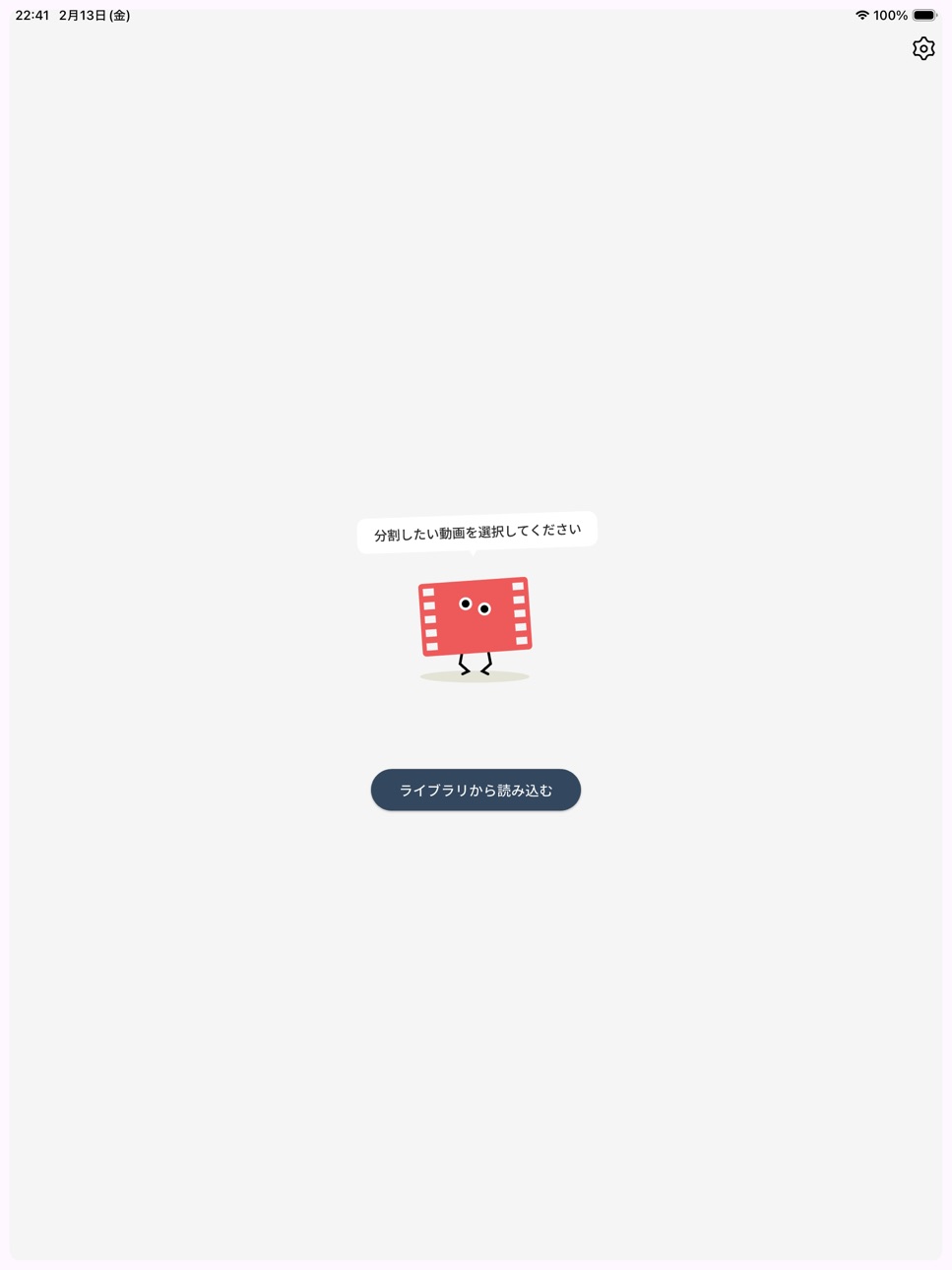
1. 「ライブラリから読み込む」で動画を選択
2. 分割時間を設定(デフォルトは5分)
3. プレビューで内容を確認
4. 「変換する」をタップ
5. 分割された動画が写真アプリに保存されます
SNSやメッセージアプリの動画時間制限がある場面で役立ちます。
Video Cutter automatically splits long videos into shorter clips at your chosen duration and saves them to your photo library.
Ever had a video that was too long to send via social media or messaging apps? Video Cutter lets you split it into the right length and share it instantly.
[Key Features]
- Split videos freely from 1 to 30 minutes
- Split videos are automatically saved to your photo library
- Preview playback to check content before splitting
- Start splitting from any position in the video
- Fullscreen preview playback
- Seek bar for quick navigation
- Continuous playback of split videos
- Merge videos from the playlist into a single file and save
- iPad support
- Supports English and Japanese
[How to Use]
1. Tap "Load from the library" to select a video
2. Set the split duration (default: 5 minutes)
3. Preview the content
4. Tap "Convert"
5. Split videos are saved to your photo library
Perfect for any platform with video length restrictions.
Accessibility
ipadiphonemacrealityDevicetvoswatch
Version history 4 versions
Build 883625678v1.32026-03-22 16:04:41
連続再生で動画を選択する際、選んだ順に番号が表示されるようになりました。再生順序を確認しながら動画を選べます。
Videos are now numbered in selection order when choosing clips for continuous playback. You can check the playback order while selecting videos.
Build 882389129v1.22026-02-23 00:22:38
- プレビュー動画を全画面で再生できるようになりました。
- 動画の操作性を向上しました。
- 分割時間を1分〜30分の範囲で自由に選べるようになりました。
- プレビューの停止位置から動画を分割できるようになりました。
- 分割した動画を連続再生で確認できるようになりました。
- 連続再生リストの動画を1つのファイルに結合して写真アプリに保存できるようになりました。
- iPadに対応しました。
- 不具合の修正と安定性の向上を行いました。
- Added fullscreen mode for preview video.
- Improved video player usability.
- Split duration is now freely selectable from 1 to 30 minutes.
- You can now split a video from the current playback position.
- Added continuous playback for split videos.
- You can now merge videos from the playlist into a single file and save to your photo library.
- Added iPad support.
- Bug fixes and stability improvements.
Build 859916671v1.12023-09-15 20:58:38
We now support both English and Japanese.
英語と日本語に対応しました。
Build 859220631v1.02023-08-27 22:02:44
No pricing data captured yet — comparisons appear once the app has paid storefronts or in-app purchases.
Availability 1 of 1 storefronts
| Region | Language | Price | Ratings | Avg | Version |
|---|---|---|---|---|---|
| US | en-US | Free | 0 | — | 1.3 |
Change log 7 changes · US
✎
releaseNotes updated
連続再生で動画を選択する際、選んだ順に番号が表示されるようになりました。再生順序を確認しながら動画を選べます。
Videos are now numbered in selection order when choosing clips for continuous playback. You can check t
✎
description updated
Video Cutterは、長い動画を指定した時間で自動分割し、写真アプリに保存するアプリです。
SNSやメッセージアプリで動画を送るとき、長すぎてそのまま送れなかった経験はありませんか? Video Cutterを使えば、動画を好きな長さに分割してすぐに送れます。
【主な機能】
- 動画を1分〜30分の範囲で自由
✎
name updated
Video Cutter - 動画分割アプリ
◆
Version 1.3 released
連続再生で動画を選択する際、選んだ順に番号が表示されるようになりました。再生順序を確認しながら動画を選べます。
Videos are now numbered in selection order when choosing clips for continuous playback. You can check the playback order while selecting videos.
◆
Version 1.2 released
- プレビュー動画を全画面で再生できるようになりました。
- 動画の操作性を向上しました。
- 分割時間を1分〜30分の範囲で自由に選べるようになりました。
- プレビューの停止位置から動画を分割できるようになりました。
- 分割した動画を連続再生で確認できるようになりました。
- 連続再生リストの動画を1つのファイルに結合して写真アプリに保存できるようになりました。
- iPadに対応しました。
- 不具合の修正と安定性の向上を行いました。
- Added fullscr
◆
Version 1.1 released
We now support both English and Japanese.
英語と日本語に対応しました。
◆
Version 1.0 released