Home › Productivity

 US
US
1 of 1 storefronts
Content in en-US
Content in en-US
Information
Preview 3 platforms
iPhone 4 images


iPad 1 image
Mac 3 images


What’s New Version 1.25.0
- Improved search result ranking and relevance
- Threads can now be moved between channels
- Various bug fixes and improvements
Description
BirdyChat – Work Chat, Reinvented
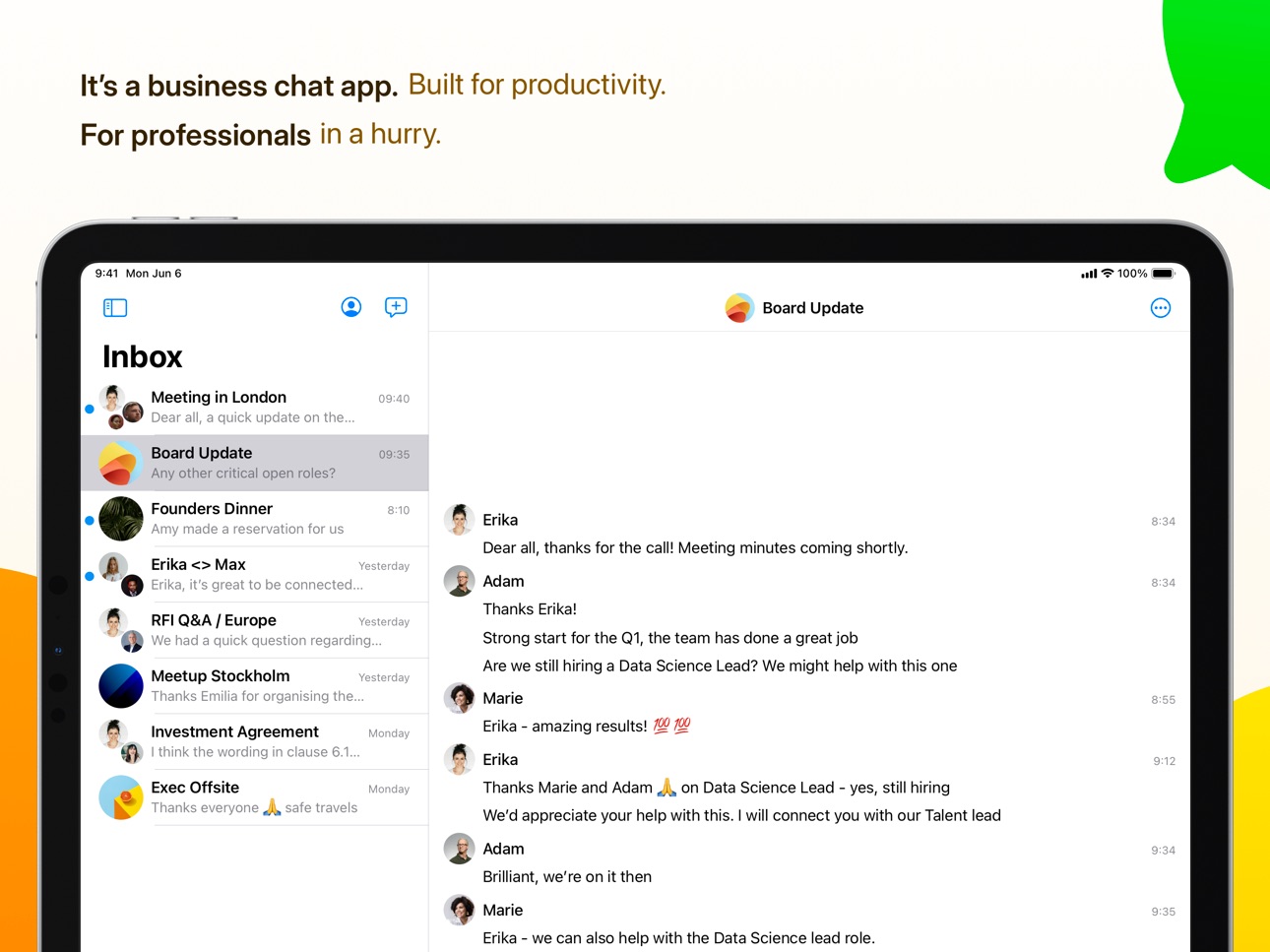
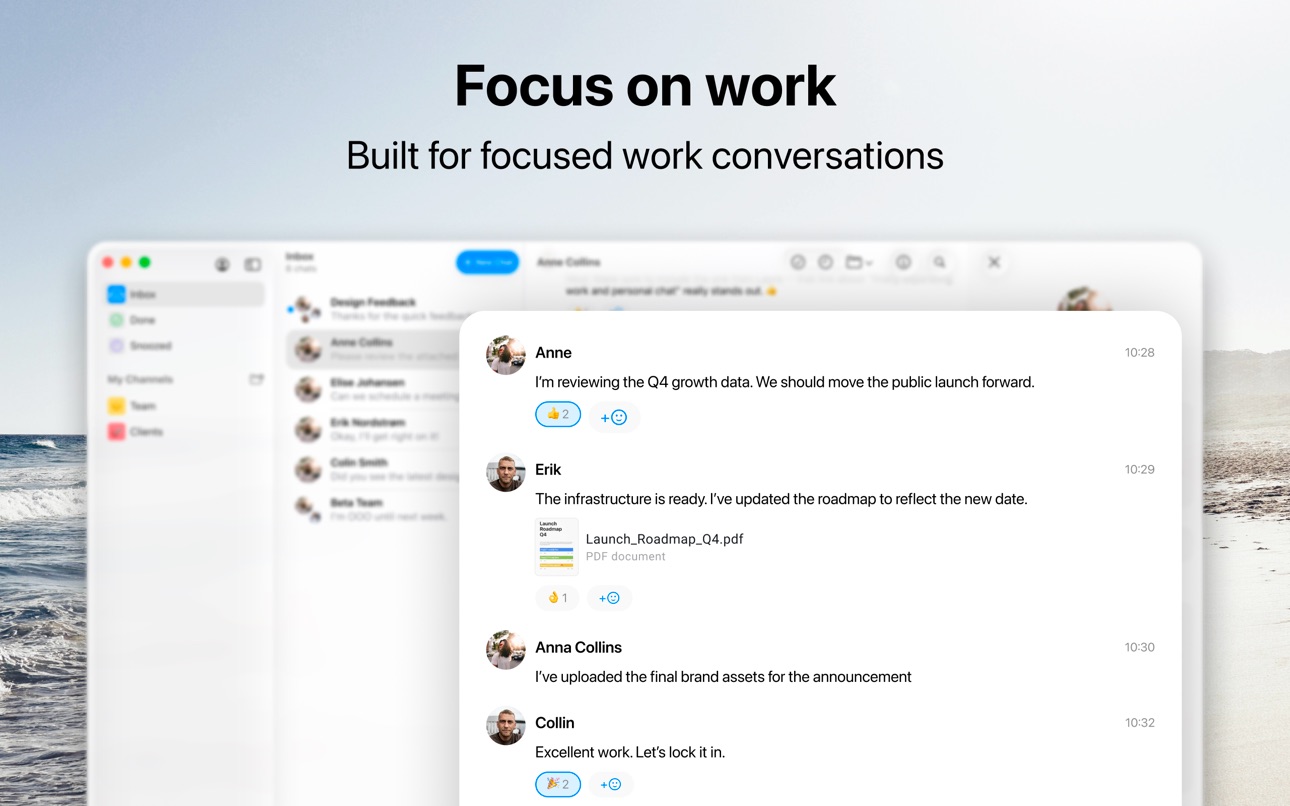
Work conversations don’t belong in personal chat apps. BirdyChat is the modern chat app built for professionals - designed to separate work from personal life, while keeping you connected to the people who matter.
With BirdyChat, you can:
- Chat with anyone using just their work email – no phone numbers required.
- Keep work and personal conversations separate – focus on productivity, not distractions.
- Connect across companies – collaborate beyond your team, with clients, partners, and your wider network.
- Interoperability with WhatsApp – send and receive messages with your WhatsApp contacts (currently available in Latvia, coming soon to users in European Economic Area).
Most chat apps were built for friends and family. Most workplace tools only connect you with your own team. BirdyChat does both differently: it’s designed for professional conversations across organizations.
Say hello to the future of work chat. Say hello to BirdyChat.
Capabilities
Siri
Accessibility
ipadiphonemacrealityDevicetvoswatch
Version history 25 versions
Build 887691977v1.25.02026-07-02 05:45:29
- Improved search result ranking and relevance
- Threads can now be moved between channels
- Various bug fixes and improvements
Build 887027531v1.24.02026-06-17 07:33:25
- Select multiple chats to mark as read, archive, or delete them at once
- Create a new community directly from the New Chat screen
- Group admins can now allow all participants to add new members
- Faster chat opening performance
- Various bug fixes
Build 886416869v1.23.02026-06-03 10:26:03
- Schedule messages to be sent at a future time, with the ability to edit or cancel before they send
- Various bug fixes and UI improvements
Build 886155737v1.22.02026-05-27 05:56:02
• See which WhatsApp contacts can't be reached yet and why
• Fixed image attachments showing an infinite spinner on load failure
• Bug fixes and performance improvements
Build 885854899v1.21.02026-05-20 05:16:29
- Improved thread navigation with simpler back button and tappable parent chat link
- Account deletion now available in settings
- Log out from all devices option added
- Improved chat list performance and sync reliability
Build 885110790v1.20.02026-05-05 05:20:15
- Internal improvements and stability enhancements
Build 885022059v1.19.02026-04-29 08:31:40
- Customize group chat icons with images or emoji
- Improved performance for long chat lists
- Avatar upload fixes
Build 884714298v1.18.02026-04-22 05:36:32
- New Help & Feedback form in settings
- Group admins can now delete messages from other participants
- Improved chat list design with better spacing and layout
- Redesigned flow for adding new participants to group chats
- Improved connection reliability
Build 884448868v1.17.02026-04-15 08:29:19
- New ways to invite contacts to your group chat
- Fixed searching for chats by email address
- Various bug fixes and UX improvements
Build 884236772v1.16.02026-04-08 06:14:58
- @mentions in group chats: type @ to mention people and notify them even when muted
- Improved share sheet experience
- Push notification improvements
- Fixed issues with thread navigation
Build 883971162v1.15.02026-04-01 05:49:17
- Choose email digest or per-message notifications for group chats
- Notifications now clear automatically when you read messages on another device
- Improved thread navigation and display
- Fixed WhatsApp notification and messaging issues
Build 883668484v1.14.02026-03-24 07:06:33
- Sub-threads now open in their own dedicated view for better focus
- Redesigned group chat creation with new settings and opening message options
- Unread badges now appear in navigation so you never miss new messages
- Group chats can display total participant count while keeping the full list hidden
- Improved connection reliability for real-time updates
Build 883470365v1.13.02026-03-18 06:26:58
- Email validation when starting new chats helps find existing contacts
- Larger tap targets for "show more" and "view more" buttons
- Fixed issue allowing empty messages to be sent
- Fixed WhatsApp messaging issues
Build 883221474v1.12.02026-03-11 14:29:29
- Quick access to QR code scanner from Inbox and All Chats
- Refreshed message details sheet design
- Various visual improvements and fixes
Build 882975184v1.11.02026-03-04 14:18:48
- Admins can now disable posting in group chats
- Improved share sheet with better performance
- Enhanced search with support for accented characters
- Fixed attachment display and preview issues
- App update notifications for new versions
- Various message composer and interface improvements
Build 882737805v1.10.02026-02-25 07:29:13
- Introduced group chat settings
- Improved invite flow
- Fixed various interface issues in Account and Profile screens
Build 882509679v1.9.02026-02-17 07:08:19
- Refreshed chat settings design with improved layout
- Images and videos now display with proper aspect ratios
- Display WhatsApp connection status under settings
- Various interface improvements and fixes
Build 882300791v1.8.02026-02-11 11:52:05
- Improved new chat creation experience
- Enhanced attachment security with encryption
- Link previews now open the original URL when tapped
- Better connection reliability and message syncing
- Fixed issues when adding participants to group chats
- Tap on empty message area to start typing
Build 881923184v1.7.02026-01-29 07:12:13
- Channels are now called Lists for clearer organization
- Notifications no longer appear for messages you've already read
- Refreshed design for chat settings and profile screens
- Added quick access to notification settings from Account screen
- Improved keyboard behavior when creating new chats
- Fixed visual issues in chat list and profile screens
Build 881460119v1.6.02026-01-21 07:15:08
Enhanced toolbar information display in message view
Fixed issue where notifications wouldn't open the correct conversation
Better handling of unread status when marking conversations
Snooze reminders now work correctly for WhatsApp conversations
Notifications no longer appear for messages you've already read
Build 881241532v1.5.02026-01-13 13:23:26
- Introduced personal channels for organizing your conversations
- Mute conversations to stop notifications while keeping them visible
- Improved video and image quality when sharing
- Enhanced snooze feature with visible expiration times
- Enhanced chat link sharing with bug fixes
Build 880728743v1.4.02025-12-17 15:33:18
- Added ability to copy and share chat links
- Chats can now have descriptions with clickable links
- Snooze conversations to temporarily hide them from your inbox
- Enhanced WhatsApp notifications with attachment previews
Build 880275707v1.3.02025-12-04 09:02:34
- Redesigned Profile and Account screens with improved layout and dark mode support
- Message reactions now animate when sent or received
- Improved attachment handling and sharing experience
- Fixed issue where QR code links wouldn't open properly
- Contact list now groups contacts more reliably
- Enhanced WhatsApp messaging experience with better status indicators
Build 879730087v1.2.02025-11-14 08:55:39
- Support for pasting images and files in the message composer
- Editing the last message is now more intuitive
- Fixed scrolling behavior in Messages view on iOS 17
- Fixed notification formatting and markdown display
- Video compression improvements and upload performance
- Various UI updates, optimizations, and cleanup for a smoother experience
Build 879578410v1.1.02025-11-10 11:11:27
- You can now mark chats as “Done” and achieve ‘inbox zero’
- Redesigned onboarding and search experience for a smoother start and faster results
- You can now search messages for mentions of keywords and return to the channel you searched from
- New Recently Contacted section and grouped contact list in the recipient picker
- 1:1 chats can now be started directly from a user’s profile
- Support for preview images in push notifications
- Offline support for chat archiving
- Numerous visual polish, bug fixes, and sync improvements under the hood
No pricing data captured yet — comparisons appear once the app has paid storefronts or in-app purchases.
Availability 1 of 1 storefronts
| Region | Language | Price | Ratings | Avg | Version |
|---|---|---|---|---|---|
| US | en-US | Free | 1 | 5.0 | 1.25.0 |
Change log 29 changes · US
✎
releaseNotes updated
- Improved search result ranking and relevance
- Threads can now be moved between channels
- Various bug fixes and improvements
✎
description updated
BirdyChat – Work Chat, Reinvented
Work conversations don’t belong in personal chat apps. BirdyChat is the modern chat app built for professionals - designed to
✎
subtitle updated
Modern Chat for Professionals
✎
name updated
BirdyChat for Work
◆
Version 1.25.0 released
- Improved search result ranking and relevance
- Threads can now be moved between channels
- Various bug fixes and improvements
◆
Version 1.24.0 released
- Select multiple chats to mark as read, archive, or delete them at once
- Create a new community directly from the New Chat screen
- Group admins can now allow all participants to add new members
- Faster chat opening performance
- Various
◆
Version 1.23.0 released
- Schedule messages to be sent at a future time, with the ability to edit or cancel before they send
- Various bug fixes and UI improvements
◆
Version 1.22.0 released
• See which WhatsApp contacts can't be reached yet and why
• Fixed image attachments showing an infinite spinner on load failure
• Bug fixes and performance improvements
◆
Version 1.21.0 released
- Improved thread navigation with simpler back button and tappable parent chat link
- Account deletion now available in settings
- Log out from all devices option added
- Improved chat list performance and sync reliability
◆
Version 1.20.0 released
- Internal improvements and stability enhancements
◆
Version 1.19.0 released
- Customize group chat icons with images or emoji
- Improved performance for long chat lists
- Avatar upload fixes
◆
Version 1.18.0 released
- New Help & Feedback form in settings
- Group admins can now delete messages from other participants
- Improved chat list design with better spacing and layout
- Redesigned flow for adding new participants to group chats
- Improved connect
◆
Version 1.17.0 released
- New ways to invite contacts to your group chat
- Fixed searching for chats by email address
- Various bug fixes and UX improvements
◆
Version 1.16.0 released
- @mentions in group chats: type @ to mention people and notify them even when muted
- Improved share sheet experience
- Push notification improvements
- Fixed issues with thread navigation
◆
Version 1.15.0 released
- Choose email digest or per-message notifications for group chats
- Notifications now clear automatically when you read messages on another device
- Improved thread navigation and display
- Fixed WhatsApp notification and messaging issues
◆
Version 1.14.0 released
- Sub-threads now open in their own dedicated view for better focus
- Redesigned group chat creation with new settings and opening message options
- Unread badges now appear in navigation so you never miss new messages
- Group chats can dis
◆
Version 1.13.0 released
- Email validation when starting new chats helps find existing contacts
- Larger tap targets for "show more" and "view more" buttons
- Fixed issue allowing empty messages to be sent
- Fixed WhatsApp messaging issues
◆
Version 1.12.0 released
- Quick access to QR code scanner from Inbox and All Chats
- Refreshed message details sheet design
- Various visual improvements and fixes
◆
Version 1.11.0 released
- Admins can now disable posting in group chats
- Improved share sheet with better performance
- Enhanced search with support for accented characters
- Fixed attachment display and preview issues
- App update notifications for new versions
◆
Version 1.10.0 released
- Introduced group chat settings
- Improved invite flow
- Fixed various interface issues in Account and Profile screens
◆
Version 1.9.0 released
- Refreshed chat settings design with improved layout
- Images and videos now display with proper aspect ratios
- Display WhatsApp connection status under settings
- Various interface improvements and fixes
◆
Version 1.8.0 released
- Improved new chat creation experience
- Enhanced attachment security with encryption
- Link previews now open the original URL when tapped
- Better connection reliability and message syncing
- Fixed issues when adding participants to grou
◆
Version 1.7.0 released
- Channels are now called Lists for clearer organization
- Notifications no longer appear for messages you've already read
- Refreshed design for chat settings and profile screens
- Added quick access to notification settings from Account s
◆
Version 1.6.0 released
Enhanced toolbar information display in message view
Fixed issue where notifications wouldn't open the correct conversation
Better handling of unread status when marking conversations
Snooze reminders now work correctly for WhatsApp convers
◆
Version 1.5.0 released
- Introduced personal channels for organizing your conversations
- Mute conversations to stop notifications while keeping them visible
- Improved video and image quality when sharing
- Enhanced snooze feature with visible expiration times
-
◆
Version 1.4.0 released
- Added ability to copy and share chat links
- Chats can now have descriptions with clickable links
- Snooze conversations to temporarily hide them from your inbox
- Enhanced WhatsApp notifications with attachment previews
◆
Version 1.3.0 released
- Redesigned Profile and Account screens with improved layout and dark mode support
- Message reactions now animate when sent or received
- Improved attachment handling and sharing experience
- Fixed issue where QR code links wouldn't open
◆
Version 1.2.0 released
- Support for pasting images and files in the message composer
- Editing the last message is now more intuitive
- Fixed scrolling behavior in Messages view on iOS 17
- Fixed notification formatting and markdown display
- Video compression i
◆
Version 1.1.0 released
- You can now mark chats as “Done” and achieve ‘inbox zero’
- Redesigned onboarding and search experience for a smoother start and faster results
- You can now search messages for mentions of keywords and return to the channel you searched