Home › Productivity

 US
US
1 of 1 storefronts
Content in en-US
Content in en-US
Information
Preview 3 platforms
iPhone 7 images


iPad 7 images



Mac 5 images



What’s New Version 1.2.7
Improved JPG to PDF conversion speed and quality
Enhanced image ordering before PDF creation
Better support for high-resolution image conversion
Faster file processing and smoother performance
Improved app stability and user experience
Bug fixes and overall performance enhancements
Description
IMAGE CONVERTER – FAST AND SIMPLE FILE CONVERSION
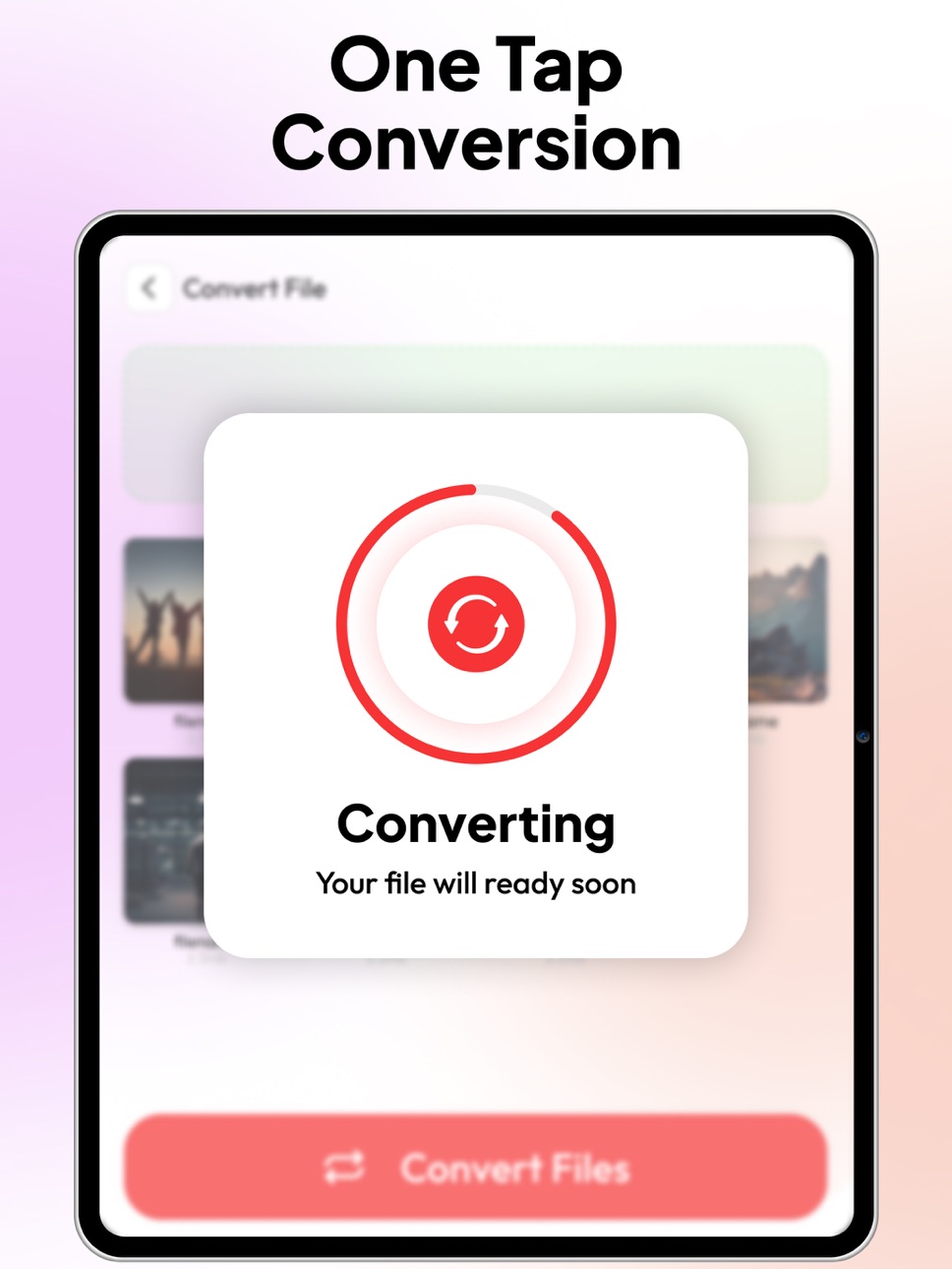
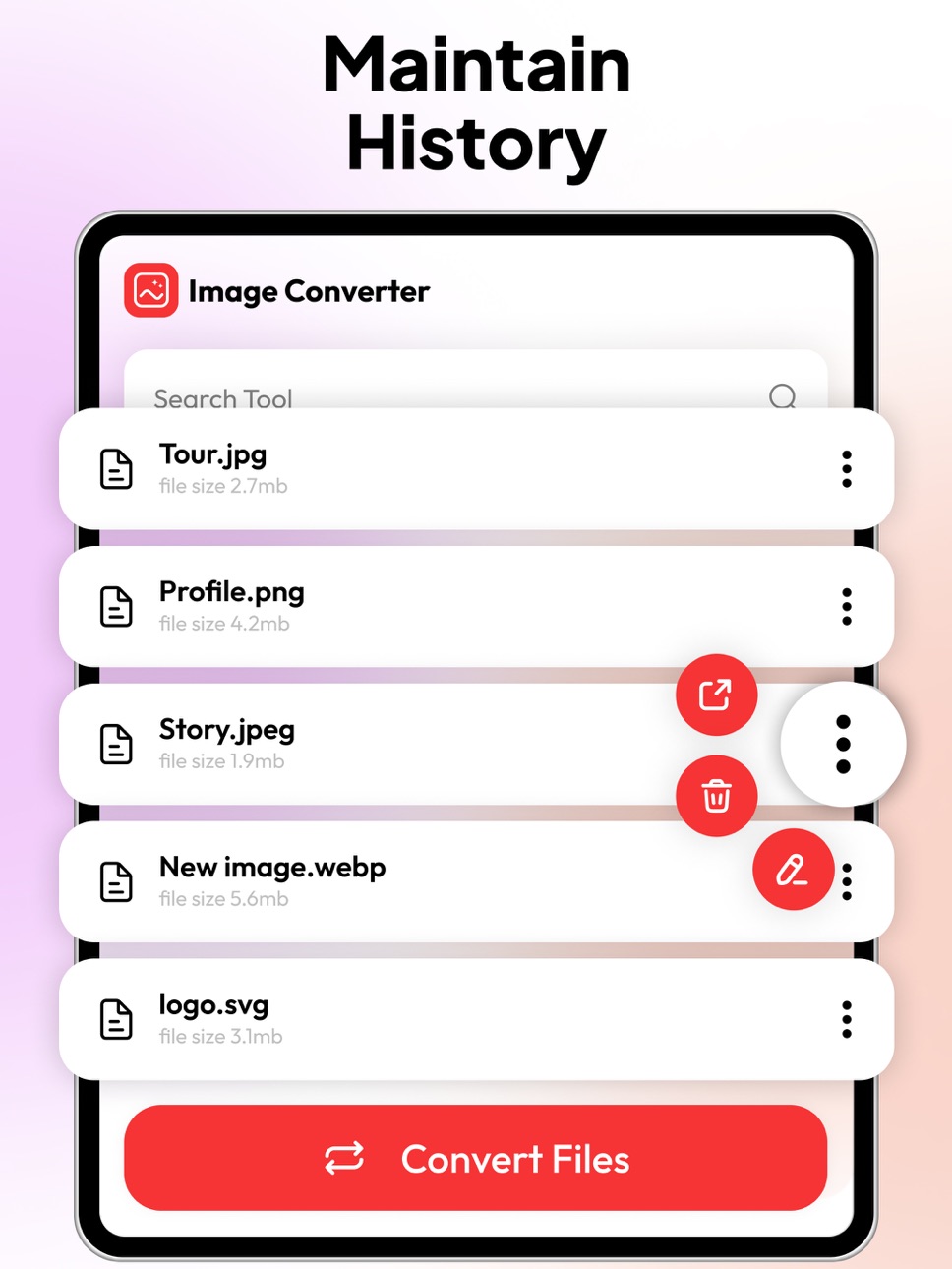
Image Converter is a powerful tool designed to convert, compress, resize, and prepare images in just a few taps. Whether you need to turn photos into PDFs, change image formats, or optimize files for sharing, this app delivers fast, accurate results with a clean and easy workflow.
IMAGE TO PDF
Quickly convert any image into a high-quality PDF, perfect for documents, forms, and multi-page files.
FORMAT TO PDF
Convert multiple image formats directly into PDF files with reliable, crisp output.
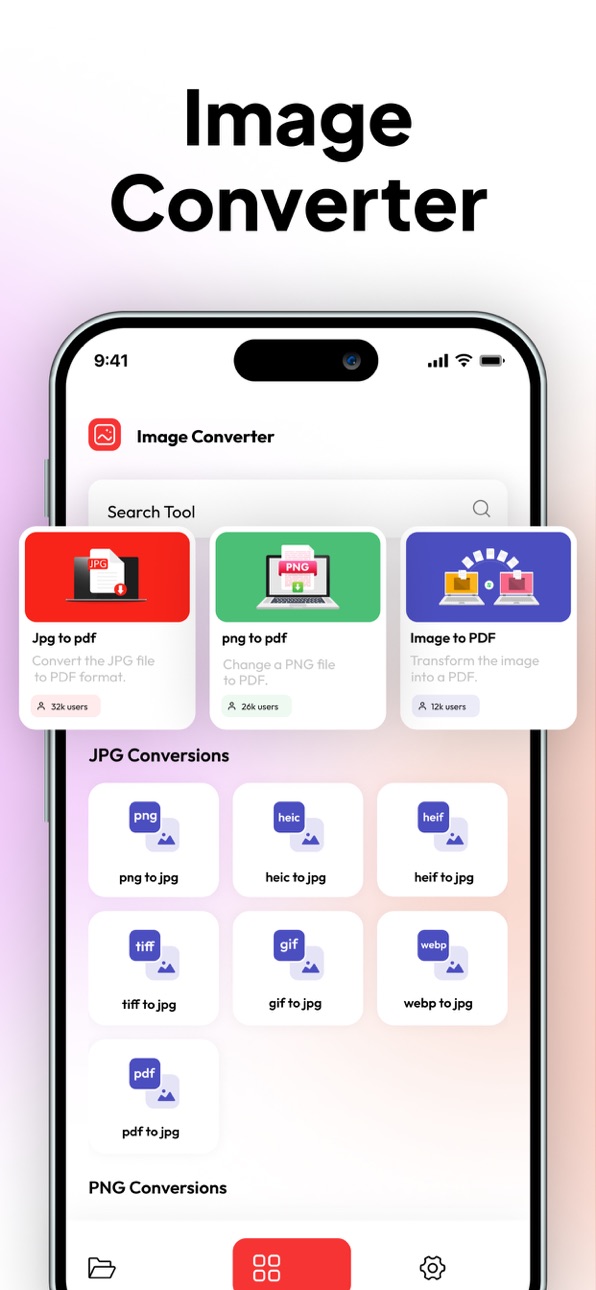
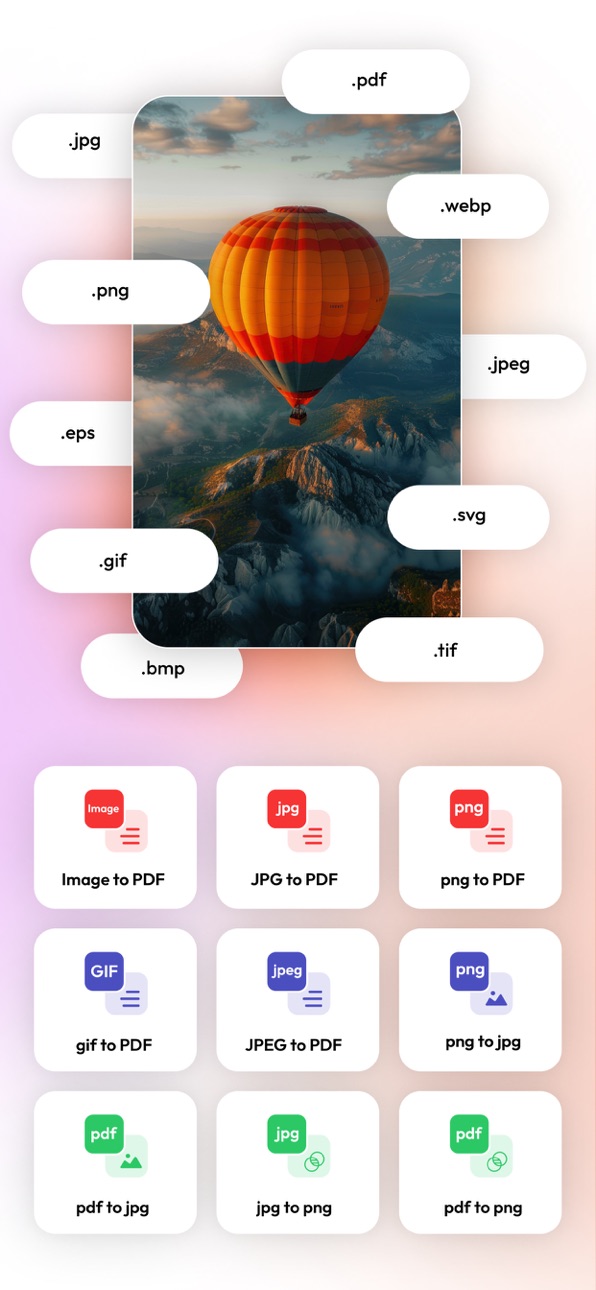
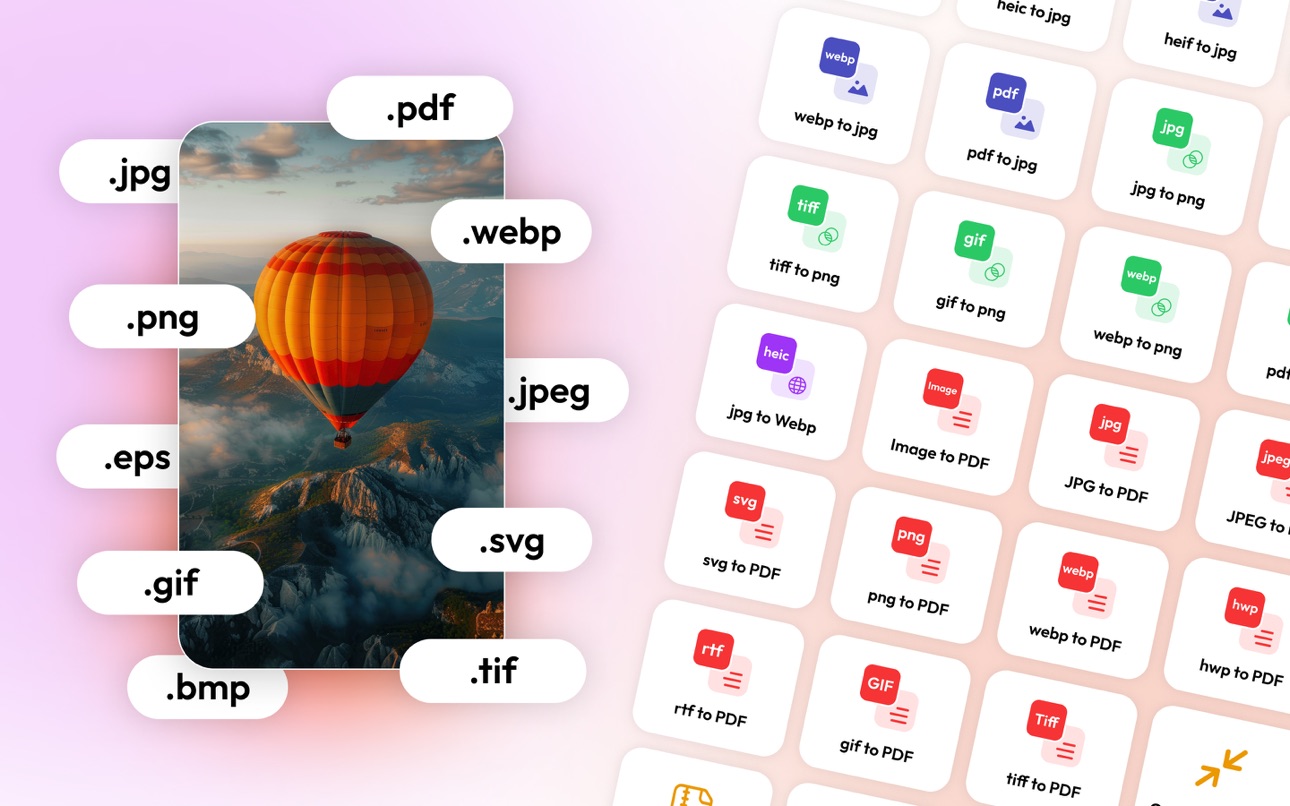
Includes: JPG to PDF, PNG to PDF, GIF to PDF, TIFF to PDF, WebP to PDF, HEIC to PDF, HEIF to PDF.
IMAGE FORMAT CONVERSION
Change your images into the format you need with consistent quality and fast processing.
Includes:
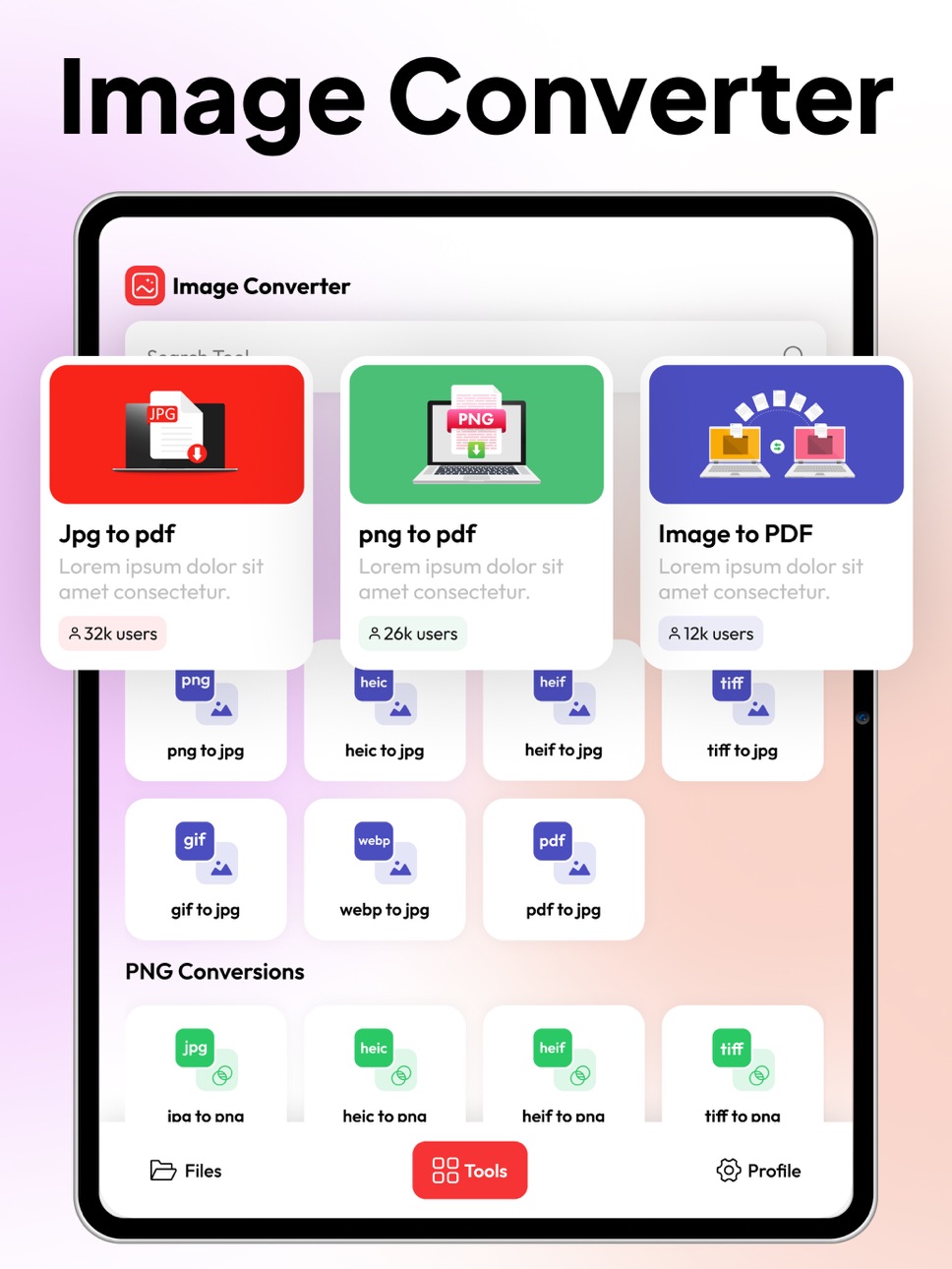
• PNG to JPG, HEIC to JPG, HEIF to JPG, TIFF to JPG, GIF to JPG, WebP to JPG, PDF to JPG
• JPG to PNG, HEIC to PNG, HEIF to PNG, TIFF to PNG, GIF to PNG, WebP to PNG, PDF to PNG
• PNG to WebP, JPG to WebP
IMAGE COMPRESSION
Reduce file size without losing clarity. Perfect for uploading, emailing, and saving storage space.
ADD WATERMARK
Protect your images with custom text watermarks. Adjust size, opacity, and placement easily.
CONVERT TO ZIP
Instantly compress your images into a ZIP file for easier sharing and storage.
RESIZE IMAGE
Resize photos to exact dimensions or custom percentages while keeping high-quality output.
FAST, CLEAN, AND EASY TO USE
Image Converter is built for speed, accuracy, and simplicity. With support for all major image formats and powerful tools in one place, it’s the ideal solution for creators, professionals, students, and anyone handling images daily.
https://www.trostun.com/terms-of-use/
Capabilities
In-App Purchases
Accessibility
ipadiphonemacrealityDevicetvoswatch
Version history 25 versions
Build 887894033v1.2.72026-07-10 20:01:41
Improved JPG to PDF conversion speed and quality
Enhanced image ordering before PDF creation
Better support for high-resolution image conversion
Faster file processing and smoother performance
Improved app stability and user experience
Bug fixes and overall performance enhancements
Build 880543388v1.2.62026-05-26 19:46:51
Enhanced image-to-PDF output for cleaner and more reliable results
Smoother image compression, resizing, and ZIP conversion workflow
Faster file conversion with better overall stability and performance
Build 879632656v1.2.52025-12-10 22:21:36
We’ve introduced important improvements and new tools to make converting images into high-quality PDFs faster, easier, and more reliable.
ENHANCED IMAGE TO PDF
Improved conversion quality with sharper output, cleaner formatting, and better color accuracy. Your photos and documents now convert into clearer, more professional PDFs.
BATCH CONVERSION
Convert multiple images into a single PDF or separate PDFs in one step. Faster processing and smoother workflow for large sets of photos.
NEW EDITING OPTIONS
Crop, rotate, reorder, and adjust images before converting. Create polished, ready-to-share PDFs with full control over layout.
SMART SCAN IMPROVEMENTS
Upgraded scanning engine delivers improved edge detection, clearer text, and enhanced brightness and contrast for scanned documents.
FILE MANAGEMENT UPDATES
Easier folder organization, faster file previewing, and improved naming options to keep your documents neatly arranged.
QUALITY SETTINGS
Choose from multiple PDF quality levels to balance clarity and file size based on your needs.
PERFORMANCE BOOST
Faster conversions, smoother navigation, and reduced loading times across the app.
BUG FIXES AND UI IMPROVEMENTS
Resolved minor issues and refined the interface for a more consistent, user-friendly experience.
Build 877670013v1.2.42025-11-08 11:09:25
New Tools Added
• All-New Format Converter – Now supports more file types (WEBP, HEIC, PDF, and more).
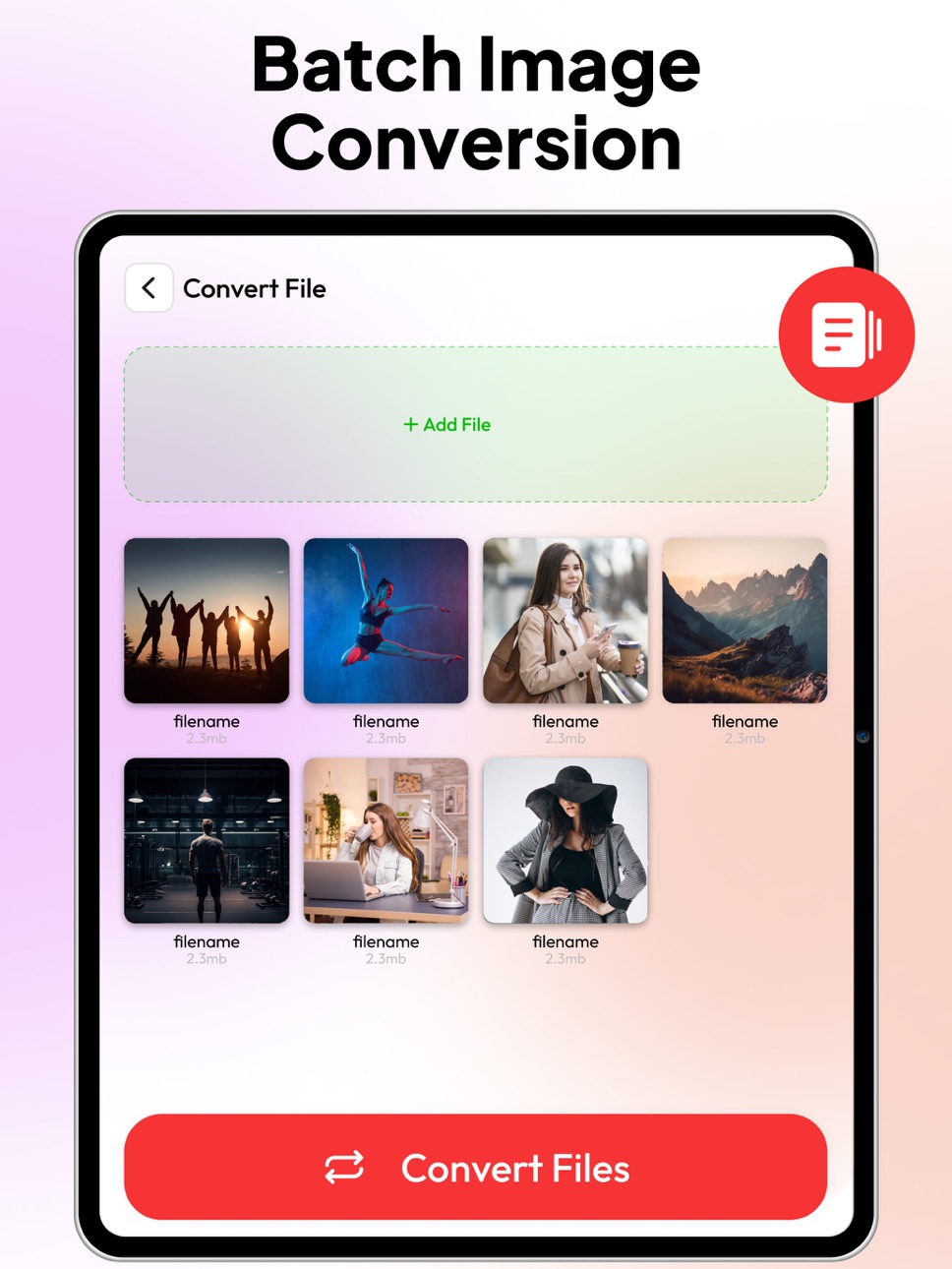
• Batch Conversion – Convert multiple images at once with just one tap.
• Compression Tool – Reduce file size without losing quality.
• Image Resizer – Resize or crop images easily before converting.
• Quick Share – Instantly send your converted files anywhere.
Improvements
• Enhanced speed and performance across all conversions.
• Cleaner, modern interface for a smoother experience.
• Fixed bugs and improved stability for seamless operation.
Tip: Try the new batch converter — it’s a game-changer for quick file processing!
Build 877636077v1.2.32025-08-28 20:46:55
Maintinance and Fixes
UI Improvements
Build 877175811v1.2.22025-08-27 15:11:25
Maintinance and Fixes
UI Improvements
Build 875246233v1.2.12025-08-11 17:17:33
Maintinance and Fixes
UI Improvements
Build 871930378v1.2.02025-05-30 15:55:57
Maintinance and Fixes
UI Improvements
Build 871222945v1.1.92025-01-21 12:26:01
Revamped Design: Enjoy a sleek new look with improved usability and aesthetics.
25+ Conversion Tools: Convert images to various formats effortlessly.
Enhanced Editing Tools: Now featuring image compression, watermark addition, ZIP conversion, resizing, and more!
Bug Fixes: Resolved crashes and enhanced overall app stability for a smoother experience.
Build 868894027v1.1.82024-12-17 18:28:43
- Improved Performance
- Bug Fixes
Build 868114499v1.1.72024-08-29 16:26:00
- Enhanced Conversion Speed
- Improved Performance
- Bug Fixes
Build 867729208v1.1.62024-08-09 22:16:36
- Enhanced Conversion Speed
- Improved Performance
- Bug Fixes
Build 867643932v1.1.52024-07-24 20:48:43
- Enhanced Conversion Speed
- Improved Performance
- Bug Fixes
Build 867566832v1.1.42024-07-20 16:59:27
- Batch Conversion
- Enhanced Conversion Speed
- Bug Fixes
Build 867448843v1.1.32024-07-15 20:06:27
- Batch Conversion
- Enhanced Conversion Speed
- Bug Fixes
Build 867001646v1.1.22024-07-12 08:01:03
- Batch Conversion
- Enhanced Conversion Speed
- Bug Fixes
Build 866935183v1.1.12024-06-26 07:05:15
- A redesigned interface for a more user-friendly and intuitive experience
- Smaller file sizes without compromising image quality for efficient storage
- Intuitive batch processing
Build 866848256v1.1.02024-06-22 18:22:00
- A redesigned interface for a more user-friendly and intuitive experience
- Smaller file sizes without compromising image quality for efficient storage
- Intuitive batch processing
Build 866463245v1.0.92024-06-06 16:25:49
- A redesigned interface for a more user-friendly and intuitive experience
- Smaller file sizes without compromising image quality for efficient storage
- Intuitive batch processing
Build 864697596v1.0.82024-06-05 09:08:29
A redesigned interface for a more user-friendly and intuitive experience
Smaller file sizes without compromising image quality for efficient storage
Intuitive batch processing
Build 860634113v1.0.72023-12-05 17:23:43
A redesigned interface for a more user-friendly and intuitive experience
Smaller file sizes without compromising image quality for efficient storage
Intuitive batch processing
Build 860476855v1.0.62023-10-11 17:19:42
Bugs and Crashes Fixed
Build 860204551v1.0.52023-09-27 16:16:49
Crashes & Bugs Fixed
Build 859522318v1.0.42023-09-07 19:20:30
- User can fetch images from Photos
- Users can import up to 100 Photos from the Photos
- Now Image to PDF Converter performs faster than ever
- Performance Improvements
- Crashes & Bugs Fixed
Build 859194178v1.0.32023-08-24 20:15:33
- User can fetch images from Photos
- Users can import up to 100 Photos from the Photos
- Now Image to PDF Converter performs faster than ever
- Performance Improvements
- Crashes & Bugs Fixed
No pricing data captured yet — comparisons appear once the app has paid storefronts or in-app purchases.
Availability 1 of 1 storefronts
| Region | Language | Price | Ratings | Avg | Version |
|---|---|---|---|---|---|
| US | en-US | Free | 33 | 4.5 | 1.2.7 |
Change log 29 changes · US
✎
releaseNotes updated
Improved JPG to PDF conversion speed and quality
Enhanced image ordering before PDF creation
Better support for high-resolution image conversion
Faster file pro
✎
description updated
IMAGE CONVERTER – FAST AND SIMPLE FILE CONVERSION
Image Converter is a powerful tool designed to convert, compress, resize, and prepare images in just a few ta
✎
subtitle updated
Convert Photo & Image to PDF
✎
name updated
Image Converter : JPG to PDF
◆
Version 1.2.7 released
Improved JPG to PDF conversion speed and quality
Enhanced image ordering before PDF creation
Better support for high-resolution image conversion
Faster file processing and smoother performance
Improved app stability and user experience
Bug
◆
Version 1.2.6 released
Enhanced image-to-PDF output for cleaner and more reliable results
Smoother image compression, resizing, and ZIP conversion workflow
Faster file conversion with better overall stability and performance
◆
Version 1.2.5 released
We’ve introduced important improvements and new tools to make converting images into high-quality PDFs faster, easier, and more reliable.
ENHANCED IMAGE TO PDF
Improved conversion quality with sharper output, cleaner formatting, and bette
◆
Version 1.2.4 released
New Tools Added
• All-New Format Converter – Now supports more file types (WEBP, HEIC, PDF, and more).
• Batch Conversion – Convert multiple images at once with just one tap.
• Compression Tool – Reduce file size without losing quality.
◆
Version 1.2.3 released
Maintinance and Fixes
UI Improvements
◆
Version 1.2.2 released
Maintinance and Fixes
UI Improvements
◆
Version 1.2.1 released
Maintinance and Fixes
UI Improvements
◆
Version 1.2.0 released
Maintinance and Fixes
UI Improvements
◆
Version 1.1.9 released
Revamped Design: Enjoy a sleek new look with improved usability and aesthetics.
25+ Conversion Tools: Convert images to various formats effortlessly.
Enhanced Editing Tools: Now featuring image compression, watermark addition, ZIP convers
◆
Version 1.1.8 released
- Improved Performance
- Bug Fixes
◆
Version 1.1.7 released
- Enhanced Conversion Speed
- Improved Performance
- Bug Fixes
◆
Version 1.1.6 released
- Enhanced Conversion Speed
- Improved Performance
- Bug Fixes
◆
Version 1.1.5 released
- Enhanced Conversion Speed
- Improved Performance
- Bug Fixes
◆
Version 1.1.4 released
- Batch Conversion
- Enhanced Conversion Speed
- Bug Fixes
◆
Version 1.1.3 released
- Batch Conversion
- Enhanced Conversion Speed
- Bug Fixes
◆
Version 1.1.2 released
- Batch Conversion
- Enhanced Conversion Speed
- Bug Fixes
◆
Version 1.1.1 released
- A redesigned interface for a more user-friendly and intuitive experience
- Smaller file sizes without compromising image quality for efficient storage
- Intuitive batch processing
◆
Version 1.1.0 released
- A redesigned interface for a more user-friendly and intuitive experience
- Smaller file sizes without compromising image quality for efficient storage
- Intuitive batch processing
◆
Version 1.0.9 released
- A redesigned interface for a more user-friendly and intuitive experience
- Smaller file sizes without compromising image quality for efficient storage
- Intuitive batch processing
◆
Version 1.0.8 released
A redesigned interface for a more user-friendly and intuitive experience
Smaller file sizes without compromising image quality for efficient storage
Intuitive batch processing
◆
Version 1.0.7 released
A redesigned interface for a more user-friendly and intuitive experience
Smaller file sizes without compromising image quality for efficient storage
Intuitive batch processing
◆
Version 1.0.6 released
Bugs and Crashes Fixed
◆
Version 1.0.5 released
Crashes & Bugs Fixed
◆
Version 1.0.4 released
- User can fetch images from Photos
- Users can import up to 100 Photos from the Photos
- Now Image to PDF Converter performs faster than ever
- Performance Improvements
- Crashes & Bugs Fixed
◆
Version 1.0.3 released
- User can fetch images from Photos
- Users can import up to 100 Photos from the Photos
- Now Image to PDF Converter performs faster than ever
- Performance Improvements
- Crashes & Bugs Fixed