Home › Utilities

 US
US
1 of 1 storefronts
Content in en-US
Content in en-US
Information
Preview 1 platform
iPhone 6 images

What’s New Version 1.15
Features
Panel and receiver connection state is now shown as visual status chips
Installer modal usability improvements
Bug Fixes
Fixed translation issues
Description
evalink mobile: Control Your Security, Anytime, Anywhere. With evalink mobile, your security system is always within reach. Manage alarms, notifications, and access permissions directly from your device, wherever you are. Built for seamless control and instant updates, evalink mobile ensures your security stays simple and accessible.
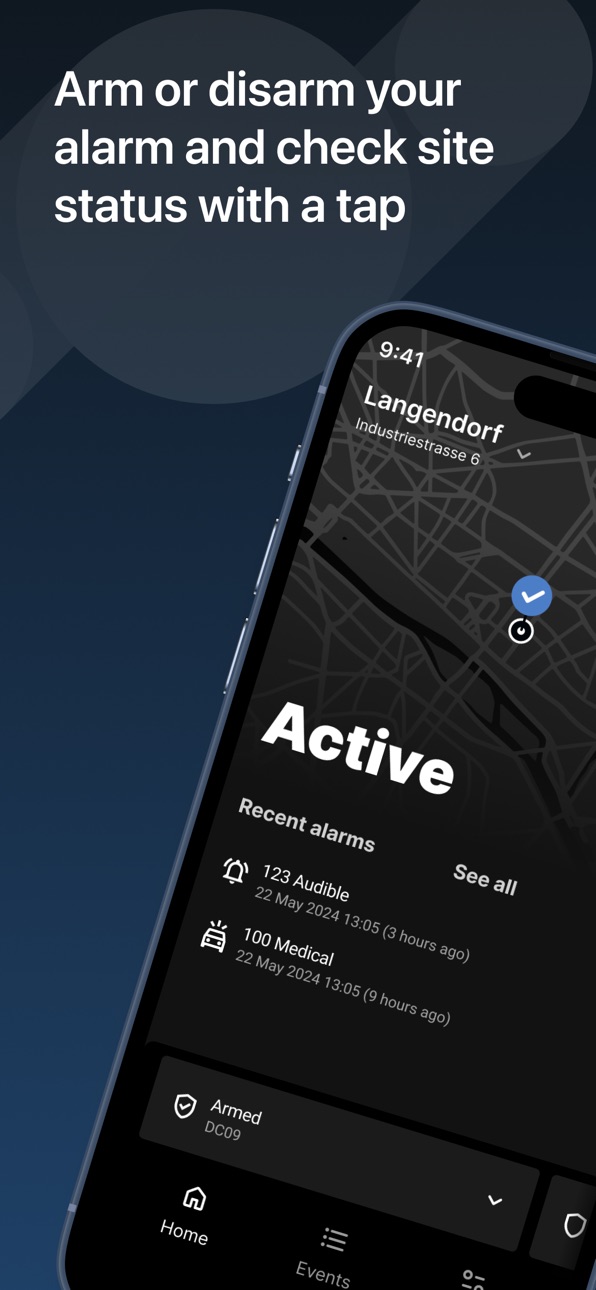
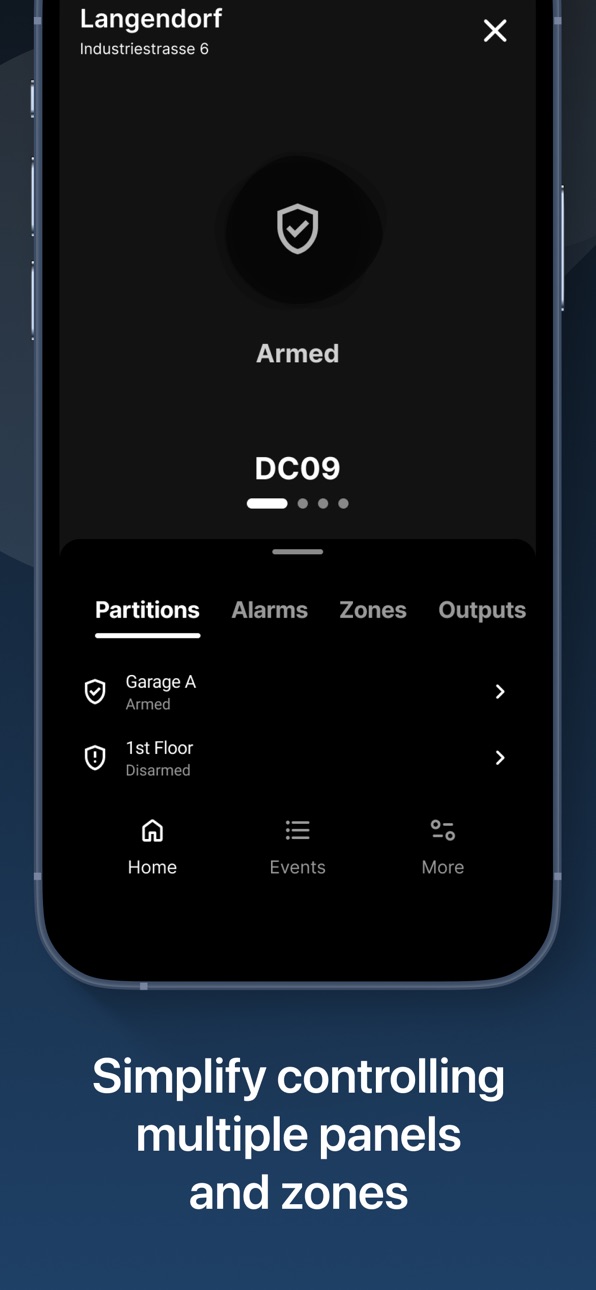
Effortless Site Control – Easily arm, disarm, and manage your security system remotely. evalink mobile offers a unified experience for controlling all supported equipment in one app.
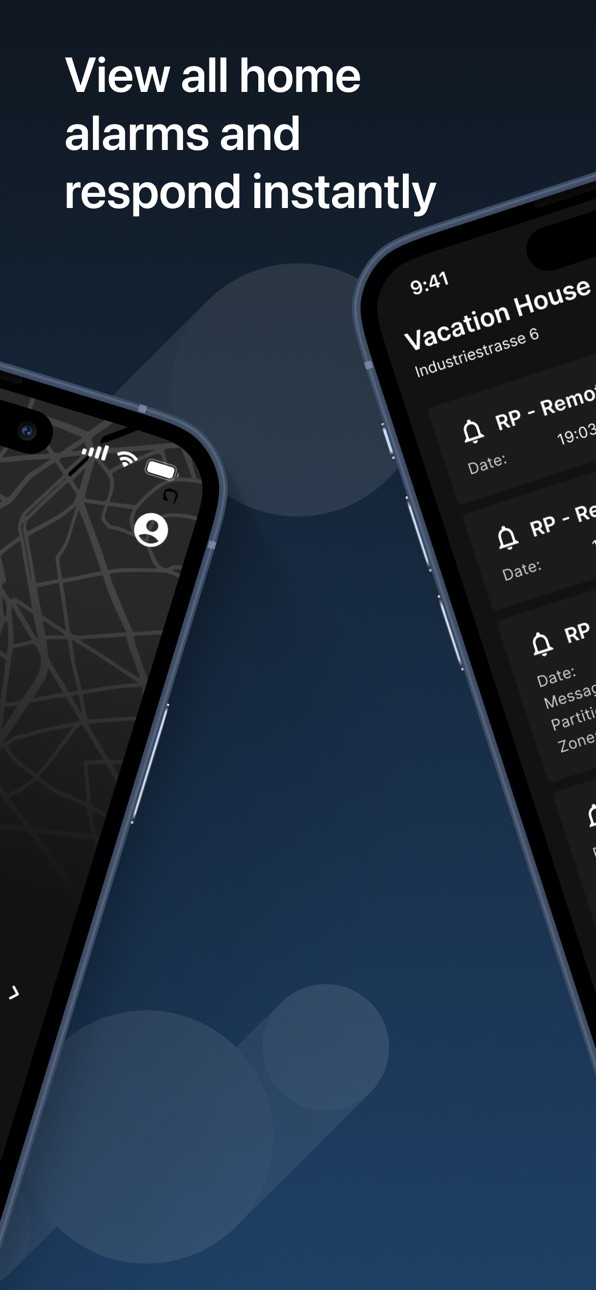
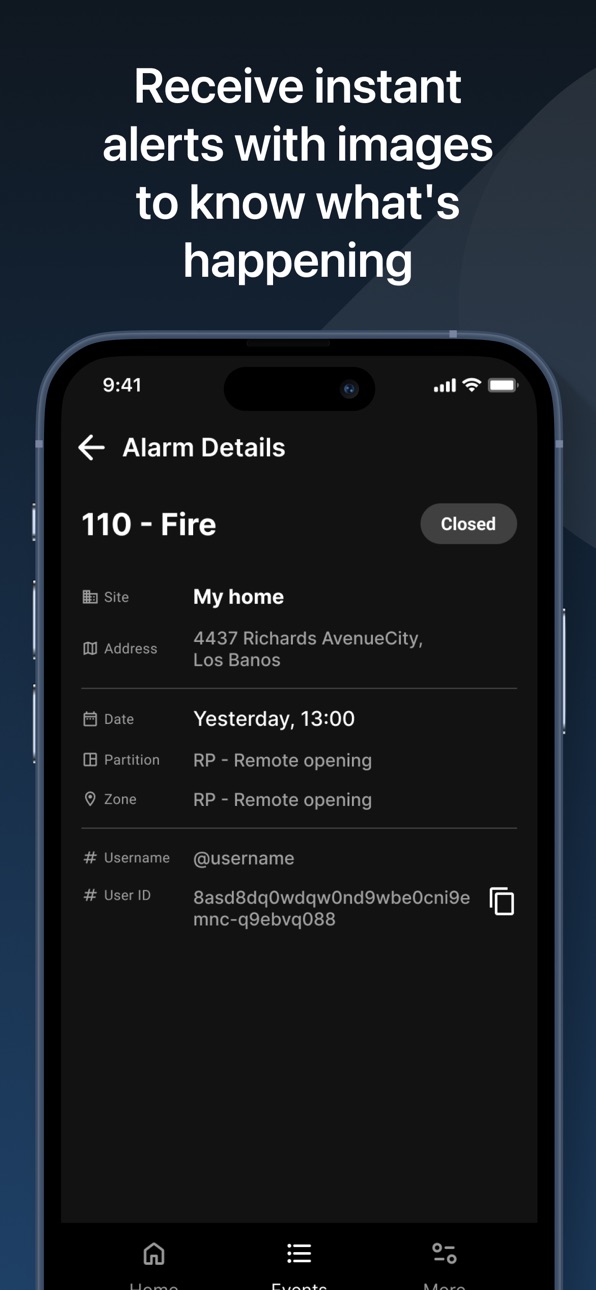
Instant Alerts and Notifications – Receive real-time push notifications on alarms and system changes. Stay updated with alerts and review detailed information like video, audio, and other attachments for a complete view.
Simple Contact Management – Quickly update call-out contacts, add new ones, and change code words in the app. Replace contacts temporarily for smooth, uninterrupted security coverage.
Easy Access Sharing – Share access with trusted friends, family, or neighbors, giving them full or limited control of your security system to suit your needs.
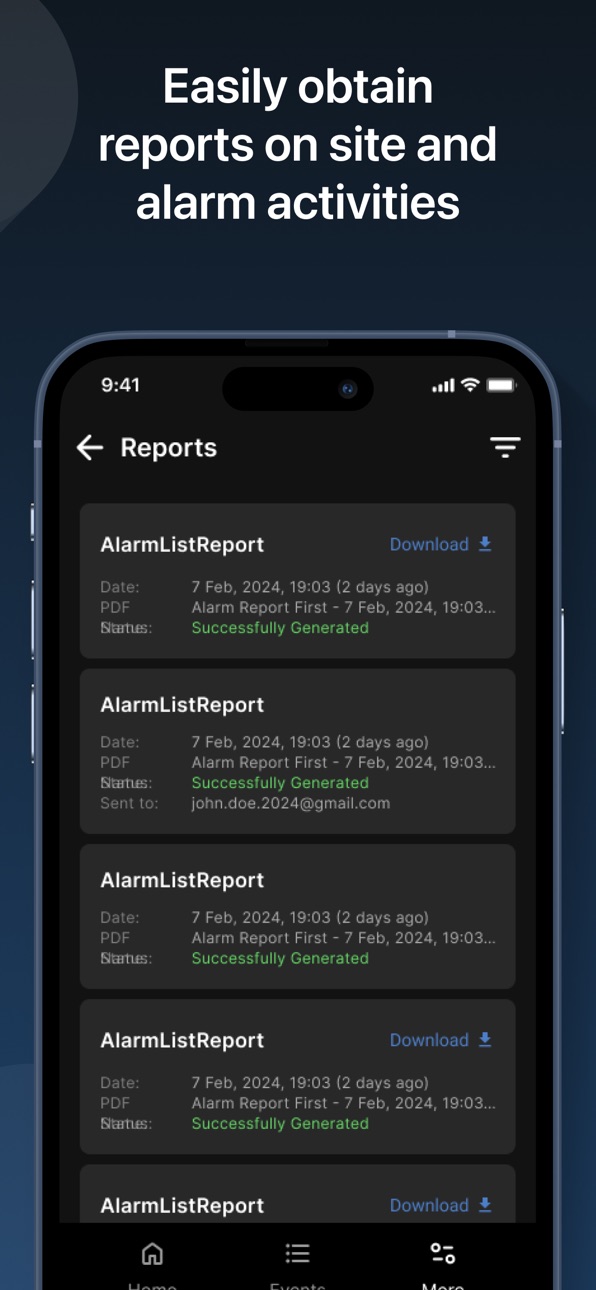
On-Demand Reports – Access detailed reports from the central monitoring station at any time. Keep essential records available on your mobile device.
Strong Privacy and Security – Your data is protected with top-tier encryption, so you can use evalink mobile with confidence.
Who Can Benefit from evalink mobile? evalink mobile is built for anyone who wants easy, reliable control of their security system, whether for home, business, or shared sites. It's the ideal tool for staying connected, informed, and secure.
Take control of your security with evalink mobile – download today and enjoy peace of mind, anytime, anywhere.
Accessibility
ipadiphonemacrealityDevicetvoswatch
Version history 13 versions
Build 886195217v1.152026-06-08 13:16:42
Features
Panel and receiver connection state is now shown as visual status chips
Installer modal usability improvements
Bug Fixes
Fixed translation issues
Build 885372550v1.142026-05-14 13:15:04
Features
Improved permissions onboarding and prompts
Enhanced alarm verification experience
Bug fixes
Improved delete account reliability
General stability and performance improvements
Build 884185906v1.132026-04-08 09:15:35
Features:
Redesigned PIN and quick sign-in: set/change PIN, PIN after sign-in, and authentication settings with updated screens and keyboard.
Contact save: detects conflicts with server data and lets you resolve them before saving.
Bugfixes:
Reduced risk of background issues related to crash reporting initialization.
Fixed a navigation issue that could cause render loops and app instability.
Build 883064088v1.122026-03-09 13:24:29
Features
Installer Portal added.
Region selection implemented.
Site name now shown instead of address.
Fixes
Improved alarm verification navigation.
Fixed override logs, Arm/Disarm modal issue, and TNA Connect V2 status.
Various improvements.
Build 882298829v1.112026-02-12 09:11:06
Features
Inputs tab renamed for TNA
Event screen alarm grouping
Alarm details shows recent alarms for verification
Alarm verification time adjustable in Talos
New dashboard default for new users
Alarm cards show more context
Bug fixes
Fixed Site Schedule edit flow
Fixed map display flow after setting address
Fixed Delete Account flow
Fixed toast flow after alarm verification actions
Build 880711102v1.10.22025-12-18 11:12:42
Notification toggles updated
Various UI Fixes
Bugfixes
Build 880010716v1.8.122025-11-24 09:01:13
Improved multi site search experience
Quick actions that run webhooks added
Various UI updates and fixes
Build 879212110v1.6.22025-10-27 11:58:07
The app now remembers your last selected site after being closed and reopened
Fixes for third-party logins
Various UI fixes and improvements
Ensured compliance with the latest store regulations
Performance improvements
Build 878422251v1.3.262025-09-29 09:46:09
Contacts pages UI updated
Feedback functionality added
Various UI fixes
Build 877700770v1.2.32025-09-01 06:50:23
What’s New:
Alarm verification is now available.
A new design system has been introduced, improving overall consistency and user experience.
Reports screen has been updated with a cleaner UI and enhanced functionality.
App themes have been improved .
Settings page has received a refreshed UI for easier navigation.
Fixes & Improvements:
Improved error messages when sharing sites with users.
Updated Alarm Details view to handle long zone and partition names more clearly.
Various UI tweaks and performance improvements across the app.
Build 874518774v1.1.62025-05-06 06:56:35
Added: User removal confirmation, site muting, new icons, themes, and empty state messages.
Improved: Login errors, navigation, profile UI, and translation handling.
Fixed: Light theme visuals, time selection bugs, layout issues on small screens, report/event text alignment, and missing UI buttons.
Build 872869391v1.0.2662025-03-03 09:49:26
Features
Microsoft Login enabled.
Alarm Description added to alarm cards and details.
Logout Confirmation Popup warns about notification loss.
User-Friendly Login Errors shown in toast messages.
Auto-Grant View Permissions when edit rights are assigned.
Bottom Modal UX Improved for easier actions.
Schedules Now Work in Any Language.
Bug Fixes
Notifications & Push: Toggle issues fixed, push disabled on logout.
UI & Layout: Fixed screen flashes, PIN screen layout, and logout button color.
Alarms & Reports: Sorting, message alignment, and empty detail page fixed.
Forms & Inputs: Resolved login flickering, registration email space issue.
Other: Contact override saves correctly, onboarding animation is smoother
Build 853033347v1.0.2032024-12-10 12:20:00
No pricing data captured yet — comparisons appear once the app has paid storefronts or in-app purchases.
Availability 1 of 1 storefronts
| Region | Language | Price | Ratings | Avg | Version |
|---|---|---|---|---|---|
| US | en-US | Free | 0 | — | 1.15 |
Change log 17 changes · US
✎
releaseNotes updated
Features
Panel and receiver connection state is now shown as visual status chips
Installer modal usability improvements
Bug Fixes
Fixed translation issues
✎
description updated
evalink mobile: Control Your Security, Anytime, Anywhere. With evalink mobile, your security system is always within reach. Manage alarms, notifications, and ac
✎
subtitle updated
security simplified
✎
name updated
evalink mobile
◆
Version 1.15 released
Features
Panel and receiver connection state is now shown as visual status chips
Installer modal usability improvements
Bug Fixes
Fixed translation issues
◆
Version 1.14 released
Features
Improved permissions onboarding and prompts
Enhanced alarm verification experience
Bug fixes
Improved delete account reliability
General stability and performance improvements
◆
Version 1.13 released
Features:
Redesigned PIN and quick sign-in: set/change PIN, PIN after sign-in, and authentication settings with updated screens and keyboard.
Contact save: detects conflicts with server data and lets you resolve them before saving.
Bugfixe
◆
Version 1.12 released
Features
Installer Portal added.
Region selection implemented.
Site name now shown instead of address.
Fixes
Improved alarm verification navigation.
Fixed override logs, Arm/Disarm modal issue, and TNA Connect V2 status.
Various improveme
◆
Version 1.11 released
Features
Inputs tab renamed for TNA
Event screen alarm grouping
Alarm details shows recent alarms for verification
Alarm verification time adjustable in Talos
New dashboard default for new users
Alarm cards show more context
Bug fixes
Fixe
◆
Version 1.10.2 released
Notification toggles updated
Various UI Fixes
Bugfixes
◆
Version 1.8.12 released
Improved multi site search experience
Quick actions that run webhooks added
Various UI updates and fixes
◆
Version 1.6.2 released
The app now remembers your last selected site after being closed and reopened
Fixes for third-party logins
Various UI fixes and improvements
Ensured compliance with the latest store regulations
Performance improvements
◆
Version 1.3.26 released
Contacts pages UI updated
Feedback functionality added
Various UI fixes
◆
Version 1.2.3 released
What’s New:
Alarm verification is now available.
A new design system has been introduced, improving overall consistency and user experience.
Reports screen has been updated with a cleaner UI and enhanced functionality.
App themes have been
◆
Version 1.1.6 released
Added: User removal confirmation, site muting, new icons, themes, and empty state messages.
Improved: Login errors, navigation, profile UI, and translation handling.
Fixed: Light theme visuals, time selection bugs, layout issues on small sc
◆
Version 1.0.266 released
Features
Microsoft Login enabled.
Alarm Description added to alarm cards and details.
Logout Confirmation Popup warns about notification loss.
User-Friendly Login Errors shown in toast messages.
Auto-Grant View Permissions when edit rights
◆
Version 1.0.203 released