Home › Utilities

 US
US
1 of 1 storefronts
Content in en-US
Content in en-US
Information
Preview 2 platforms
iPhone 8 images


iPad 6 images


What’s New Version 2.1.1
Improved Tree Mode.
・Better visibility in both Dark Mode and Light Mode
・Fixed an issue where mistake-count hearts were not shown for premium users
・Improved repeated key input behavior
Description
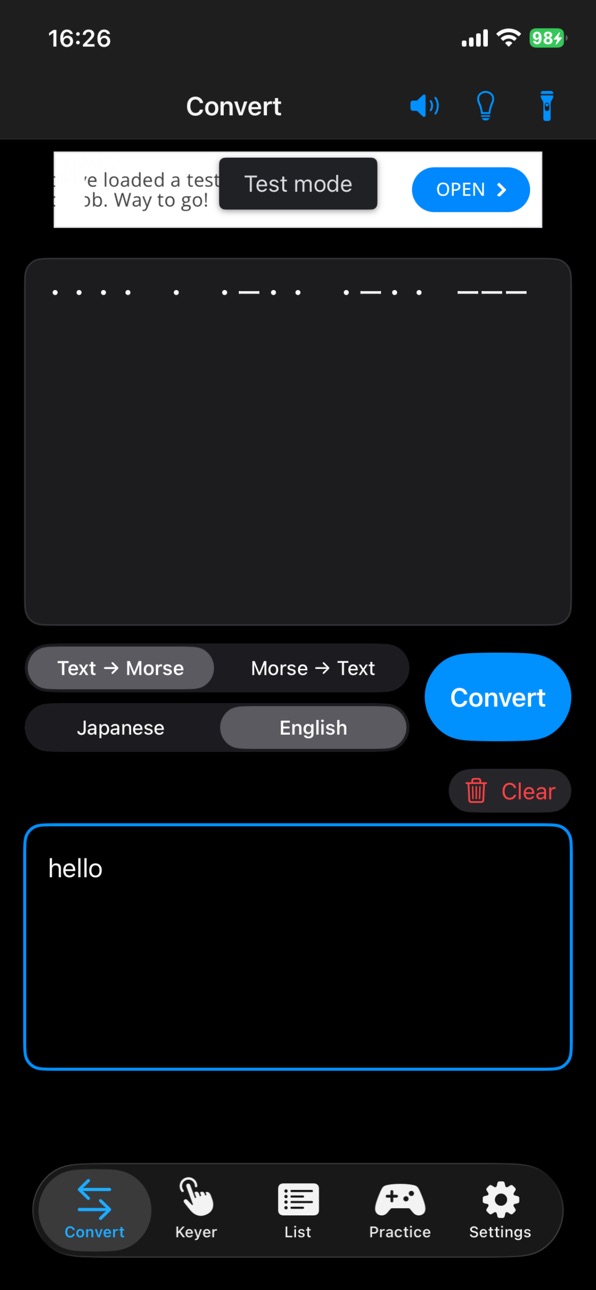
MorCon is a Morse code learning, conversion, and input app that lets you convert between Japanese or English text and Morse code in both directions.
You can easily convert text to Morse code, and Morse code back to text.
Morse code can be played not only through speaker audio, but also through screen flashing and flashlight flashing.
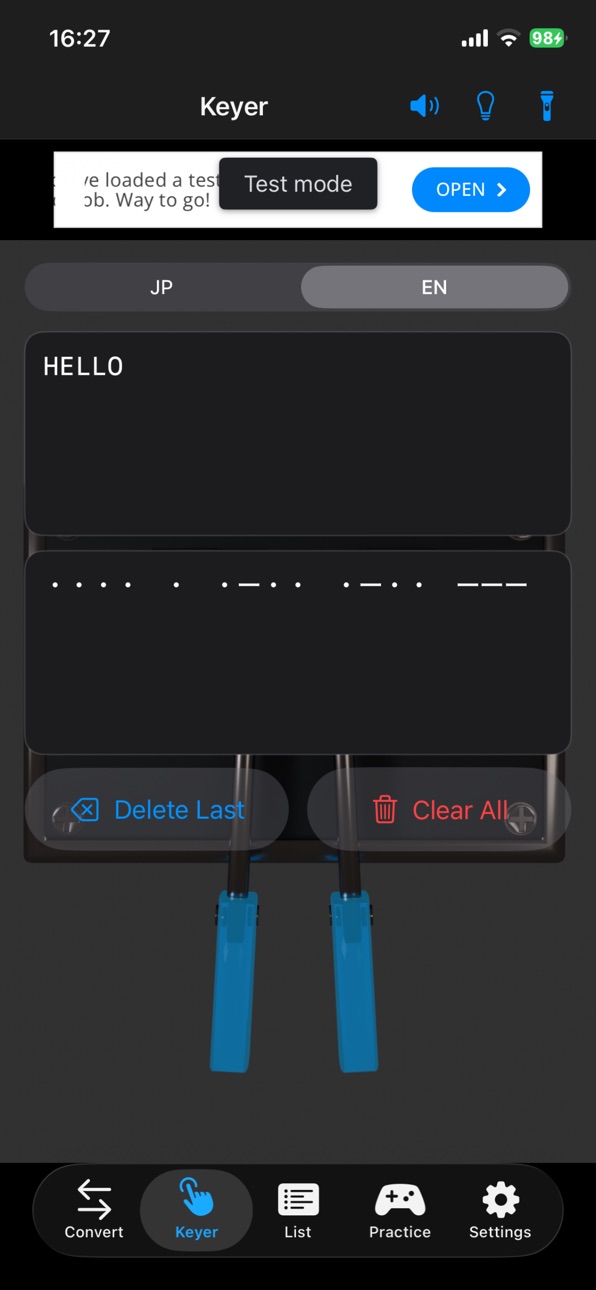
The app also supports key input, so you can enter signals with a straight key or paddle and convert them into Japanese or English text.
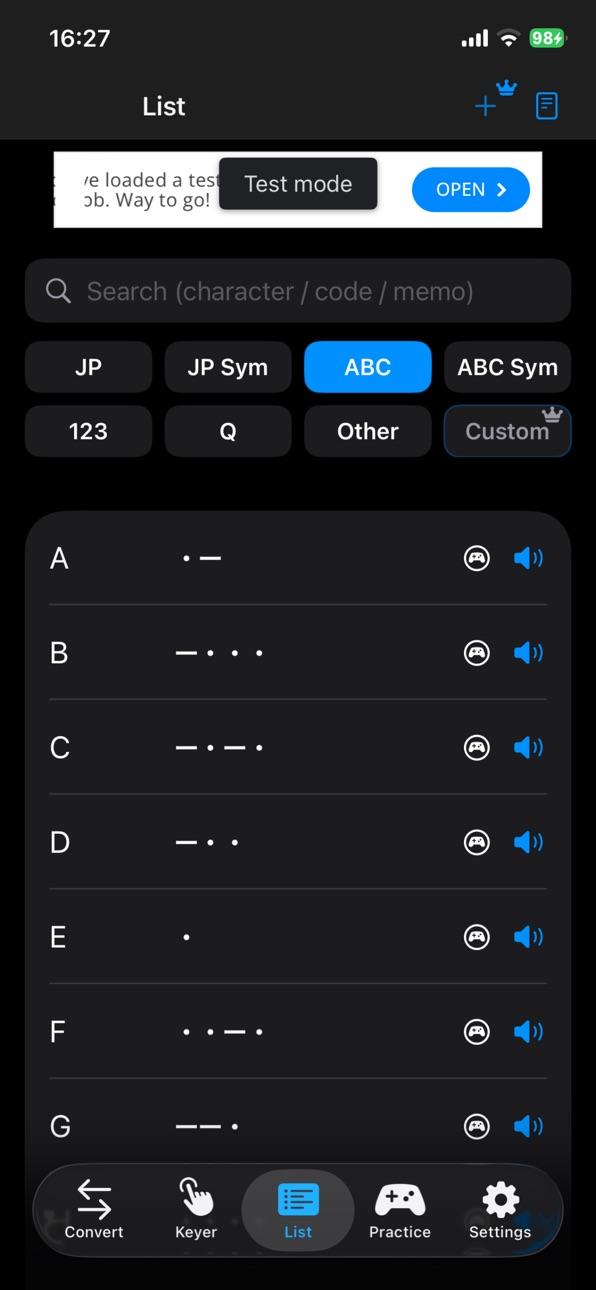
A built-in Morse code list helps you check and learn symbols as you practice.
The app also includes multiple training modes with selectable ranges, including multiple-choice practice, timed practice, key input practice, and the new Morse Tree Mode.
In Morse Tree Mode, you can learn Morse code by growing a visual Morse tree step by step.
Each node is unlocked as you practice, helping you understand the structure of Morse code while learning characters naturally.
Japanese and English trees are supported, with both key input and listening practice.
After mastering a tree, you can unlock Tree Time Attack mode for that specific language and input method.
Three built-in sound styles are included by default: sine wave, radio-style tone, and retro game-style tone.
Pitch can also be adjusted so you can practice with the sound that works best for you.
You can customize the characters used for dots, dashes, and spaces, and adjust playback speed from 5 to 50 WPM.
The app also supports exporting Morse playback as audio and video files.
In the free version, file export is available with a daily limit.
With Premium, file export becomes unlimited.
Main Features
Convert Japanese / English text to Morse code
Convert Morse code to Japanese / English text
Output Morse code as sound, screen flash, or flashlight flash
Export Morse playback as audio and video files
Input signals with a straight key or paddle
Browse a built-in Morse code list
Practice with multiple training modes and selectable ranges
Learn with the new Morse Tree Mode
Unlock Tree Time Attack by mastering each tree
Switch between three built-in sound styles
Adjust pitch
Customize dot, dash, and space characters
Adjust speed from 5 to 50 WPM
Premium Features
With either the lifetime plan or monthly plan, you can unlock the same Premium features:
Ad-free experience
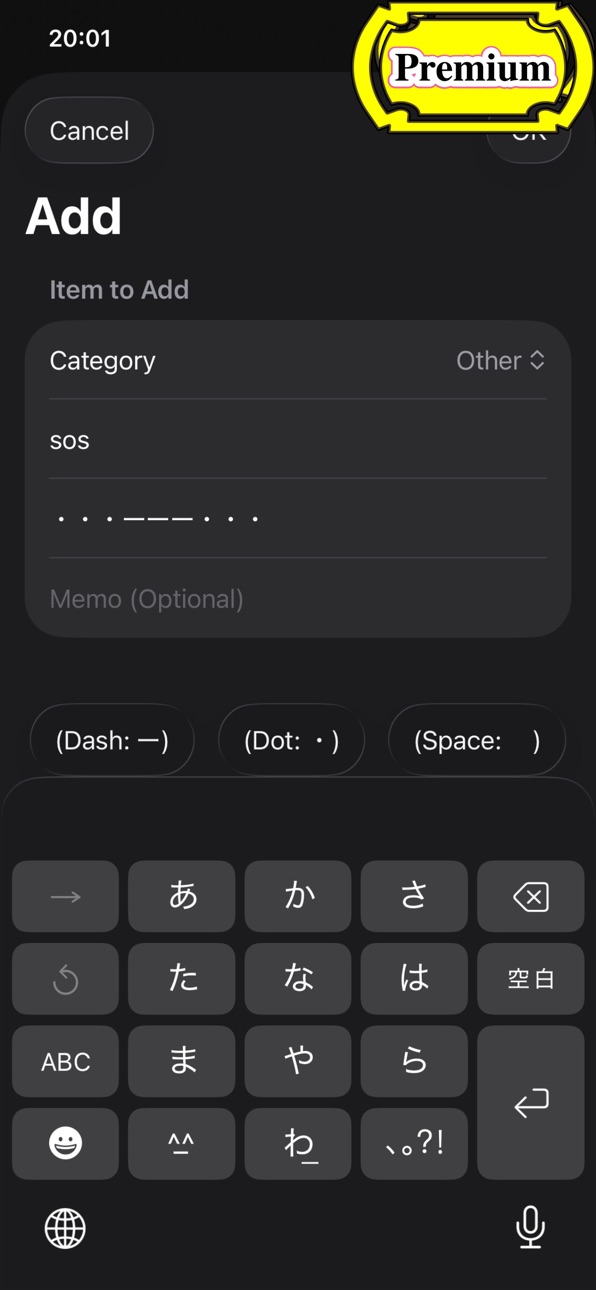
Editing for the Morse code list
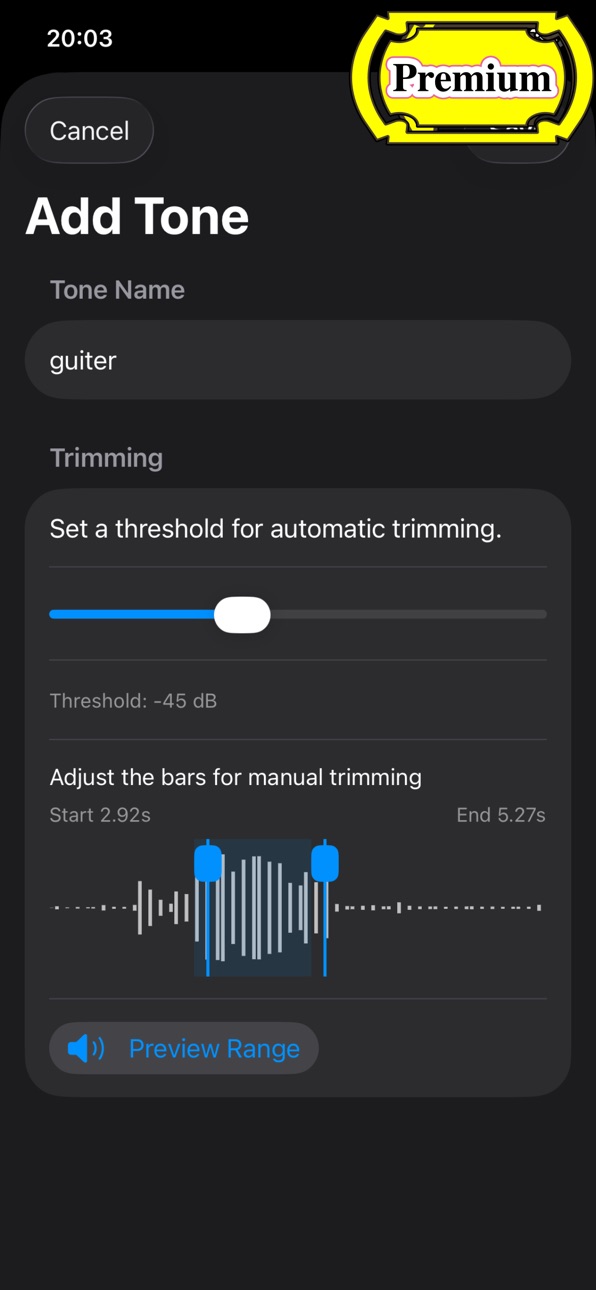
Playback using recorded custom sounds
Custom screen flash colors
Unlimited training sessions
Unlimited audio and video file export
Display Morse code in exported videos
The free version includes the core features, and additional training attempts can also be unlocked by watching ads.
Recommended for anyone who wants to study, review, practice, and input Morse code in one app.
Terms of Use (EULA): https://www.apple.com/legal/internet-services/itunes/dev/stdeula/
In-App Purchases US pricing
Premium(Monthly) Subscription
Premium (Monthly) · Monthly$1.99
One-Time Purchases
Ad-free & additional features$4.99
Capabilities
In-App Purchases
Accessibility
ipadiphonemacrealityDevicetvoswatch
Version history 10 versions
Build 886342721v2.1.12026-05-31 18:17:59
Improved Tree Mode.
・Better visibility in both Dark Mode and Light Mode
・Fixed an issue where mistake-count hearts were not shown for premium users
・Improved repeated key input behavior
Build 886326284v2.1.02026-05-30 20:57:53
Added the new Morse Tree Mode.
You can now learn Morse code by growing a visual tree step by step.
Japanese and English trees are supported, with both key input and listening practice.
After mastering a tree, Tree Time Attack can be unlocked for each language and input method.
This update also includes improvements to the practice screen layout, tree high score handling, result screen display, localization, and overall usability.
Build 885174869v2.0.42026-05-02 17:14:31
Fixed an issue in practice mode where answers entered via the telegraph key that included spaces were not evaluated correctly.
Build 884679834v2.0.32026-04-20 02:01:50
Added MP4 as an audio file output format.
In addition, the Premium version allows you to display Morse code on MP4 videos.
Build 884664172v2.0.22026-04-18 21:42:29
Changed the icon for the output button.
Build 884394607v2.0.12026-04-11 20:33:46
Improved the layout of the subscription purchase section for better usability.
Fixed an issue where the reset buttons in Settings were not functioning properly.
Build 883727651v2.0.02026-04-10 14:42:16
Added support for butterfly key input.
Added screen flash output for Morse playback.
Added new output sound options:
Sine wave
Radio-style tone
Retro game-style tone
Premium feature: use audio recorded with your device’s microphone
Added audio file export for Morse playback.
In the free version, audio export is available with a daily limit.
Premium users can export audio files without limits.
Reorganized the categories in the Morse code list.
Lists edited in previous versions cannot be carried over.
You can now choose whether each list is included in practice mode questions.
Added a Premium custom category that can be edited freely.
Adjusted and improved practice mode.
High scores from previous versions cannot be carried over.
Multiple-choice practice now supports 2 to 4 answer options.
Updated the price of the lifetime plan.
Added a monthly plan.
There is no difference in features between the lifetime and monthly plans. Users who have already purchased the lifetime plan will continue to have access to all features.
Refreshed the layout across the app.
Build 864714189v1.0.22024-03-26 16:44:12
Correction of Morse code typographical errors
Build 853050556v1.0.12022-10-29 19:43:40
Adjust layout of high score screen and change images
Build 852689411v1.02022-10-13 21:05:29
Price history by region
Currency
Show
Columns
Search
Availability 1 of 1 storefronts
| Region | Language | Price | Ratings | Avg | Version |
|---|---|---|---|---|---|
| US | en-US | Free | 0 | — | 2.1.1 |
Change log 14 changes · US
✎
releaseNotes updated
Improved Tree Mode.
・Better visibility in both Dark Mode and Light Mode
・Fixed an issue where mistake-count hearts were not shown for premium users
・Improved re
✎
description updated
MorCon is a Morse code learning, conversion, and input app that lets you convert between Japanese or English text and Morse code in both directions.
You can ea
✎
subtitle updated
-morse converter-
✎
name updated
MorCon
◆
Version 2.1.1 released
Improved Tree Mode.
・Better visibility in both Dark Mode and Light Mode
・Fixed an issue where mistake-count hearts were not shown for premium users
・Improved repeated key input behavior
◆
Version 2.1.0 released
Added the new Morse Tree Mode.
You can now learn Morse code by growing a visual tree step by step.
Japanese and English trees are supported, with both key input and listening practice.
After mastering a tree, Tree Time Attack can be unlock
◆
Version 2.0.4 released
Fixed an issue in practice mode where answers entered via the telegraph key that included spaces were not evaluated correctly.
◆
Version 2.0.3 released
Added MP4 as an audio file output format.
In addition, the Premium version allows you to display Morse code on MP4 videos.
◆
Version 2.0.2 released
Changed the icon for the output button.
◆
Version 2.0.1 released
Improved the layout of the subscription purchase section for better usability.
Fixed an issue where the reset buttons in Settings were not functioning properly.
◆
Version 2.0.0 released
Added support for butterfly key input.
Added screen flash output for Morse playback.
Added new output sound options:
Sine wave
Radio-style tone
Retro game-style tone
Premium feature: use audio recorded with your device’s microphone
Added
◆
Version 1.0.2 released
Correction of Morse code typographical errors
◆
Version 1.0.1 released
Adjust layout of high score screen and change images
◆
Version 1.0 released