Home › Utilities

 US
US
1 of 1 storefronts
Content in en-US
Content in en-US
Information
Preview 1 platform
iPhone 4 images



What’s New Version 1.7
Page optimization, bug fixes
Description
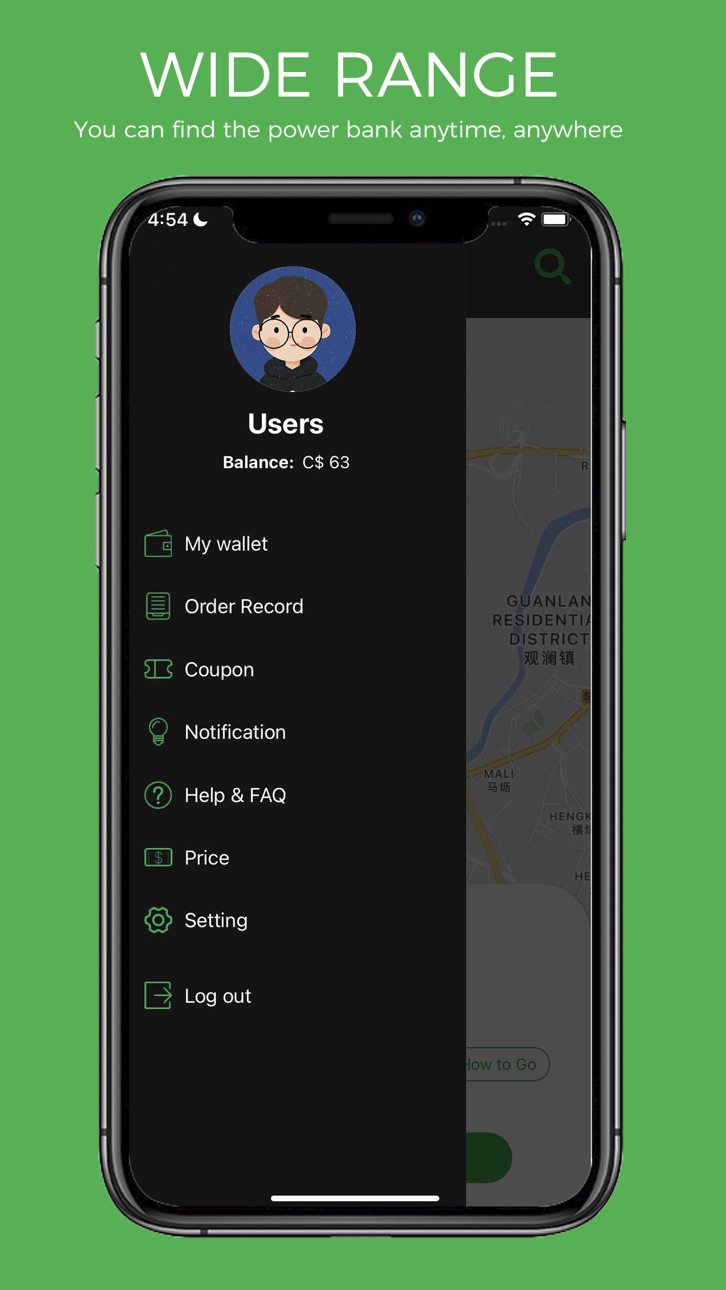
With an ease of a few clicks, you can scan and rent a PowerPAL power bank without going in to systematic issues. Scan a barcode, enter your information and you are all set to rent and return the power bank at any of our kiosk or rental booth. Power Pal APP makes it very easy to locate power Bank stations, and once a user account is created, it takes just a few seconds to pick up or return a power bank.
Sharing power bank rental systems offer a phone charging station in complete with a sophisticated rental app that allows user to locate and rent a power bank and keep it for as long as they like without being attached to a wall socket.
How does the power bank rental system works?
1)Download the PowerPAL app and register an account.
2)Find the nearest power bank station.
3)Scan the QR code to unlock the power bank.
4)Grab the power bank and charge your devices on the go.
5)Fully charged? Return the power bank to any PowerPAL station
Where I can find PowerPAL stations?
We coorporate with malls, hospitals, casinos, subway stations, skytrain stations, airports, cafe, bar, restaurants, school/college/universities and more.
We are always looking for new and exciting partners to work with. Leave a message in the app and tell us where you want to see us next.
How do I pay?
The setup of your payment method is done in the Power Pal smartphone app. Currently you can pay with Apple Pay, Google Pay, Bank card (Visa, Mastercard, Amex, V-Pay), Bancontact or PayPal.
When starting a rental, a pre-authorization is placed on your payment method. Your bank may send you a notification, but this is not a charge. It’s just to ensure there are sufficient funds available to pay for your rental.
Once your rental is over, only the price of your rental will be charged.
Capabilities
Wallet
Accessibility
ipadiphonemacrealityDevicetvoswatch
Version history 8 versions
Build 869936001v1.72024-10-24 13:44:37
Page optimization, bug fixes
Build 869005261v1.62024-09-28 21:55:44
Page Optimization
Build 860638657v1.52023-10-13 13:31:39
Page optimization
Build 857708246v1.42023-06-12 19:01:33
fix bug
Build 857484940v1.32023-05-31 17:02:46
facebook third party login fix
Build 857377652v1.22023-05-28 02:01:02
page optimization, word modification
Build 854354644v1.12023-01-12 18:24:15
Map Positioning Correction
Build 852409950v1.02022-12-31 11:11:26
No pricing data captured yet — comparisons appear once the app has paid storefronts or in-app purchases.
Availability 1 of 1 storefronts
| Region | Language | Price | Ratings | Avg | Version |
|---|---|---|---|---|---|
| US | en-US | Free | 0 | — | 1.7 |
Change log 11 changes · US
✎
releaseNotes updated
Page optimization, bug fixes
✎
description updated
With an ease of a few clicks, you can scan and rent a PowerPAL power bank without going in to systematic issues. Scan a barcode, enter your information and you
✎
name updated
PowerPAL
◆
Version 1.7 released
Page optimization, bug fixes
◆
Version 1.6 released
Page Optimization
◆
Version 1.5 released
Page optimization
◆
Version 1.4 released
fix bug
◆
Version 1.3 released
facebook third party login fix
◆
Version 1.2 released
page optimization, word modification
◆
Version 1.1 released
Map Positioning Correction
◆
Version 1.0 released