Home › Business

 US
US
1 of 1 storefronts
Content in en-US
Content in en-US
Information
Preview 2 platforms
iPhone 7 images


iPad 10 images





What’s New Version 5.402
We’re frequently updating the app to give you the best experience. Turn on automatic updates to ensure you always have the latest version.
This app update includes:
• Minor bug fixes and improvements
Description
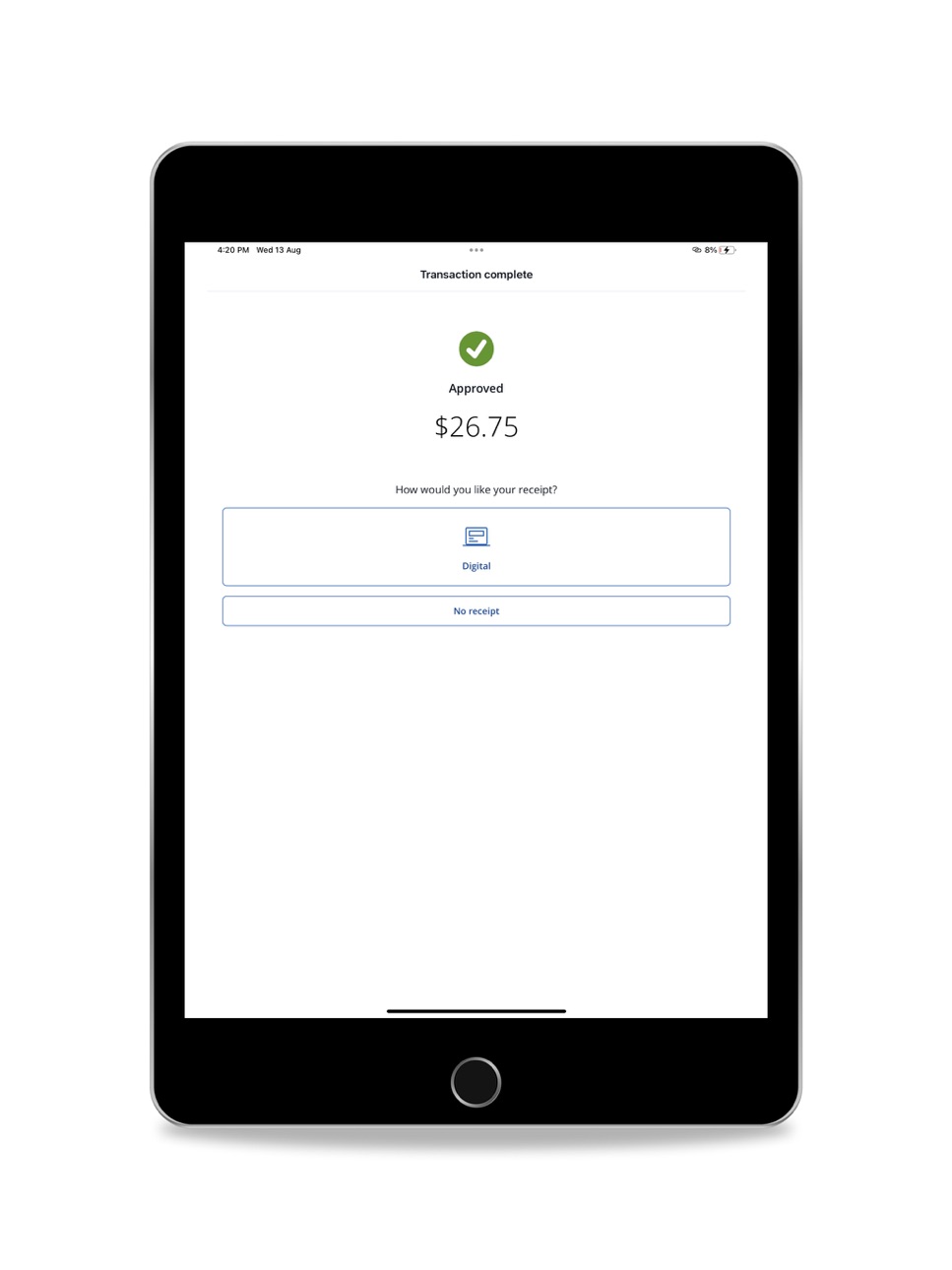
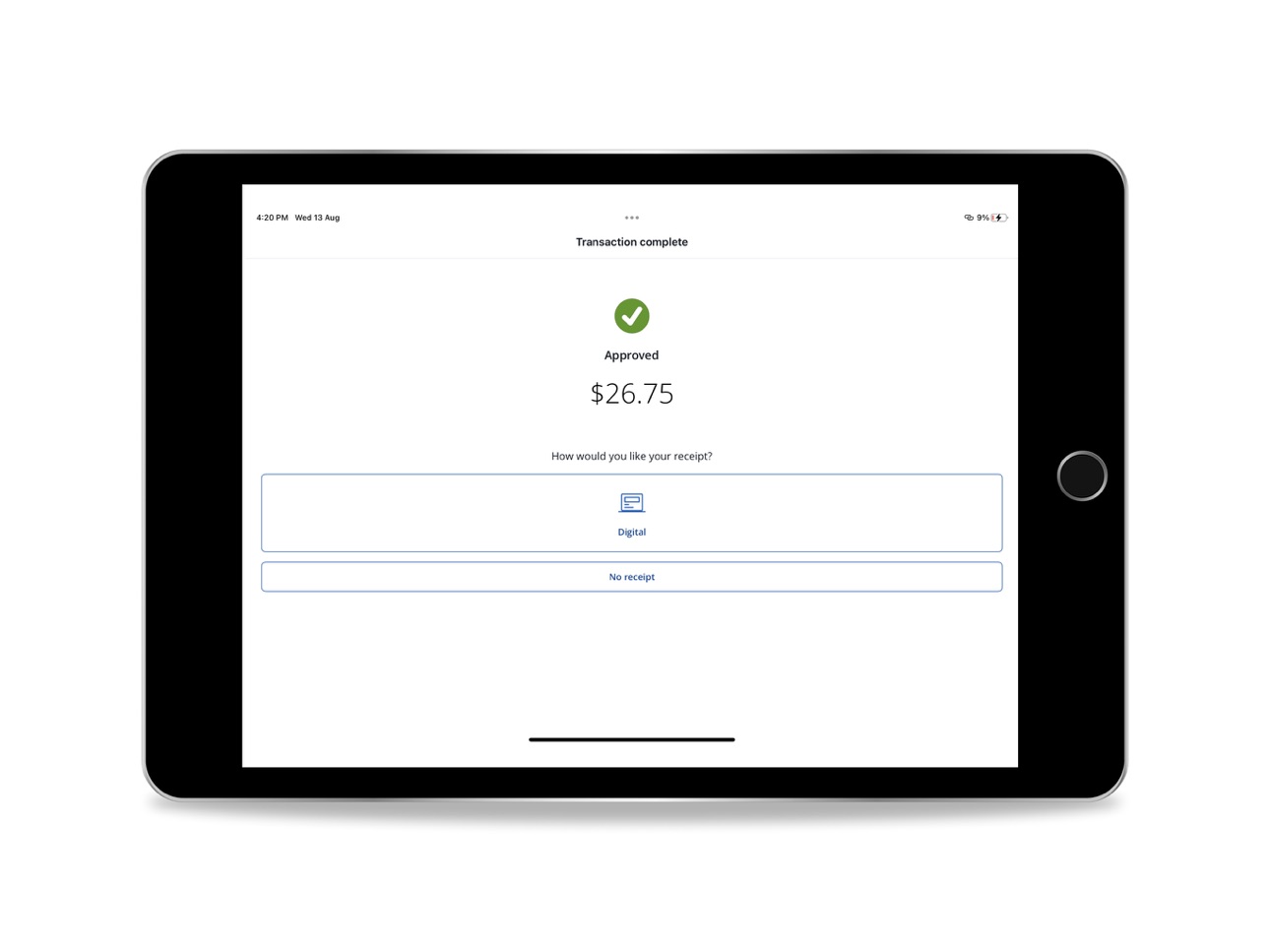
Chase Point of Sale (POS)℠ is a mobile point-of-sale app that transforms your phone into a powerful tool to accept payments. With essential features to support your business at every stage, this app ensures you never miss a sale and offers a seamless checkout experience for your customers.
• Get started with payments in minutes by using your existing Chase for Business® log-in
• Accept payments with convenient options for your business, including with the Chase Card Reader™, or secure payment links from your iPhone
• Tap to Pay on iPhone¹ – Now you can accept in-person contactless payments with only your iPhone. No extra hardware needed.
• View sales reports and track other forms of payment like cash or check
• Create a product catalog, manage inventory, set up tax, tip and discounts and text or email receipts with customer information securely stored in the cloud
• Empower your team to sell uninterrupted with employee accounts that stay logged in for up to 12 hours, synchronize transactions across devices and order a card reader directly in the app
• Access cash quickly with no-fee, same-day deposits² for Chase business checking account holders
• Unlock more powerful tools to manage and grow your business with Chase’s integrated banking and payment. Card acceptance, banking, free business analytics and more are all conveniently in one place
Need a card reader? Take card payments in-store or on-the-go with the sleek Chase Card Reader. This versatile reader provides a simple and secure way to accept cards and digital wallets like Apple Pay and Google Pay. Set the reader on top of the Chase Card Reader Base to elevate your payment experience at the counter and charge it at the same time.
Requirements: To process transactions, you must have a Chase Business Complete Banking® account or Chase Payment Solutions℠ account, and install the Chase POS app℠ on your mobile device.
• Already a Chase for Business customer and have an account? Get started quickly by signing into your account and activating payment acceptance through Chase Business Online. Use your banking credentials to log in to Chase POS app.
• New to Chase for Business? Get started with payments here: chase.com/acceptcards
Disclosure:
• For illustrative purposes only—not intended as an endorsement or recommendation.
• ¹Tap to Pay on iPhone requires the latest version of iOS. Update to the latest version by going to Settings > General > Software Update. Tap Download and Install. Some contactless cards may not be accepted. The Contactless Symbol is a trademark owned by and used with permission of EMVCo, LLC. Tap to Pay on iPhone is not available in all markets. View Tap to Pay countries and regions. For more details, see https://developer.apple.com/tap-to-pay/.
• ²Payments processed, approved, and completed by 5 PM Pacific Time (PT) / 8 PM Eastern Time (ET) are eligible for same-day deposits, 6 days a week, excluding Saturdays. All deposits are subject to the applicable Terms of Service, including risk assessment and fraud monitoring, which may result in delays. Payments processed, approved and completed by 5 PM PT / 8 PM ET, Sunday through Friday (including holidays), will be deposited into the business owner's Chase business checking account that night. Payments processed, approved and completed by 5 PM PT / 8 PM ET on Saturdays will be deposited into the business owner's Chase business checking account Sunday morning by 7:30 AM ET. There is no additional cost for same-day deposits, but standard rates and fees will apply for business checking and payment processing. Customers qualify for same-day deposits upon sign-up when processing payments through an eligible Chase Payment Solutions℠ or Chase Integrated Payments product and depositing into a Chase business checking account. Same-day deposits are available in the U.S. only. Additional exclusions may apply.
Accessibility
ipadiphonemacrealityDevicetvoswatch
Version history 21 versions
Build 887994575v5.4022026-07-09 11:08:48
We’re frequently updating the app to give you the best experience. Turn on automatic updates to ensure you always have the latest version.
This app update includes:
• Minor bug fixes and improvements
Build 886511940v5.4012026-06-05 02:06:03
We’re frequently updating the app to give you the best experience. Turn on automatic updates to ensure you always have the latest version.
This app update includes:
• Minor bug fixes and improvements
Build 885586985v5.4002026-05-13 11:13:56
We’re frequently updating the app to give you the best experience. Turn on automatic updates to ensure you always have the latest version.
This app update includes:
• Minor bug fixes and improvements
Build 883657097v5.3032026-03-24 12:20:37
We’re frequently updating the app to give you the best experience. Turn on automatic updates to ensure you always have the latest version.
This app update includes:
• Minor bug fixes and improvements
Build 881569875v5.3022026-02-27 14:35:04
We’re frequently updating the app to give you the best experience. Turn on automatic updates to ensure you always have the latest version.
This app update includes:
• A new ability to share payment links with your customers right from the Chase POS app
• Support to add an alternate phone number to display on receipts
• Design updates to tip and sales reporting
• Minor bug fixes and improvements
Build 879677691v5.2002025-11-12 21:27:36
We’re frequently updating the app to give you the best experience. Turn on automatic updates to ensure you always have the latest version.
This app update includes:
• Improved visibility into the connection status of your Chase Card Reader on the New sale screen
• Minor bug fixes and improvements
Build 879185035v5.1012025-10-24 14:03:00
We're frequently updating the app to give you the best experience. Turn on automatic updates to ensure you always have the latest version.
This app update includes:
Minor bug fixes and improvements.
Build 878887033v5.1002025-10-14 09:27:32
We're frequently updating the app to give you the best experience. Turn on automatic updates to ensure you always have the latest version.
This app update includes:
Minor bug fixes and improvements.
Build 877253792v5.0002025-08-28 10:18:19
We're frequently updating the app to give you the best experience. Turn on automatic updates to ensure you always have the latest version.
This app update includes:
•A redesigned app experience, including a new look for navigation, checkout, sales activity and settings experiences
•A faster checkout option with the new Pay now feature that lets you accept payments in less steps
•Improved hardware integration that automatically selects the Chase Card Reader when it is connected to accept a payment during a sale
•Support for landscape orientation on iPhones
•Minor bug fixes and improvements
Build 874705787v4.7022025-05-13 10:11:57
We're frequently updating the app to give you the best experience. Turn on automatic updates to ensure you always have the latest version.
This app update includes:
Ability to pair one device that has the Chase POS app installed to multiple Chase Card Readers
Ability to use your product catalog to create and send payment links more quickly
New setting to show or hide the business’ phone number on receipts
Minor bug fixes and improvements
Build 872621758v4.7012025-02-25 21:36:31
We're frequently updating the app to give you the best experience. Turn on automatic updates to ensure you always have the latest version.
This update includes:
Biometric authentication with Face ID® or Touch ID® for compatible devices to log in securely, quickly and conveniently.
Improved checkout experience to accept payments faster and easier
Access for authorized users to send a secure payment link to get paid quickly
Support to accept contactless payments from JCB cards with Tap to Pay on iPhone
Minor bug fixes and improvements
Build 869757838v4.6002024-10-23 16:09:46
We're frequently updating the app in order to give you the best experience. Turn on auto updates to ensure you always have the latest version.
This update includes:
Minor bug fixes and improvements.
Build 868565751v4.5012024-08-29 15:21:17
Minor Bug fixes and improvements
Build 867323761v4.5002024-07-09 19:14:02
This app update includes:
• Added support to pair one Chase Card Reader to multiple mobile devices that have the Chase POS app installed
• The card reader now stays powered on and connected to the app when it is plugged into a power source
• Added ability to create a connection name in the Chase POS app that is displayed on the card reader to easily identify and manage POS hardware
• Improved icons on the card reader display to monitor Bluetooth connectivity and battery level
• Added ability for authorized sub-users to access and manage the product catalog
• Tap to Pay on iPhone will not be supported on iOS versions prior to 16.7
• Minor bug fixes and performance improvements
Build 864307515v4.3012024-03-11 10:19:09
This update includes:
* Minor bug fixes and improvements.
Build 864058495v4.3002024-02-28 18:32:08
What’s New:
• New sales and tip reports with payment method and card network filters
• Enhanced filtering capabilities added to Sales and Refund Activity section
• Improvements to connectivity, pairing and synchronization with the Chase Card Reader
• In-app review experience to provide feedback
• Bug fixes and performance improvements
Build 863212081v4.2022024-01-29 13:39:44
• Bug fixes and performance improvements
Build 860771440v4.2012023-10-24 18:56:13
What’s New:
• Introducing Tap to Pay on iPhone – Now you can accept in-person contactless payments with only your iPhone. No extra hardware needed.
• Chase Card Reader™ – Pair and use the newest card reader from Chase to take payments on-the-go or in-store
• Get paid fast with secure payment links
• Bug fixes and performance improvements
Build 859594882v4.1002023-09-13 14:37:05
This app update includes:
• Track non-card sales and other forms of payment in the sales activity screen
• Manage your inventory by adding and updating stock levels in the product catalog
• Generate tip reports for credit card sales
• Enable merchants to set an email address to receive merchant receipt copies for sales and refunds
• UI improvements to highlight new features in the app
Build 857329284v2.1.02023-05-30 14:18:43
What's New
We update our apps regularly to improve the experience of our users so we suggest turning on automatic updates.
This update includes:
•Connection time for Moby 5500 mobile card reader has been extended to 30+ minutes so you’re ready for the next sale.
•Enhanced new app onboarding experience.
•Authorized users can now activate the app on their device without requiring the primary user to login first.
•Chase will now store users' contact information for digital receipts. Users can opt out of this service at any time.
•Minor bug fixes and improvements.
Thanks for being a Chase customer.
Build 852352003v2.0.02023-02-24 19:34:04
No pricing data captured yet — comparisons appear once the app has paid storefronts or in-app purchases.
Availability 1 of 1 storefronts
| Region | Language | Price | Ratings | Avg | Version |
|---|---|---|---|---|---|
| US | en-US | Free | 1.7k | 4.8 | 5.402 |
Change log 25 changes · US
✎
releaseNotes updated
We’re frequently updating the app to give you the best experience. Turn on automatic updates to ensure you always have the latest version.
This app update incl
✎
description updated
Chase Point of Sale (POS)℠ is a mobile point-of-sale app that transforms your phone into a powerful tool to accept payments. With essential features to support
✎
subtitle updated
Accept credit card payments
✎
name updated
Chase Point of Sale (POS)℠
◆
Version 5.402 released
We’re frequently updating the app to give you the best experience. Turn on automatic updates to ensure you always have the latest version.
This app update includes:
• Minor bug fixes and improvements
◆
Version 5.401 released
We’re frequently updating the app to give you the best experience. Turn on automatic updates to ensure you always have the latest version.
This app update includes:
• Minor bug fixes and improvements
◆
Version 5.400 released
We’re frequently updating the app to give you the best experience. Turn on automatic updates to ensure you always have the latest version.
This app update includes:
• Minor bug fixes and improvements
◆
Version 5.303 released
We’re frequently updating the app to give you the best experience. Turn on automatic updates to ensure you always have the latest version.
This app update includes:
• Minor bug fixes and improvements
◆
Version 5.302 released
We’re frequently updating the app to give you the best experience. Turn on automatic updates to ensure you always have the latest version.
This app update includes:
• A new ability to share payment links with your customers right from the
◆
Version 5.200 released
We’re frequently updating the app to give you the best experience. Turn on automatic updates to ensure you always have the latest version.
This app update includes:
• Improved visibility into the connection status of your Chase Card Reade
◆
Version 5.101 released
We're frequently updating the app to give you the best experience. Turn on automatic updates to ensure you always have the latest version.
This app update includes:
Minor bug fixes and improvements.
◆
Version 5.100 released
We're frequently updating the app to give you the best experience. Turn on automatic updates to ensure you always have the latest version.
This app update includes:
Minor bug fixes and improvements.
◆
Version 5.000 released
We're frequently updating the app to give you the best experience. Turn on automatic updates to ensure you always have the latest version.
This app update includes:
•A redesigned app experience, including a new look for navigation, check
◆
Version 4.702 released
We're frequently updating the app to give you the best experience. Turn on automatic updates to ensure you always have the latest version.
This app update includes:
Ability to pair one device that has the Chase POS app installed to multi
◆
Version 4.701 released
We're frequently updating the app to give you the best experience. Turn on automatic updates to ensure you always have the latest version.
This update includes:
Biometric authentication with Face ID® or Touch ID® for compatible devices to
◆
Version 4.600 released
We're frequently updating the app in order to give you the best experience. Turn on auto updates to ensure you always have the latest version.
This update includes:
Minor bug fixes and improvements.
◆
Version 4.501 released
Minor Bug fixes and improvements
◆
Version 4.500 released
This app update includes:
• Added support to pair one Chase Card Reader to multiple mobile devices that have the Chase POS app installed
• The card reader now stays powered on and connected to the app when it is plugged into a power sou
◆
Version 4.301 released
This update includes:
* Minor bug fixes and improvements.
◆
Version 4.300 released
What’s New:
• New sales and tip reports with payment method and card network filters
• Enhanced filtering capabilities added to Sales and Refund Activity section
• Improvements to connectivity, pairing and synchronization with the Cha
◆
Version 4.202 released
• Bug fixes and performance improvements
◆
Version 4.201 released
What’s New:
• Introducing Tap to Pay on iPhone – Now you can accept in-person contactless payments with only your iPhone. No extra hardware needed.
• Chase Card Reader™ – Pair and use the newest card reader from Chase to take payments on-
◆
Version 4.100 released
This app update includes:
• Track non-card sales and other forms of payment in the sales activity screen
• Manage your inventory by adding and updating stock levels in the product catalog
• Generate tip reports for credit card sales
•
◆
Version 2.1.0 released
What's New
We update our apps regularly to improve the experience of our users so we suggest turning on automatic updates.
This update includes:
•Connection time for Moby 5500 mobile card reader has been extended to 30+ minutes
◆
Version 2.0.0 released