Home › Productivity

 US
US
1 of 1 storefronts
Content in en-US
Content in en-US
Information
Apple ID637821509
Bundle IDcom.bigsool.archipad-ent
SellerSeller
Min iOS17.6
Min macOS14.6
Device familiesiphone, ipad
Released2013-06-12
Copyright© 2011 Bigsool
Privacy policyLink ↗
Preview 2 platforms
iPhone 5 images


iPad 6 images


What’s New Version 9.2.0
Full observations list is back Following your feedback, we’ve restored the full list of observations. To support multi-selection, the observations list is now paginated. Buttons at the top and bottom of the list make it easy to navigate between plans containing issues that match the selected filters.
Description
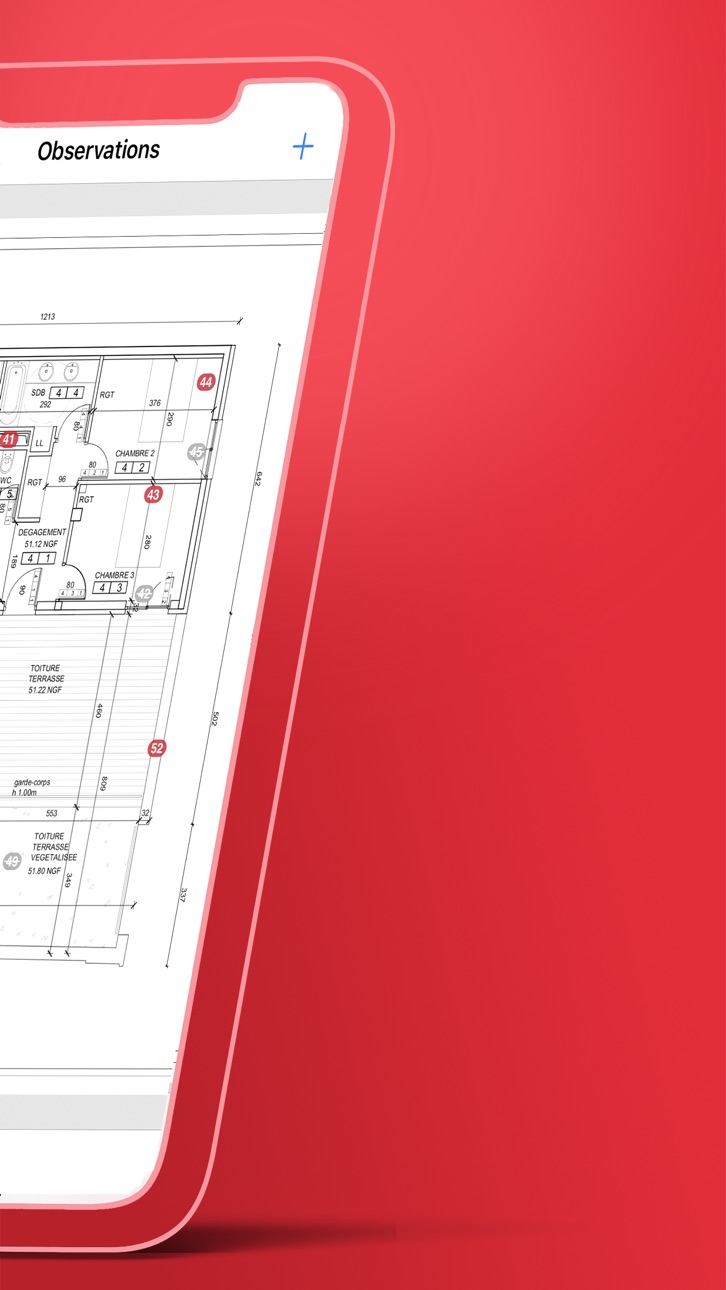
Archipad is the new way to manage your on-site meetings, and the easiest way to write down observations, removing many fastidious steps in the process. Archipad allows you to easily create punch lists, and allows you to send a report, the punch list and drawings with item locations, directly from the site. No need to go back to the office to prepare minutes and reports, no more losing precious hours formatting your documents.
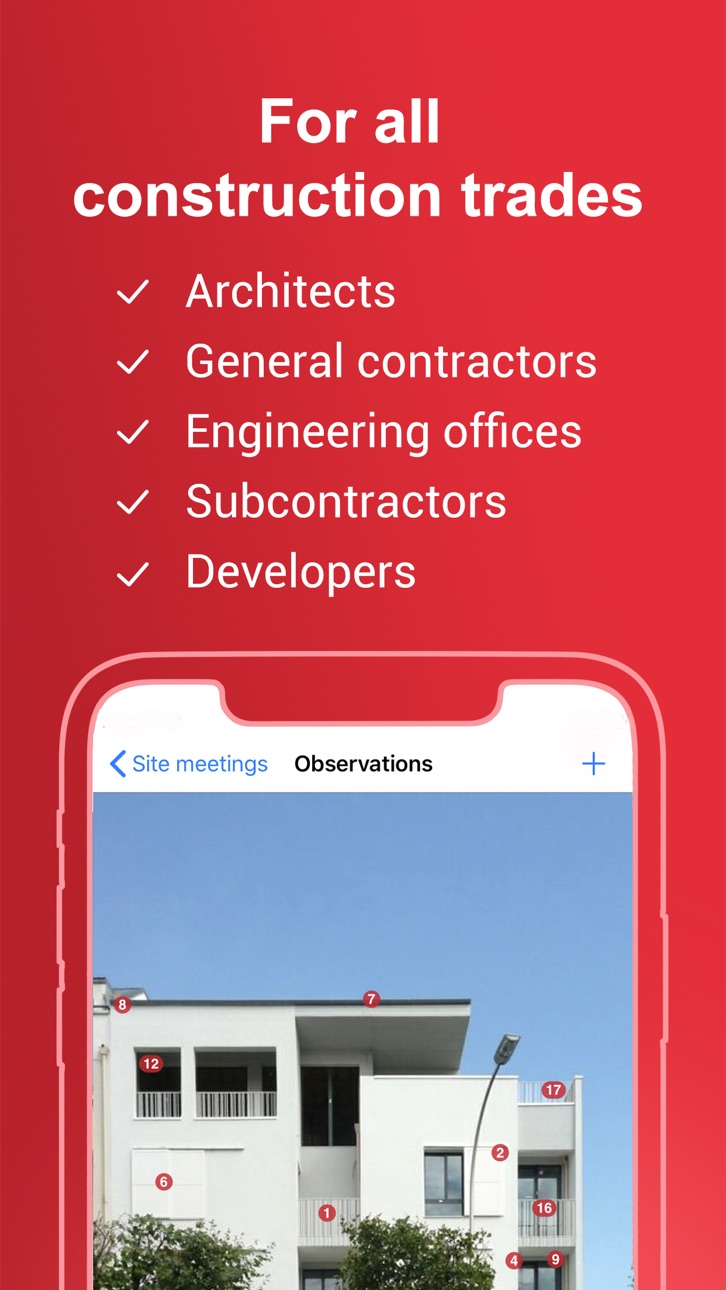
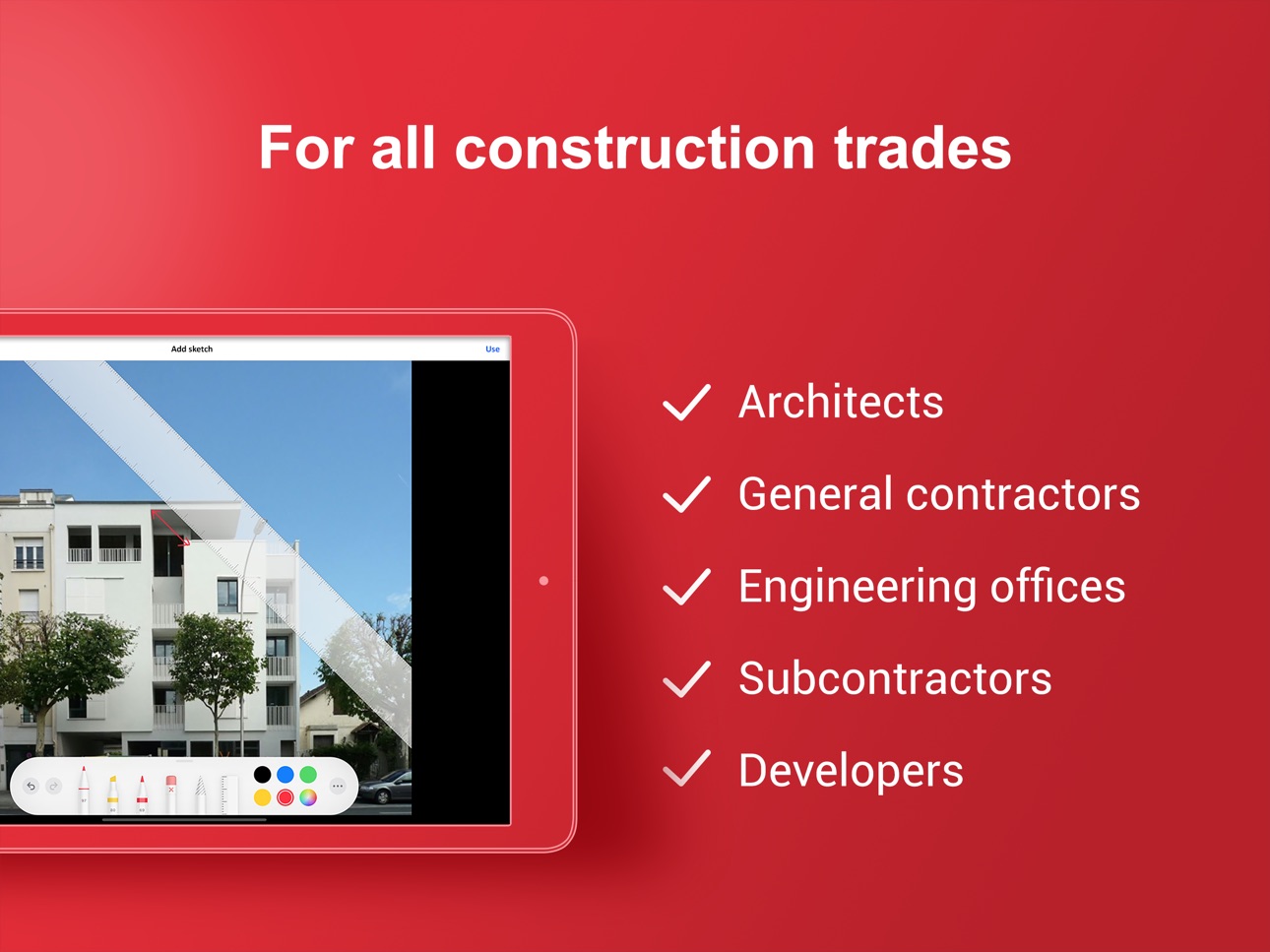
Archipad is created for construction professionals, architects, engineers, contractors, project managers, assistants, promoters...
Archipad Classic on iPad offers a unique and easy to use solution to manage observations, punch lists, drawings, and meetings. The iPad is what we all have been waiting for to do on-site visits, witch even if they last all day, your iPad will not run out of battery when correctly charged at start.
Archipad strong points:
- User friendly and extremely simple to use: no training required.
- Optimize your time and use the iPad as a data entry tool, pointing observations directly on plans and drawings, and reduced typing with our auto-enhancing typing reducer: as you add observations, Archipad will learn your vocabulary and sentences and propose auto completion, the smart way.
- A flat fee and moderate price. You will know what you pay up front, and will not be billed by the project or number of hours used. In just a couple of meetings your purchase will pay back by the time you saved.
- Reports with punch lists with drawings indicating the locations of each observation can be made per work package or per drawing, making it easy to read for all those working on the project, whether they are contractors or architects.
The reports have been thought as actual meeting minutes, by allowing each person attending the meeting to sign a presence sheet your reports will show the signature of all attendances.
IN SHORT
From construction to delivery - one tool for all
• Manage construction site meetings
• Organize your observations and retentions
• Reduce the time to enter observations
Information management
• Send out the report at the end of the meeting
• Keep track of previous visits
• All your plans and drawings in one location
Tracking and managing the construction site
• Point observations directly on your drawings
• All your documents available to use on-site
• A cost-effective tool for improved tracking of work
Terms of use : https://archipad.com/en/terms-of-service/
Privacy policy : https://archipad.com/en/privacy-policy/
In-App Purchases US pricing
Subscriptions to Archipad Premium Subscription
Premium - Monthly · Monthly$72.99
Premium - Yearly · Yearly 1-month free trial$739.99
Capabilities
In-App Purchases
Accessibility
ipadiphonemacrealityDevicetvoswatch
Version history 25 versions
Build 887076376v9.2.02026-06-22 07:24:27
Full observations list is back Following your feedback, we’ve restored the full list of observations. To support multi-selection, the observations list is now paginated. Buttons at the top and bottom of the list make it easy to navigate between plans containing issues that match the selected filters.
Build 886372543v9.1.12026-06-01 16:54:54
Performance improvements and various bug fixes.
Build 885045153v9.1.02026-05-28 07:10:44
Improved selection for multiple observations
You can now select multiple observations from either the list or a plan and edit them together directly from the drawer.
A displayed value means all selected observations share that value. An empty field means values differ. Editing a field updates all selected observations. Leaving it unchanged keeps existing values.
Added support for iOS 26 Liquid Glass
The navigation, buttons, and overall visual elements that make the difference in the latest version of iOS are now fully integrated into Archipad for improved user interface.
Archipad Classic retirement plan
After 15 years of strong support for Archipad Classic, time has come to retire. Archipad™ added a friendly takeover feature to assist you to migrate from Archipad Classic to Archipad ™.
And as always, we have solved some minor problems and fixed some bugs in this new version of Archipad.
Build 884883325v9.0.22026-04-28 19:40:03
Improved stability and performance.
Build 884387617v9.0.12026-04-13 07:49:50
This is one of our most significant updates in a long time.
Smoother, more powerful, more intuitive — everything has been redesigned to help you save time both on-site and in the office.
Work freely – no visits required
Add observations, capture comments, and generate reports anytime — with no constraints and no need to create a visit beforehand.
Stay in control at a glance – observation board
Enjoy a fully redesigned observation table: filter, sort, customize… and instantly access what matters most.
Navigate smarter – plans
From the Plans menu, directly access observations linked to each plan for a clear and structured view of your projects.
Go on-site – maps
Visualize your observations on a map and manage your actions closer to reality.
A more intuitive way to work directly in the field.
Build 884065355v9.0.02026-04-08 13:02:05
This is one of our most significant updates in a long time.
Smoother, more powerful, more intuitive — everything has been redesigned to help you save time both on-site and in the office.
Work freely – no visits required
Add observations, capture comments, and generate reports anytime — with no constraints and no need to create a visit beforehand.
Stay in control at a glance – observation board
Enjoy a fully redesigned observation table: filter, sort, customize… and instantly access what matters most.
Navigate smarter – plans
From the Plans menu, directly access observations linked to each plan for a clear and structured view of your projects.
Go on-site – maps
Visualize your observations on a map and manage your actions closer to reality.
A more intuitive way to work directly in the field.
Build 881891176v8.22.12026-03-12 12:54:22
Improved stability and performance.
Build 880562765v8.22.02026-01-06 09:08:00
Project synchronization is now possible from anywhere within the interface.
The sync icon notifies you when an update is available, making the experience simpler and smoother.
Improved stability and performance.
Build 878337240v8.21.12025-09-24 12:08:48
Improved stability and performance.
Build 876675440v8.21.02025-09-05 07:51:17
Improved filters: Filters have been redesigned to better reflect the state of active filters, making data management easier.
Customer Support Manager Access: The Customer Support Manager can now access the app to perform on-site tasks, such as reporting issues.
Build 876282251v8.20.12025-07-11 06:15:18
Improved stability and performance.
Build 876232197v8.20.02025-07-09 09:06:25
You can now select multiple observations, and with one action change their status or delete them.
We have redesigned the synchronization experience from the project list to make it more intuitive and accessible to everyone.
Improved stability and performance.
Build 875473899v8.19.12025-06-21 12:40:43
Improved stability and performance.
Build 873966284v8.19.02025-06-05 07:30:52
Archipad is now available as a macOS application, delivering a seamless experience between the construction site and the office.
Improved stability and performance.
Build 873876144v8.18.22025-04-09 03:36:25
Improved stability and performance.
Build 873787710v8.18.12025-04-05 08:06:43
Amélioration de la stabilité et des performances
Build 873622215v8.18.02025-04-02 08:56:17
Improved observation filtering: better visibility of pre-configured observation statuses and more precise selection of statuses to be included in reports.
Build 873152967v8.17.52025-03-13 08:38:16
Improved stability and performance.
Build 873060621v8.17.42025-03-10 08:13:08
Amélioration de la stabilité et des performances.
Build 872965650v8.17.32025-03-05 13:22:47
- The camera's native resolution is now preserved to ensure maximum detail.
- Improved stability and performance.
Build 872590925v8.17.22025-02-25 06:58:35
Improved stability and performance.
Build 872467409v8.17.12025-02-17 08:44:08
Improved stability and performance.
Build 872385216v8.17.02025-02-12 09:02:32
New interface for placing and describing observations, allowing easy navigation between the plan and observation details.
Build 872124931v8.16.02025-01-31 16:09:55
Observations can now be closed from any meeting or, as before, only from a new meeting (option available in settings).
Build 871723190v8.15.12025-01-14 10:37:35
Performance improvements and various bug fixes.
Price history by region
Currency
Show
Columns
Search
Availability 1 of 1 storefronts
| Region | Language | Price | Ratings | Avg | Version |
|---|---|---|---|---|---|
| US | en-US | Free | 19 | 4.3 | 9.2.0 |
Change log 29 changes · US
✎
releaseNotes updated
Full observations list is back Following your feedback, we’ve restored the full list of observations. To support multi-selection, the observations list is now p
✎
description updated
Archipad is the new way to manage your on-site meetings, and the easiest way to write down observations, removing many fastidious steps in the process. Archipad
✎
subtitle updated
Construction site management
✎
name updated
Archipad ™
◆
Version 9.2.0 released
Full observations list is back Following your feedback, we’ve restored the full list of observations. To support multi-selection, the observations list is now paginated. Buttons at the top and bottom of the list make it easy to navigate bet
◆
Version 9.1.1 released
Performance improvements and various bug fixes.
◆
Version 9.1.0 released
Improved selection for multiple observations
You can now select multiple observations from either the list or a plan and edit them together directly from the drawer.
A displayed value means all selected observations share that value. An emp
◆
Version 9.0.2 released
Improved stability and performance.
◆
Version 9.0.1 released
This is one of our most significant updates in a long time.
Smoother, more powerful, more intuitive — everything has been redesigned to help you save time both on-site and in the office.
Work freely – no visits required
Add observations,
◆
Version 9.0.0 released
This is one of our most significant updates in a long time.
Smoother, more powerful, more intuitive — everything has been redesigned to help you save time both on-site and in the office.
Work freely – no visits required
Add observations,
◆
Version 8.22.1 released
Improved stability and performance.
◆
Version 8.22.0 released
Project synchronization is now possible from anywhere within the interface.
The sync icon notifies you when an update is available, making the experience simpler and smoother.
Improved stability and performance.
◆
Version 8.21.1 released
Improved stability and performance.
◆
Version 8.21.0 released
Improved filters: Filters have been redesigned to better reflect the state of active filters, making data management easier.
Customer Support Manager Access: The Customer Support Manager can now access the app to perform on-site tasks, suc
◆
Version 8.20.1 released
Improved stability and performance.
◆
Version 8.20.0 released
You can now select multiple observations, and with one action change their status or delete them.
We have redesigned the synchronization experience from the project list to make it more intuitive and accessible to everyone.
Improved stabi
◆
Version 8.19.1 released
Improved stability and performance.
◆
Version 8.19.0 released
Archipad is now available as a macOS application, delivering a seamless experience between the construction site and the office.
Improved stability and performance.
◆
Version 8.18.2 released
Improved stability and performance.
◆
Version 8.18.1 released
Amélioration de la stabilité et des performances
◆
Version 8.18.0 released
Improved observation filtering: better visibility of pre-configured observation statuses and more precise selection of statuses to be included in reports.
◆
Version 8.17.5 released
Improved stability and performance.
◆
Version 8.17.4 released
Amélioration de la stabilité et des performances.
◆
Version 8.17.3 released
- The camera's native resolution is now preserved to ensure maximum detail.
- Improved stability and performance.
◆
Version 8.17.2 released
Improved stability and performance.
◆
Version 8.17.1 released
Improved stability and performance.
◆
Version 8.17.0 released
New interface for placing and describing observations, allowing easy navigation between the plan and observation details.
◆
Version 8.16.0 released
Observations can now be closed from any meeting or, as before, only from a new meeting (option available in settings).
◆
Version 8.15.1 released
Performance improvements and various bug fixes.