Home › Education

 US
US
1 of 1 storefronts
Content in en-US
Content in en-US
Information
Apple ID584929719
Bundle IDcom.mimio.MimioMobile
SellerSeller
Min iOS6.0
Min macOS11.0
Device familiesiphone, ipad, ipod
Released2013-03-01
Copyright© Mimio
WebsiteLink ↗
Preview 2 platforms
iPhone 5 images


iPad 5 images


What’s New Version 3.2.3
This update from Apple will improve the functionality of this app. No new features are included.
Added support for bi-directional stroke synchronization.
Minor bug fixes.
Description
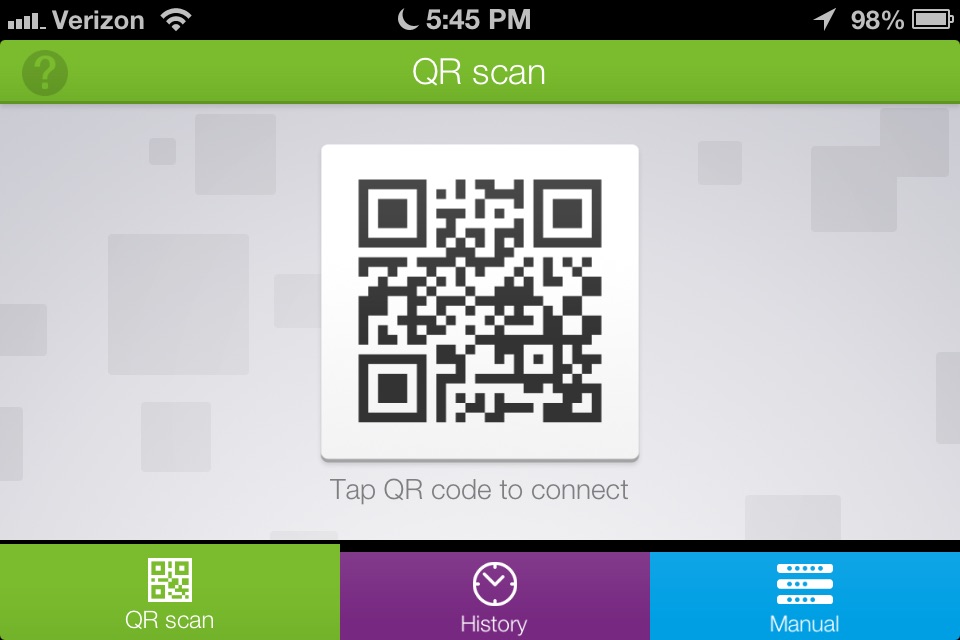
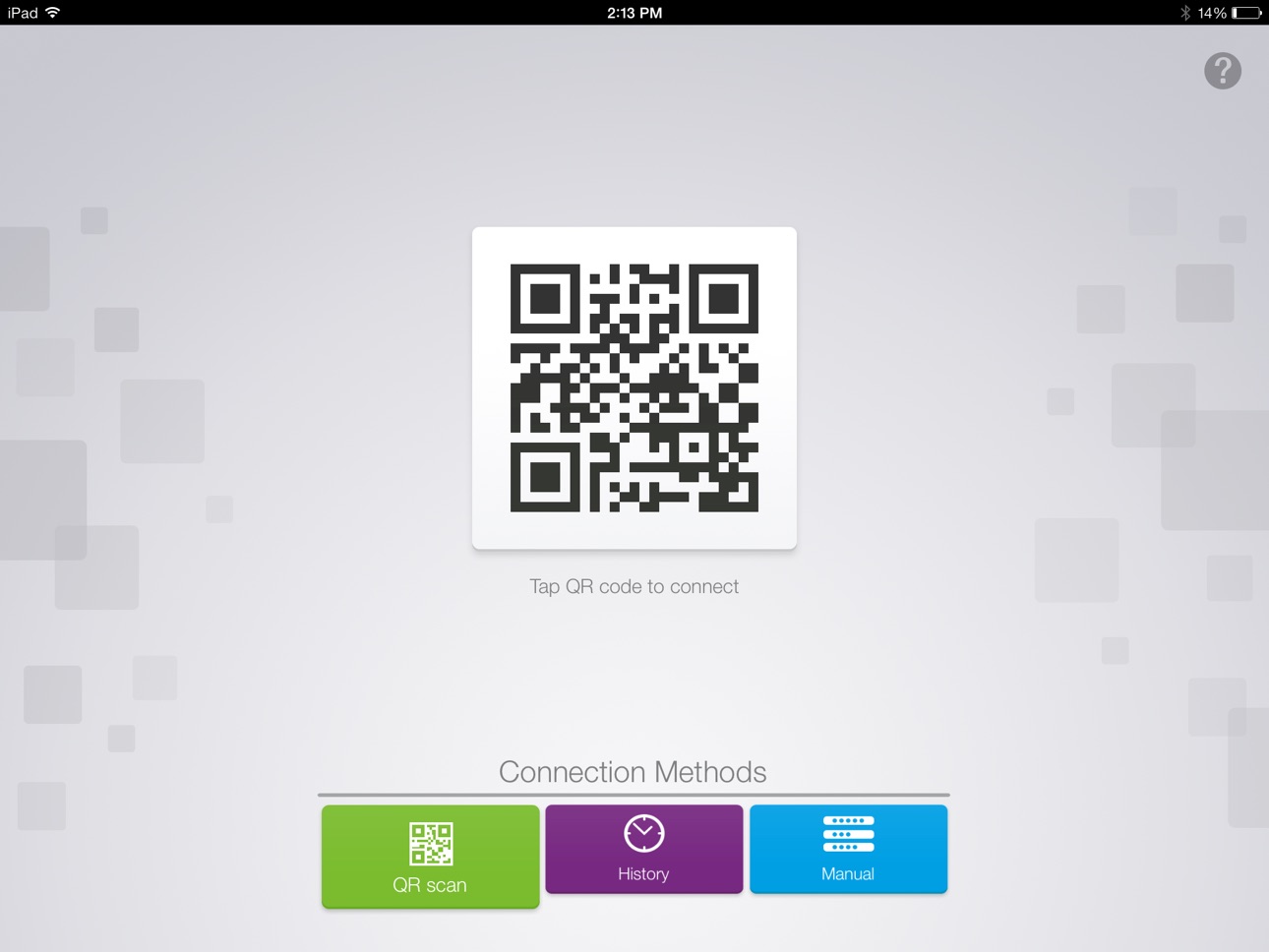
With the MimioMobile™ application for mobile devices, classrooms using MimioStudio™ software can get the most from their iPads and iPhones by using them for truly collaborative learning and ongoing formative assessment. Every student with a mobile device can interact with the lesson displayed on the interactive whiteboard, for a truly collaborative learning environment.
Collaborative learning and formative assessment have never been more easily implemented or more affordable for schools. Simply purchase an annual MimioMobile license for the teacher’s classroom computer or laptop, and every mobile device in the classroom can download the app – for no additional fee.
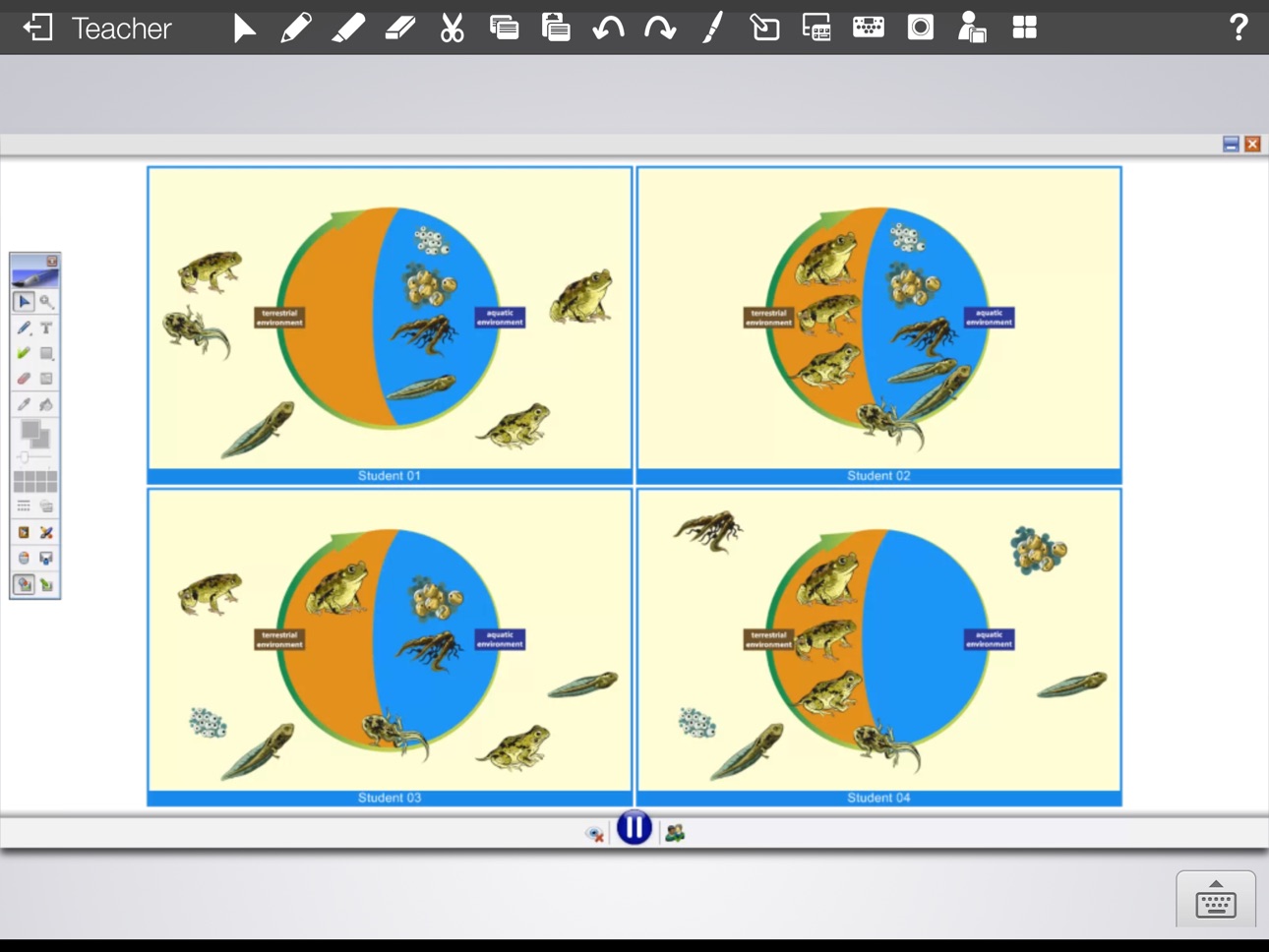
Teachers can use the MimioMobile app to control their interactive whiteboard and display lessons in MimioStudio classroom software from anywhere in the room. They can easily hand off control to any student using a mobile device equipped with the free MimioMobile app. Using the Collaborate feature of MimioStudio software, students can work interactively in small groups on their mobile devices, and their work will be displayed on the interactive whiteboard in multiple collaborative spaces. The MimioMobile app can also be used by students for multiple choice and open-response assessment.
MimioStudio software customers who already have MimioPad™ wireless pen tablets can use iPads and iPhones with the MimioMobile app at the same time. Current users of MimioVote™ assessment can also use their mobile devices with the MimioMobile app together for assessment.
Accessibility
ipadiphonemacrealityDevicetvoswatch
Version history 6 versions
Build 816527360v3.2.32016-02-24 18:11:55
This update from Apple will improve the functionality of this app. No new features are included.
Added support for bi-directional stroke synchronization.
Minor bug fixes.
Build 811826109v3.12015-02-28 01:23:28
Bug fixes and minor improvements.
Build 811267771v3.02014-12-21 19:00:17
Enhanced Collaborate feature allows more students to participate in a Collaborative session.
Build 30702694v2.0.12013-09-24 22:14:21
- iPhone and iPod touch devices now supported.
- New collaboration features enhance instructional activities in the classroom.
- Short answer, numeric, and essay response options provide additional opportunities for formative assessment.
- Embedded help and walkthrough provide improved user experience.
Build 14665853v1.0.42013-03-19 23:15:30
Improved stability
Build 12850632v1.0.02013-03-01 00:07:06
No pricing data captured yet — comparisons appear once the app has paid storefronts or in-app purchases.
Availability 1 of 1 storefronts
| Region | Language | Price | Ratings | Avg | Version |
|---|---|---|---|---|---|
| US | en-US | Free | 4 | 3.8 | 3.2.3 |
Change log 9 changes · US
✎
releaseNotes updated
This update from Apple will improve the functionality of this app. No new features are included.
Added support for bi-directional stroke synchronization.
Minor
✎
description updated
With the MimioMobile™ application for mobile devices, classrooms using MimioStudio™ software can get the most from their iPads and iPhones by using them for tru
✎
name updated
MimioMobile
◆
Version 3.2.3 released
This update from Apple will improve the functionality of this app. No new features are included.
Added support for bi-directional stroke synchronization.
Minor bug fixes.
◆
Version 3.1 released
Bug fixes and minor improvements.
◆
Version 3.0 released
Enhanced Collaborate feature allows more students to participate in a Collaborative session.
◆
Version 2.0.1 released
- iPhone and iPod touch devices now supported.
- New collaboration features enhance instructional activities in the classroom.
- Short answer, numeric, and essay response options provide additional opportunities for formative assessment.
◆
Version 1.0.4 released
Improved stability
◆
Version 1.0.0 released